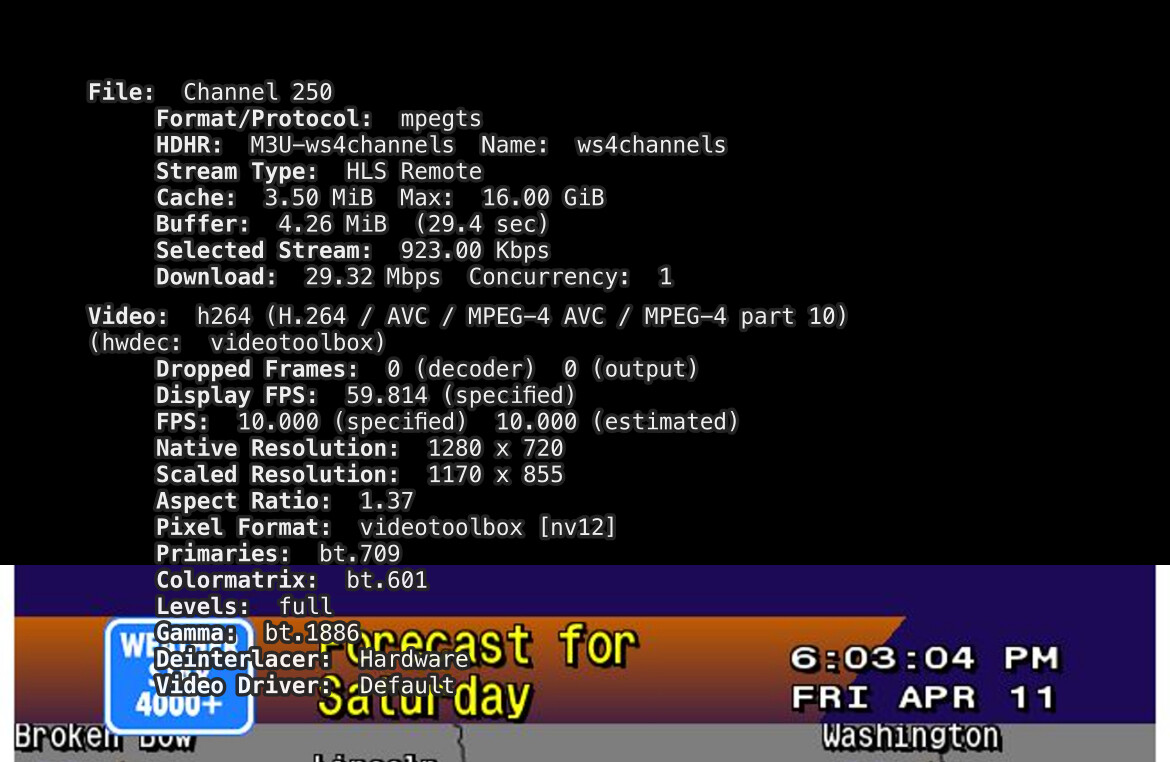
Maybe something like this in CC4C?
#EXTM3U

#EXTINF:-1 channel-id="Weatherscan",Weatherscan
chrome://localhost:5589/stream/weatherscan

Maybe something like this in CC4C?
#EXTM3U
#EXTINF:-1 channel-id="Weatherscan",Weatherscan
chrome://localhost:5589/stream/weatherscan
I would so love to add this as a dedicated channel in my Channels implementation... assuming the weather info is accurate.
ok im closer to getting this running... have it to a point where it's pushing the video to a RTMP server.
used this docker:
these settings:
docker run -d
--shm-size=256m
-e WEB_URL="WeatherStar 4000+"
-e RTMP_URL="rtmp://192.168.86.57:1935/live"
-e SCREEN_HEIGHT=480
-e SCREEN_WIDTH=854
ghcr.io/rmitchellscott/pagecaster
next step is finding out how to grab a RMTP feed into channels (I can access the RMTP server and stream from a VLC player on my computer)... anyone have some ideas?
I checked out this approach as well, and there's a fairly significant drawback, as you're looking at something that uses resources on the order of cc4c full-time. You'd be running both a Chromium instance and ffmpeg.
At least with cc4c you'd only be streaming based on a virtual channel tune -- with this approach you're looking at using "half a CPU and 300MB of RAM" (according to the dev), whether you're watching the virtual channel or not.
Plus, you'll probably need another container to turn the RTMP feed into something you can use in Channels.
Tnx for the feedback..
Humor me though (as this is just for fun).. I set this up on an old Pi5 I had in the drawer. What would my next step be to turn the RTMP feed into channels?
Not saying this is the best way, but I was trying it with the 2.74 version of node-media-server. I was able to see the stream in the admin interface, but haven't figured out what's needed to enable HLS streaming:
Here's the pagecaster stack I was using:
version: '3.9'

services:
  pagecaster:
    image: ghcr.io/rmitchellscott/pagecaster
    environment:
      - WEB_URL=http://192.168.110.111:8090?latLonQuery=Fir%2C+CO%2C+USA&latLon=%7B%22lat%22%3A37.483%2C%22lon%22%3A-105.1826%7D
      #- ICE_URL=https://radio.supercool.stream
      - RTMP_URL=rtmp://192.168.110.111:1935/live/pagecaster
      - SCREEN_HEIGHT=480
      - SCREEN_WIDTH=854
    shm_size: 512m
    depends_on:
      - nms
    restart: unless-stopped

  nms:
    image: illuspas/node-media-server:2.7.4
    ports:
      - 1935:1935   # RTMP input
      - 8040:8000   # HTTP web interface + HLS output
    restart: unless-stopped
WS4Channels is going live.
So I did a docker container for this. I tried to keep resource draw to a minimum. It should run on most hardware. Please read the README on GitHub for details and requirements. It defaults to bare minimums, if you experience buffering increase the cpu variable to 0.5 and so on in 0.25 increments. Happy Weathering!
awesome, thanks for doing this.
I noticed it's a few minutes behind - and if u watch the clock, it's running reallllllllly fast. When it catches up to real-time, it dies.
Should I try increasing/decreasing buffer?
If you are talking about the clock racing on the radar page, that is a problem within the WS 4000 container. If you watch it in a browser it swings by like 5 min. On all the other tiles the clock is off by the initial transcode time. Depending on how powerful your server’s CPU’s are will dictate how much the clock will be off. For my machine the clock is about 50 sec slow. If a lower powered machine is used I image this could turn into minutes or multi minutes. How much is yours off by and what is your cpu setting? What model cpu are you using? Do you experience any buffering?
I think if you raise the cpu allowance you could see the time difference improve but I’m not sure if it’s worth it. This was one of the challenges I faced when creating the container. Let the container have all the cpu power it wanted and spin the transcode up each time channels called to watch the channel (this method on my powerful machine still took 10-15sec for the stream to be ready within channels. This was to long in my opinion so I decided to starve the container of resources and keep ffmpeg running the entire time, so with this strategy as you notice the stream is ready near instantly at the cost of the clock accuracy. If it wasn’t for the radar page clock jumping around, I probably could’ve gotten away with it and most people would have been none the wiser. Now the clock issue can’t be unseen. 
If you want to try to test adding cpu it let me know how it goes. I personally wouldn’t go above 1.0 for more than just testing. I think the best you could do letting it have free rein of resources is a clock that is 10 sec slow.
On a side note, I threw this together pretty quickly and probably forgot to add the most important part and that is the soundtrack we all used to love. If enough people request it I might consider trying to add music. I also thought it might be pretty useful to overlay the audio of your local NOAA radio broadcast. To be honest I don’t really know what my plans are so if anyone has some ideas on anything let me know. If more than 10 people actually use this container I’d be surprised. 
I should also mention, setting CPU_CORES to say 8 allows the container to use up to 8 CPU cores when needed, but it will only use as much as the workload demands, ensuring efficient resource usage while capping the maximum to prevent overconsumption. So there is probably no downside to upping the settings.
If you were trying to run this on a raspberry pi without limiting its available resources I could see it crashing the pi. That is why I included low defaults but options to change the values for users with better hardware.
If you mean the stream dies in channels then yes you need to raise the cpu setting. If it buffers in channels you need to raise the cpu, if it dies completely you need to raise the cpu to at least 1.0
bumping up CPU to 1 works like a dream now.. i'm running this off a Beelink N100. the timer doesn't run fast anymore on the radar (just regular speed).. It's about a minute behind now (much better than 4-5 minutes behind before). I tried it with my PI but doesn't look like something in the container likes ARM processor.
oh and my most fond memory of the Weather Channel was that awesome music. so for me, it's a must that you add music to it haha. Although, the idea of the NOAA feed is a great idea too!
So I’ve kinda been playing with this for the last hour or so and there seems to be a time drift going on. When I recreated the container about 30 minutes ago I had a 28 sec time differential. It’s now up to about 45 sec. Keep an eye on it and report your drift tonight. It may be a bigger issue than I realized. I may have to put in some logic to refresh the transcode every hour or so to keep the video relatively recent. 
Will do. So far so good- just need some smooth jazz in the background. 
Interesting It doesn’t appear to work While I’m remote. Seems to work fine when I’m at the house on Wi-Fi but not for my cell phone on cellular
Any thoughts there?
If you switch playback to original in the app it will work again. I always run my remote playback settings in original so I never caught this bug.
@tmm1 what would cause this stream to fail to transcode inside channels dvr for remote viewing? I’m guessing channels can’t transcode a 10fps source? Here is the stream running remote original quality but it fails.
2025/04/11 18:10:19.913992 [TNR] Opened connection to M3U-ws4channels for ch250 WeatherStar 4000
2025/04/11 18:10:19.914009 [HLS] Starting live stream for channel 250 from 174.210.165.50
2025/04/11 18:10:20.472617 [HLS] Session ch250-dANY-b3e016ba56c7 started in 558.595899ms
2025/04/11 18:10:20.527843 [HLS] Probed live stream in 613.804914ms: h264 1280x720 progressive 1064711bps
2025/04/11 18:10:20.529357 [ENC] Starting encoder for ch250 in /home/rice/DVR/Streaming/ch250-dANY-b3e016ba56c7-1113660349/encoder-1-1085348954 at 1 (0.000000) (encoder=remux, acodec=aac, bitrate=1064, segment_size=0.01)
2025/04/11 18:10:20.542416 [HLS] ffmpeg: ch250-dANY-b3e016ba56c7-1-copy-aac-copy--1064-128--0-0---false-false-0.01-0:  [out#0/hls @ 0xd0e0800] Codec AVOption b (set bitrate (in bits/s)) has not been used for any stream. The most likely reason is either wrong type (e.g. a video option with no video streams) or that it is a private option of some encoder which was not actually used for any stream.
2025/04/11 18:11:05.229978 [ENC] No segments have been generated in 20.099603574s. Stopping transcoder.
2025/04/11 18:11:05.312160 [ENC] Encoder stopped for ch250 in /home/rice/DVR/Streaming/ch250-dANY-b3e016ba56c7-1113660349/encoder-1-1085348954 after starting from 1 without encoding any segments
2025/04/11 18:11:05.312521 [ENC] Starting encoder for ch250 in /home/rice/DVR/Streaming/ch250-dANY-b3e016ba56c7-1113660349/encoder-1-2449861086 at 1 (0.000000) (encoder=remux, acodec=aac, bitrate=1064, segment_size=0.01)
2025/04/11 18:11:05.320633 [HLS] ffmpeg: ch250-dANY-b3e016ba56c7-1-copy-aac-copy--1064-128--0-0---false-false-0.01-0:  [out#0/hls @ 0x1c5d2800] Codec AVOption b (set bitrate (in bits/s)) has not been used for any stream. The most likely reason is either wrong type (e.g. a video option with no video streams) or that it is a private option of some encoder which was not actually used for any stream.
2025/04/11 18:11:07.296630 [HLS] Stopping transcoder session ch250-dANY-b3e016ba56c7 (out=49.9s finished=false first_seq=1 last_seq=2)
2025/04/11 18:11:07.297083 [TNR] Closed connection to M3U-ws4channels for ch250 WeatherStar 4000
2025/04/11 18:11:07.303438 [ENC] Stopped encoder for ch250 in /home/rice/DVR/Streaming/ch250-dANY-b3e016ba56c7-1113660349/encoder-1-2449861086 after starting from 1 without encoding any segments
2025/04/11 18:11:07.303456 [SNR] Buffer statistics for ch250 WeatherStar 4000: buf=0% drop=0%
2025/04/11 18:11:07.303464 [SNR] Streaming statistics for ch250 WeatherStar 4000: timeouts=0 segment_timeouts=0 playlist_timeouts=0
Just pushed a new update to GitHub via :latest tag.
New features include:
-Includes seven looping jazz tracks as background music.(at least they’re supposed to loop. I haven’t listened that long)
-Provides an XMLTV guide with hourly “Local Weather” entries.
http://<ip.of.pc.running.ws4channels>:9798/guide.xml
-Added guide logo
-Optimized cropping for a clean video feed by removing white bars.
-Changed default maximums for cpu and memory usage limits to 1 cpu core and 1gb ram. Adjust if your system requires.
Works great! Remote streaming worked too
Got it up and running. Love it, great work! Great addition to my Channels installation. Thank you.
I do notice the seconds are running fast on the clock. Not sure if there's setting to or tweak to slow that done. Minor issue and certainly can live with it.
What cpu does your docker machine have?