Web Player (and Tesla) Garbled Image

Hi All,
I’m new to Channels and I’ve been very impressed so far. I setup on my Raspberry Pi/HDHomerun and it’s mind blowing how well it can perform.

I do have an issue with streaming outside of the home. Whilst everything works inside the home with Apple/Android TV. The web player seems to stream a garbled mess. Also the aspect ratio is incorrect. This applies to Safari on iOS and the Tesla Web Browser.
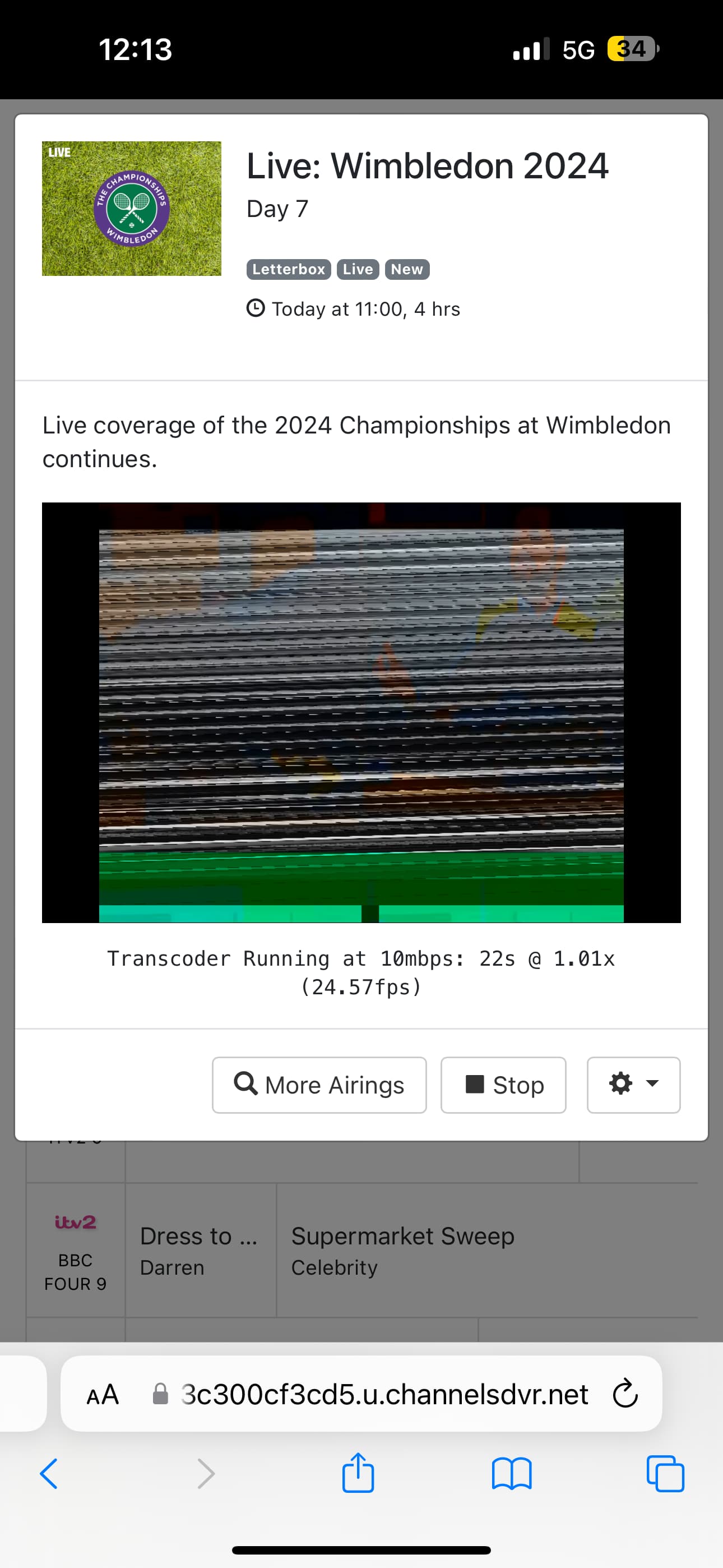
Weirdly the app works outside the home perfectly on iOS, so this is how I have isolated the issue to the webplayer.
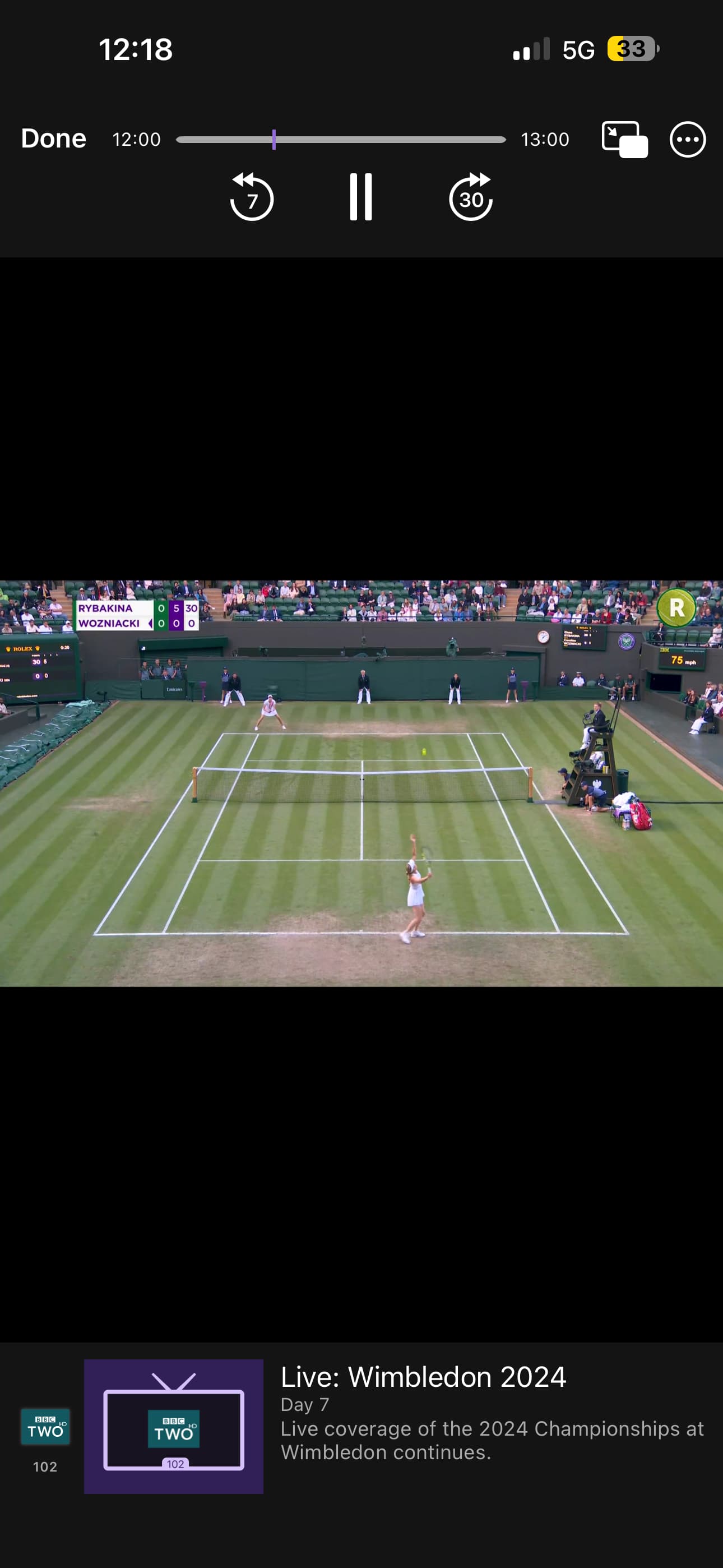
Can anyone help? One of the reasons I wanted to try this was so I can watch TV in my car while I charge.

Welcome to channels! Here are a couple things you can try. Under the web ui settings>advanced change web player playback to 4MB. Under experimental make sure use hevc for transcoding is NOT checked. If that doesn’t help then:

  1. Try changing the transcoder from software to hardware or vise versa. If that doesn’t help then:

  2. Try changing the deinterlacer to linear or vise versa.

While the pi is fine for home lan stuff it doesn’t really shine when it comes to transcoding. It’s really only good for a single transcode. If after trying channels for awhile and you decide you are going to stick with it I would suggest upgrading to a n95 or n100 Beelink mini pc.

What are you settings in the app under playback> streaming quality> cellular connection?

2 Likes

By changing the web player to 720p / 4mbps and switching to software transcoding, it seems to work as expected. I didn’t have high hopes for the software transcoding over the hardware, but it works! So thank you for your help Rice. Very much appreciated!

This topic was automatically closed 365 days after the last reply. New replies are no longer allowed.