
Title kind of says it... when I'm trying to use the web player and have hardware encoding turned on, the video plays far too fast, software encoding doesn't have the same issue. Toggling all the other streaming related options off and/or on didn't seem to make a difference. Not seeing the same on iOS or Apple TV.
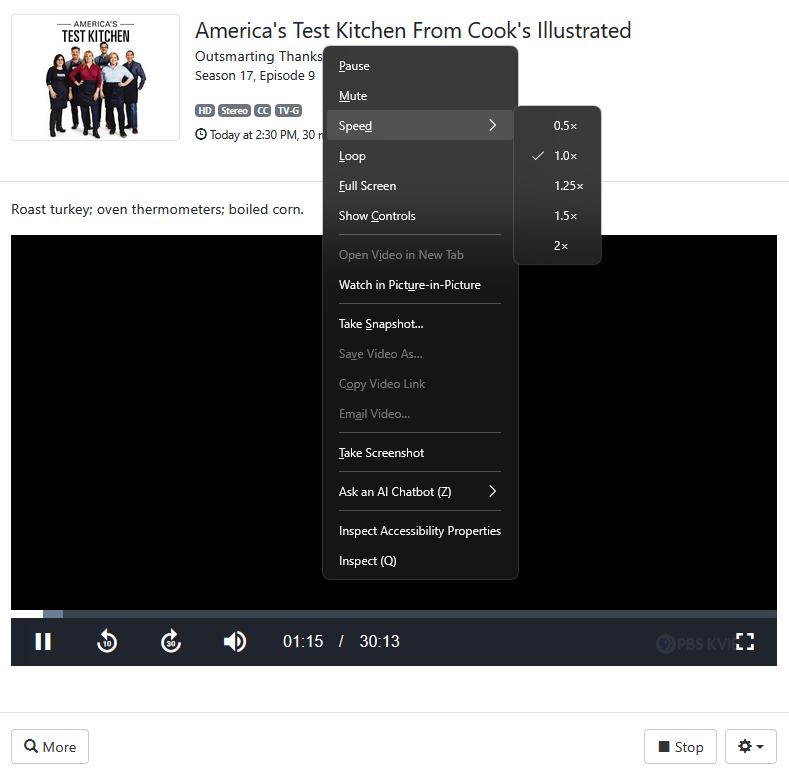
Won't get too much assistance for the webplayer. Its intended for testing etc and not considered a supported client.
One of the things I've been doing in order to watch recordings in the DVR web UI player is to delete the video index for the recording before watching it by deleting the folder for the recording in the Metadata directory.
Not sure if that will help you, but for me I'm able to watch recordings in the DVR web UI player with no stalls or buffering after doing that.
I know the devs don't agree with deleting the video index, but it's working for me.
And you could always regenerate the video index for the recording anytime you want.
This topic was automatically closed 30 days after the last reply. New replies are no longer allowed.