Web UI Hanging on Guide Screen

I've noticed in the last 1-2 months that in my browser (happens on both Firefox and Chrome) the web UI is hanging when I'm on the Guide and I have ALL sources selected and the filter set to All Channels.

Firefox pops up a message This page is slowing down Firefox. To speed up your browser, stop this page. STOP. The page is unresponsive and if I view the Firefox Process Manager it's sitting on 95%, memory is about 600MB (stable, not climbing).

I'm running the latest version.

I haven't added any additional sources or channels recently.
1 Like

Hmm. How many channels total do you have loaded? Just curious.

606

I have one server that has 1,222 channels using PlexTV, SamsungTVPlus and tubi-TV as sources.
Takes about 6 seconds to load the grid guide with all channels in Firefox. Add another 4 seconds for all channel logos to appear, so about 10 seconds total.
About the same amount of time using MS EDGE.
Takes 3-4 seconds total using Brave.

Thanks, I hadn't tried Edge. So I just did some tests:

Edge: Works fine
Chrome: Suddenly working ok (didn't work ok the other day)
Firefox: Still broken
Firefox InPrivate: Works!

So I cleared cookies and site data for that site, but it still fails. I've closed and restarted Firefox and rebooted, same issue.

So it does appear to be just a Firefox related issue. Would love to know how to troubleshoot it.

It seems sometimes if I hit the Stop button, then it will behave after that point.

It happened on Chrome again today, so it's not just a Firefox issue.

@tmm1 , is there any troubleshooting that can be done? Or any useful advice?

Thanks!

Des chrome devtools console show an error when this happens

I would try loading the page in a Private/Incognito browser session with any browser extensions disabled to test. Sometimes my Dark Reader or uBlock Origin extensions slow down web page rendering. I do whitelist my DVR server webpages with uBlock Origin.

And I always use Firefox Private browsing.

No, I had already checked in there. Also doesn't appear to be anything failing to load in the Network tab.

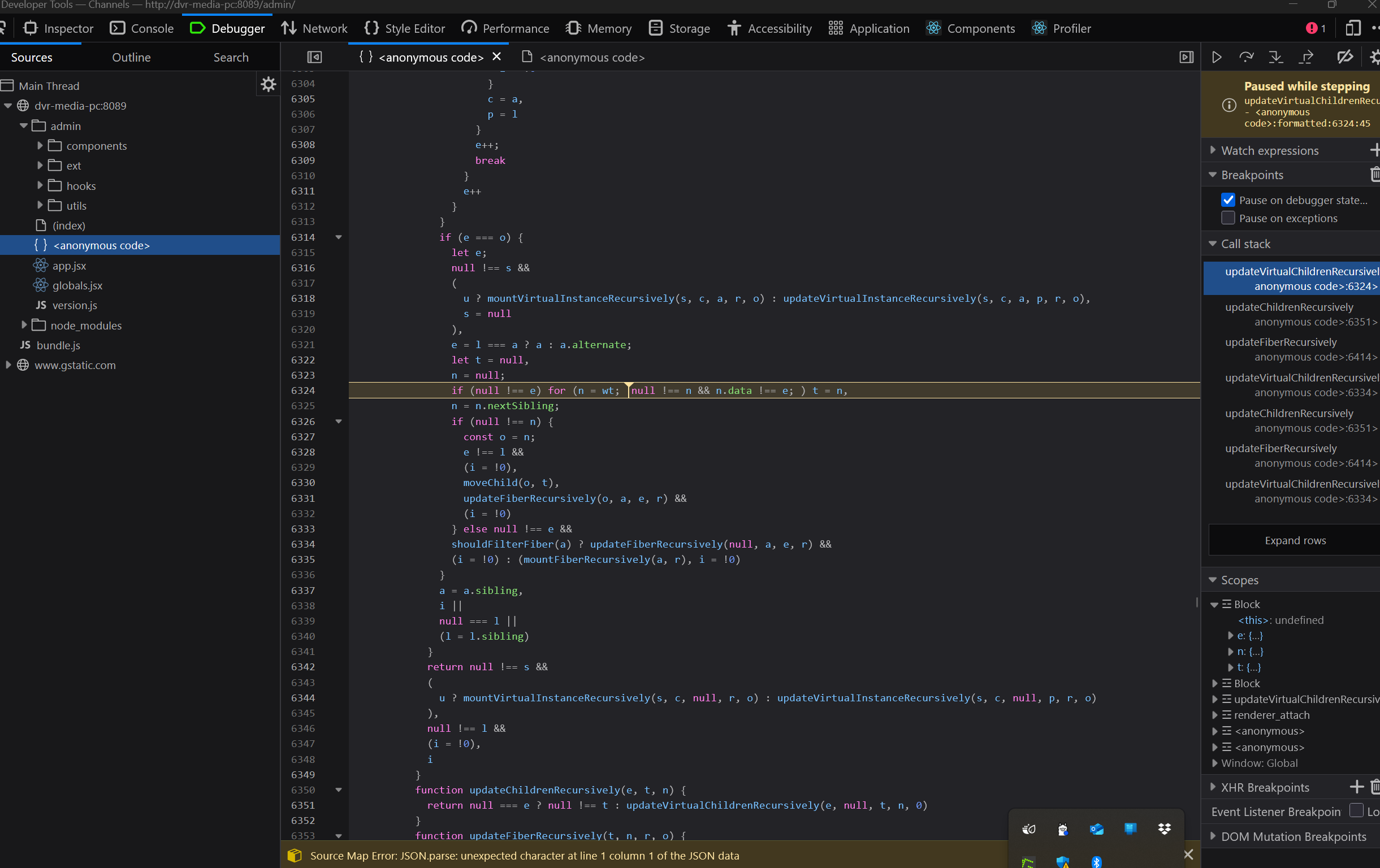
As well as a Stop button appearing, there is also a Debug Script option, when I click that this is what I see. Not sure if that helps any.

I have already turned off uBlock Origin, and there are no other extensions enabled. Thanks for the advice though!

1 Like

This topic was automatically closed 30 days after the last reply. New replies are no longer allowed.