
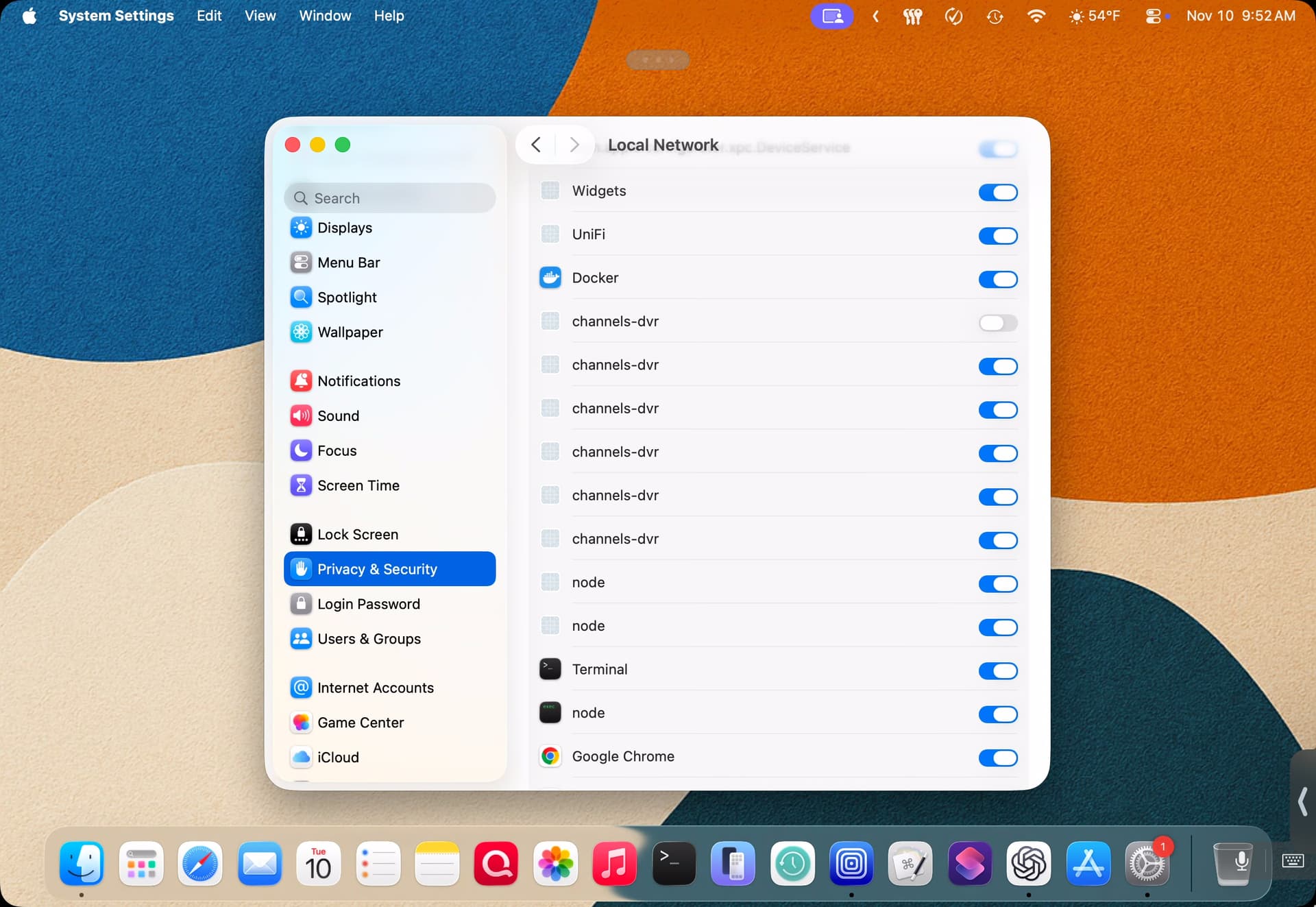
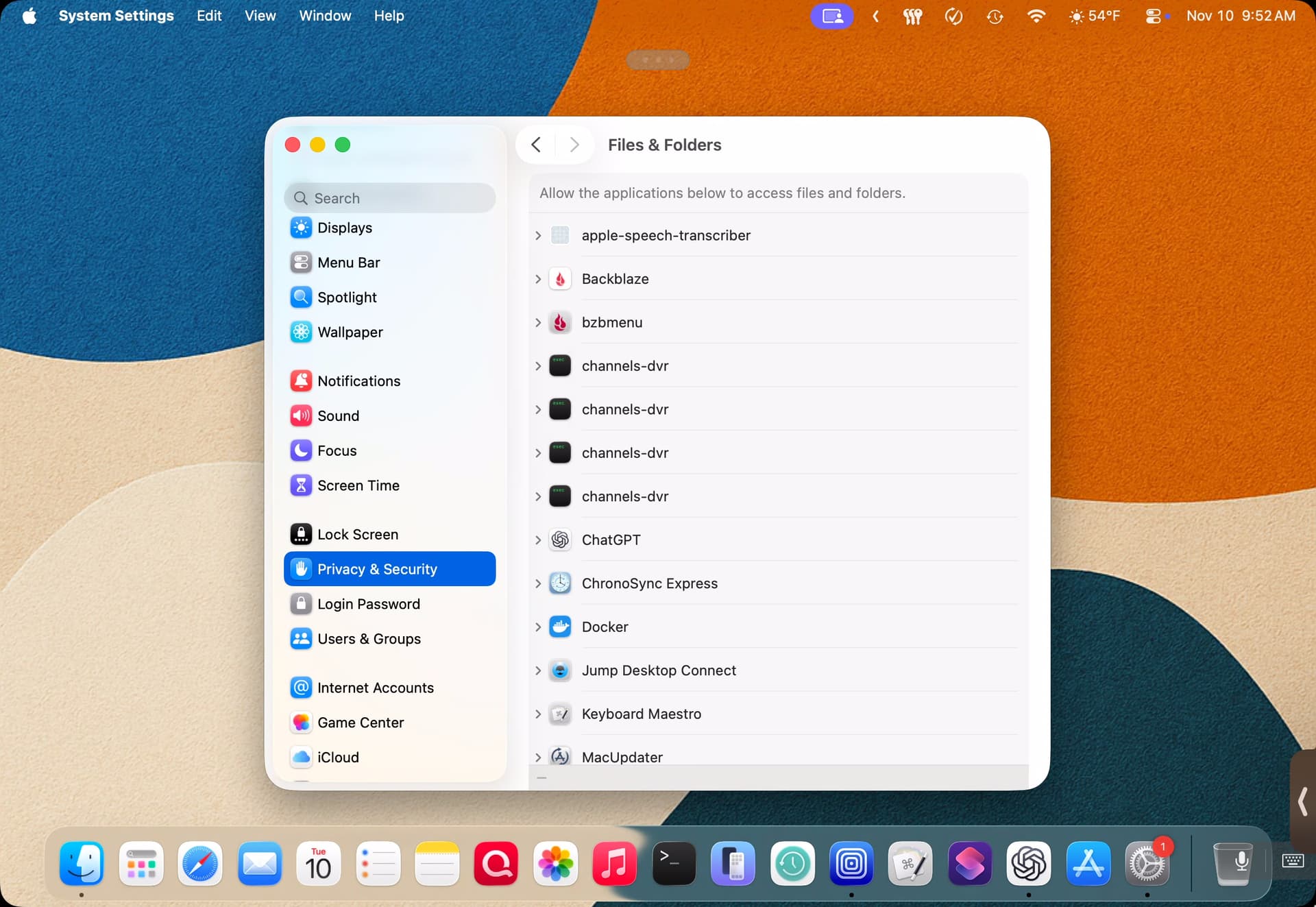
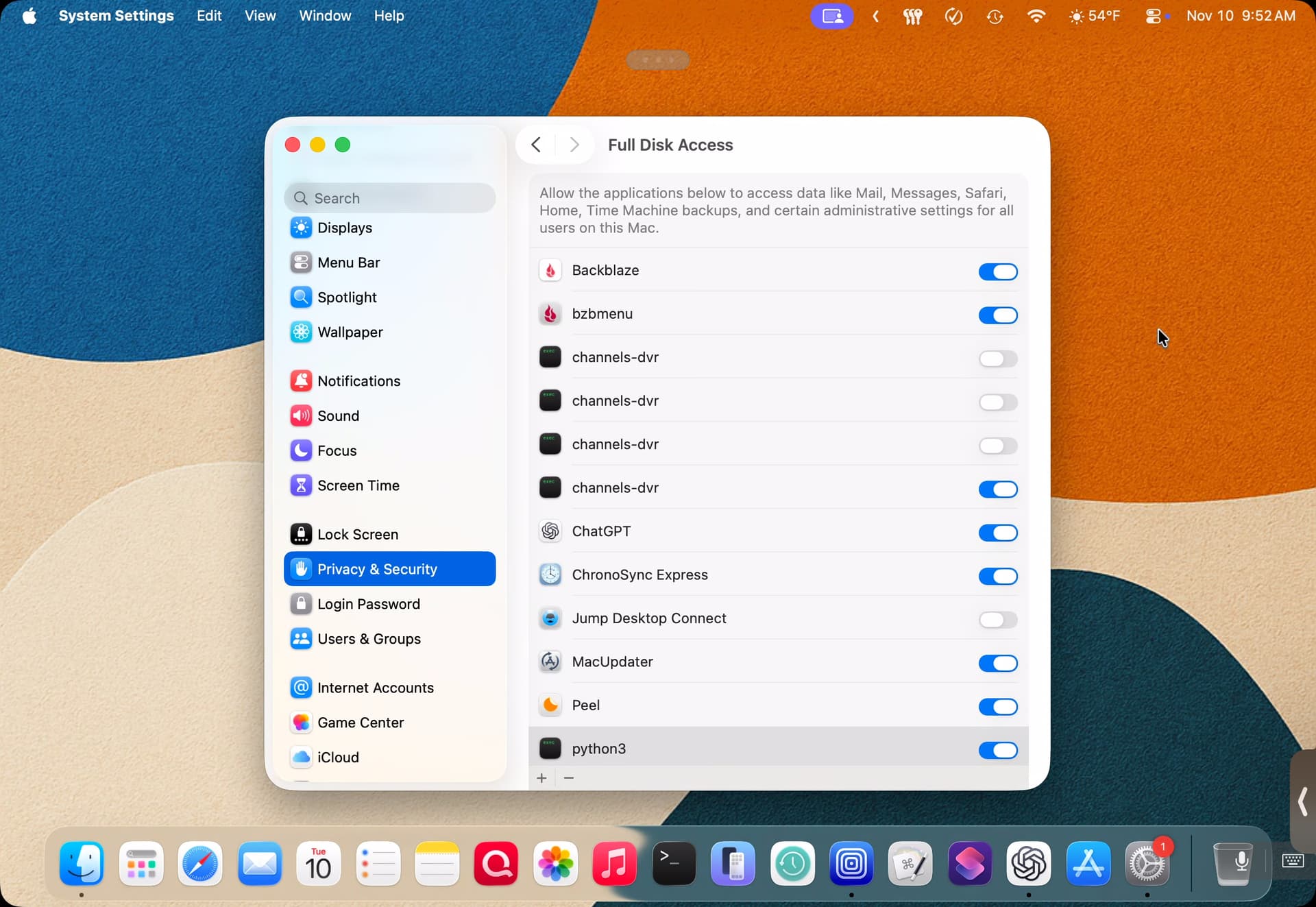
After every single Channels update, a new entry gets added in macOS privacy and security settings for full disk access, file and folders access and local network. Channels is the only app that does this and if I don’t remember to delete stale entries, they continue to pile up as the screenshots demonstrate. Stale entries under local network cannot be deleted.
What MacOS version you using?
Full Disk Access may be changing in 27.3
Not sure if this change will be good or bad for this issue.
1 Like
I’m currently on 26.7.3. This has been an ongoing issue since installing Channels years ago and as I said, it’s the only app that does this and it’s extremely frustrating because it creates a ton of clutter in the UI and I need to remember to prune stale entries or they pile up. I can’t seem to get an answer as to why this is happening and I know it’s been brought up several times in the forum…
This is something macOS does automatically for some reason.
Why does it only seem to happen with Channels?