
I find this setting very dangerous. did it once and my poor n100 couldn't keep up when a couple channels all started marathons.
Much prefer marking specific episodes for re-record. also like having the corrupted/delayed until it's rebroadcast.
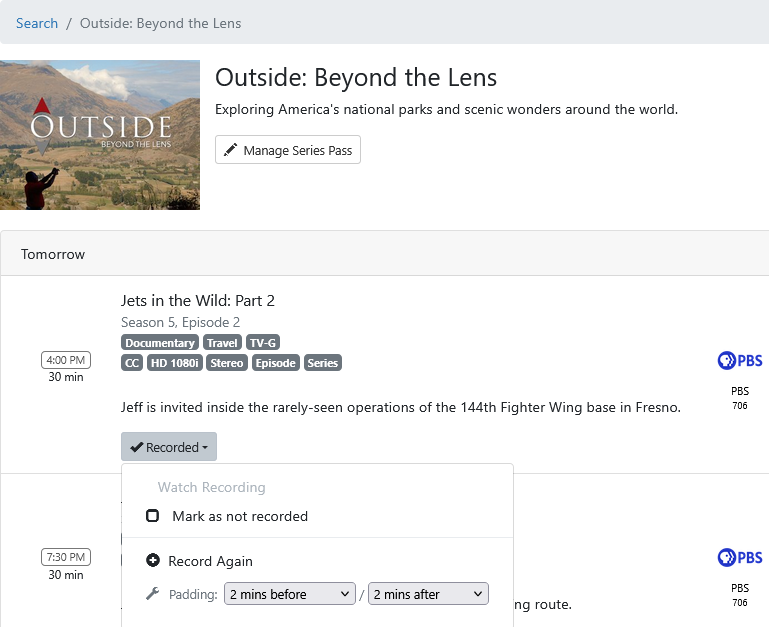
Well, he could simply say (as the Channels devs would) that it's an admin function and should be done from the DVR web UI (but you can only do it there if another airing is in the guide).
by that logic setting any recording is admin.
Can you do it in any Channels client?
All you can do on a client is view upcoming episodes and choose one to record. Same as choosing Record Again from the web UI. It just manually picks the next airing to record, and if the guide data changes and the airing moves or disappears you end up recording whatever is in the timeslot.
Mark as not recorded does what it says, allowing your pass to schedule the recording. That cannot be done from a client and the developers don't want to add it. And if there are no future airings in the guide, you can't even use Mark as not recorded in the web UI.
well, not advanced passes, but you can set passes, delete passes. also clients can change favorites, and even sync them back to source.. (seems pretty admin to me) lol anyway.
I've been using @mjitkop 's Channels DVR Extras long enough I didn't realize all the limitations otherwise.
does Channels DVR Extras actually successfully re-record a marked episode if it's not in the guide?
Yes.
Mark as not recorded makes the elephant (Channels DVR) forget (that it recorded it).
So if it never recorded it, a pass will pick it up.
This is working really well, thank you! Feature request: a filter to sort TV Shows by most recent episode ("Recently Updated"). Sorting the shows on each folder's most recent File ID seems easiest.
Version 1.2.2 is now available. The episode details page now has:
-
Episode Trash button. The episode is sent to the trash. (v1.2.1)
-
Mark as not recorded button. If the episode was created by a DVR rule, the button is enabled, and marks it as not recorded. (v1.2.1)
-
Sort buttons now have ascending and descending options. The modified date is now used instead of the date added. (v1.2.2)
2 Likes
Thank you!
Nice.
Just to let you know.
A ProgramID containing special characters needs to be url encoded.
These are common on custom M3U channels, like this one
"ProgramID": "Elton John: A Life in Song/5bc2998b664348573cb35760dbc789f5894fb036476be687909fde0a604ccd0f"
Failed to mark as not recorded: No compatible mutation endpoint found. Tried: DELETE /dvr/programs/Elton John: A Life in Song/5bc2998b664348573cb35760dbc789f5894fb036476be687909fde0a604ccd0f (no-body): API error 404: DELETE /dvr/programs/Elton%20John:%20A%20Life%20in%20Song/5bc2998b664348573cb35760dbc789f5894fb036476be687909fde0a604ccd0f
So url encode that string (including the colon and forward slash) and it will work.
See Unable to re-record deleted episodes or mark as not recorded for Pluto source
Bug report for sorting TV Shows by Date. My show folders are not entirely sorting correctly.
My most recent recordings are at the top of the list, but other slightly older shows are way down the list below much older items.
I suggest sorting by File ID instead of date, but still calling the filter "Date" because that will be the result.
Seeing the same.
It should sort the TV Shows by last episode recorded instead of by last show update (which could be a metadata edit, etc.).
Maybe the developers can add sort by last_recorded_at to the Server API
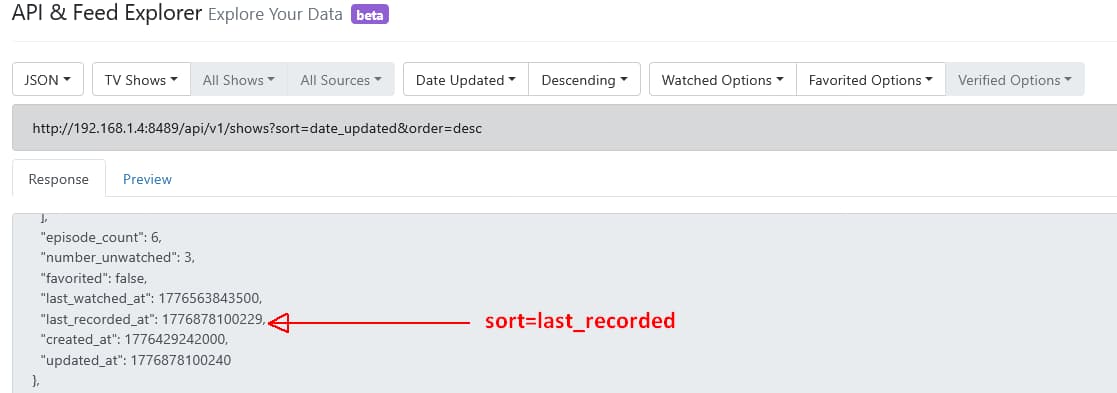
I don’t follow... the episodes and movies don't have a last recorded date, that's a tv series attribute.
However, I did some side by side comparison of the API all shows output in Excel, and it looks like the created date is in the same order as id. I think ill try that.
I fixed the problem with program_id. I only have one example of one with slashes, and the app would throw an error if I tried to display the details page for it. Thanks for the heads up! A new version will be ready soon.
Let me know what you think about using created date.

Channels DVR displaying TV Shows sorted by last recording made (latest episode recorded). This is correct.
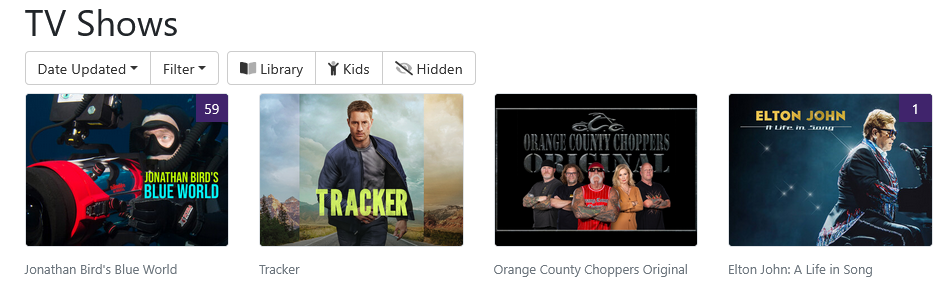
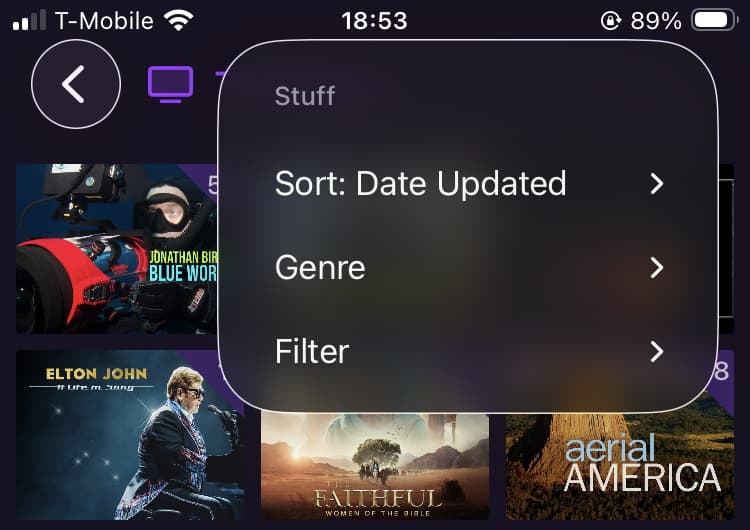
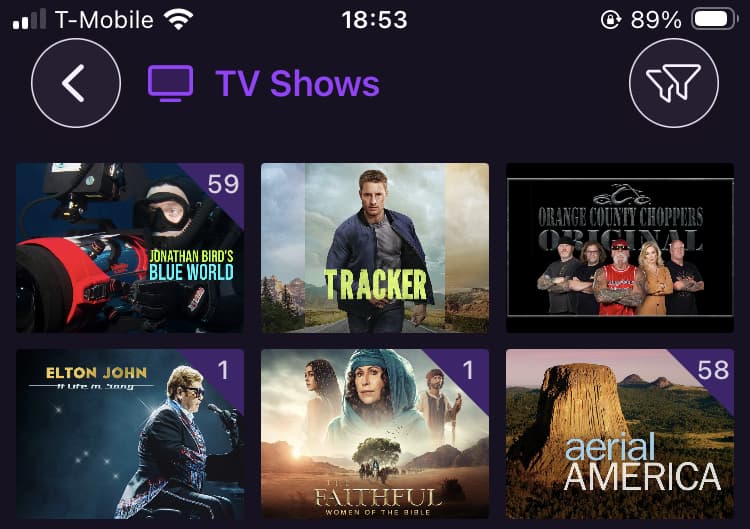
WinChannels displaying TV Shows by descending date
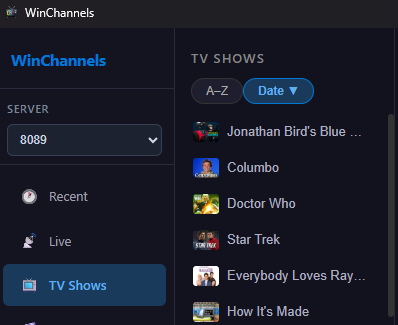
Channels DVR API displaying same thing WinChannels is
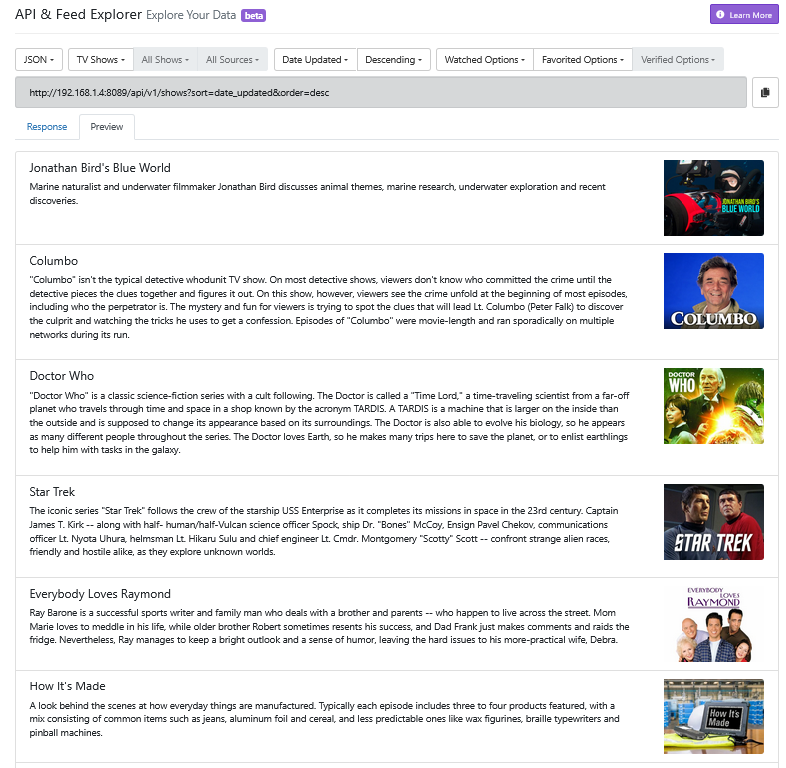
Hoping the images help clarify what I'm talking about.
Version 1.3 is now available
- Search page added
- program_id url encoded (to handle Pluto TV and other abominations)
- All date sorts use created_at instead of updated_at
- Path is displayed on detail page
The search does a substring search against the following elements:
- show_id
- program_id
- title
- summary
- full_summary
The "All" search type return items if any attrtibute contains the search term, the Title type returns items only if the title matches, the Summary search if either summary attribute matches, and Series Name only returns TV Series that match. Clicking on the search result takes you to the episode, movie, or series detail page. The All search will match show and program ids as well.
I'm pretty sure that the created date will work in all episode and movie lists, including the list of programs for a TV series. Let me know!
Sorry to say but my TV Shows are more out of order now, because they're sorting by when a series was added instead of when the most recent episode was recorded.
Each episode has a unique "ID" number that increments with every new recording, and I think sorting show folders by the highest ID in each will work best.
"root":{
   "ID":
Version 1.3.2 now available. I added more sort options, including id. I'm really not sure if this addresses all of the sorting capabilities available, so let me know how it works for you. I also updated the caching behavior so it's a bit snappier after the initial load.
How do you "Scroll for older recordings…"? There is no scroll bar and it used to work.
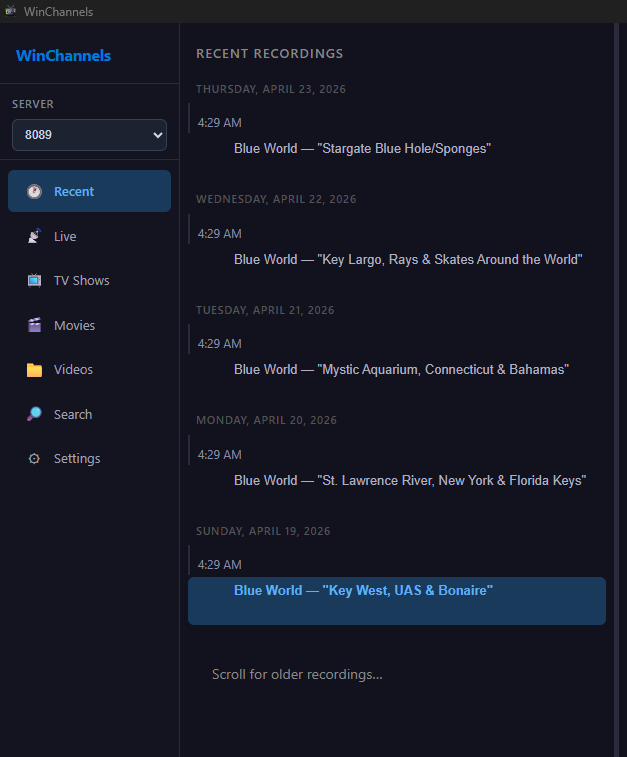
Here's v1.2.2
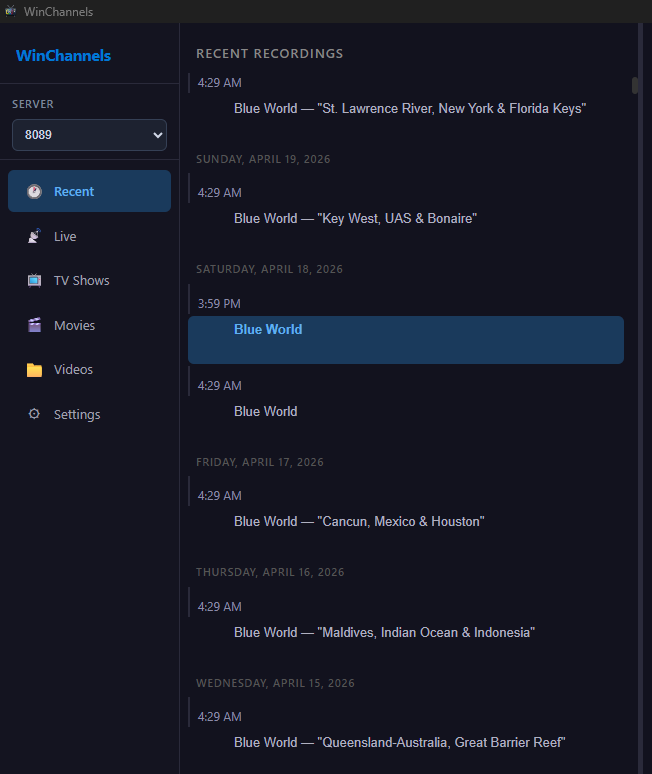
None of them are sorting by when the most recent episode was recorded.
I don't know what Channels DVR API's and values you're using, so I can't offer any suggestions.
1 Like