That is usually related to a bad or old HDMI cable.
Edit, it could also be your Mirabox needs a powered connection. I use one of these on my capture cards to power them separately from the USB port and it helps a lot.

That is usually related to a bad or old HDMI cable.
Edit, it could also be your Mirabox needs a powered connection. I use one of these on my capture cards to power them separately from the USB port and it helps a lot.
Why not try an Osprey box?
It's basically a cable box but for DirecTV Stream.
Spectrum works well on CHDVR with my AppleTV 4k with the exception of the DRM channels. I can use the Spectrum app on my AppleTv as well, but I already pay Spectrum too much now each month. They extort their customers with all the add on costs for locals channels, dvr service, set top box rental, etc.I pay nearlly $60 per month for their add on's. I could switch to Directv and save that $60, if my wife would agree.
Well, what you could do honestly is those boxes are like a good $50 from Walmart second hand.
They function basically like a cable box. You get a remote with channel numbers and buttons and a guide in the DVR. It basically looks like streaming cable TV. I would say do like a trial and maybe pick up one of those boxes from Walmart where you can easily return it just know that when you get the box from Walmart the remotes are usually kind of junky they sell replacement remotes on Amazon for literally $15.00 that are really nice new and clean.
Your wife would probably be happy with that because it really is just like a cable box. Then you would be able to feed channels with a Directv app and any ADB related tuning application. AH4C this, ADB tuner.
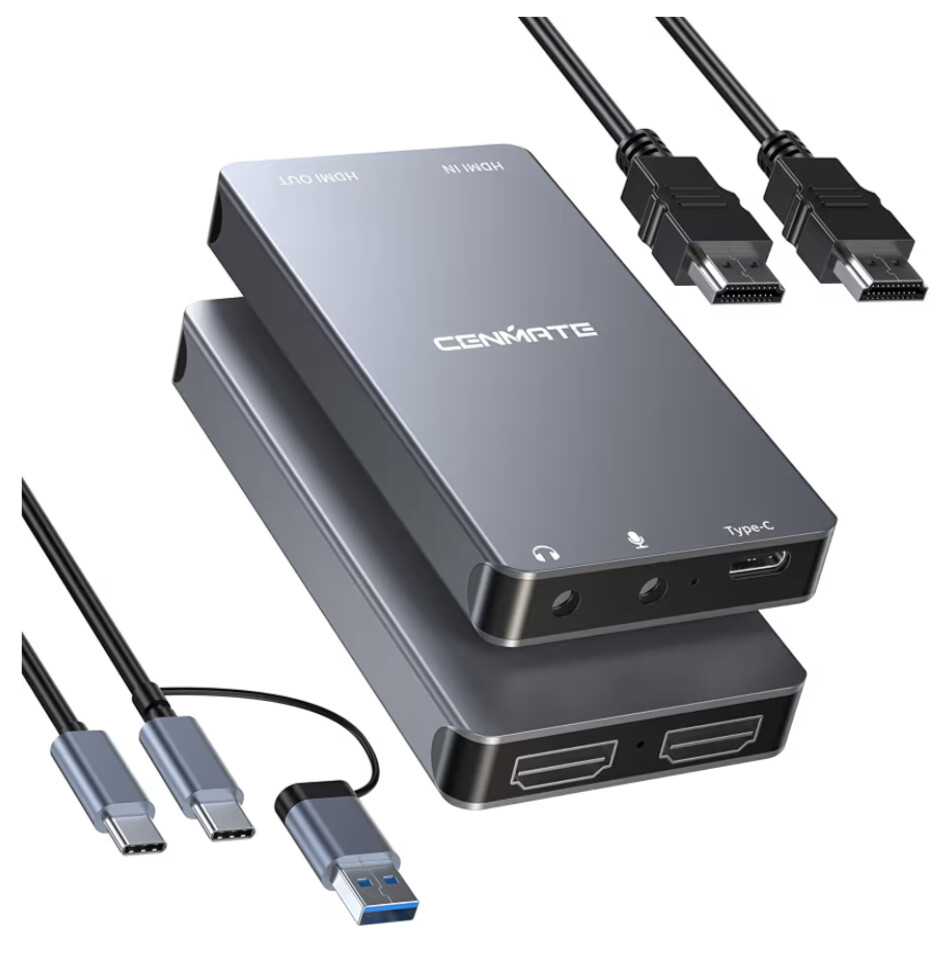
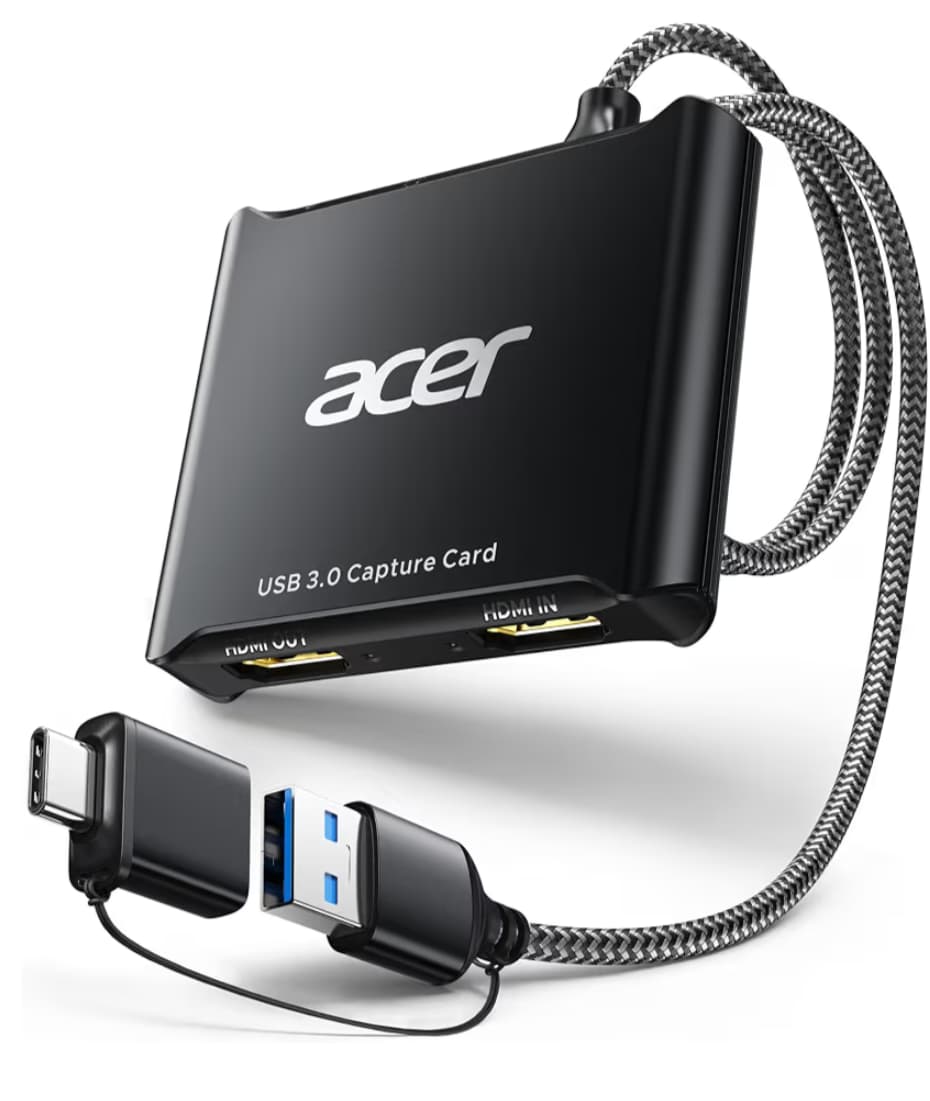
I tested the 2 Capture Cards from Amazon. While they are both better than the $8 dongles, the Cenmate is far superior in picture quality. It is close to LinkPi quality. I will continue testing and recording on the two to verify. Neither has had issues with heat since they are bigger and dissipate it better than the smaller ones.
This is really a genius idea just get a PC with a bunch of USB ports and have at it I love it.
The LinkPi encoders are quite expensive and really need to be imported from China, so this is really great for people who just want to get into channels quickly without such an investment.
While I have way too many LinkPies, really a link pile. I do really think this is amazing work, so thank you for contributing it.
I have been working this week on trying to replicate what a LinkPi does with a PC. I have been trying it with a Windows PC and it's not a good choice for this type of thing as the OS consumes so much of the available resources. I have pivoted to a headless Linux server so a modest system can handle this project.
I noticed the same with the monster one i got. I actually don't have your bridge working yet, but I think atleast part of it is me finally having to figure out deeplinks, ect.. I like my dtv ch#'s 
I had vlc playing the input while I set up the osprey box, but I quickly realized my little w11 n100 was not going to handle this as well as channels, wsl, & docker. I also have a machine ready for proxmox to spread out my ever increasing load. 
maybe I missed it somewhere, is there a way to import the adbtuner json?
No, not yet. I never had a need to import so I never added it as an option. Tbh, Windows is not the best choice for it, especially the local tuner dongles. Unless you have a tower with USB card that has separate controllers, you would not be able to use more than 1 or 2 dongles without running into issues. I ordered a used Dell OptiPlex 3060 with an i5 8500 and enough ram. I paid $50 for the PC minus a hard drive, luckily I have a drawer full of hard drives. I figure that is an affordable PC and the 8th gen Intel CPU is plenty able to handle the encoding. Adding a 4 port USB pcie card with separate controllers plus the USB controller on the PC should do it. If I can get it up and going for under $200 and it can handle multiple tuners while delivering a reliable stream, I'll be good. Anything more than that and I might as well buy a LinkPi that can handle 5 or 6.
I have only make a Cloud Pack for YouTube TV US Eastern time zone and Local Charlotte, NC Channels. More to come.
My next release will have an auto detect script to pre populate the local capture card settings using FFMpeg to probe the capture device and provide the correct settings of each one. It should improve the output on them.
If anyone has a good collection of channels with gracenotes and deeplinks from other providers or different regions for YouTube TV, I would love to add them to the Cloud Packs if you are willing to share. I can use the ADBTuner lists as well as any other ones that have the Gracenotes and Deeplinks for the Android/Google TV apps. Just let me know the region and provider. Thanks.
Does this app work with the beta HDMI for native apps set of scripts like ADBTuner does?
I just got one of those Cenmate USB capture devices and I'm going to hook it up to a fire stick, want to use your app but I also want to be able to have custom scripts to control native apps.
If not then I guess I'll go with the native USB capture approach and let the DVR handle the device while I hook up my own scripts to it. There's too much stuff out there that doesn't use deeplinks so we have to do this remote control jumk.
@GTFan I have not added any keystroke commands to it. This is still a very young project. I may add support for it later.
Using a USB capture device, can this run on an N100 PC and if yes, about how much CPU does it use?
@Morris_Altman You can run a single capture card on a N100 PC. It works well with the iGPU. The biggest issue on a mini pc is the USB controller. Most of the N100 Mini PCs have a single controller for all the USB ports, so you are limited on how much bandwidth is available for the video streams. You may be able to run 2 but I doubt it.
Thank you Bobby,
I just checked and of cause it's only one lane. Belink put the WiFi card on there as well. I have that disabled through I've got a hard drive and two SSDs on the USB bus. If I try this I'll have to move one of the SSDs to the internal SATA bus.
Morris
That is the one bad thing about the Mini PCs. The price and CPU are great but expansion is impossible.