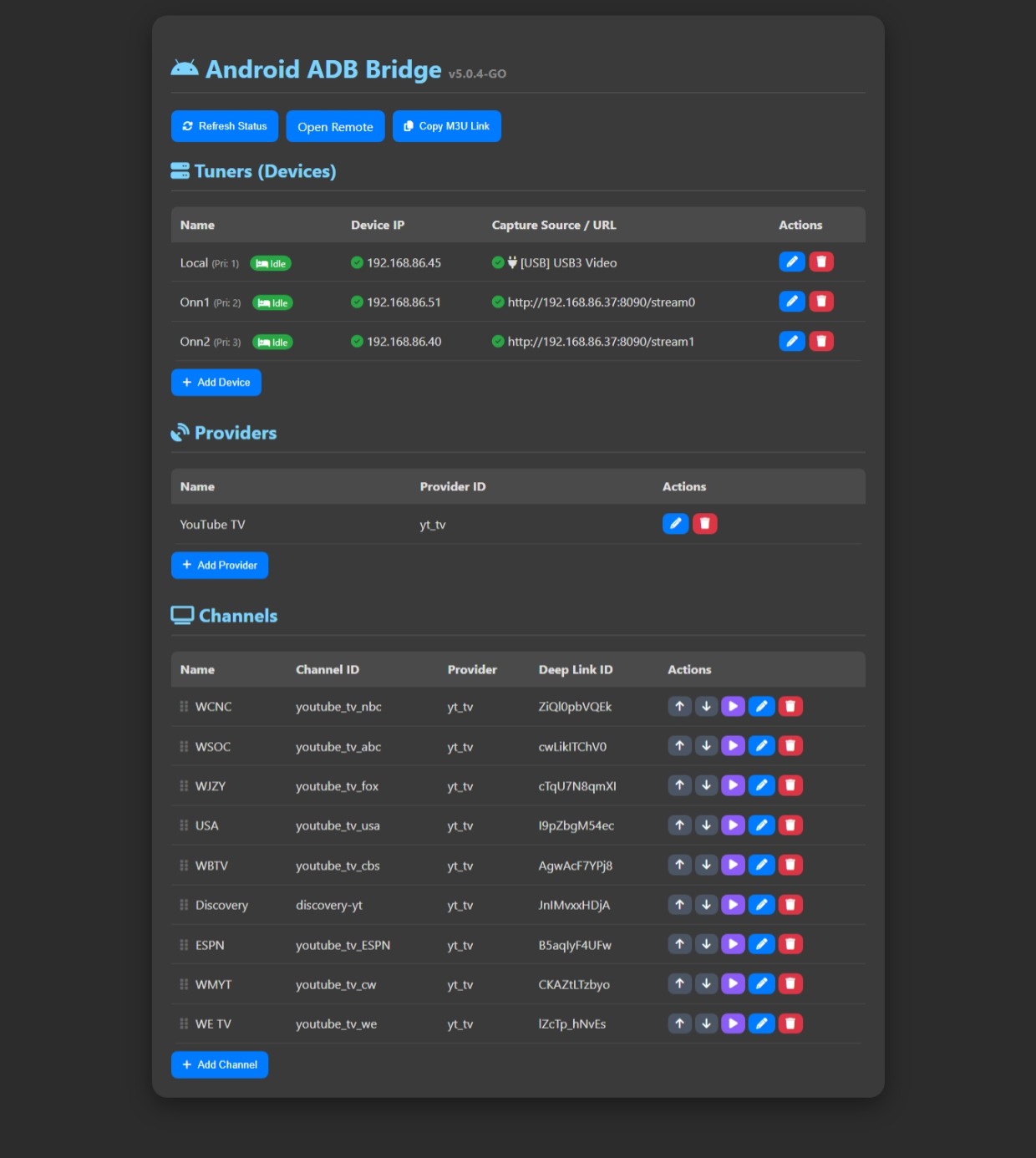
ADB-Go for Windows: A simple, budget-friendly tuning setup
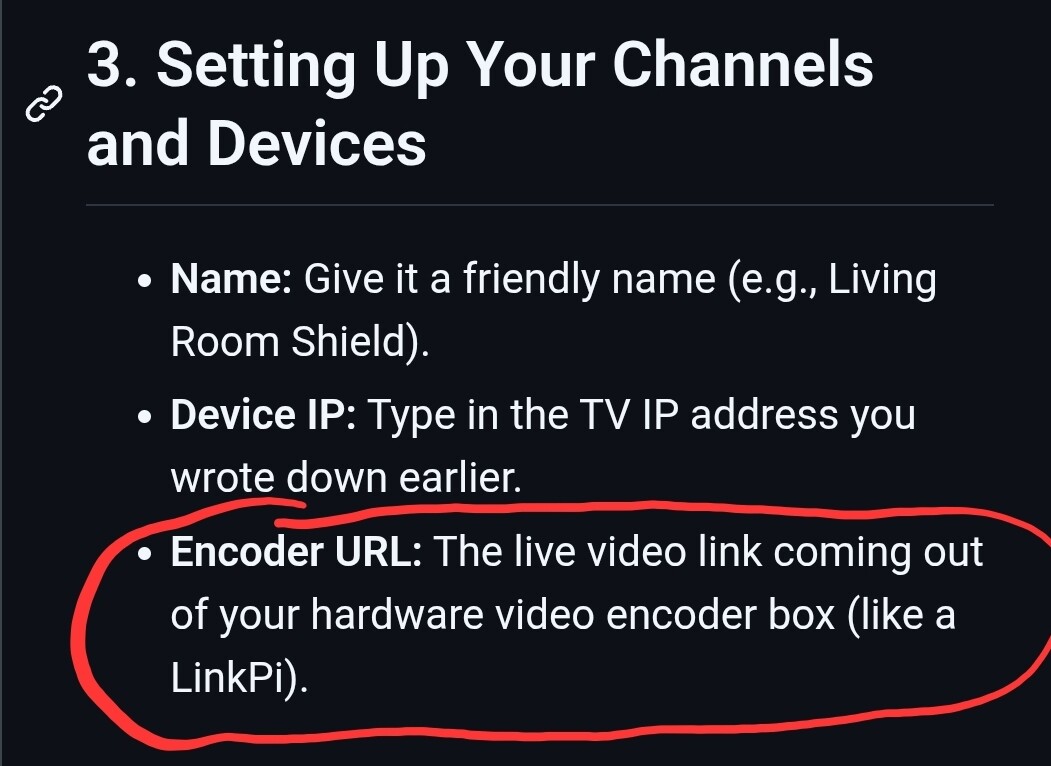
I built a Windows App ADB Bridge for my personal use. I wasn't planning to release it since it didn't really do anything special. When my Roku Tuner stopped working with YouTube TV, after they pulled deeplink support from their Roku app, I promoted this project as my main backup option for channels. I've worked on and off on it for a few months to make it better fit my needs. I had only been using my LinkPi and 2 Onn 4k boxes with it, but I really wanted at least 3 tuners with it. To keep from buying another LinkPi, I started working on some other options for adding extra tuners. I figured since it is a Windows only application, why not use the PC as an encoder. There is a post on this board about using a USB HDMI capture card as a tuner.
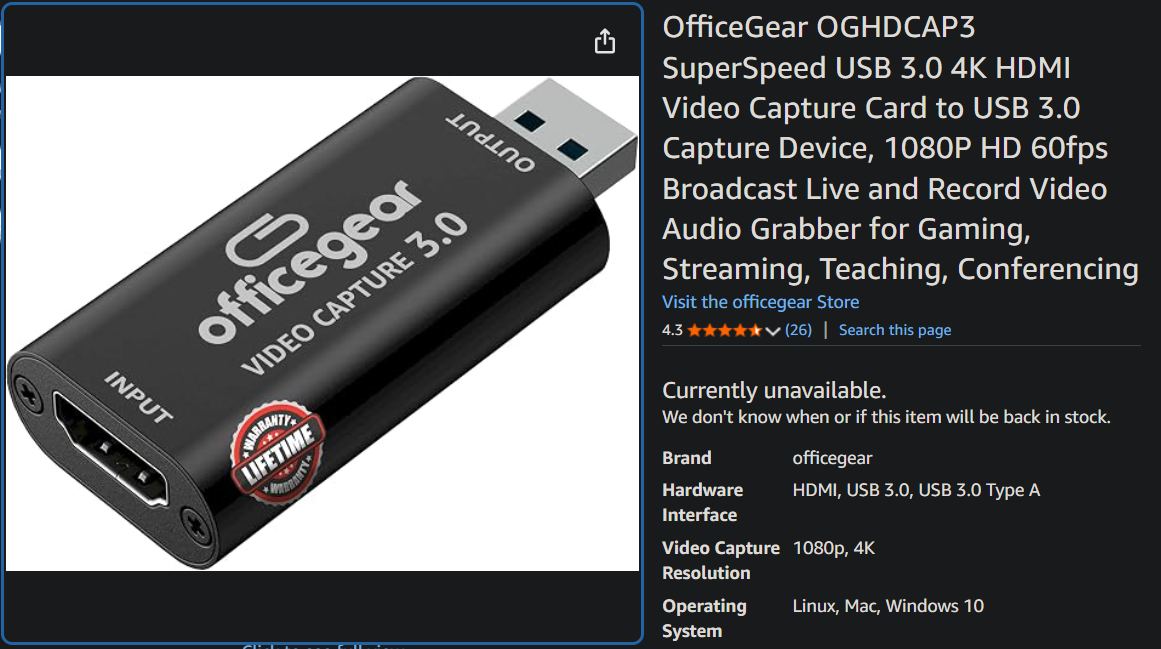
With this as a guide, I added support for USB To HDMI Capture Cards like this one on Amazon as a tuner option. It works pretty well.
I figured with the recent uptick in TVE stations dropping off someone might be able to use it, so I decided to release it. Feel free to test it out. The GitHub Repo has basic info about setting it up. You should be able to find many posts on here about locating the proper deeplinks and needed Android Intent links for using ADB commands with your apps.
A single 1080p video stream uses a lot of USB bandwidth. If you are plugging two capture cards into the same PC, try to spread them out. Plug one into the back of your computer (directly into the motherboard) and plug the second one into the front panel of your PC case. This prevents the USB ports from getting overloaded and provides better playback.