Windows download does not install Remote Access

Windows download does not install Remote Access, only data and latest directories installed locally in C:\ProgramData\ChannelDVR directory.

When installed and opened no Remote Access in Setting drop down menu.

AI recommends manual install from zip file.
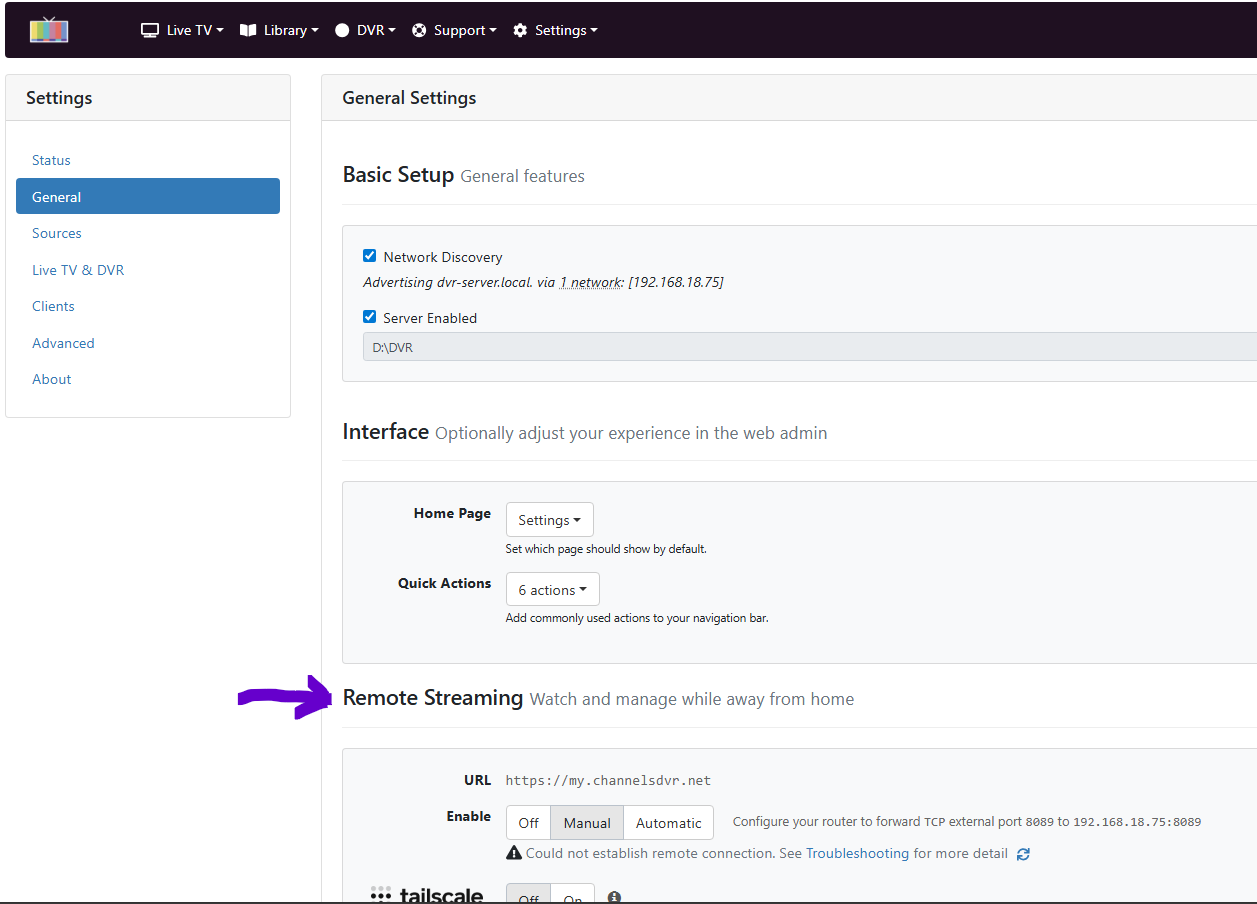
On my Windows 11 computer, I have the same content in C:\ProgramData\ChannelDVR directory.

I've been using Channels DVR on Windows for years and remote access works fine.

The settings for it are in Settings > General.

But I use Tailscale anyway for remote connection. No need to mess up with your router settings.