I recently had to rescan my entire library back into ChannelsDVR (long story)... and everything imported fine. When auditing the results, I noticed that some of the files were on-disk with names like Futurama - s05e01 - Crimes of the Hot.mkv, note that the s05e01 was lowercase. Those scanned into the correct season as expected (Yay!), but messed with my sense of order.
I realized those were recorded by PlayOn, so I rerecorded them using StreamFab (my new go-to). It named them correctly Futurama - S05E01 - Crimes of the Hot.mkv, with uppercase S and E. I copied them over to the file-share and CDVR picked up the files just fine, and as I expected correctly pulled them in as unique files, so now all my Futurama episodes have a twin :).
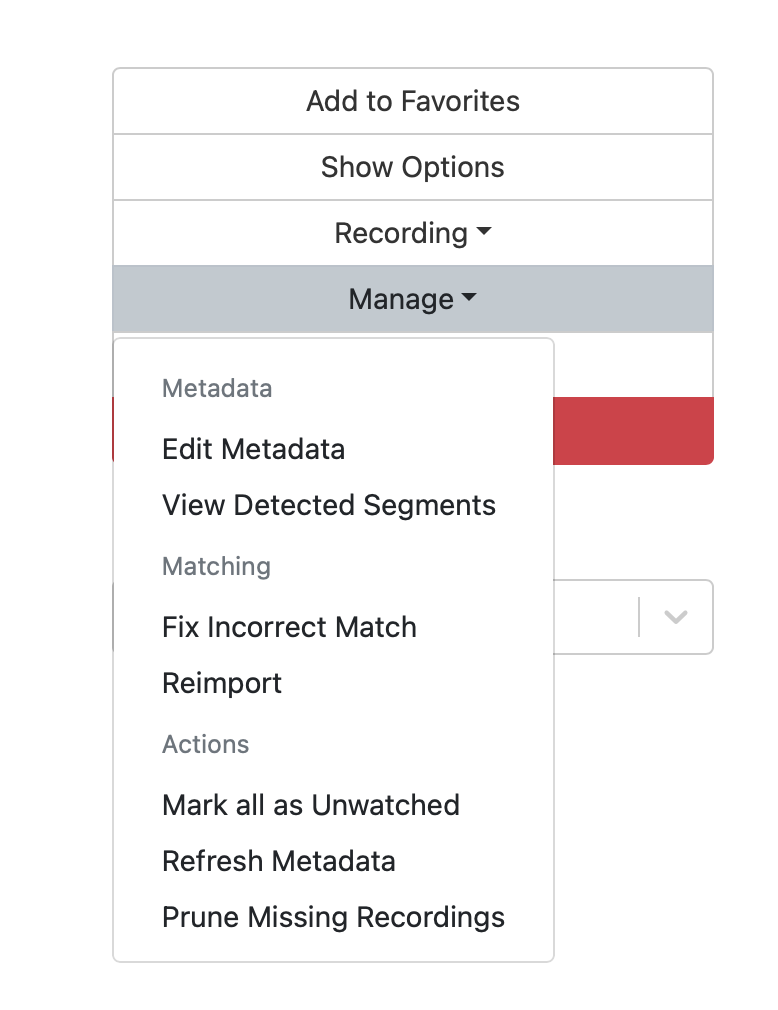
This is predictable and reasonable. What then surprised me (in retrospect it shouldn't) is that when I run the Prune Missing Media, it does not remove the lowercase versions because when it opens the file using the lowercase name, it is found because this is a file share on an NTFS drive, which is case-insensitive/case-preserving.
I can fix this up by moving the files out of the directory, doing a scan, doing a prune-missing, then moving them back and doing another scan, but that seems heavy-handed and would end up processing these files yet-again.
-
Can we ensure that when we scan in a folder, the same filename (other than letter-case) will match an existing entry so we don't create a duplicate next time.
-
Can we update the Prune Missing Media to verify the case of the filename found matches the existing media entry (and thus automatically prune same-except-for-letter-case entries)?
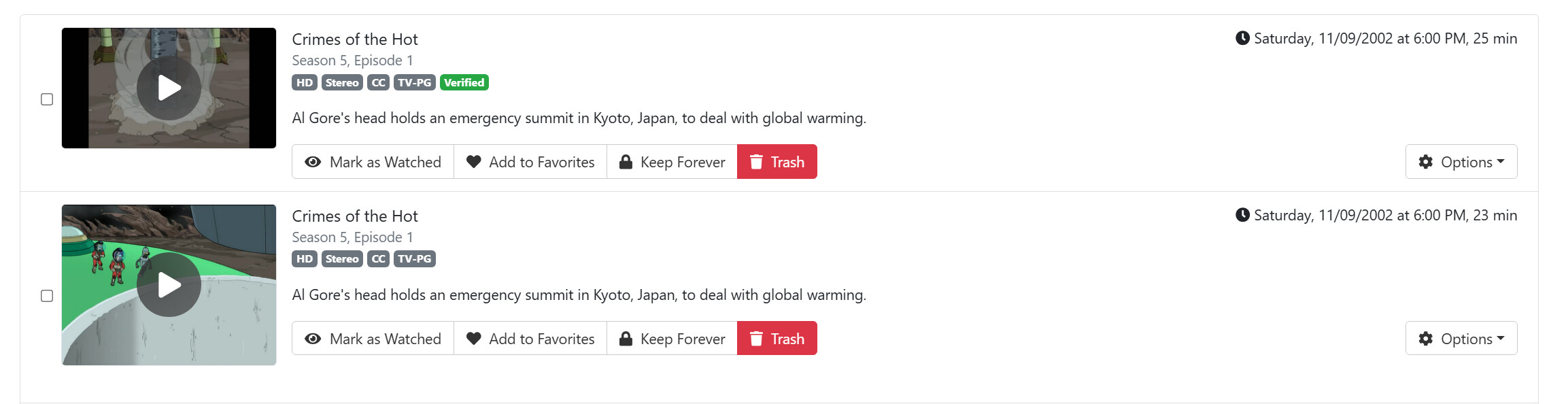
(note, the size difference is because I recaptured in StreamFab which doesn't put the "Recorded for XXX at IP YYY" PlayOn header/trailer)