.ZAP Files being created until disk is completely full

Hi, this started happening 4-5 days ago: .zap files are created until disk is full. Looks like guide data for my Homerun Prime? ProgramData\ChannelsDVR\data\USA-MN53371-X.airings\store. Can't view log file as it is at 1GB. I have tried deleting the USA folders, but this one fills up by next day. Other ones ok, including for my OTA.

image

Please submit diagnostics from the DVR

How big was the USA-MN53371-X.airings folder?

I deleted it again, but it was in excess of 200GB

I see you're using 32-bit windows, so I'm guessing this is a new bug specific to 32-bit windows introduced in BETA: Guide database improvements

Only option to switch to 64-bit windows? Not sure why I put 32-bit on it in the first place, it was a few years ago

I'm looking into it. If it worked before then it should be possible to fix it. How long were you using it before it broke?

rock solid for months. last Friday, I was watching live tv while away from home and that was working. I tried to watch again on Saturday (away) and it did not work. Noticed under settings that storage was at 100% used

If you select Guide Database > Maintenance > Delete & Recreate it should reclaim all the disk space.

After that, if you select Maintenance > Redownload Entire Guide does it double up the disk space used?

I'm uploading a new pre-release build now with increased logging which should help narrow down what's going on. In about 20 minutes, update to v2020.12.10.0059 and then click Maintenance > Fetch Guide Updates and then submit diagnostics.

Will do, thanks!

Are you sure those zap files were 200GB?

Can you select just the airings folders and right click view properties to see the size?

And then do the same for the cache folder

yes, pretty sure. I have a 500GB hard drive that was full before I deleted the USAXXXfolders. Now, I have a total of 409GB free.

Right now, the airings folder is only 479MB and cache is at 925MB

1 Like

Please submit diagnostics from the new pre-release when you get a chance

followed the instructions in post 8, running v2020.12.10.1836

running out of space again due to multiple .zap files in same location.

sorry, how do I submit the log file?

here are the log errors being thrown

2020/12/10 20:45:07.755323 [ERR] Guide database failure: merging err: MapViewOfFile: Not enough memory resources are available to process this command.
2020/12/10 20:45:30.494872 [ERR] Guide database failure: merging err: MapViewOfFile: Not enough memory resources are available to process this command.
2020/12/10 20:45:42.264228 [ERR] Guide database failure: merging err: MapViewOfFile: Not enough memory resources are available to process this command.
2020/12/10 20:45:52.900977 [ERR] Guide database failure: merging err: MapViewOfFile: Not enough memory resources are available to process this command.
2020/12/10 20:46:02.936606 [ERR] Guide database failure: merging err: MapViewOfFile: Not enough memory resources are available to process this command.

1 Like

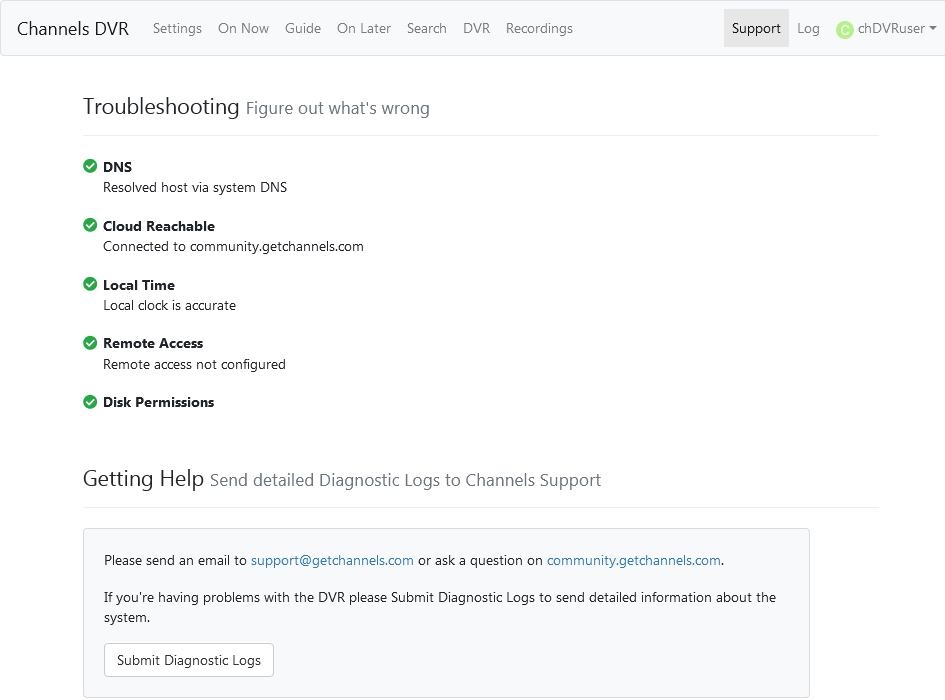
In the DVR web UI, click Support, then click the [Submit Diagnostic Logs] button

1 Like

thanks, Logs have been submitted as 612ad970-cc64-40f3-8295-3955100bdbec .

1 Like

Thank you!

Please try again with v2020.12.11.2030 (available in about 15min)

Hi, my version says 2020.12.10.1836 up to date.

You have to click the dropdown next to the button and select pre-release.