
You could do that or add -preset hq Try looking at the settings on your uray.
Theres another problem. After setup and playing the stream around 1-2 minutes in the stream stops and has a lot of artifacts beforehand. Is it a storage issue with the container or a weak cpu?
Edit: I have played around and tried to make it output a file it does do the same thing too.
1 Like
try connecting directly to the uray in vlc and see if it does the same thing.
edit: also check your signal strength/quality on the zinwell.
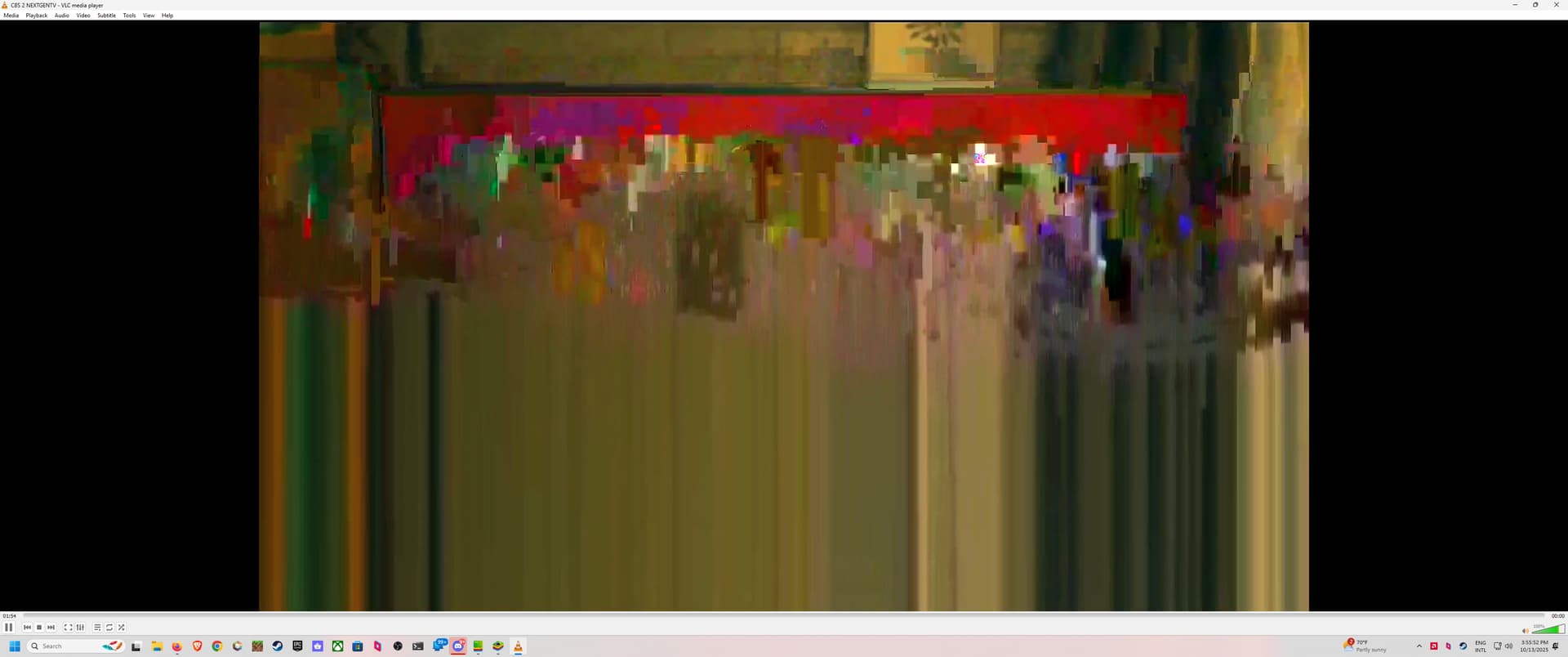
Looks like I fixed the artifacting. Unsharp option is incompatible with qsv it seems because removing it fixes it.
Too bad the only station that doesn't stream in hdr and has drm is my cbs station so it looks bright as a result.
Congrats you are up and running. In the future look into a box with a nvidia gpu also be careful as those tiny nas boxes with low power intel cpus can burn out. I had a qnap years ago and I ran a windows vm on it 24/7 which killed the box.
I meant to post this issue earlier but I ran into a snag with the zinwell. If you run the box for 2+ weeks without force stopping the nextgentv app it gets stuck on a black screen. Im curious how I can implement a force stop app feature so I can reload the app upon entering the channel on my channelsdvr. I might have a rough idea but I dont know a current way to initiate the main activity thru adb commands.
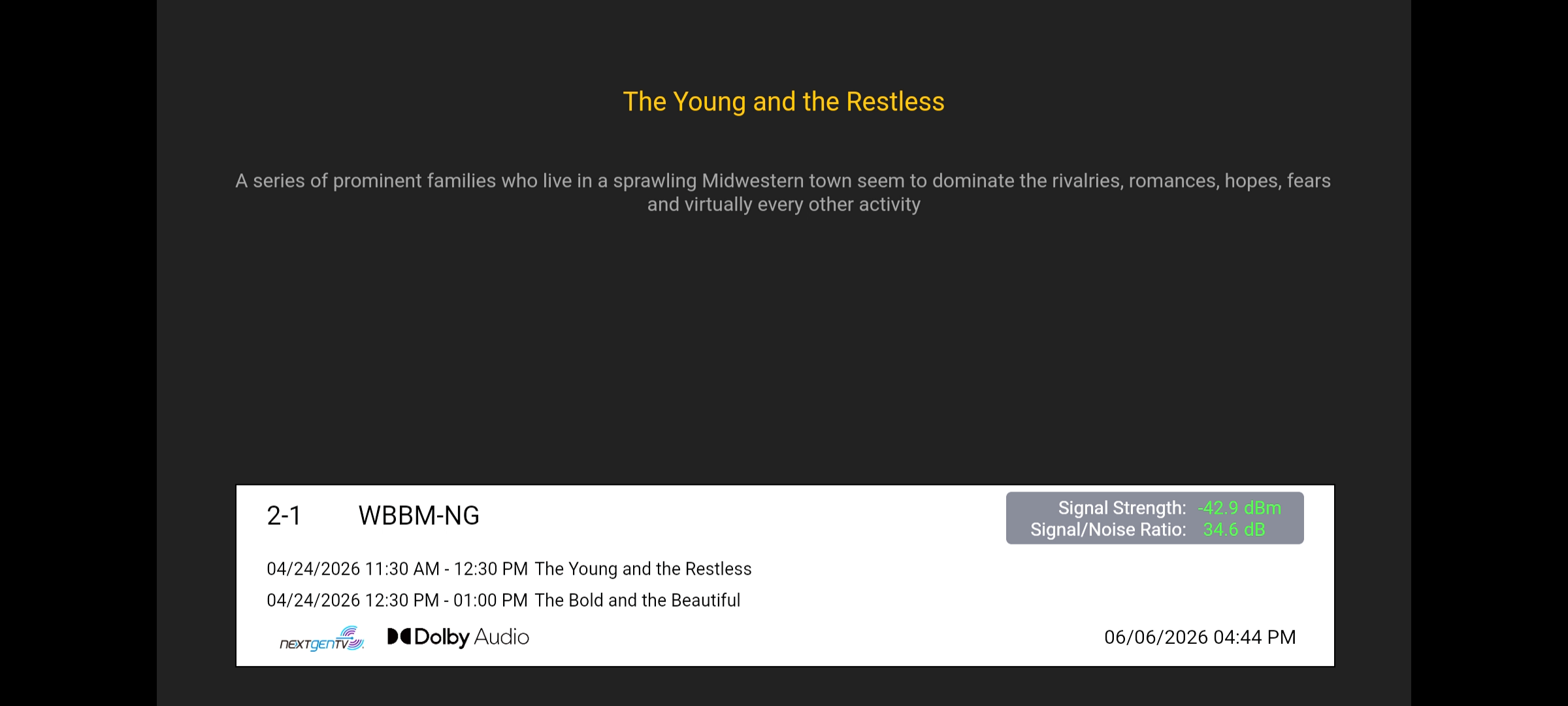
I managed to fix this with an updated bmitune.sh you might be able to make the sleep timers shorter though.
#!/bin/bash
# bmitune.sh for zinwell/livetv
# 2025.09.23

#Debug on if uncommented
set -x

#Global
channelID="$1"
streamerIP="$2"
adbTarget="adb -s $streamerIP"

#Trap end of script run
finish() {
  echo "bmitune.sh is exiting for $streamerIP with exit code $?"
}

trap finish EXIT

#Tuning is based on channel number values from zinwell.m3u
tuneChannel() {
  $adbTarget shell am force-stop com.zintech.android.tv
  sleep 2
  $adbTarget shell monkey -p com.zintech.android.tv -c android.intent.category.LAUNCHER 1
  sleep 10
  for (( i=0; i<${#channelID}; i++ )); do
    keypress="${channelID:$i:1}"
    $adbTarget shell input keyevent KEYCODE_$keypress
    sleep 2
  done
  $adbTarget shell input keyevent KEYCODE_DPAD_CENTER
}

main() {
  tuneChannel
}

main
Would a power-cycle work? Seems a heck of a lot easier
Yes that would work too with stopbmitune but since this device is always running for me you would have to reboot during bmitune instead which would complicate the setup if you have to wait 30 seconds worth just to watch a channel.