ADBTuner: A "channel tuning" application for networked Google TV / Android TV devices

Any particular reason why a tuner would all of a sudden stop working? In ADBTuner, I see ANDROID CONNECTION FAILED. The Device IP Address is correct. The Chromecast w/Google TV is up and running in Developer Mode.

Restarting the Chromecast doesn't work. Any advice is appreciated.

Side note, what do most people use for their tuners? Fire sticks, Onn, Chromecasts? Are there any benefits to a certain unit?

I know there was just some recent software updates to Android TV. Might this have caused the issue?

Not the most commonly used, but the FireStick 4K Max (2nd gen) is fantastic. They work with PoE Ethernet adapters, are great in a rackmount, and have a remote control app that works independently of ADB (which is excellent for any required maintenance from afar, when run locally on a Mx-based MacOS). Tailscale is supported too.

@Aspesi4 Most likely your Chromecast w/Google TV device updated to android 14. This is a known problem that Google has with these devices affecting ADB usage. You can't stop the update from happening and you can't back it out either. I have 4 that all quit working when they updated. I use ONN 4K Pro devices with a physical ethernet port and wifi which I have had good success with. I prefer to use physical ethernet. They have updated to android 14 without any problems. I know some have really liked the new ONN 4K Plus for being speedy but you are limited to wifi only. I don't know if a ethernet dongle will work with them. As @bnhf mentioned the FireStick 4K Max and other Amazon devices have worked well for many. From what I hear, Amazon does not update the android releases which helps keep them stable for this type of use.

Hello how are you Im sorry I didnt see this post until right now. But of course I would love your help, let me know what I must do.

The other day in this thread I was talking-up the beauty of a fully rack mounted, PoE-powered encoder w/streaming stick setup, but I do have a non-PoE powered setup as well. This second encoder is a couple of thousand miles away, and has been known to go for more than a year without me laying hands on it.

There are a number of key pieces to making this happen, but the first is a TP-Link power strip (with individual outlet control) and HomeAssistant running in a Docker container:

As you can see, each piece of the puzzle is connected to the power strip and labeled, and so can be easily power-cycled if needed. This includes the streaming sticks, the encoder, a Windows PC running CDVR and a Proxmox server running everything else.

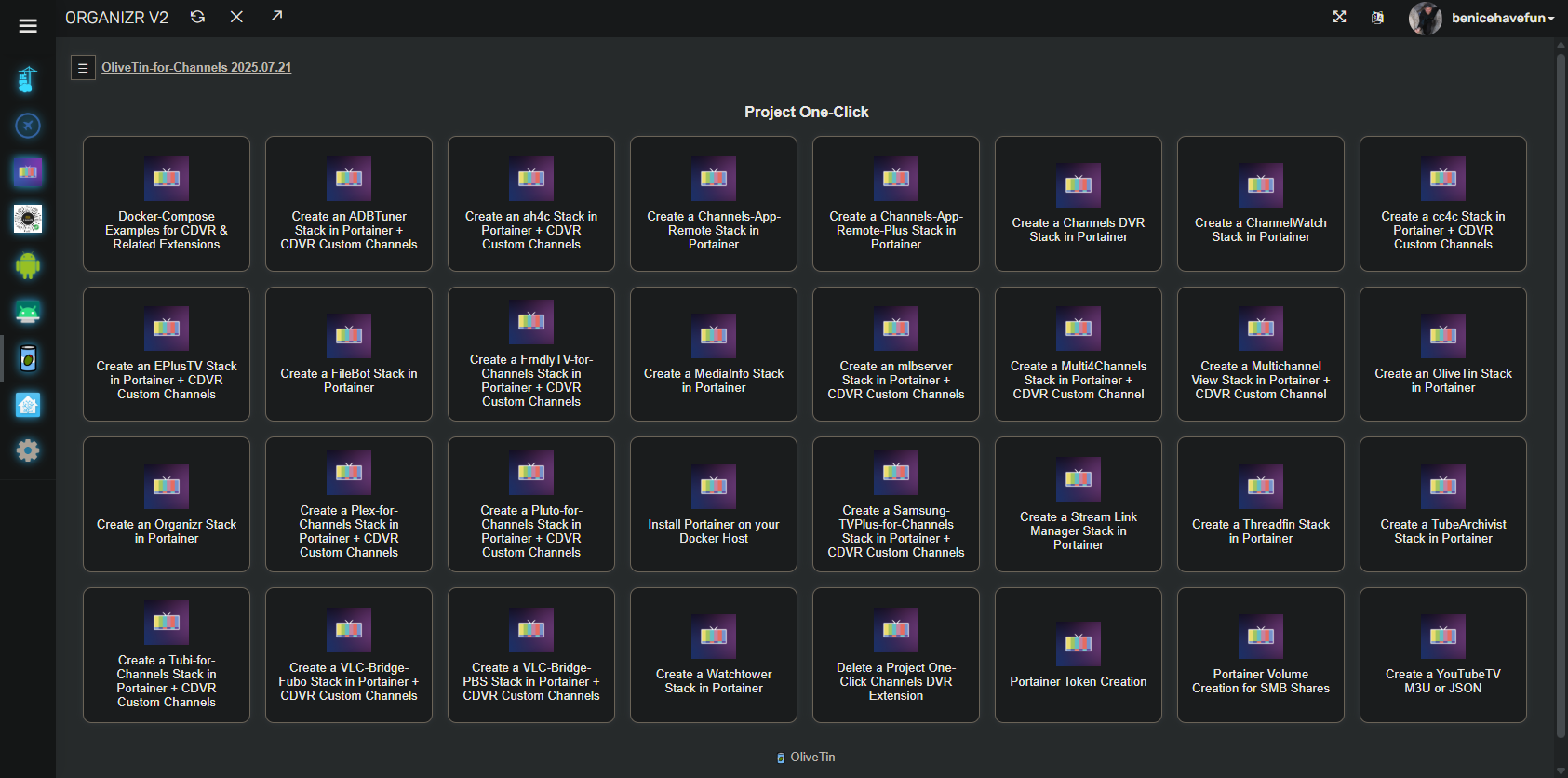
OliveTin of course :slight_smile: , for spinning-up whatever without having to hunt down the instructions:

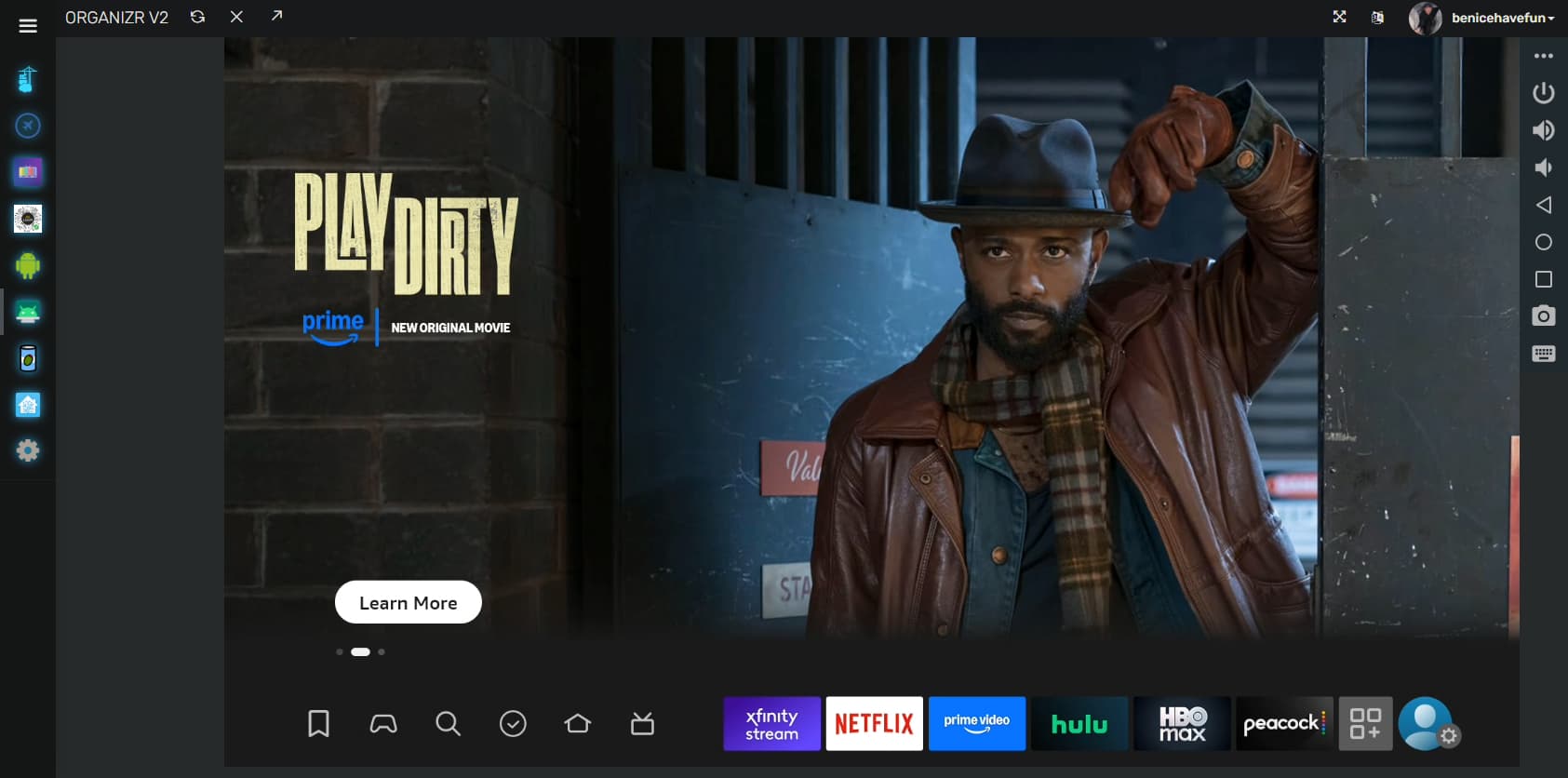
ws-scrcpy is something I have integrated into ah4c, but could probably be configured to work with ADBTuner as well. This allows for being able to interact with your streaming stick in a browser Window, complete with an ADB shell if needed:

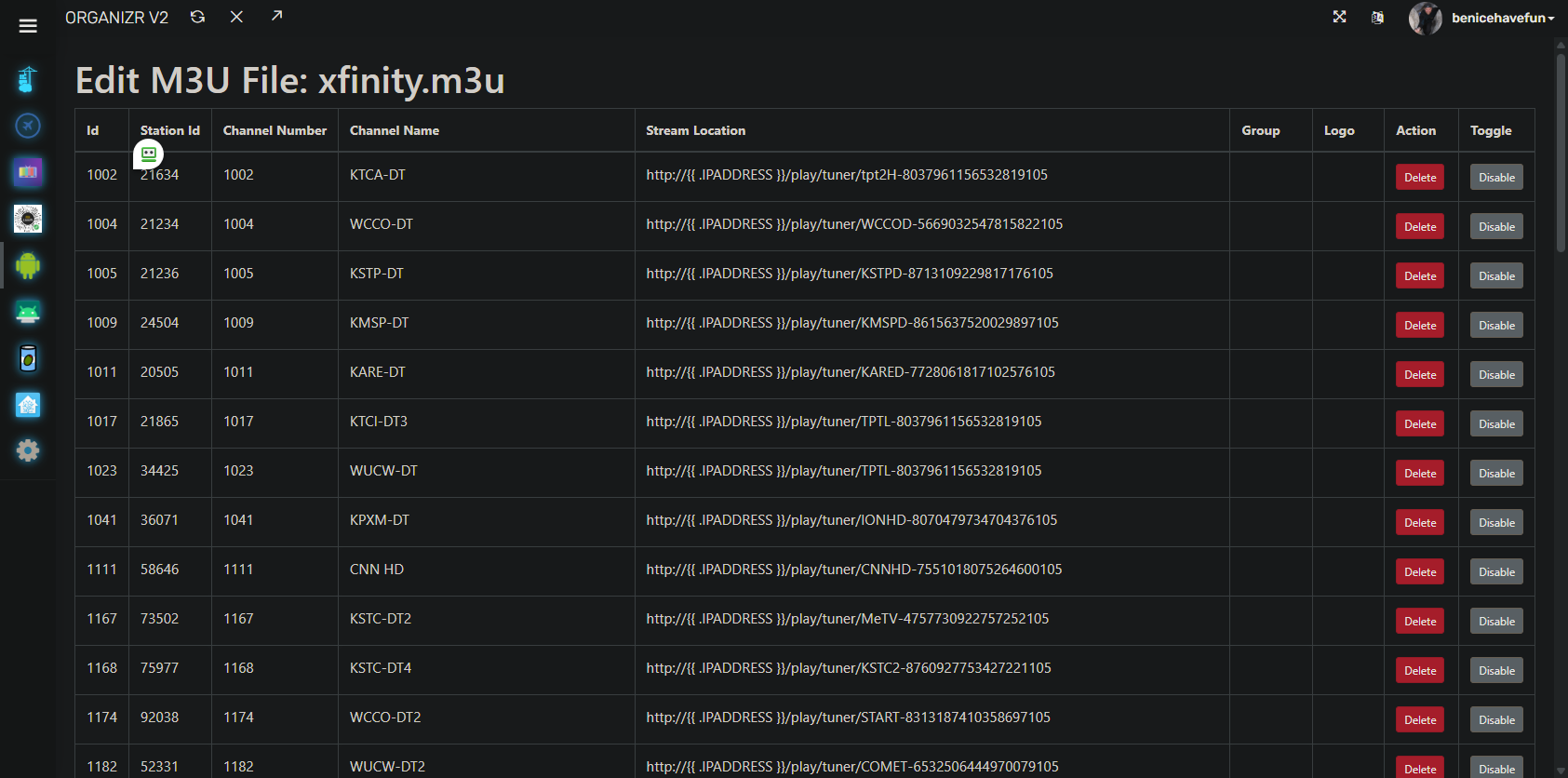
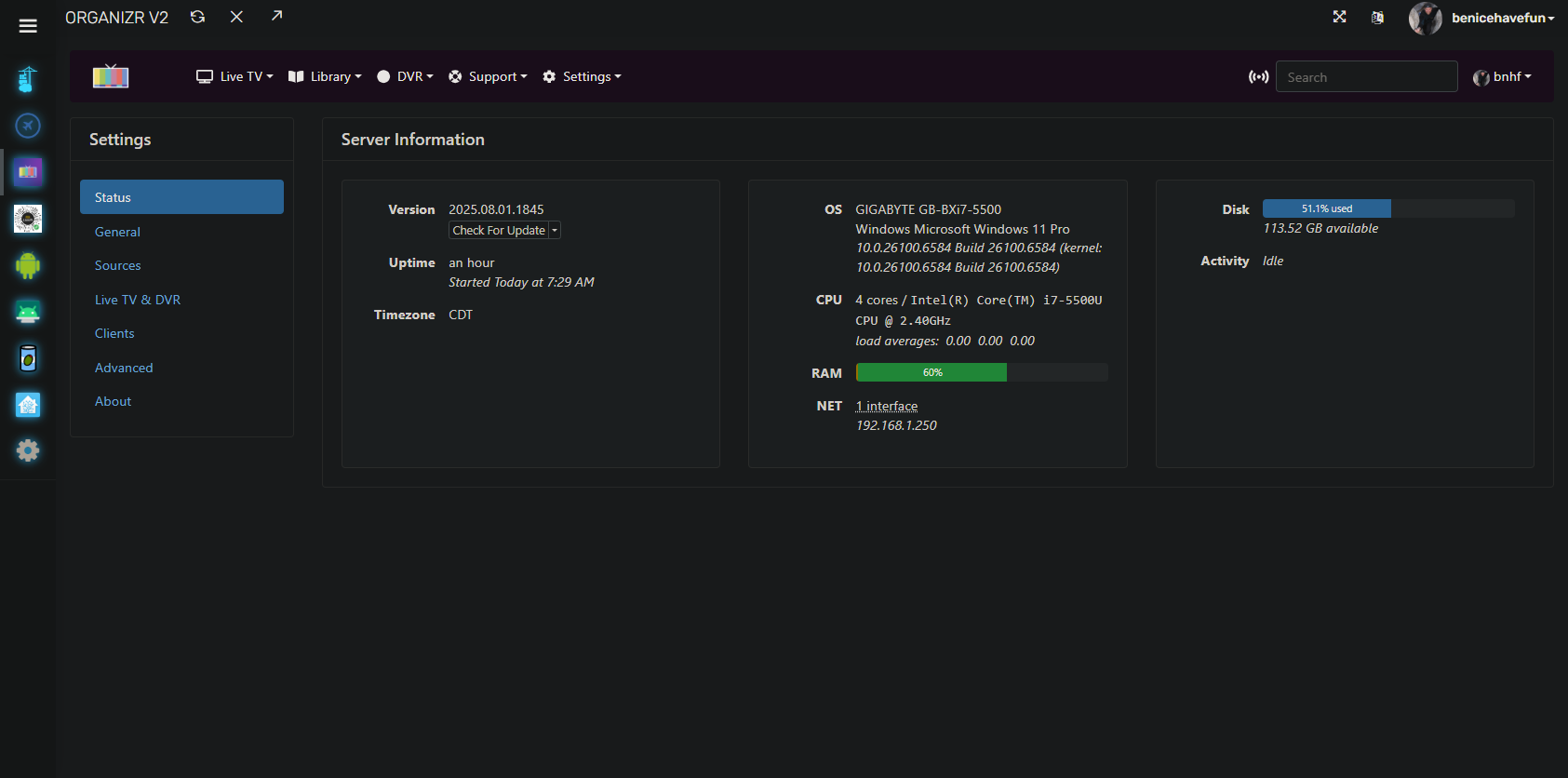
The ah4c M3U Editor, thought this could just as easily be the ADBTuner WebUI:

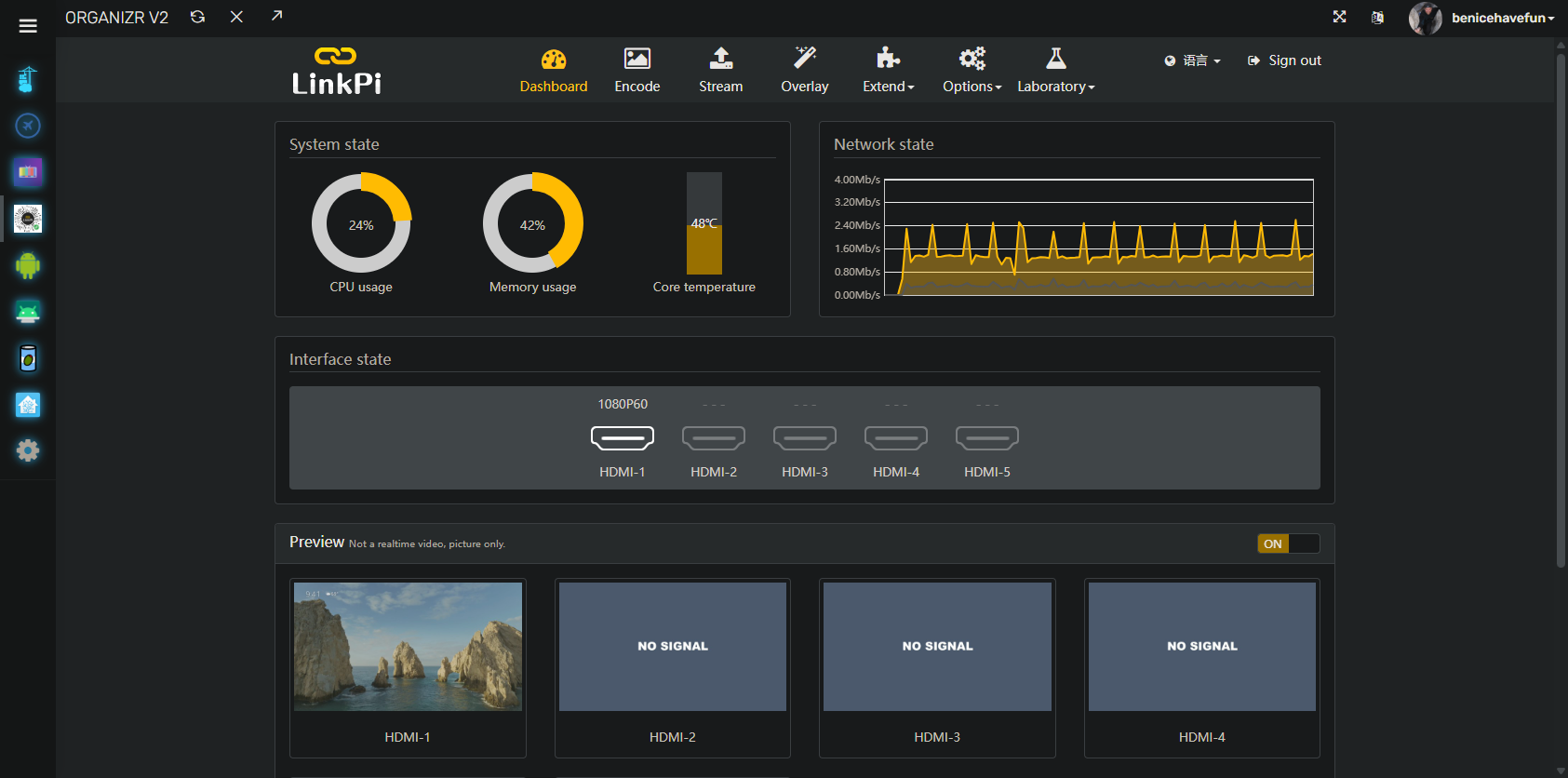
The LinkPi encoder WebUI:

Channels DVR of course:

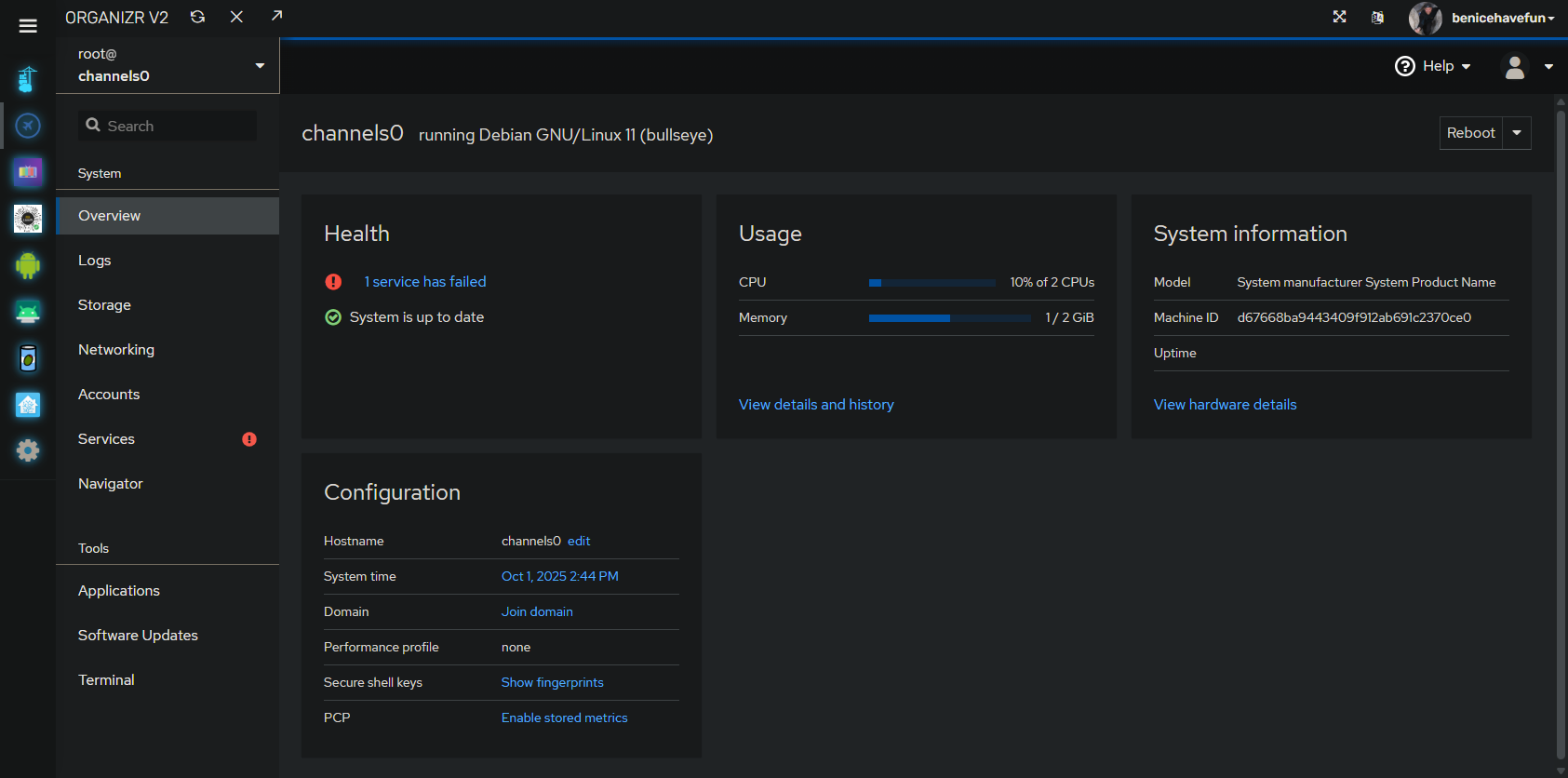
Cockpit with Cockpit-Navigator for being able to manage the Debian LXC running all these containers on Proxmox:

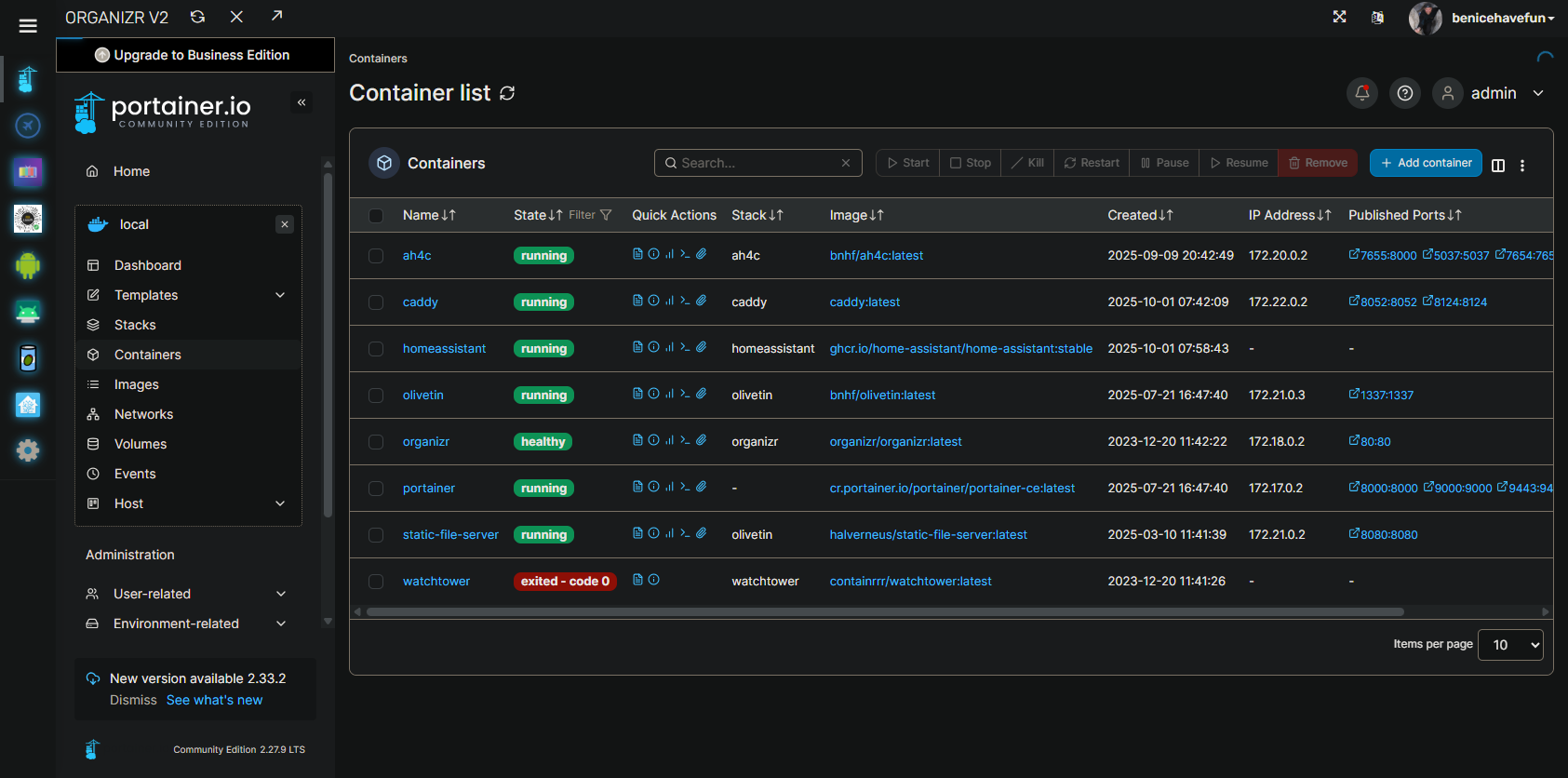
Portainer for outstanding Docker container management:

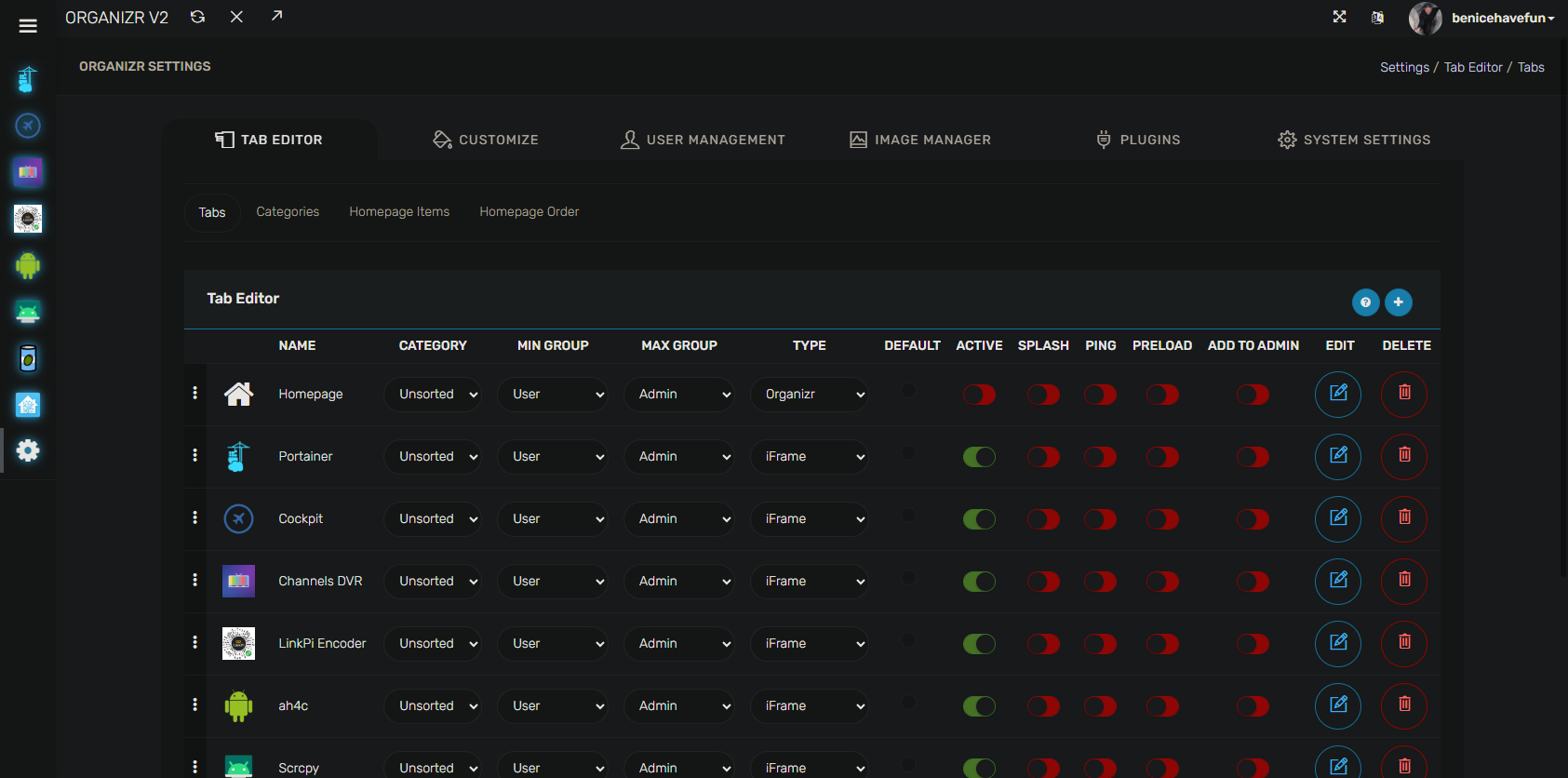
And lastly, the tool that allows all of these WebUIs to run in a single browser tab, Organizr:

2 Likes

We were out of the country the month of August and enjoyed watching programs via Channels including multiple programs we recorded via ADBTuner. Every program we wanted to watch seemed to be recorded fine. 2 days after returning we started to have recording problems. About 1 time in 10, ADBTuner fails to record the desired program. The pattern is always the same. This morning it recorded about a second of the desired program before recording the Fire TV home page.
The log shows:
Tuning completed after 35.13 seconds.
Client disconnected before redirecting to stream URL. Cleaning up and releasing tuner.
Using configuration: Deep Links (default, recommended) for channel cleanup.

My environment is version 20250903-1 running on Synology Container Manager (Docker).
I have 2 identical hardware pairs:
Amazon Fire TV Stick - 3rd Gen (2020)Android Pie (9) WiFi
connected to EXVIST H.265/H.264 Encoders
I have spare Amazon Fire TV Stick 4K (2023)Android 11 WiFi units I could use.

Does anyone have suggestions about what I should consider or try?

I just updated to 20250908-3 to see if I see an improvement or better error details. The encoders are Ethernet wired and I see that the ONN Pro units are on sale for $44.72 so I could switch totally to wired.

1 Like

I would definitely try that, as it's a FireStick 4K Max (gen 2) -- tuning times should be faster. Pre FireStick 4K units should not be used in my opinion, and really the two current generations of Max units are the best choices in the FireStick lineup.

OK - I'll dig up 2 4K Fire Sticks and make the switch. I have multiple unused Fire Sticks because I found it was cheaper to buy a Fire Stick on sale when I needed replacement remotes.

1 Like

Hopefully they'll be 4K Max units -- those are the ones to use.

Definitely not 4K Max units. I bought cheapest available to get remotes. I'm thinking again about the wired ONN Pro units. I could combine both into a wiring closet and would have ways to reboot everything via the power feed.

I use the ONN 4k pro's and they have been very stable for me. I have them on poe and I also put the encoders on poe. Everything uses ethernet. I can remotely manage and power cycle any of them if needed. My unifi poe switch that powers the devices is on ups so it keeps the power clean to all the devices which is another benefit to keep the devices reliable and stable. We also travel around the world a fair amount so I try to make sure I can mange every situation remotely.... until you have a failure you didn't anticipate :frowning:

1 Like

@Rockies Speaking of UniFi, I have a couple of freebies I think might interest you, but was not able to PM you. I totally get it if you want to keep it that way, but just thought I'd let you know.

This is starting to seem like a plan. My encoders are POE and I have enough free POE ports on the switch to include the ONNs in the wiring closet. Everything runs on a UPS so it should be safe unless a hurricane strikes Tampa again while I'm out of the country.

1 Like

My ONN 4K Pro doesn't seem to get power via POE. So far I can't find anything that promises POE. Is there anything I need to do to enable POE on the ONN 4K Pro?

What splitter are you using?

No splitter in use. POE switch port directly to OON. The encoder is running on POE.

The Onn adapter is 12v, 1.5a, tip is 5.5mm x 2.1mm, centre positive. I use this POE splitter to split the power out to the barrel plug on the ONN 4K Pro;

https://www.amazon.com/dp/B08HS4NT13?ref_=ppx_hzsearch_conn_dt_b_fed_asin_title_3&th=1

You may need to select the right one when on the link above. You want the one labeled " 5.5x2.1mm DC Plug Cable(PS5712TG)". They are rated for 2 amps which is more than enough for ONN 4K Pro. They are also 1Gbe but the ONN 4K Pro is only 100Mb. I have not had any issues with my Unifi switch negotiating down to 100Mb but you could always set the port speed to 100Mb if needed.

Does anyone happen to know if there is a deep link for the CBS app on an android device? I've tried a couple different formats with no success. I used apktool to break down the manifest of the CBS app and there's definitely some stuff in there suggesting deep linking works, but nothing I try opens the CBS app. I was able to get the Paramount Plus app to load, but that's no good because I need to open the live feed of my local CBS station and I don't have a Paramount Plus account.

Now let me explain why I'm trying to go this route with using ADBTuner and deep linking to get CBS. For the longest time, I've been using the local networks via TV Everywhere setting in Channels DVR server and this pulled in my local CBS affiliate no problem...KYW Channel 3 in Philly. Now all of a sudden it doesn't work, and digging deeper I've come to discover that when I go to the CBS website and connect my TV provider and try to pull up the live feed, it doesn't work. It seems it wants my local CBS affiliate to be WYOU in Scranton/Wilkes-Barre but this will not load and I get an error message. I've tried rebooting my router and modem multiple times but I get the same result. On my onn 4k devices however, I install the CBS app and it loads the live feed just fine and uses KYW in Philly. Now I could of course use an antenna to pull in the feed, but unfortunately the signal isn't always the greatest.

So I feel like I'm at my last possible hope here which would be to use ADBTuner and deep linking to get the CBS app to load on my onn 4k device, but as mentioned I have not been able to figure out if that works yet. Just trying to see if anyone out there has had success with deep linking of the CBS app.

Hi everyone! Well, unfortunately it looks like I messed around and got caught - at least in a small way. I've been running a setup based on some older ONN streamers, a 4 channel encoder, and ADBTuner. It has been working fine, but I wanted to a) improve tuning times and responsiveness a bit (these older ONNs were sometimes a bit slow to respond) and b) move some of this traffic off my wifi network.

So - I converted 2 of my 4 tuners to Onn 4k Plus devices with USB-C POE ethernet dongles hanging off one of my Unifi POE switches.

Some of you can of course already see where I've gone wrong... Although I knew that some devices wouldn't support ethernet over USB while usb debugging (ADB) was enabled, I failed to do my research and didn't realize that yes - the Onn 4k Pluses have exactly this problem. Ok - so I got the improved tuning speed and I got POE power (which means I can easily reset the devices if needed), but I didn't get these devices off my Wifi network :frowning_face:

Question: what is the best device for me to buy if I can to correct the error of my ways? The Firestick 4k Max? Any other suggestions?

See my post above on how I use poe splitter with ONN 4K Pro and Unifi switches. It all works great for me. The ONN 4K Pro gets the physical ethernet and the Poe splitter with Unifi switch allows me to remotely power cycle the devices.

Edit: I'm pretty sure @spammedeeper uses the ONN 4K Plus and really likes them. The traffic will be on the wifi though.