
Before I go that route, I took a look and the Configuration I am using and it has this in it:
"global_options": {
"wait_for_video_playback_detection": false,
"use_fixed_delay": true,
"fixed_delay_seconds": 1,
"check_for_and_clear_whos_watching_prompts": true, <<<--- This
"wait_after_post_playback_start_commands_seconds": 0
},
So It seems that that is not working. Is what I am seeing a bug of some sort?
You need to make sure the exact text in your who's watching prompt is being matched.
Thanks, the next time it happens I'll try to check that. But that brings up the following questions,
Where do I find the string(s) and how do I modify them if I need to?
It's done by creating a Custom Config with the :development tagged version of ADBTuner. Search this thread for more info on how to create one that includes custom strings to match. This capability was fairly recently added.
Here's a snippet of what the Custom Config JSON looks like:
1 Like
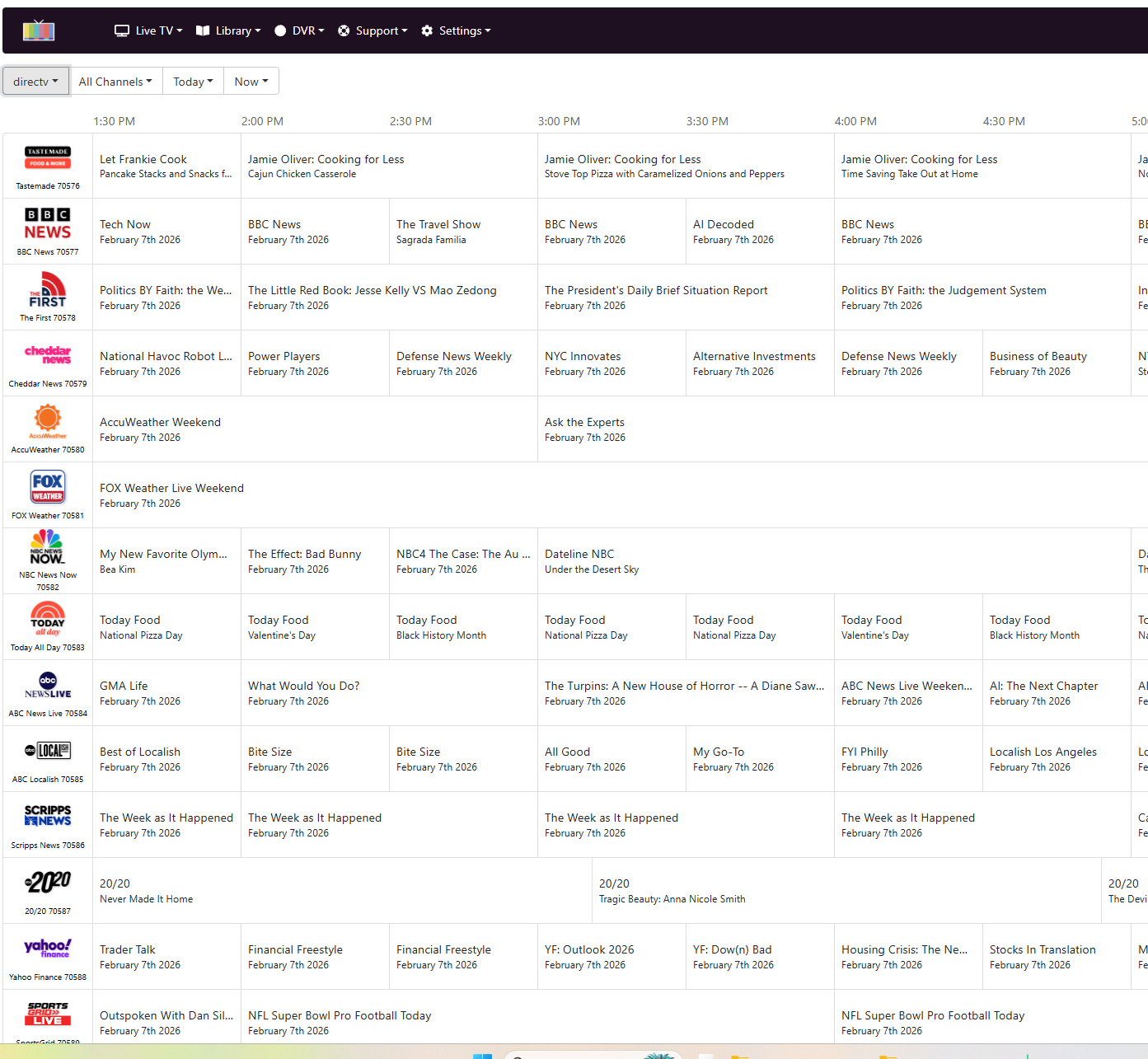
Been playing around trying to scrape the DirecTV schedule API and had some success. Does this help you guys at all? Looks like I can grab a XML and some sort of DeepLink.
I have a good method setup through OliveTin-for-Channels that allows an ADBTuner user to grab their specific set of subscribed DTV channels, add them to ADBTuner and create a CDVR Custom Channels source.
It's pretty sweet, as it adds the correct subset of channels (including locals and RSNs), to ADBTuner and CDVR, and can be run whenever to update their specific set of channels.
3 Likes
Sorry, I couldn't resist. I got too far into playing with their API I had to write up a little Deeplinks server for DirecTV. Might be of little value, but fun to put together. Feed the container your username/password and it'll scrape their schedule and generate a M3U/XML (set type as STRMLINK). Creates a little webserver too (default port 8675). If nothing else, might be some good FAST channels in there. Works on Firestick deeplinks only right now (not sure of tvOS schema).
1 Like
[quote="bnhf, post:3087, topic:36822"]
From the ADBTuner WebUI, click the small "View" hyperlink. In the View window, there are some basic remote control keys you can use to login to the DTV app. Repeat for each virtual tuner's streaming stick:
This is from tuner 1 on my setup:
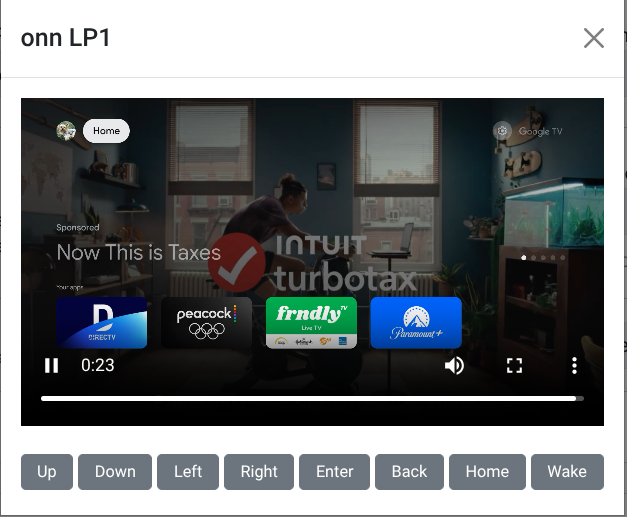
Knowing that I can use these remote commands through the ADBTuner GUI is tremendously helpful. There are another couple commands which I could really use right now. Is there a way to use volume up and volume down? If not, @turtletank , can volume controls be added to the set of tuner "View" remote functions?
1 Like
Is there a way to edit the default config file? Example i want to add a line to the text to watch for another phrase but i cant find a way to edit the default deep link compatibility code. I would prefer to edit that one then have to edit all my channels one by one to a new config that would just be a copy of the compatibility with the added line I want.
So you'd make a new config based on that config with a new UUID.
Then you go and export everything. Do a quick find and replace in VS Code or Notepad, or whatever text editor you prefer. Then import and delete everything that's currently there and it'll use your new config with your change.
I would like to update to the development build you recommend but I am a real newbie WRT to Docker. What commands do I need to execute to update my current ADBT docker image to the development build without losing my current configuration? Thanks.
For some reason I can install ADBTuner on my Synology NAS, but it continues to fail/restart. It was working great before. I decided to update to the latest version. Now I can't get the latest (or any version) to run in Docker after pulling the image from Docker Hub. It installs, but it tries to restart over and over until it stops. Any help is appreciated.
I get this in the log:
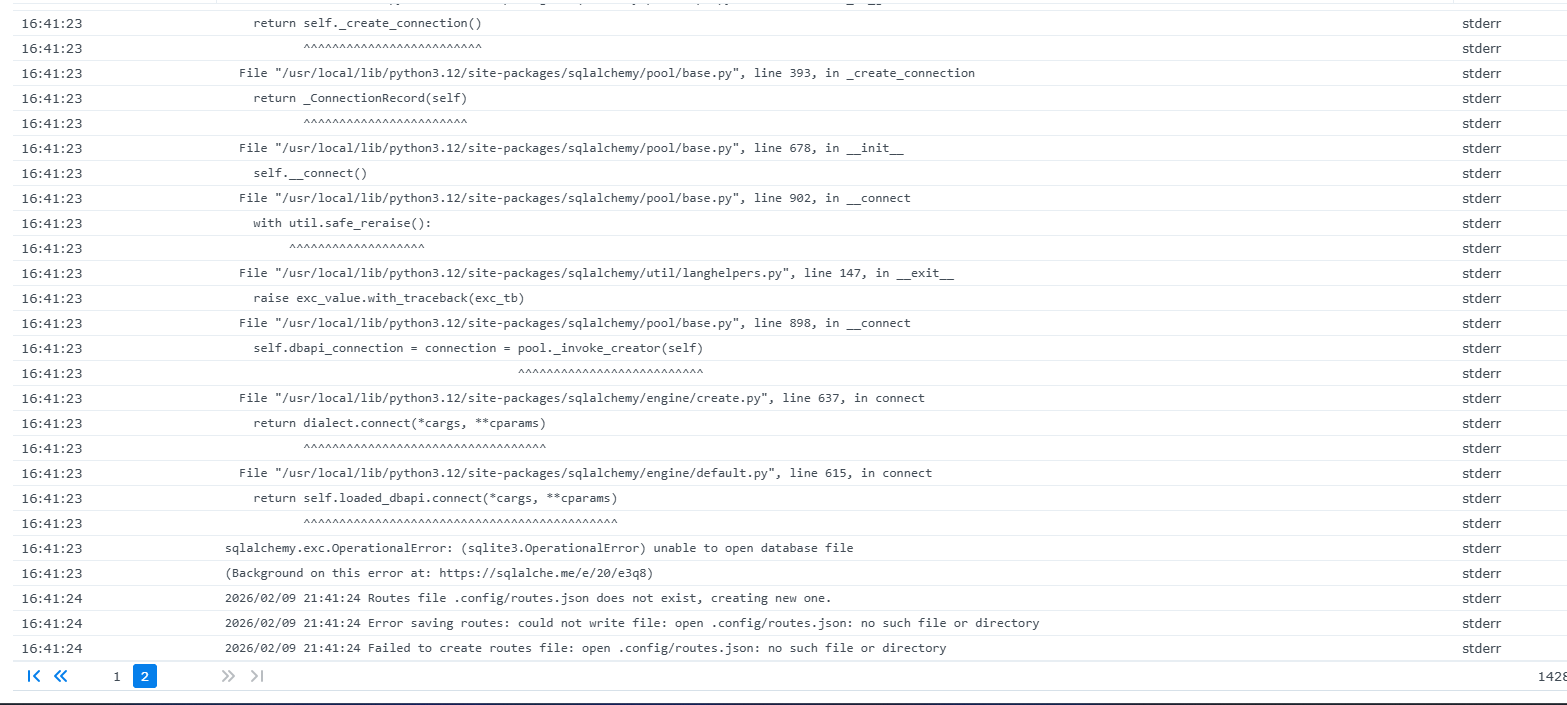
It looks like you forgot to setup a docker volume, or mount an existing one, to store the configuration.
The easiest way to do this would be to follow @mackid1993's recommendation and export your channel list, find/replace the configuration UUID in that text file, and then import (choosing the option to delete the existing configuration).
Honestly, I just install it from Portainer and it worked previously. When I uninstalled the last version, I clicked an option to "remove non-persistent volumes". Maybe thats an issue.
How would I mount an existing one? No idea how all the behind the scenes stuff works. I know Synology and their folder structure is different than others.
Hey, this set up looks promising for me to use.I have a DIRECTV Stream subscription that I was wanting to integrate into Channels. To clarify, would I need a FireTV Stick since it uses Firestick deep links? Does this also require ADBTuner?
Encoder question
-If you were going to start with this project today with a limited budget:
what encoder would you buy?
What streaming device would you buy?
works with many streaming devices. many of us that use directv, use directv's older 'osprey' boxes as it simplifies things a tiny bit.
linkpi enc1v3 is likely best bang for buck since it can be upgraded to a 2nd input with a cheap hdmi-usb.
they have a mini version limited to 1 input for less, but 1 tuner will quickly lead to you needing at least a 2nd. (padded recordings on different channels)
limited budget would probably suggest an onn box from wallyworld,
biggest thing is deciding the channels and service provider, then going from there according to your preferences and searching the thread for other's experience in that combo.
edit; my bad, did't realize what @k_evon88 was replying to.. I have yet to play with his new tool, but I suspect you can use it's outputted epg and m3u with other custom channels apps. and someone please correct me if i'm wrong, but I belive it's firestick (style) deeplinks, and firestick runs (ran) on android.
1 Like
Thought I'd post a follow-up to my Hulu tuning problem/question. Once I figured out how to update to the development version I have not seen any tuning problems since. I do have one question. If doing a "match text" function are the matches case sensitive?