Some updated instructions for using the Passthrough Channel List feature with FastChannels v5.2.2.
How to add FastChannels Player sources to ADBTuner via ADBTuner's Passthrough Channels feature.
These instructions are based on FastChannels version 5.2.2.
We will be enabling some unrelated functionality as it's required to unlock the m3u playlist needed by ADBTuner.
Note: these steps need to be completed in order. If you completed these tasks in a different order you may need to toggle "Bridge Mode" on and off to unlock this playlist.
This assumes that you have taken care of the setup steps specified on the home screen of FastChannels (Channels DVR URL, time zone, etc). If you don't want to use this with Channels DVR you still have to put something in FastChannel's Channels DVR URL box (http://127.0.0.1), otherwise it won't work correctly.
-
Add a FastChannels Player source (we will use Vidaa for this example):
Navigate to the sources page (http://x.x.x.x:5523/admin/sources).
Search for "vidaa", toggle that source on and click "scrape now."
Wait until the scrape is complete.
-
Enable these newly scraped channels:
Navigate to the channels page (http://x.x.x.x:5523/admin/channels).
Click the "review now" link (or just go to http://x.x.x.x:5523/admin/channels?review=pending).
On this screen enable the Vidaa channels you wish to use.
-
Configure "Bridge Mode":
Navigate to the Bridge settings page (http://x.x.x.x:5523/admin/bridge)
Scroll down to "HDMI Capture"
Toggle on "Enable Hardware Capture"
Add an ip address for one of your android tv devices into the HDMI Capture Device IP box and click save.
Then click "Install FastChannels Player." This should install the FastChannels Player app on that device.
Add the IP address of each of your devices and repeat until they all have the app installed.
Leave one of the device IPs in the HDMI Capture Device IP box when you are done.
This field cannot be left blank.
Add a fake "fixed capture stream URL" (http://127.0.0.1 is fine) and click save
Scroll back to the top of the Bridge page and toggle on "Enable Bridge Mode"
In ADBTuner (20260913-5 or newer) complete the following steps.
- Add a Tuning Configuration for FastChannels Player
Navigate to Advanced -> Tuning Configurations (http://x.x.x.x:5592/ui/configurations)
Click New Configuration, paste in the following (replace what's in the box) and click "Save Configuration"
{
  "name": "FastChannels Player",
  "description": "",
  "author": "",
  "version": "",
  "uuid": "103f3173-d7a5-46a0-91d0-6eb42709caf9",
  "global_options": {
    "wait_for_video_playback_detection": true,
    "use_fixed_delay": false
  },
  "pre_tune_commands": [],
  "tune_commands": [
    {
      "HTTP": {
        "method": "GET",
        "action": "||TARGET_URL_OR_IDENTIFIER||?adb=||TARGET_DEVICE_IP_ADDRESS||:5555",
        "timeout": 30
      }
    },
    {
      "WAIT_FOR_FOCUS": {
        "package_name": "||TARGET_PACKAGE_NAME||"
      }
    }
  ],
  "tune_match_text_commands": [],
  "post_playback_start_commands": [],
  "post_tune_commands": [
    "am start -n com.fastchannels.player/.PlaybackActivity --es command warm_stop",
    "input keyevent KEYCODE_HOME"
  ],
  "timed_keep_active_commands": []
}
- Add a Passthrough Channels configuration
Navigate to Advanced -> Passthrough Channels (http://x.x.x.x:5592/ui/passthrough-channels)
Click Add Passthrough Channel List and enter the following:
Name: FastChannels
M3U URL:
http://x.x.x.x:5523/m3u/fc-player
(this should be the ip address of your FastChannels installation)
Package Name:
com.fastchannels.player
Configuration:
Your Configurations -> FastChannels Player
Click "Add Passthrough Channel List"
Setup Channels DVR
- On the main page in ADBTuner, click "Additional Playlists" and make note of the items listed.
- In the Channels DVR web admin, under sources, select your existing ADBTuner source (or add a new one) and set the URL to the "All Channels except passthrough" URL provided in the ADBTuner admin (ex.
http://x.x.x.x:5592/channels.m3u8?passthrough=false). Click "Save."
- Add a new source, name it ADBTuner FastChannels and enter the FastChannels playlist URL from ADBTuner (ex. http://x.x.x.x:5592/channels.m3u8?provider=FastChannels), Enter the EPG link from FastChannels under XMLTV Guide Data (Feeds tab in FastChannels, ex
http://x.x.x.x:5523/feeds/default/epg.xml). Click "Save."
The m3u playlists are cached in ADBTuner for up to 5 minutes and will be automatically refreshed the next time one is requested. If you need to refresh sooner there is a refresh button in the Passthrough Channel List page in ADBTuner.
If you run into any issues please post them here. Thanks!
A big thanks to @babsonnexus for taking the time to test and provide feedback.



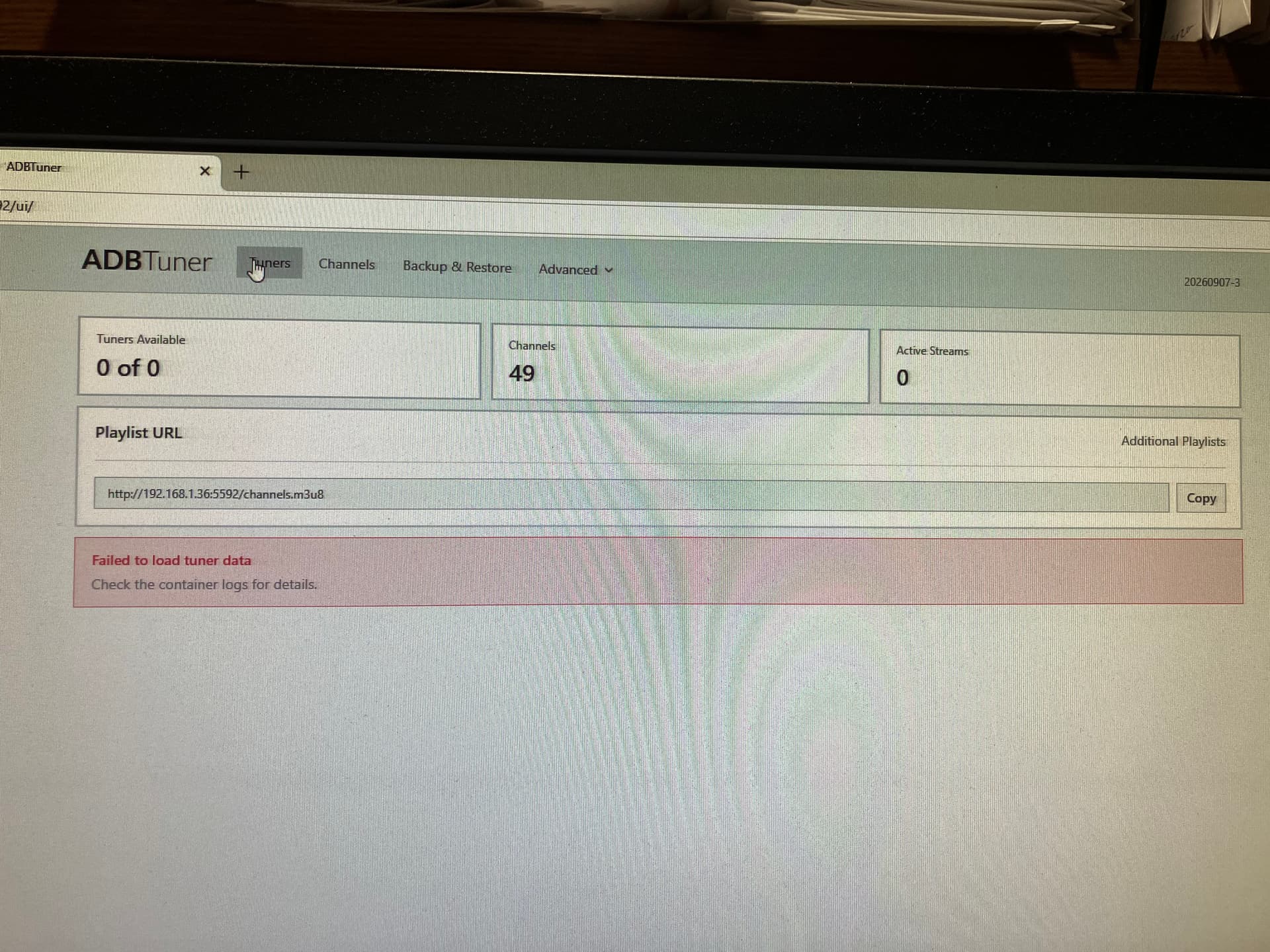
 ). What can I do to stop this?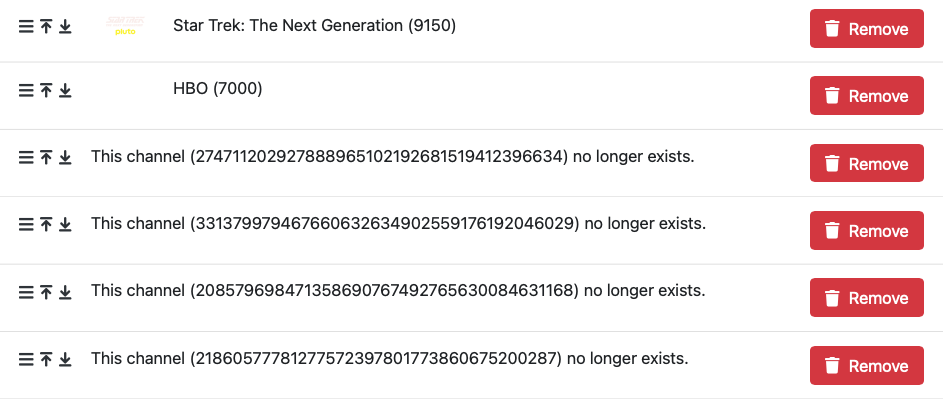


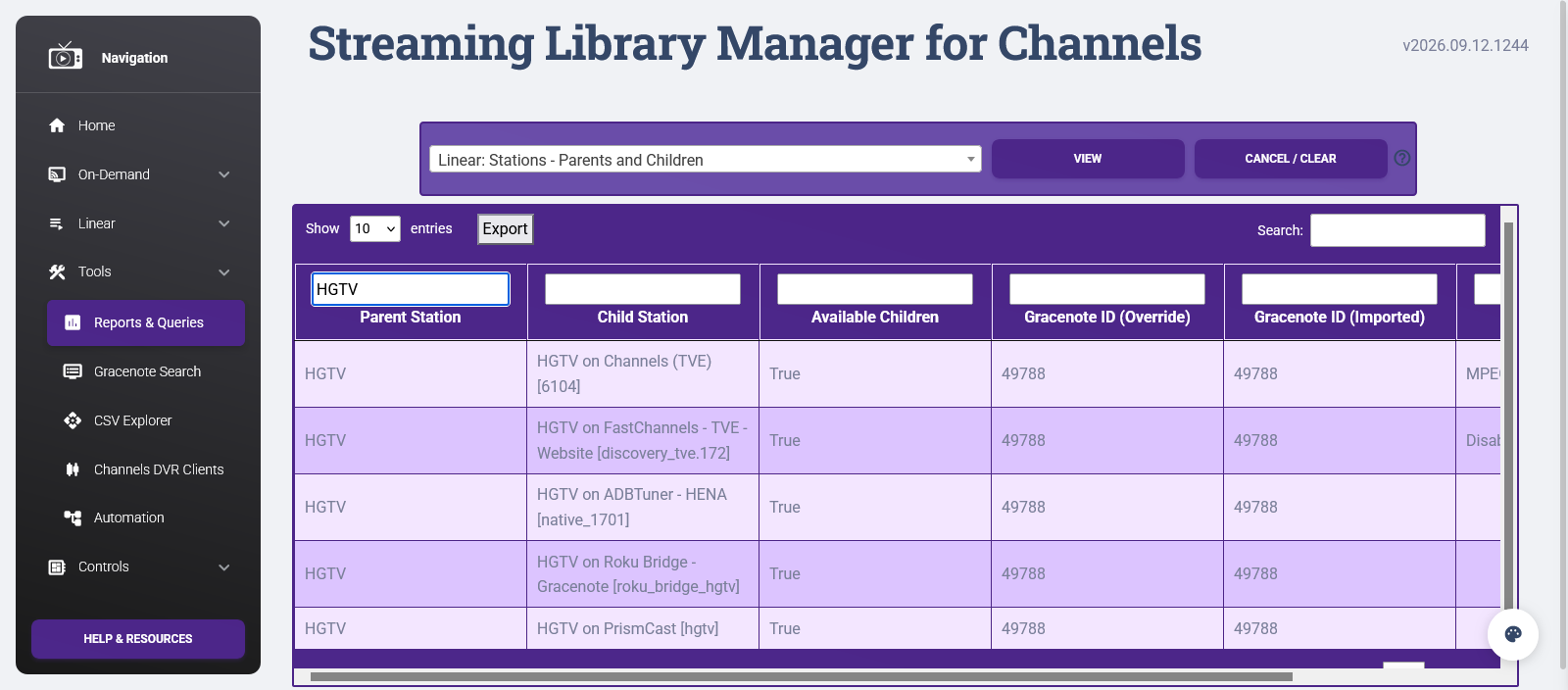
 I'll let you know how it goes. Thanks again.
 I'm now excited to figure out the best way to wake my tv from it's screen saver when the morning news comes on and start playing it!!!