Ok, I think I finally got it (partially) working, with a few remaining significant issues:
I did finally (thanks to your instructions and one change that I had to make (see below) get to the point where I could watch video from the Android Bridge channels. However, there are two significant problems for making recordings (possibly also for just watching, but I'm in the process of testing that).
-
To view anything but the screen saver (if the stick has been quiet for long enough to go into sleep mode), I have to press a button the remote.
-
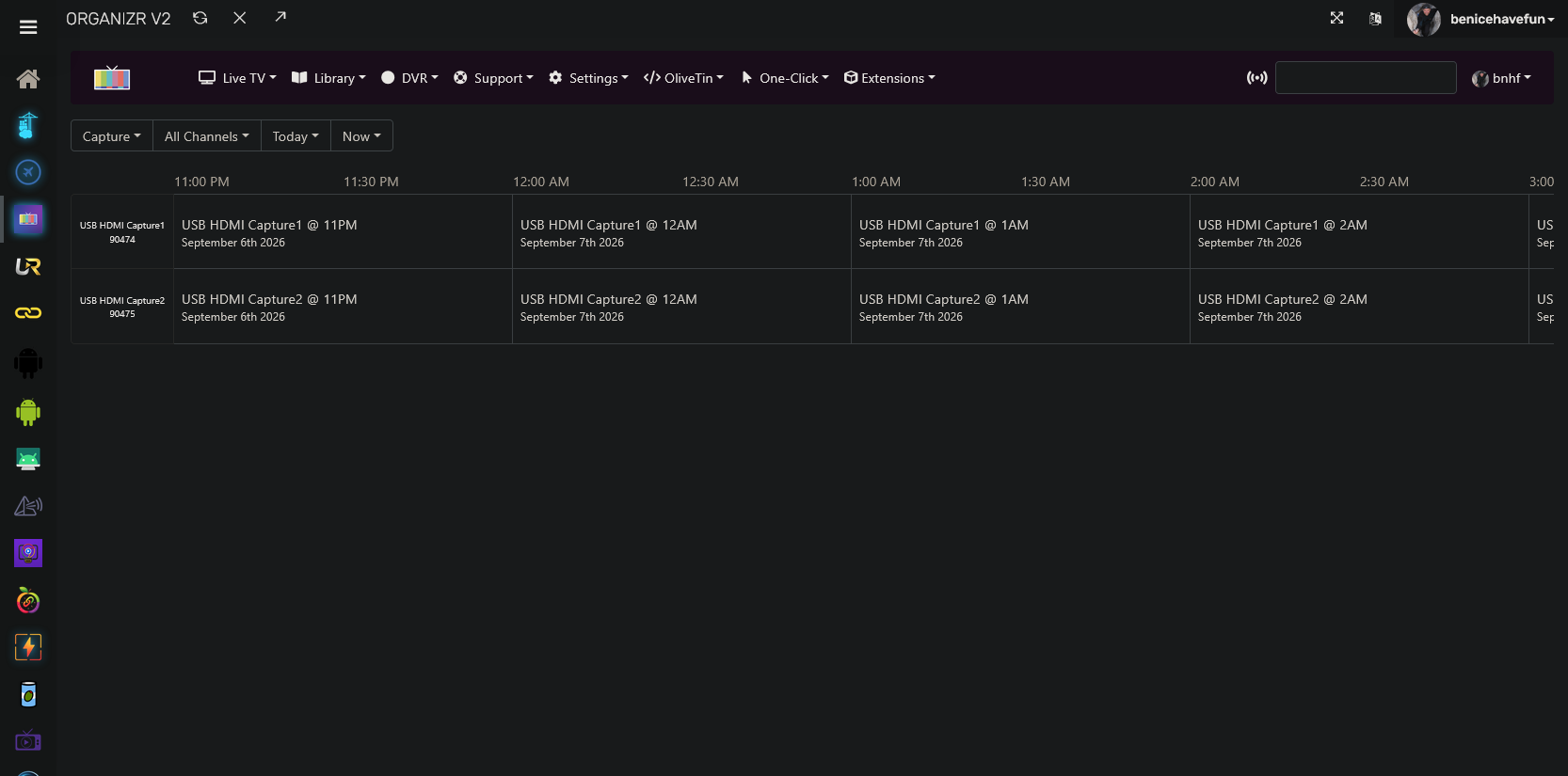
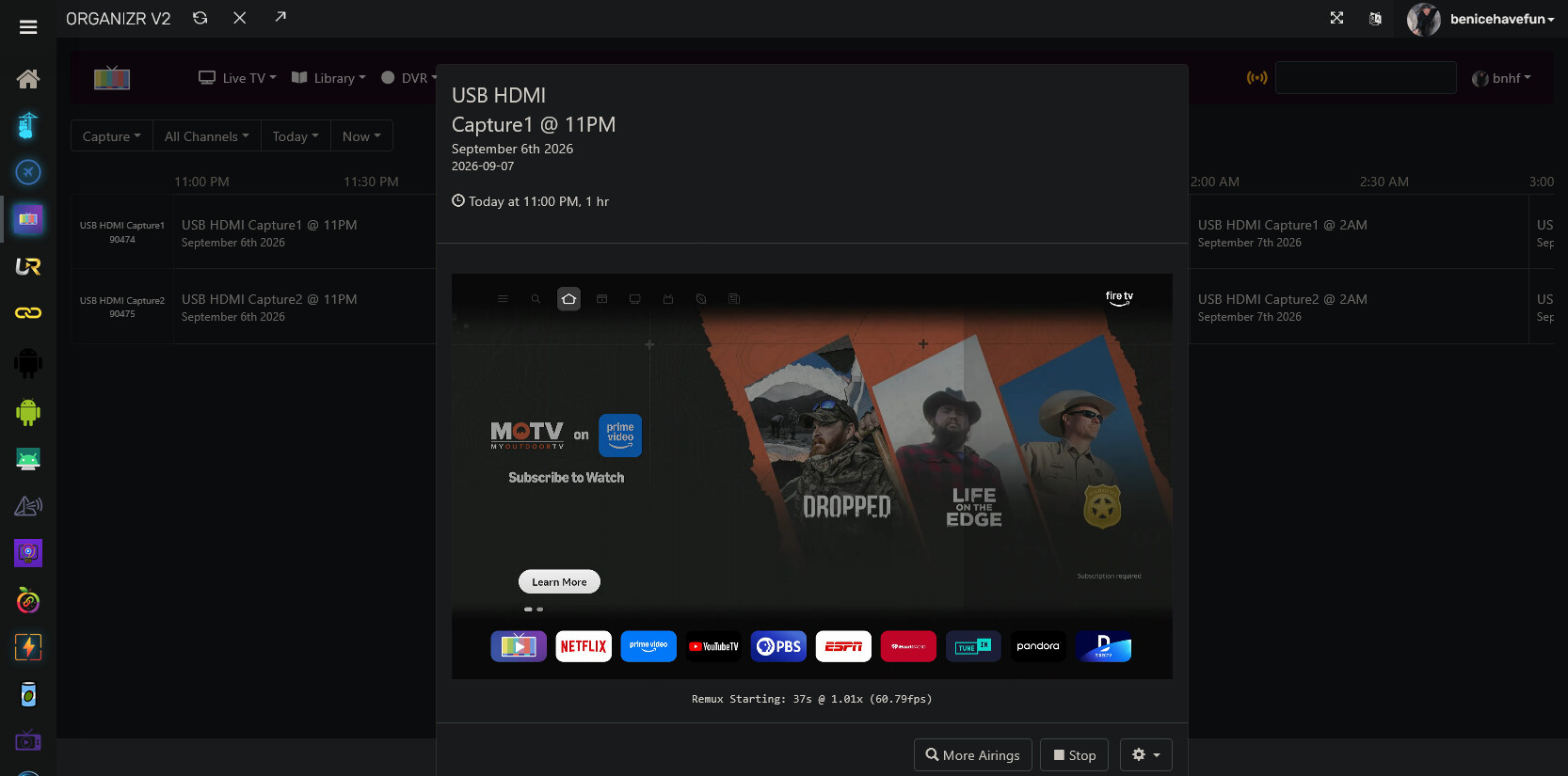
After just a few minutes (3 or so?) of recording an actual airing, the stick reverts back to the Fire Stick home screen and that's what gets recorded for whatever duration the airing was supposed to have. I am "watching" something on another tab right now and simultaneously recording it to see what happens, but while that might be somewhat diagnostic, it's not how I want to use the feature. (Update): In this case it lasted about 10-11 minutes before reverting to the home screen or screen saver.
I found the fire stick setting to disable the screen saver, and set up yet another recording for later to see what happens.
Here's what I ended up doing to get to the current point (in addition to your instructions, which were essential:
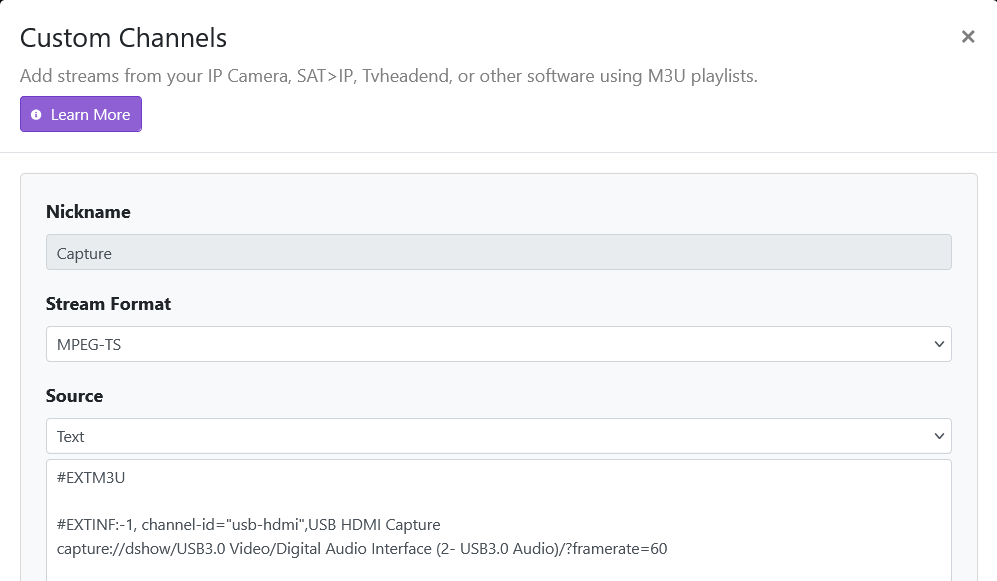
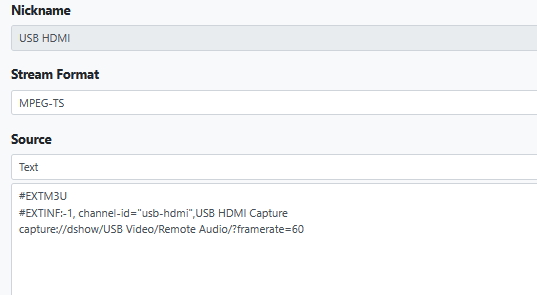
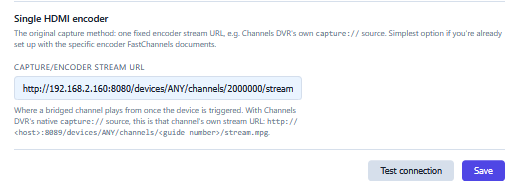
My server runs headless and I talk to it via Windows Remote Desktop from my daily driver PC which sits right next to the server. I had the RDP set so that it's supposed to send the server's audio to the remote PC (which is why the ffmpeg command referenced "remote audio." I made an alternate RDP profile that left the audio on the server machine and reran the ffmpeg command, which gave me a different result for the audio portion. I updated the USB-HDMI setup with the new string and all of a sudden I can see the fire stick when viewing the HDMI tuner in Channels, instead of an endlessly spinning circle of doom. (Odd that both audio and video were failing prior to the change when the only thing that I changed to fix was the audio setting).
I then proceeded with your instructions to complete the setup.
So I've made progress but still have the problems noted.
In the Github docs, I find the following, which doesn't match anything I see on my FC admin screen. It looks like it might be helpful in diagnosing the sleep and early reversion to home screen issues, but it doesn't seem to be available (could it be something planned but not yet implemented?) These are the ones I mean:
Before attempting a real bridge-only channel, use Bridge → Post-install Healthcheck → Run healthcheck. It checks the configured hardware paths without tuning a channel, samples the configured HDMI Capture stream from inside the FastChannels container, and Copy forum report creates a concise, credential-free report to attach to a support post. PrismCast has its own specialized capture test in the PrismCast Capture card.
When the non-disruptive check passes, Live bridge test is the optional end-to-end confirmation: choose one bridge-ready channel, confirm the warning, and FastChannels tunes the Player device then samples the HDMI Capture stream. It intentionally interrupts anything playing on that device. The result shows the tested stream path, payload size, timing, and whether the Player reports active playback. It also reports the MPEG-TS program's detected video/audio types when they appear in the short sample. Select Stop test playback when you are done to close the Player immediately.
The automatic stop option detects viewers using Channels DVR's activity status or the FastChannels /watch page. It cannot detect a third-party player connected directly to the M3U. Leave this option off if you watch that way.
Fire TV Device Controls next to the Install button is the quickest way to diagnose a headless device: it shows ADB reachability, whether the screen is awake, the installed player version, and current display timeouts. Apply headless preset keeps a powered device awake and prevents its screen/sleep timeouts from interrupting the HDMI encoder; FastChannels saves the prior values so Restore previous settings can put them back later.
I turned off the automatic stop feature in the FC admin page to see if that would fix reverting back to the home screen; it didn't, so I turned it back on.
Ok, I'm done for the night. Tomorrow I'll check the latest recording attempt, but if you have any ideas in the mean time, would appreciate.