For those watching news, MSNBC rebranded to MS NOW. In doing so, there is a dedicated app. This makes tuning simple as there is only one stream in the app, not three like the NBC News App.
If you would like to give it a try, grab the MS Now app, and using following Config:
Channel Number: You Pick!
Provider Name: MS NOW
Channel Name: MS NOW
Gracenote ID: 16300
URL: msnbc://brand/msnbc
Package Name: com.nbcnews.msnbc.mobile
Using the standard Deep Links (default, recommended) configuration works just fine as the app opens directy to MS NOW stream. This config is likely the most reliable, but leaves the initial launch overlay on screen.
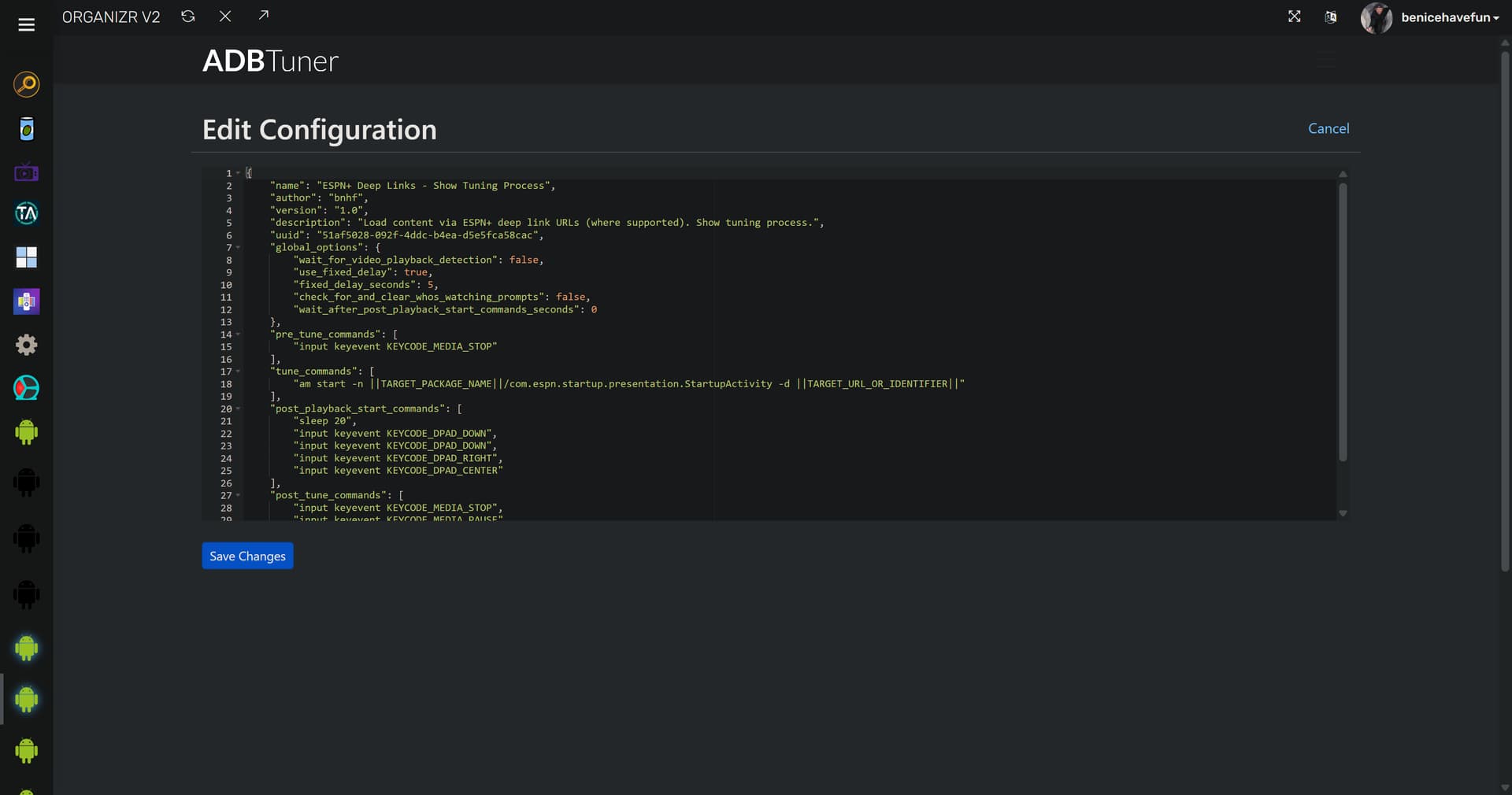
I've created a custom config that starts a fresh copy of the App every time, and clears the initial launch overlay. The timing is based on my Onn 4K Plus devices, so the sleep setting and "wait" flag at the end may need adjustment during your testing.
{
    "name": "MS NOW - Onn 4K Plus",
    "author": "spammedeeper",
    "version": "0",
    "description": "Custom config for MS NOW (previously MSNBC) app, fresh start, clear banner.",
    "uuid": "a6f35b77-4fb2-45cb-8ad4-741c0e98776f",
    "global_options": {
        "wait_for_video_playback_detection": true,
        "use_fixed_delay": false,
        "fixed_delay_seconds": 0,
        "check_for_and_clear_whos_watching_prompts": false
    },
    "pre_tune_commands": [
        "input keyevent 224"
    ],
    "tune_commands": [
        "am start -W -a android.intent.action.VIEW -S -d '||TARGET_URL_OR_IDENTIFIER||' '||TARGET_PACKAGE_NAME||'"
    ],
    "post_playback_start_commands": [
        "sleep 3",
        "input keyevent 23"
    ],
    "post_tune_commands": [
        "input keyevent 3",
        "input keyevent 26"
    ],
    "wait_after_post_playback_start_commands_seconds": 4
}
Happy Streaming!


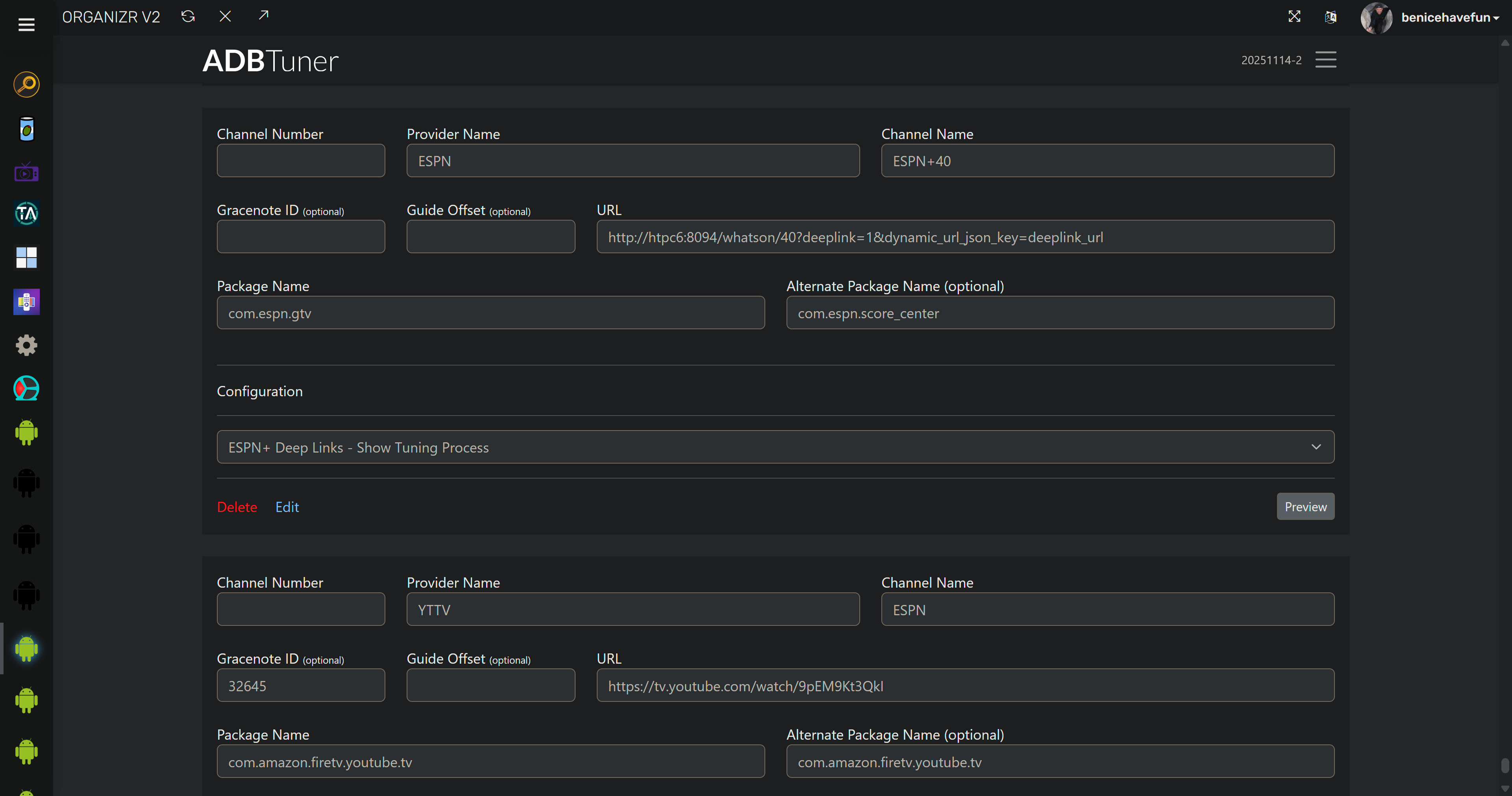
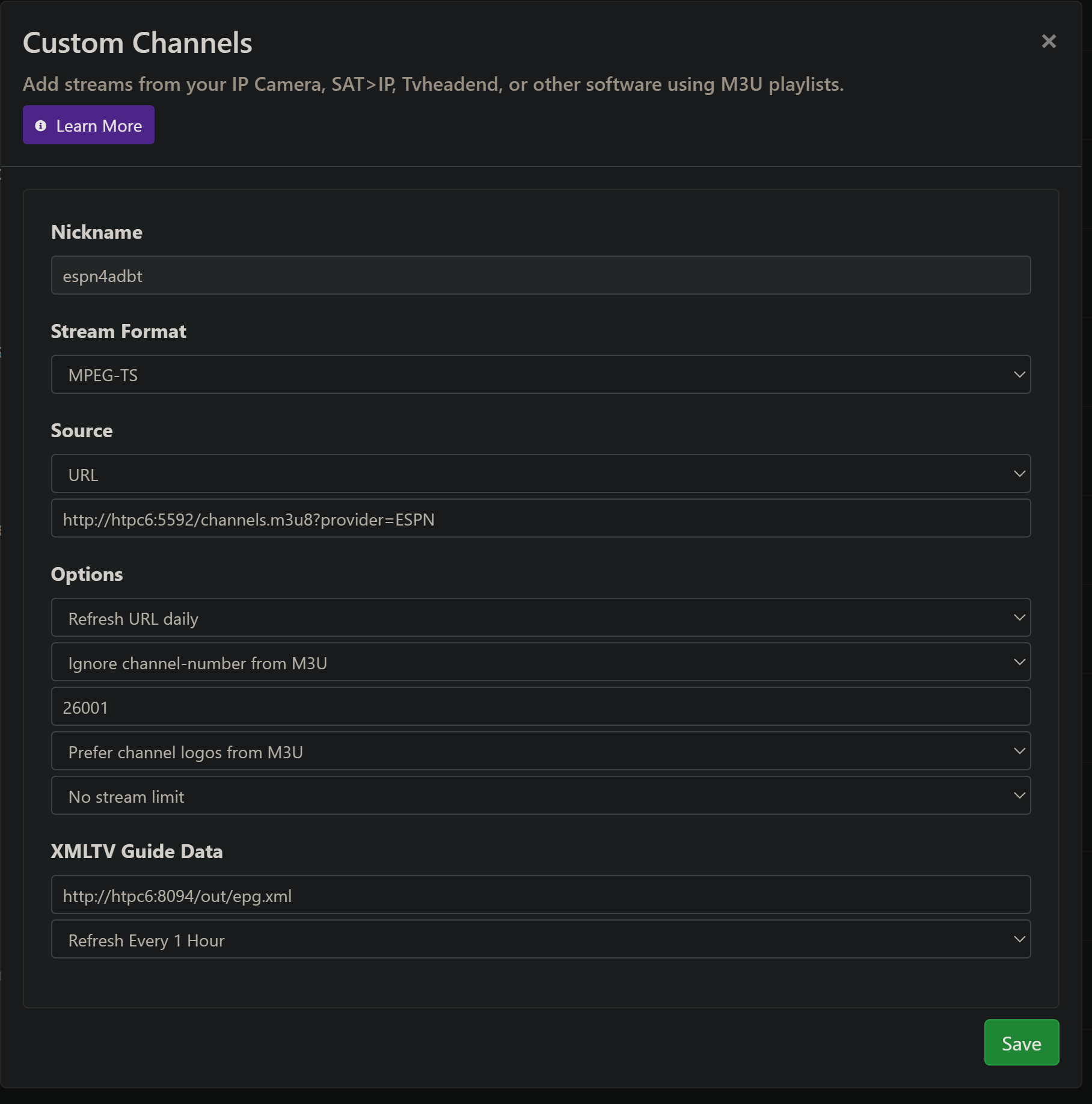
 :
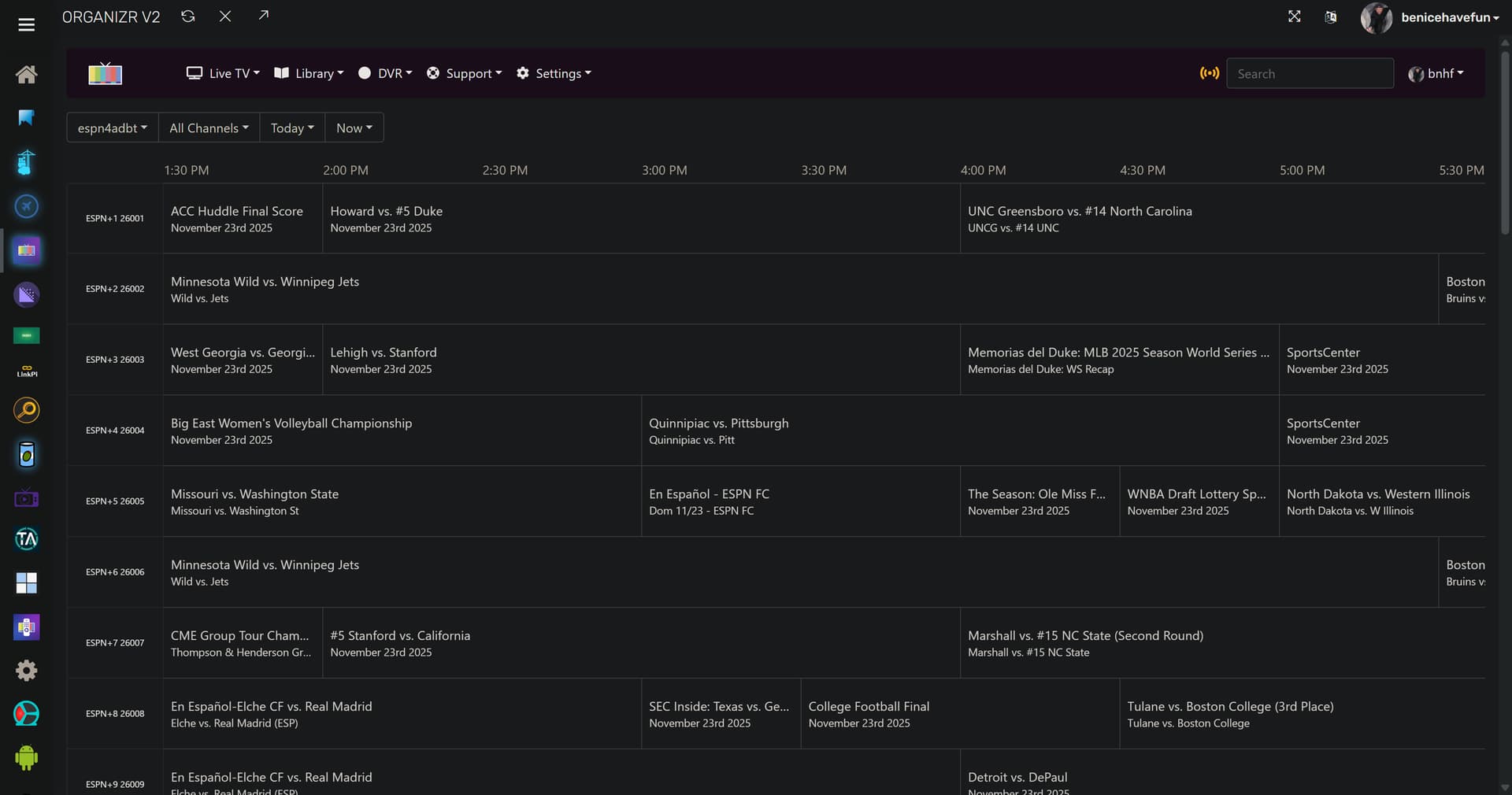
:
 (also the Daily Show and TVE backup)