
Very interesting. My original release ENC1v3 has always shown hardware supports Super Speed (3.0), but I could never get USB3 devices to enumerate at 5000. Even in your picture, it looks like the Cam Link is connecting at High Speed, so I assume still USB2. That Elgato must be doing some sort of magic. Impressive.
Maybe try picking up an Elgato Cam Link before picking up a new LinkPi? I believe they're on sale right now. Best Buy even has them for same day pickup.
My thoughts exactly! Thanks for contributing to the community.
1 Like
If I felt like spending the money I could probably find a cheaper one that would do it. There are several on Amazon that advertise 1080p 60fps output USB 3.0. I just knew the Elgato worked so I went with it after I bought one of them.
Well, looks like you made the right choice. I have many of the MS213x chipset based capture cards. They are cheap, but have all capped out at 1080p50 on the LinkPi.
1 Like
Shared this deal in the ADBTuner Thread:
1 Like
So I'm dealing with some stuttering on my Nvidia Shield. I've been troubleshooting this for a while. I'm curious if anyone has any recommended settings that might help with that.
Basically, just in normal playback, I will have the player controls pop up, a handful of frames drop, and then it just kind of goes back to normal.
I'm hoping that there's something on the encoder I can tweak at this point. Just not sure if anyone else has experienced this and possibly has a solution.
It seems like my issue is something with the encoder because when this happens the total cache increases in the player. It almost seems like the encoder is falling behind the stream.
Edit: it's going to take a while to know for sure but I had the HDMI output on and I wonder if that was putting stress on the encoder.
Is it possible the Shield is overheating?
No. Unfortunately, I checked the temps over ADB and they were fine. I actually repasted them and like speed wise they're running great.
The problem is it's two Shields, so it's a 2017 and a 2019, both behaving the same way. I tried an Apple TV and it was fine, but I hated it so I returned it, but considering I can't get the shield to work, either Shield, I'm just going to get another Apple TV, I guess.
If anyone buys the Elgato Cam Link 4K and uses a DirecTV Osprey box, beware. It will start freezing with the LinkPi. You have to manage to get into the settings before it freezes and set the resolution to 1080p60. It defaults to 2160p60. Either the encoder or the Elgato Cam Link seems to choke on this. I just wanted to get this posted somewhere in case someone else has the same problem.
Edit:
After hours of troubleshooting, it turns out that particular Cam Link was defective and I was able to fortunately exchange it at Best Buy. The 4K output on the Osprey boxes actually revealed the bandwidth issue with this unit.
Been spending time troubleshooting and testing, realized I have not contributed to this thread in a while. Anyone interested in customizing their LinkPi No Signal to be Channels Branded?
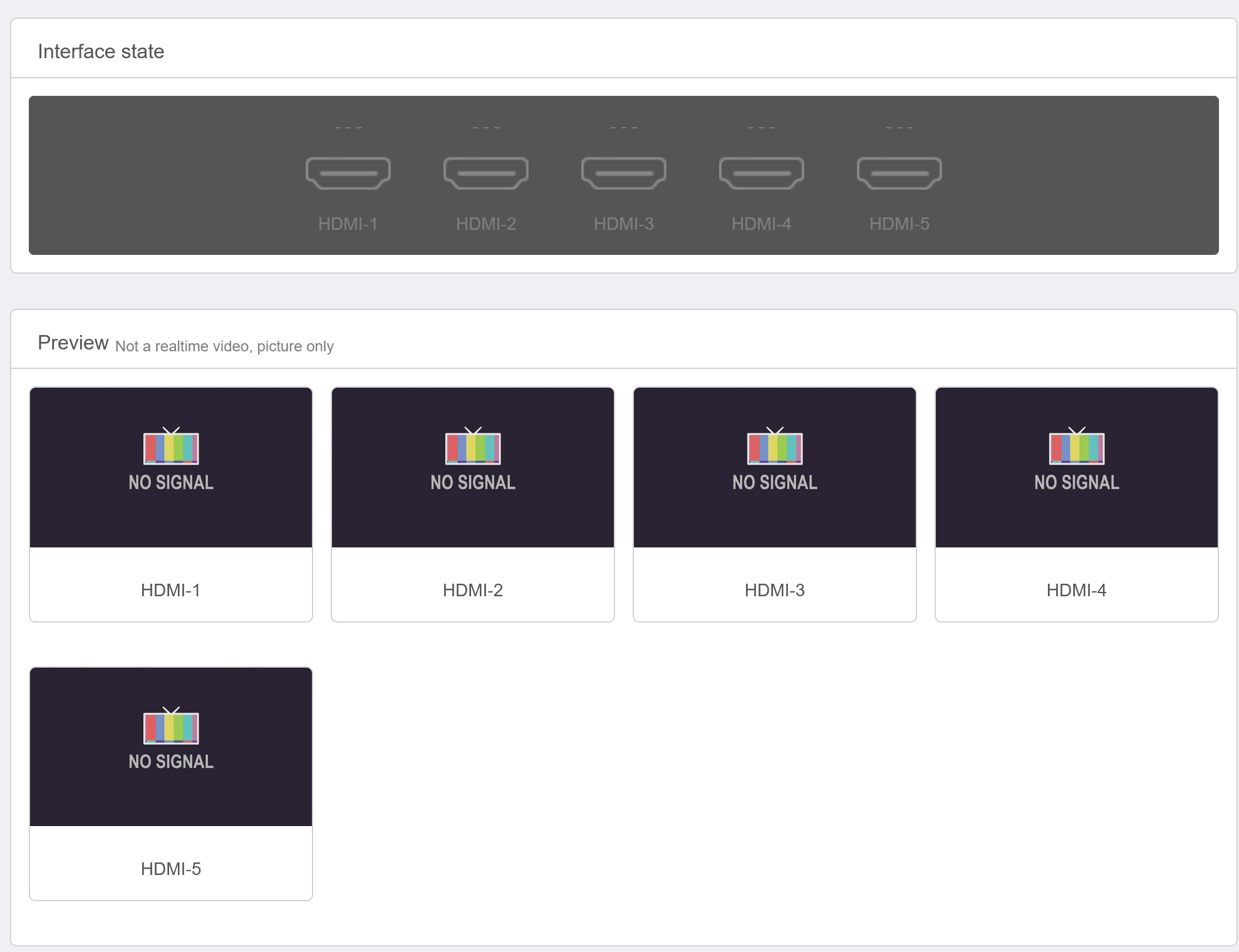
If so, I will do a quick write up.
Is that just a jpeg.?
Special format YUV file. I made one a while back, would share.
I’d be interested in learning how to get it in the linkpi and the special format required. A quick search told me how to convert a jpeg to YUV. I’m sure Gram would love to see pics of new grandson when tuning to a channel.
1 Like
I imagine you have to SSH into it and swap a file out?
I believe the root password is linkpi.cn.
This GitHub page has a ton of info.
Is there a POE model for the 5 HDMI port version?
20251130 is out
Updating to firmware version 20250228 or earlier will disable the FRP service.
For system versions older than 20250630, updating this firmware will overwrite the configuration information on the [Live Streaming] page. Please back up your streaming information beforehand.
Updating this firmware will disable the remote control function. Please manually access the remote control configuration page to enable the remote control function.
Added support for a second remote control. You need to switch the remote control used on the [Infrared Remote Control] page. The remote control function is disabled by default.
On the [Interface Input] page, the interaction logic for the USB camera section has been adjusted to be more consistent with other pages.
Under Extended Functions, a new [Serial Port Control] page has been added, allowing you to operate device functions via the serial port.
The original [Serial Port, Buttons] page under Extended Functions has been renamed to [Serial Port Passthrough] to better reflect its function.
The [Automatic Carousel] page has been moved under Extended Functions.
Optimized the issue where frequent plugging and unplugging of the device input interface might lead to increased memory usage.
Optimized Line input noise reduction effect.
Optimized the stability of the device receiving SRT streams.
Fixed the issue where AAC audio encoding with extensions could not be decoded correctly.
Fixed the issue where decoding NDI streams using buffer mode was ineffective.
Fixed the issue of abnormal loading of the WeChat Mini Program.
All models now support IPv6 addresses.
1 Like
No POE model. Just purchase this splitter to convert. If memory serves me, it’s the 2.1mm.
Does 20251130 have the same problem reported in 20250831 with black levels?
Hmmmm - my LinkPi web UI won't work after this upgrade - may want to hold off for a bit