Thank you @bnhf!
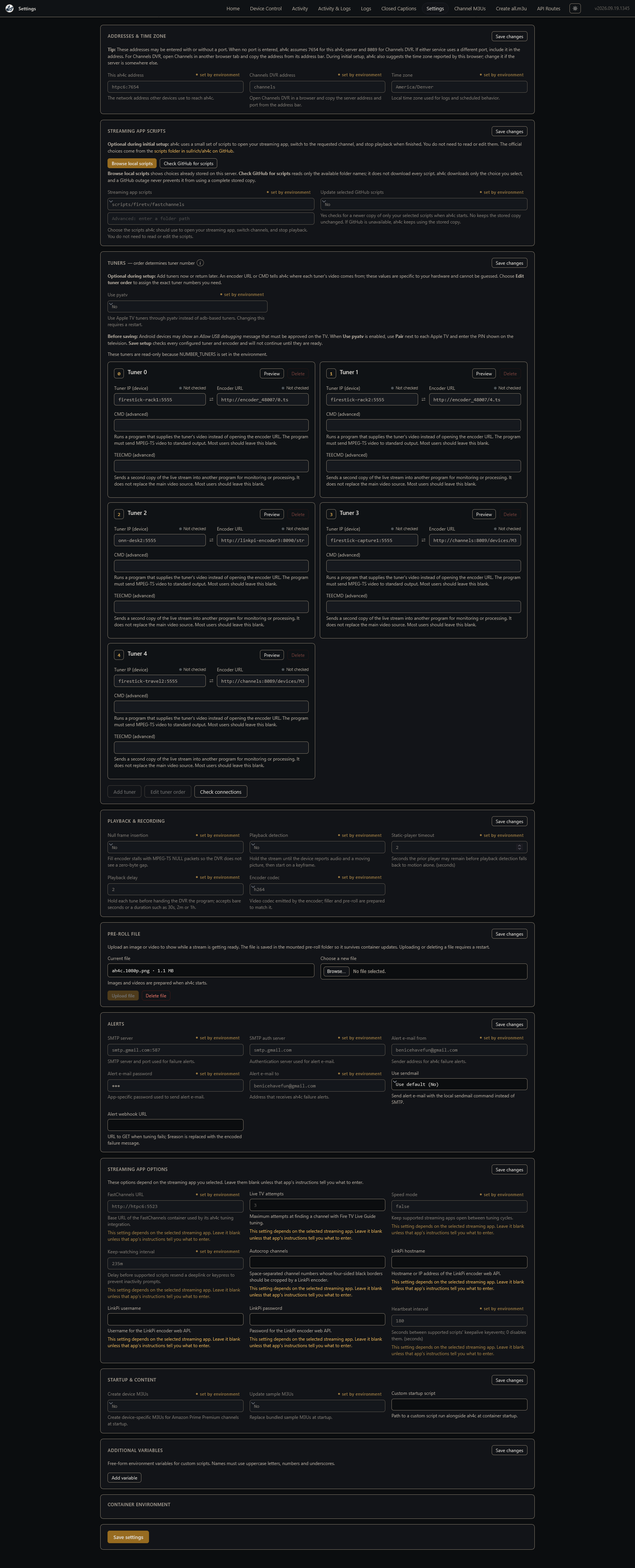
I think my favorite feature I added is the ability to pull scripts on demand directly from GitHub without waiting for a container rebuild. So if someone merges a PR for a new script or set of scripts you can query GitHub right away for that script and install it on your server rather than waiting for a Docker rebuild, which is easier for @bnhf and also better for the end user. It's also gated specifically to sullrich/ah4c do you know you're getting clean scripts you're not getting anything that is going to harm your server or anything like that. This means either sullrich or bnhf reviewed the scripts, and they're ready to go into production.
I also added an option to push an M3U file right into Channels DVR directly from ah4c without having to copy and paste the URL manually. Kind of like how FastChannels does it. You can also upload M3U files now, which is much easier than before, where you had to connect to a server and copy it over, maybe over SCP or over SFTP. Pre-roll is also handled through a browser upload function, which is much nicer and can be deleted through a browser upload function.
Same thing for custom scripts. You have to have the package of three, but you can set the path, like the streaming device and streaming app, right in the GUI and upload the three script files. And it creates the folders for you and chmods them and puts them in the scripts directory. And you can then choose it from the list.
Something I need an Apple TV user to graciously test if possible, I added a pairing interface for pyatv. When you get the code on your Apple TV, you just pop it right into the screen in ah4c. This is supposed to reduce friction, hopefully, but I just need to know that it definitely works. I have not been able to test it myself. In theory, it should work because I wrote tests to hopefully exercise it as much as I can. But having a real world example of it working would be nice to know. If it does not work, I would be happy to debug with whoever decides to test it and obviously push a test container myself to make sure it's working to not leave anyone stranded.
Lastly, there's a wizard for initial setup that guides you through setting your IP addresses, like for Channels DVR and the proxy address, along with some helpful pointers to make it easier for new folks. When you choose to not manage tuners through the environment variables, you set them completely in the GUI, which is really nice. And you can also check connectivity with the click of a button, which I prefer because it lets you know that it's connected. It also runs adb connect on Android devices, so you'll get that prompt to authorize them right away.
One piece of feedback I can use should we have an easily accessible button to rerun the wizard?
Currently, if you type http://MY_IP/7654/settings?wizard=1 i'll take you back to the wizard right away, but I can easily just program a little button to do that. I don't know if people find it useful enough for that to be a persistent option, or if it's just good one time. The reasoning is with the end of the cable card coming, I want to position AH4C to become a really easy-to-use tool for people who might not be as tech-savvy. So that was why I decided to design a first-time setup wizard to kind of get them acquainted with how HDMI encoders work and just the basics of setting the tool up.
Personally, I think managing it through the interface in settings is much easier than the environment variables, so I would definitely encourage everyone to try. The worst part of it is just switching your Docker Compose out and just plugging in your tuner and encoder addresses again. You don't really need to reauthorize them because that should all be saved in the bind mounts. So they'll just connect right away once you plug them in. It has to populate a settings.json file stored in /opt/config. Rather than setting your environment variables, you just tweak your settings right in the user interface. It will let you know if you have to restart the container, which it will easily do for you in the user interface. You don't have to go back out into your Docker manager and restart it. It'll automatically reload when the container is back up, which is super nice. Lastly, if there are active tunes, it will warn you before you restart the container, so you can defer or choose to restart immediately. I also added the option to easily graphically reorder tuners and encoders. If anyone wants the way that's done tweaked, please let me know. I initially tried drag and drop, but it was just way too wonky and seemed hard if you had a lot of encoders, so I just changed it to a numbered setup where no two numbers can collide.
The other thing is if you have the variable NUMBER_TUNERS set in any way, even set to zero, the container assumes that your tuners are managed through environment variables and just blocks out managing tuners through the interface. So don't set that. But if you don't have that set and start setting tuners through the environment variables, they're ignored. Something has to gate it, and I decided that was the best way to gate it off. If you're doing it through the interface, they're manually counted by the logic of the software, so there's really nothing else to do other than just input your number of tuners and it'll handle populating that. Initially, tried a mixed setup where you can maybe have some tuners manage through environment variables and some not, but that's just illogical, I felt like, and just going to lead to race conditions and issues.
You can, however, set things through environment variables for the most part and set certain things through the interface depending on what you want blocked off and what you want to control graphically. I would think most people would want to control most things in the GUI because it's so much easier. And that settings.json you can easily back up and restore. It's just stored in a bind mount on your server. I think it makes it a lot easier, especially setting up tuners and encoders. You can clearly see which tuner maps to which encoder, maps to which CMD command, etc.
Please do provide feedback, let me know what you think, and I can always expand on this, tweak things, add more things, whatever people like, I will do. I just want this to be the most flexible option for running Channels with HDMI encoders out there. This is also the beauty of free open source software. Anyone can kind of contribute, and we can kind of get a whole community rallied around something, and I love that personally.


 it's toggling between both usb captures on 2 C71KW-200's every half hour 16hrs a day so I do kinda expect a hiccup now and again, just be nice if i could see the ospreys' logs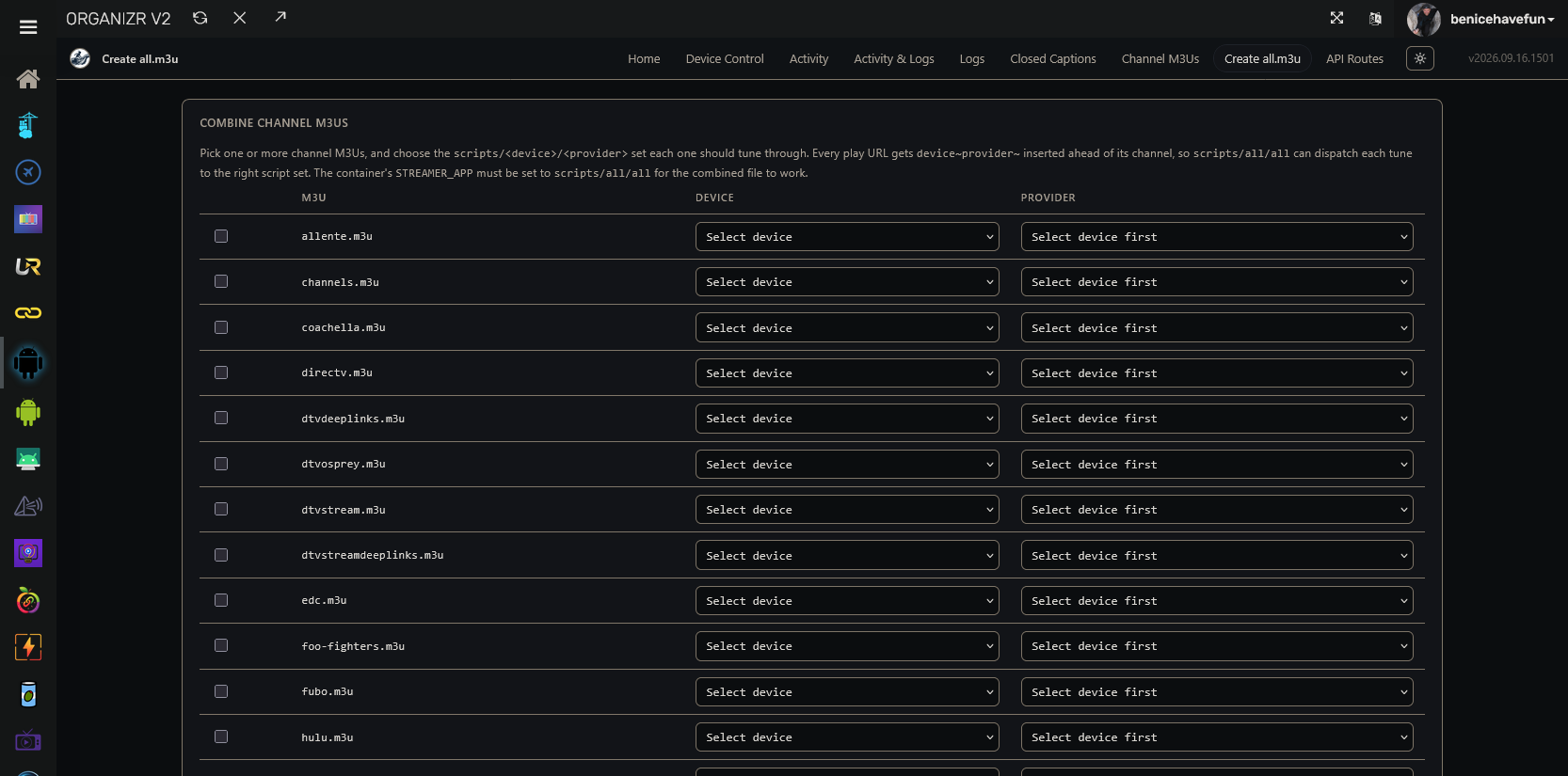
 .
.