Is there a way to automatically run “fix video timestamps” after each recording is finished or run it at the beginning of comskip? I want to be able to enable commercial detection but too many of my recordings have the wrong runtime until fix video timestamps is run. Then I manually run redetect commercials. It’s not the end of the world, but if there’s a way to do this then I would greatly appreciated.
What is causing the bad timestamps? We check at the end of a recording if the duration (as calculated from timestamps) lines up with the duration that the recording ran for and if it isn’t, Fix Video Timestamps is automatically run.
2 Likes
It’s usually the live sporting events where I add extra time to the end or I do get an interrupted tag on many of the recordings. The duration is incorrect until I run that command. Other than that it works great. I am only trying to see if there is a way to automate the process.
2 Likes
I am looking for the same. I have to run it way too often. I mostly record sports also.
Do you also experience the random “audio channel jump” where it suddenly goes silent until you change to audio channel 2+?
1 Like
What source are you using to record? This is very perplexing that you would be seeing issues to begin with and even more so that running this fixes the problems.
1 Like
My video provider, Hotwire, will occasionally drop the signal completely from their STB (via HDMI capture) and when that happens channels sees the drop from the capture device (video resolution change?) and will lose the timestamps. This happens all the time for sports and I have to stop recording in progress and then create a new recording, and then run fix timestamps on the old recording. Yes we've contacted them about it and it's IPTV so there's only so much they can do.
Otherwise I can wait until the initial sports recording finishes and then run fix timestamps, but if I'm watching in progress and don't notice I'm hosed. I have to do the workaround as listed.
Tivo took care of all of this seamlessy fyi, didn't matter how the signal dropped or was corrupted. Not slamming, just sayin'.
You're receiving this as a Custom Source? Is this configured as MPEG-TS or HLS? If this is HLS, I'm surprised/confused that this isn't automatically handled when the stream is being fetched.
What do you mean by "hosed"? What happens when you try to watch it?
I'm not really sure what you're meaning here. TiVo didn't support anything other than Cable or Antenna. Those sources don't suffer from these sorts of timestamp discontinuities because TVs and cable boxes can't handle those problems so the sources ensure they don't accidentally have them.
Yes I have had that happen as well. Sometimes I have had to change the audio several times to get the sound to work.
And when you have this issue, it's fixed after you run Fix Video Timestamps? I don't see how that could help that situation.
What is the source of your recordings? Is at a Custom Source? Are you using MPEG-TS or HLS?
1 Like
This is a custom source via MPEG-TS and when I say hosed I mean when you're playing the corrupted recording it goes to the end of the timeline after it hits the signal loss and will only play at 1X speed from there, you can skip forward as normal but the timeline always shows that you're at the end. And the time shown on the timeline is the total recorded time, not the current time that you're at in the recording. You're always at the end of the timeline bar no matter where you're at in the recording in other words.
Also if you exit out of the recording and then try to play it back again it always starts from the beginning because it doesn't know where you were before.
Are you saying that if I switch the HDMI capture output to HLS it won't be an issue?
By HDMI capture did you mean a LinkPi or other such encoder?
I just wanted to clarify something here: When recording from an MPEG-TS source, the DVR doesn't do any timestamp tracking or any stream processing at all. It just reads the bytes from the HTTP connection and writes them to disk as it receives them. Any issue with timestamps being reset or messed up is happening from the encoder before it hits the DVR.
Because all consumers of MPEG-TS streams require that the timestamps be monotonic and not have discontinuities, it makes for easy processing.
If these HDMI capture encoders are violating that agreement, it's certainly something unusual that explains why it's causing a problem.
Could you upload one of these recordings with issues (before you've rewritten the timestamps) to https://www.dropbox.com/request/MMjICRc053JJpSBPDIfQ so we can check it out?
Yes it's an HDMI encoder, the specific one I'm using is a TBS 2603SE. I don't think either the HDMI for channels proxy that @tmm1 wrote or ah4c supports HLS from the encoders (only TS), so I'll upload a recording soon. Thanks!
Which project are you referring to?
Just clarified above, we crossed posts it's the HDMI for channels proxy from a couple of years ago I think.
The AH4C project might also be TS only, not sure.
There is some mention of HLS in first project so maybe the proxy just passes through whatever it gets via http. I guess I can try it. Everyone that I have seen in these threads uses TS.
To clarify about the original HLS comment, I had asked that when you mentioned "IPTV" so I assumed you were connecting to something remotely, not using an HDMI encoder.
That said, it is true that if there was a way to use HLS instead of MPEG-TS, the DVR would notice these timestamp issues and should rewrite them, which is something that isn't done with MPEG-TS.
For those of you who are having these problems, is everyone using a LinkPi/TBS/URayCoder/etc HDMI encoder?
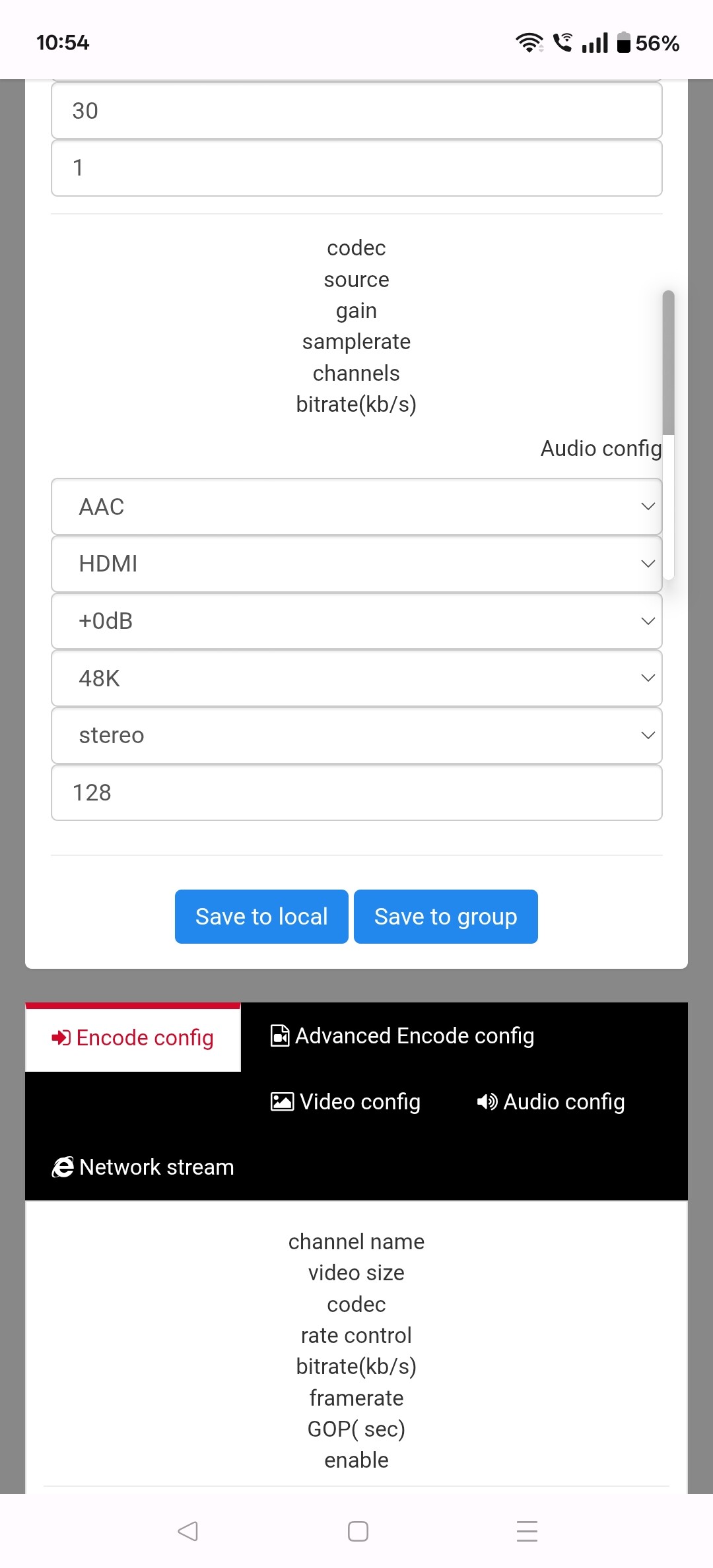
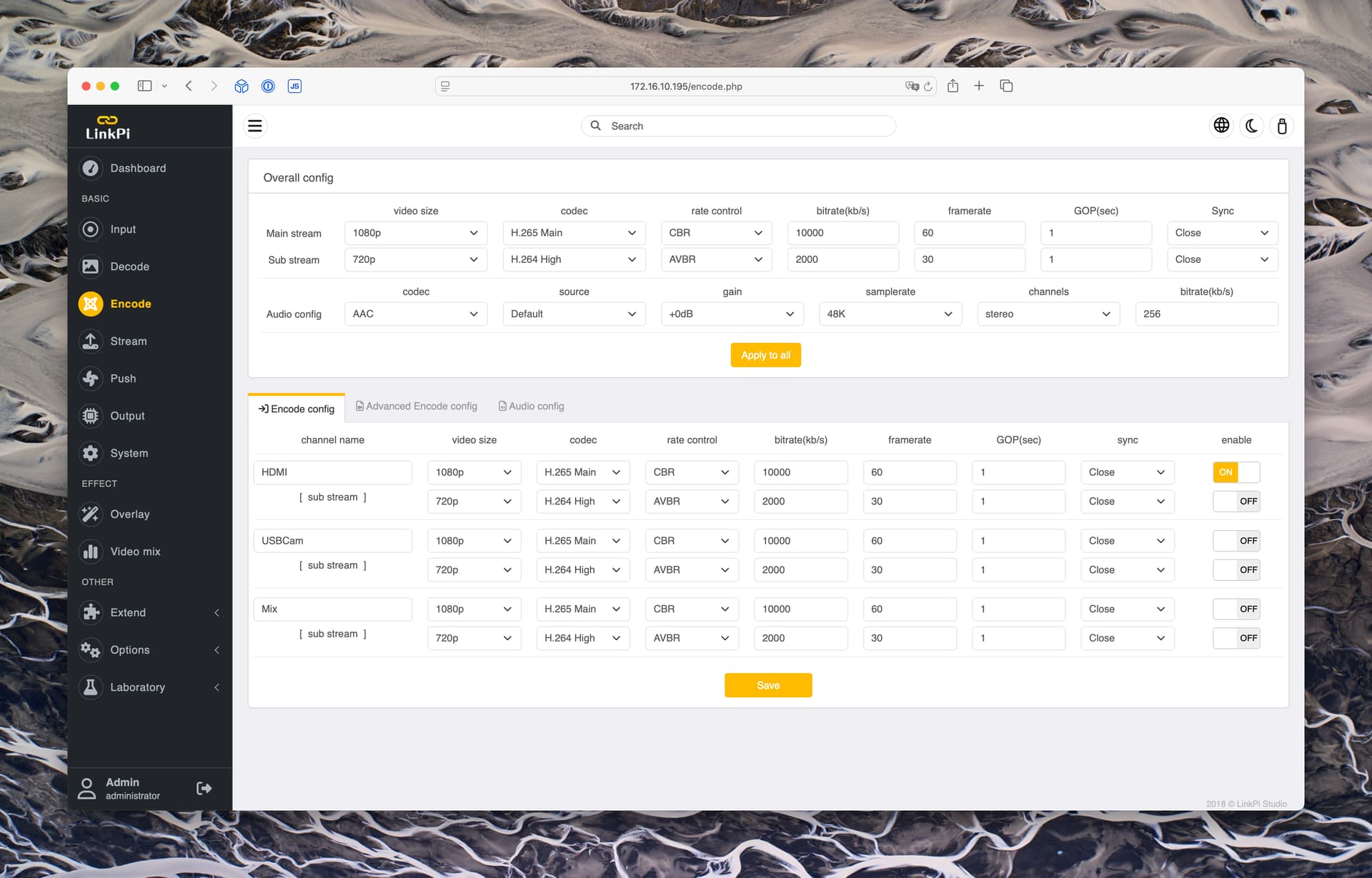
If so, can you take a screenshot of your Encode page? It should look something like this:
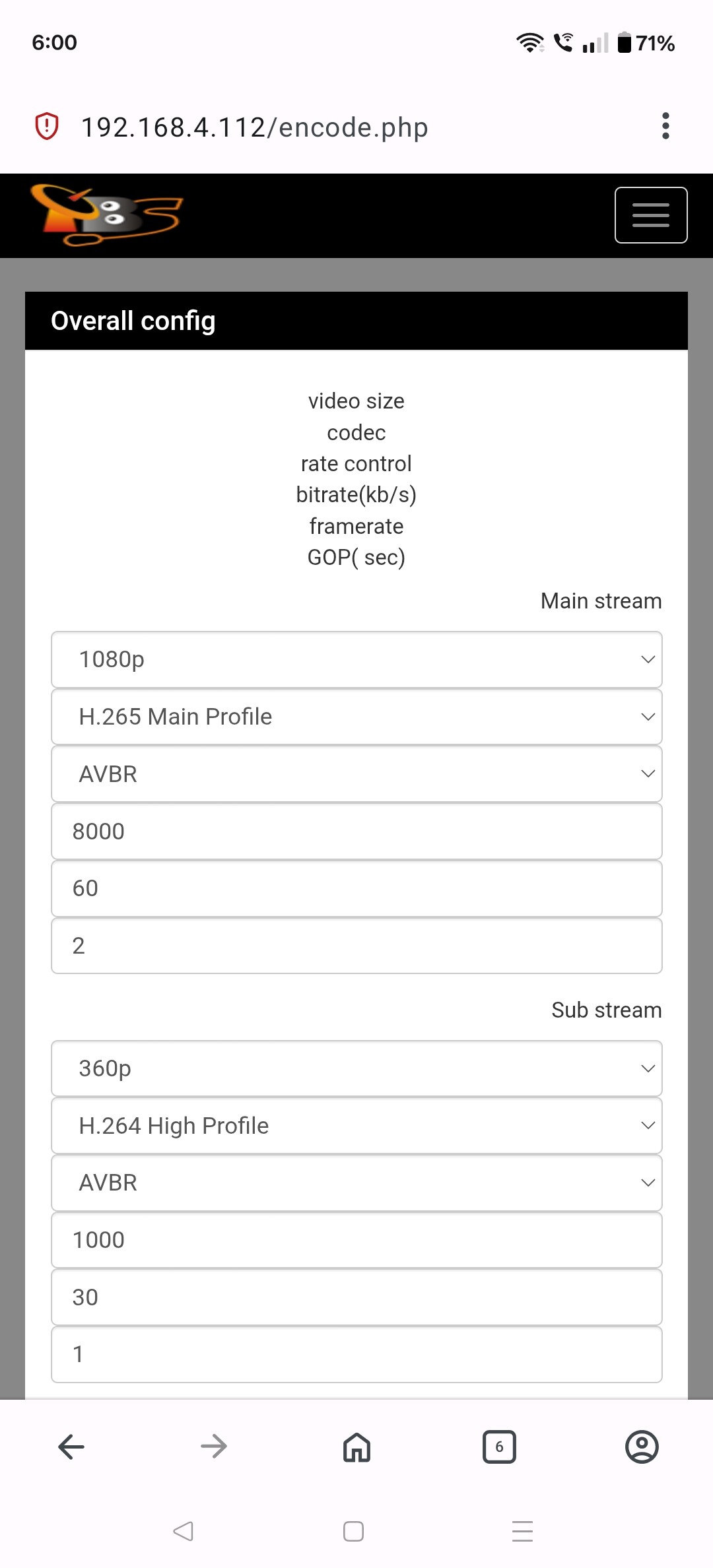
Can you scroll down further and take more screenshots?