Logs
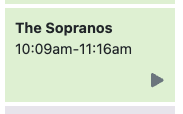
2026/01/09 10:09:00.001383 [DVR] Starting job 1767953340-ch251 The Sopranos on ch=[251]
2026/01/09 10:09:00.001487 [DVR] Waiting 5h35m0s until next job 1767973440-68 Garden Rescue
2026/01/09 10:09:01.283837 [TNR] Opened connection to M3U-Sky for ch251 Sky Atlantic
2026/01/09 10:09:01.284222 [DVR] Recording for job 1767953340-ch251 from M3U-Sky ch251 into "TV/The Sopranos/The Sopranos S01E09 2026-01-09-1009.mpg" for 1h6m59.998474068s
2026/01/09 10:09:01.467355 [IDX] Generating video index for job 1767953340-ch251
2026/01/09 10:16:42.696704 [DVR] Waiting 42m17s until next job 1767956340-ch290 Murder by Numbers
2026/01/09 10:41:19.353943 [DVR] Fetched guide data for XMLTV-SkySportsPlus in 144ms
2026/01/09 10:41:19.752486 [DVR] Indexed 1260 airings into XMLTV-SkySportsPlus (70 channels over 72h0m0s) + 0 skipped [398ms index]
2026/01/09 10:41:19.772495 [DVR] pruned 1260 replaced airings in 20ms.
2026/01/09 10:41:19.936891 [DVR] Fetched guide data for XMLTV-SkySports in 124ms
2026/01/09 10:41:20.199458 [DVR] Indexed 551 airings into XMLTV-SkySports (15 channels over 330h0m0s) + 374 skipped [262ms index]
2026/01/09 10:41:20.235139 [DVR] pruned 14 replaced airings in 36ms.
2026/01/09 10:41:20.428440 [DVR] Fetched guide data for XMLTV-Sky in 166ms
2026/01/09 10:41:21.174405 [DVR] Indexed 1828 airings into XMLTV-Sky (29 channels over 74h55m0s) + 896 skipped [746ms index]
2026/01/09 10:41:21.202652 [DVR] pruned 25 replaced airings in 28ms.
2026/01/09 10:41:21.405644 [DVR] Fetched guide data for XMLTV-ParamountPlusUSA in 175ms
2026/01/09 10:41:21.930450 [DVR] Indexed 1818 airings into XMLTV-ParamountPlusUSA (101 channels over 72h0m0s) + 0 skipped [525ms index]
2026/01/09 10:41:21.966003 [DVR] pruned 1818 replaced airings in 36ms.
2026/01/09 10:41:22.046249 [DVR] Fetched guide data for XMLTV-PDCDarts in 53ms
2026/01/09 10:41:22.139732 [DVR] Indexed 144 airings into XMLTV-PDCDarts (8 channels over 72h0m0s) + 0 skipped [93ms index]
2026/01/09 10:41:22.177948 [DVR] pruned 152 replaced airings in 38ms.
2026/01/09 10:41:22.354931 [DVR] Fetched guide data for XMLTV-Kids in 152ms
2026/01/09 10:41:22.899267 [DVR] Indexed 1421 airings into XMLTV-Kids (24 channels over 72h13m0s) + 1172 skipped [544ms index]
2026/01/09 10:41:22.939764 [DVR] pruned 155 replaced airings in 40ms.
2026/01/09 10:41:24.371387 [DVR] Waiting 17m36s until next job 1767956340-ch290 Murder by Numbers
2026/01/09 10:59:00.000977 [DVR] Starting job 1767956340-ch290 Murder by Numbers on ch=[290]
2026/01/09 10:59:00.001031 [DVR] Waiting 4h45m0s until next job 1767973440-68 Garden Rescue
2026/01/09 10:59:20.001796 [ERR] Failed to start stream on channel 290 via M3U-Sky: M3U: 901 Tuner Unreachable: Timeout after 20s connecting to: http://10.0.60.51:9191/proxy/ts/stream/54b77e8e-f743-44b6-a6da-8f94ad1a6aa2
2026/01/09 10:59:20.015121 [DVR] Error running job 1767956340-ch290 Murder by Numbers: could not start stream on channels=[290]: M3U: 901 Tuner Unreachable: Timeout after 20s connecting to: http://10.0.60.51:9191/proxy/ts/stream/54b77e8e-f743-44b6-a6da-8f94ad1a6aa2
2026/01/09 10:59:21.043718 [DVR] Starting job 1767956340-ch290 Murder by Numbers on ch=[290]
2026/01/09 10:59:21.043773 [DVR] Waiting 4h44m39s until next job 1767973440-68 Garden Rescue
2026/01/09 10:59:32.630527 [TNR] Opened connection to M3U-Sky for ch290 SKY CINEMA THRILLER
2026/01/09 10:59:32.633181 [DVR] Recording for job 1767956340-ch290 from M3U-Sky ch290 into "TV/Murder by Numbers/Murder by Numbers 2026-01-09-1059.mpg" for 2h16m38.956193999s
2026/01/09 10:59:32.793892 [IDX] Generating video index for job 1767956340-ch290
2026/01/09 11:16:00.004845 [TNR] Closed connection to M3U-Sky for ch251 Sky Atlantic
2026/01/09 11:16:00.041791 [SNR] Buffer statistics for "TV/The Sopranos/The Sopranos S01E09 2026-01-09-1009.mpg": buf=0% drop=0%
2026/01/09 11:16:00.076162 [MTS] Statistics for "TV/The Sopranos/The Sopranos S01E09 2026-01-09-1009.mpg": unhandled_packets=10 discontinuity_detected=30 transport_errors=0 saw_pcr=true saw_pmt=true highest_pts=1405.498667
2026/01/09 11:16:00.090992 [DVR] Finished job 1767953340-ch251 The Sopranos
2026/01/09 11:16:00.178336 [DVR] Waiting 4h28m0s until next job 1767973440-68 Garden Rescue
2026/01/09 11:16:00.207807 [DVR] Processing file-3847: TV/The Sopranos/The Sopranos S01E09 2026-01-09-1009.mpg
2026/01/09 11:16:00.960696 [DVR] Running commercial detection on file 3847 (TV/The Sopranos/The Sopranos S01E09 2026-01-09-1009.mpg)
2026/01/09 11:17:57.992675 [DVR] Commercial detection for The Sopranos S01E09 2026-01-09-1009.mpg finished with 12 markers in 1m57s (12 threads).
2026/01/09 11:21:00.000232 [TNR] Closed connection to M3U-Sky for ch281 SKY CINEMA ANIMATION
2026/01/09 11:21:00.028033 [SNR] Buffer statistics for "TV/Teen Titans Go! & DC Super Hero Girls Mayhem in the Multiverse/Teen Titans Go! & DC Super Hero Girls Mayhem in the Multiverse 2026-01-09-0949.mpg": buf=0%-1% drop=0%
2026/01/09 11:21:00.060990 [MTS] Statistics for "TV/Teen Titans Go! & DC Super Hero Girls Mayhem in the Multiverse/Teen Titans Go! & DC Super Hero Girls Mayhem in the Multiverse 2026-01-09-0949.mpg": discontinuity_detected=0 transport_errors=0 saw_pcr=true saw_pmt=true highest_pts=5545.861333
2026/01/09 11:21:00.067803 [DVR] Finished job 1767952140-ch281 Teen Titans Go! & DC Super Hero Girls: Mayhem in the Multiverse
2026/01/09 11:21:00.142514 [DVR] Waiting 4h23m0s until next job 1767973440-68 Garden Rescue
2026/01/09 11:21:00.163421 [DVR] Processing file-3846: TV/Teen Titans Go! & DC Super Hero Girls Mayhem in the Multiverse/Teen Titans Go! & DC Super Hero Girls Mayhem in the Multiverse 2026-01-09-0949.mpg
2026/01/09 11:21:00.686950 [DVR] Running commercial detection on file 3846 (TV/Teen Titans Go! & DC Super Hero Girls Mayhem in the Multiverse/Teen Titans Go! & DC Super Hero Girls Mayhem in the Multiverse 2026-01-09-0949.mpg)
2026/01/09 11:23:32.387771 [DVR] Commercial detection failed for Teen Titans Go! & DC Super Hero Girls Mayhem in the Multiverse 2026-01-09-0949.mpg: comskip did not detect any commercials
I had another recording at the same time (but longer) work fine.
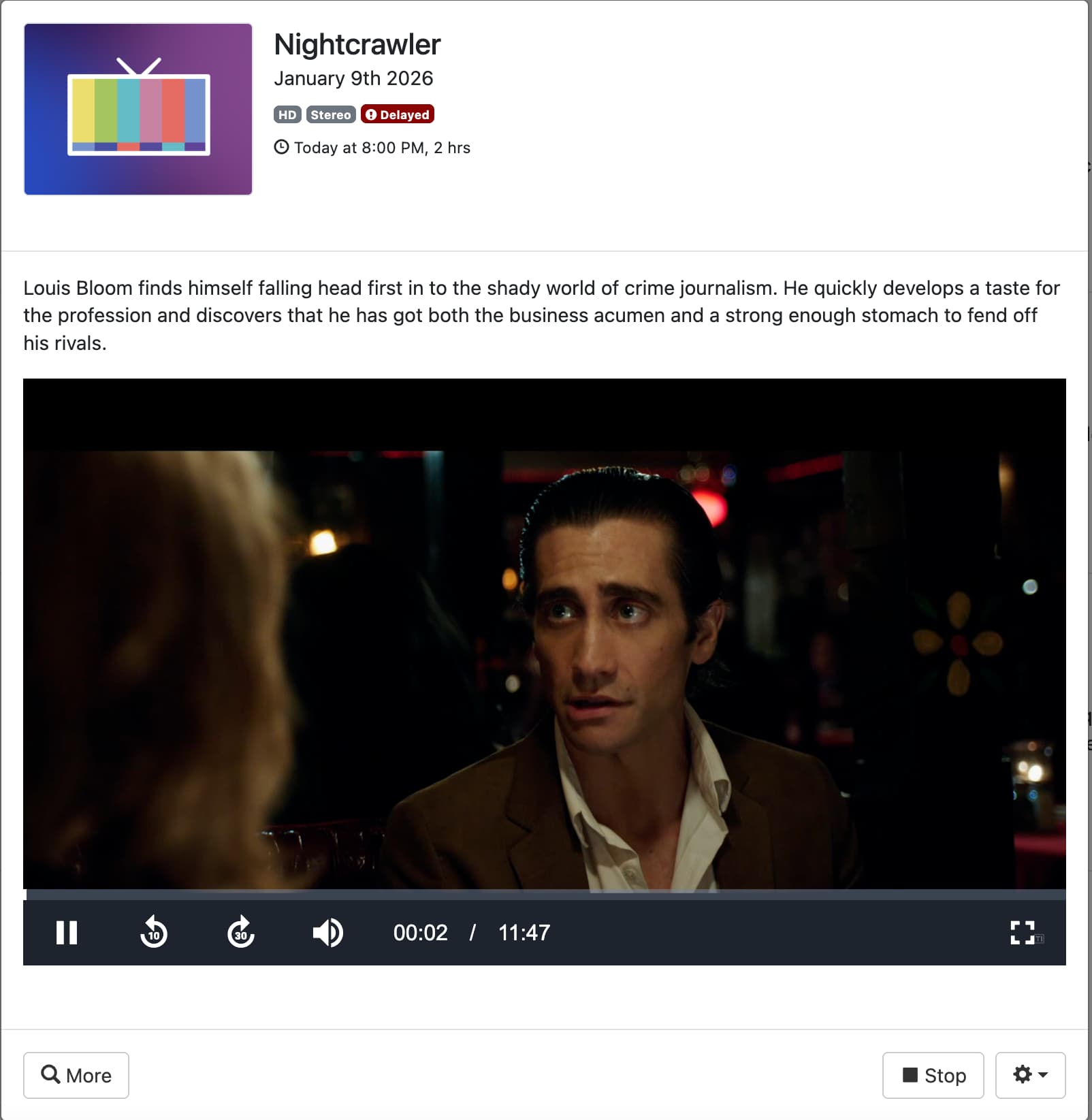
I get this is to do with the reliability of the stream but if fixing the timestamp fixes it and i'm able watch the entire show without any issues (which from past experience i can) then something must be able to be done in CDVR to cater for this. Please confirm if the M3U change i made is correct and if there is anything else i should have done in CDVR after making this change.
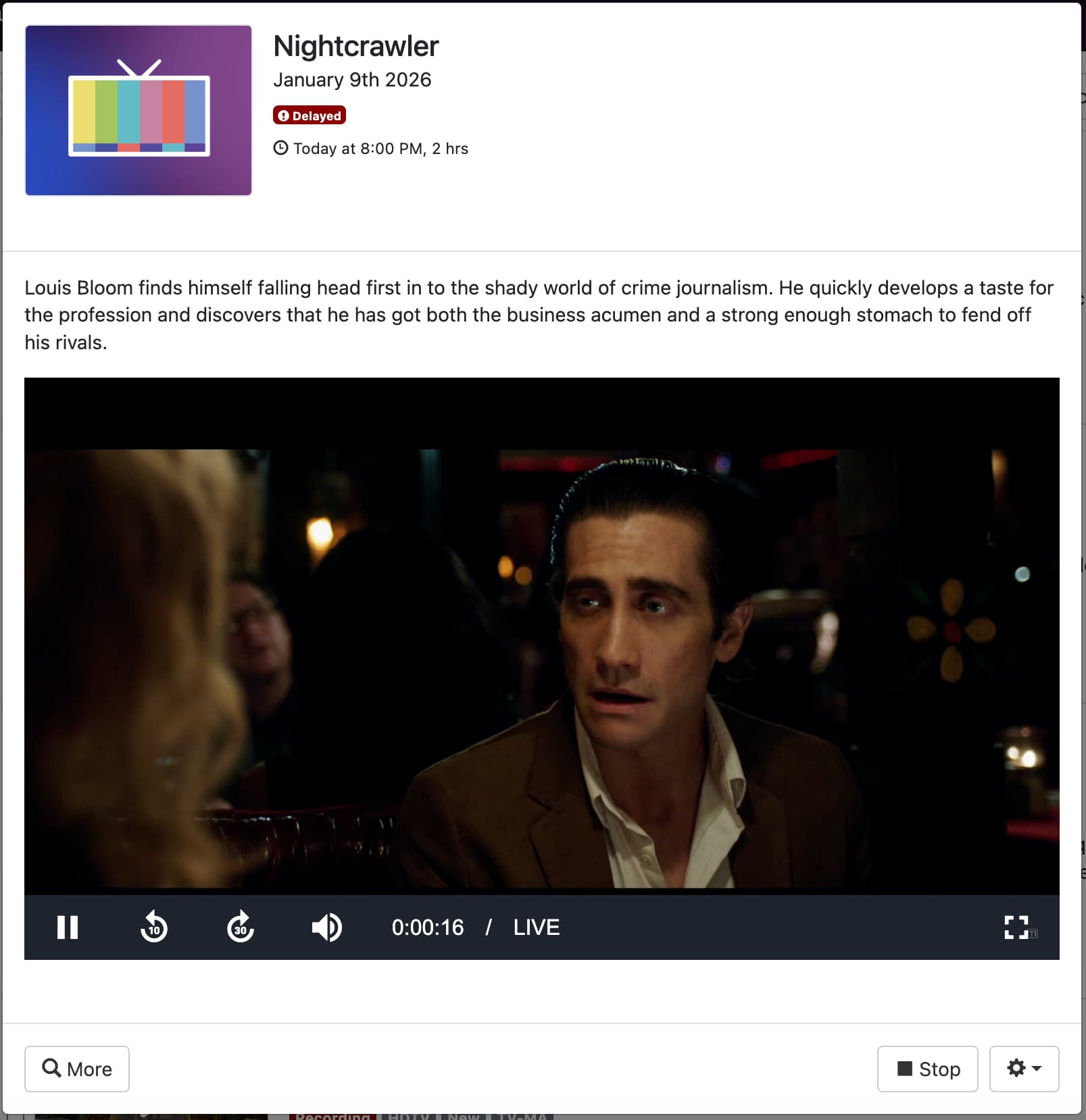
The fact that i can watch a recording "nearly live" and it works fine until the recording ends surely says that the timestamps are correct throughout the stream.