
It is uploading now. Good thing I have a VPN to my home network as I'm traveling
1 Like
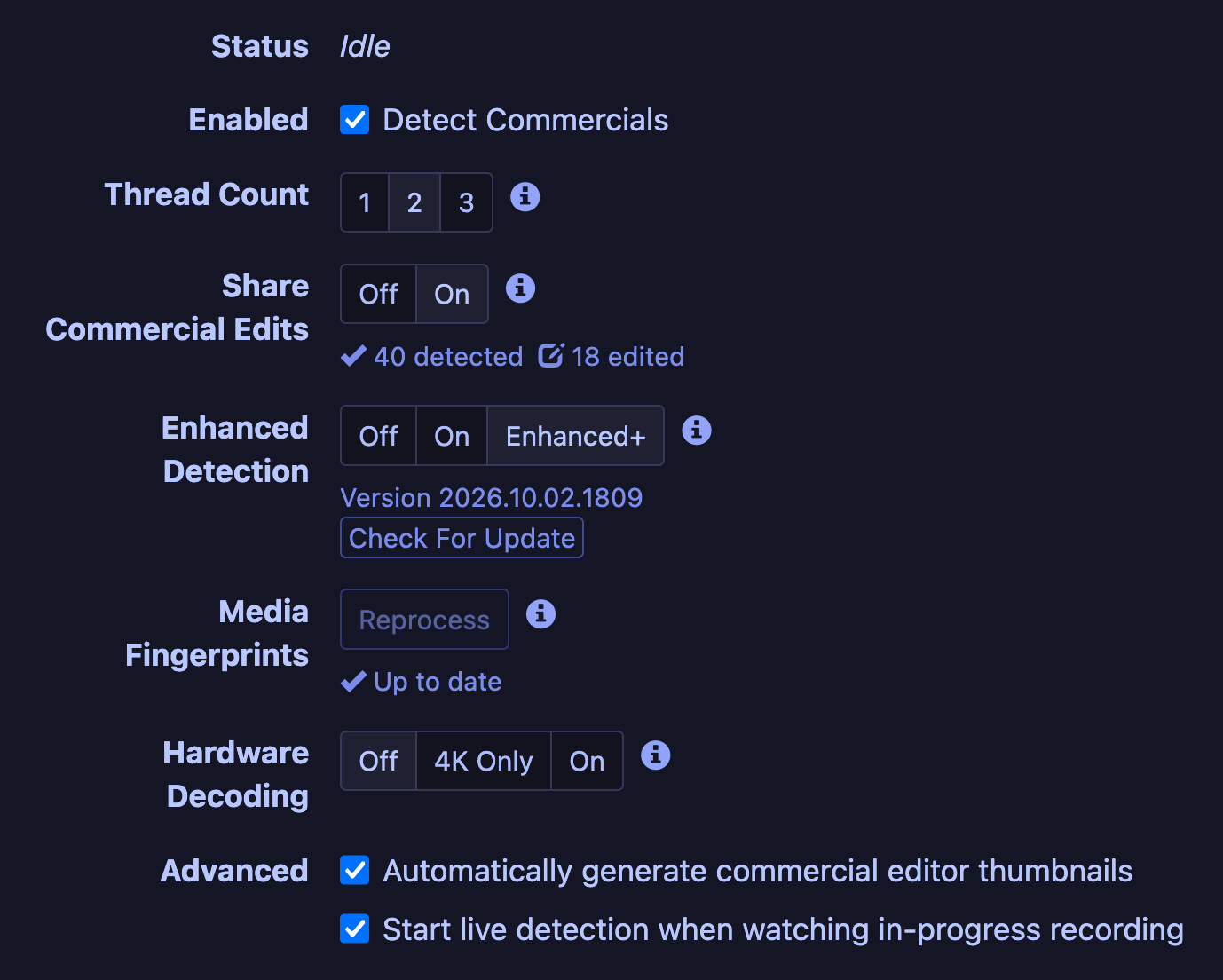
Hi everyone, I have been testing Enhanced+ the last few days, and while I haven't seen any issues with long processing time, I'm not seeing much of a difference. Here are some more examples:
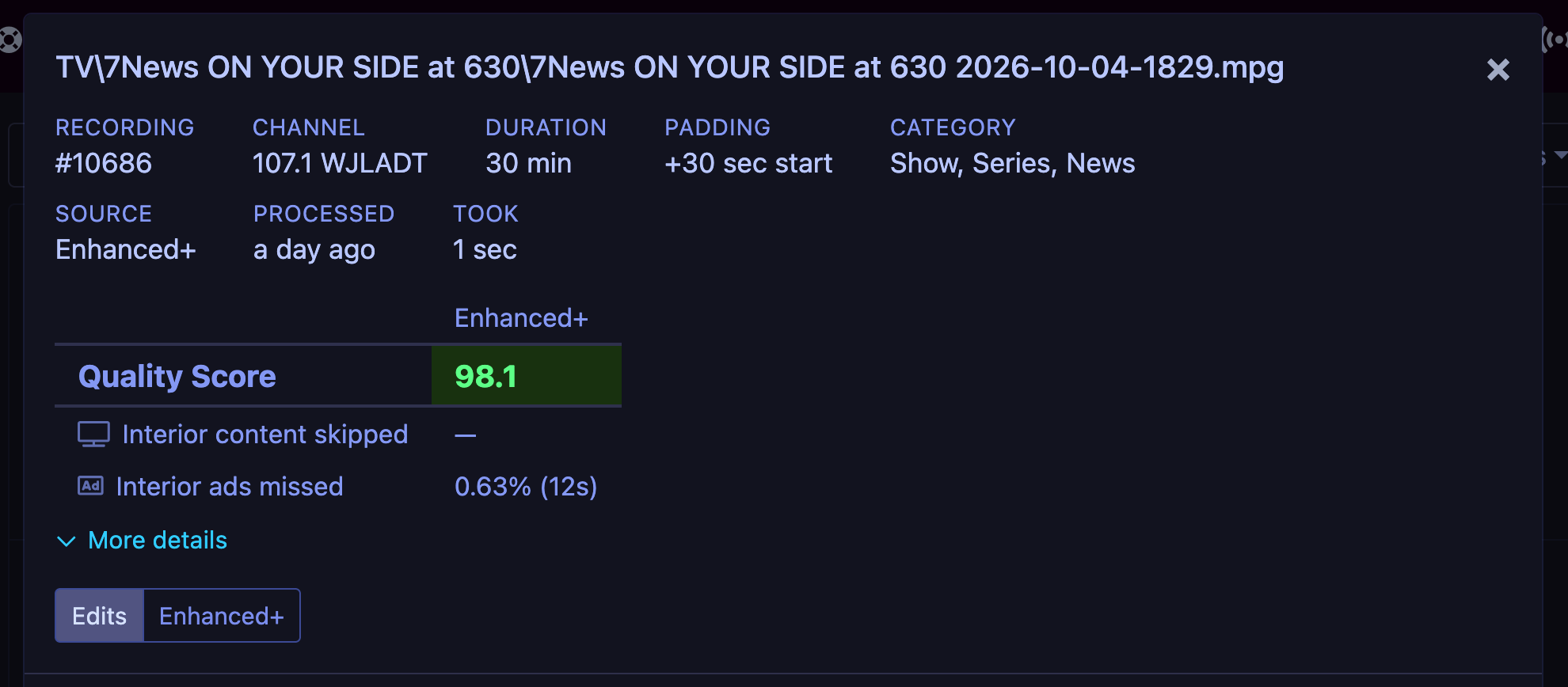
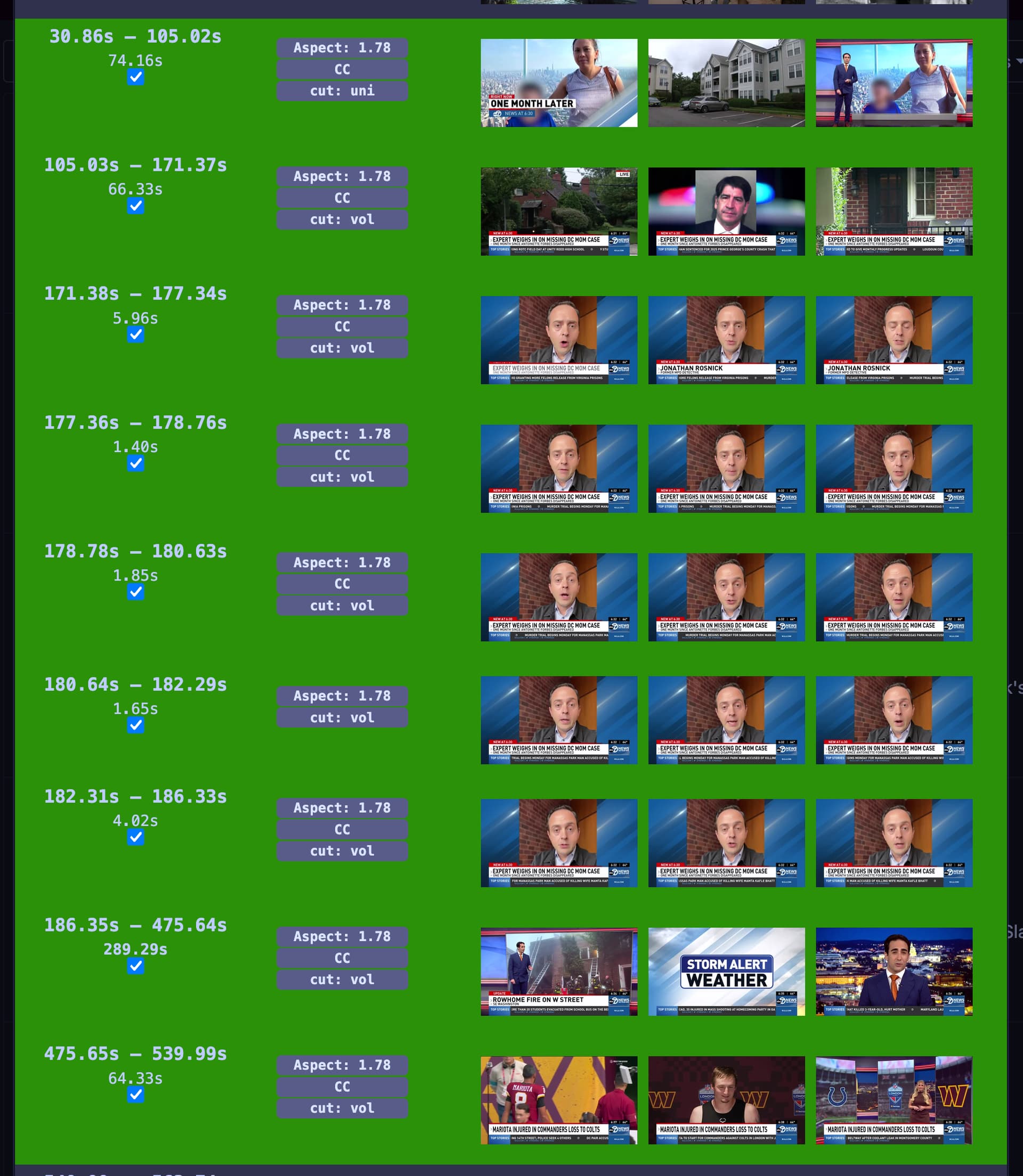
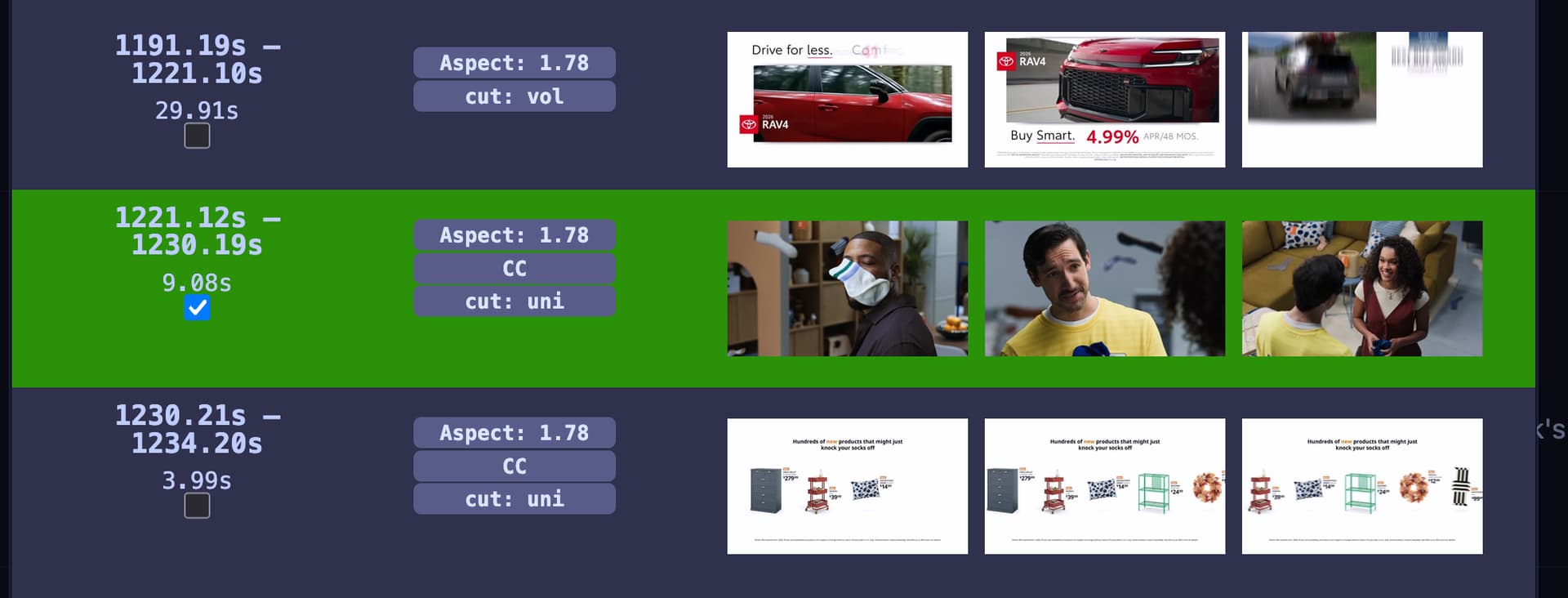

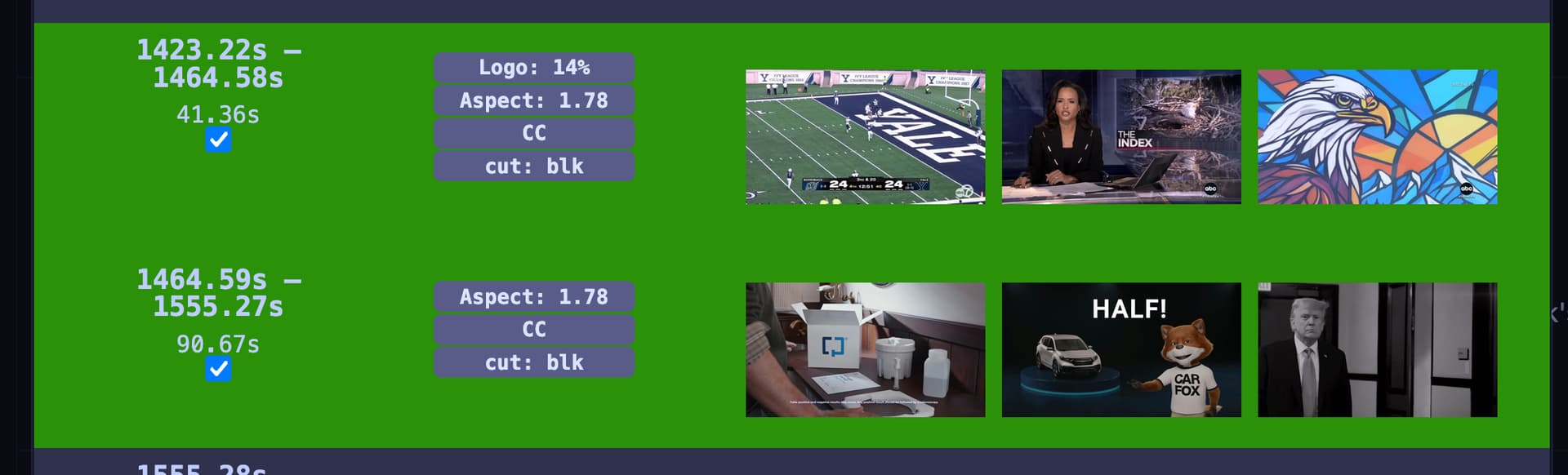
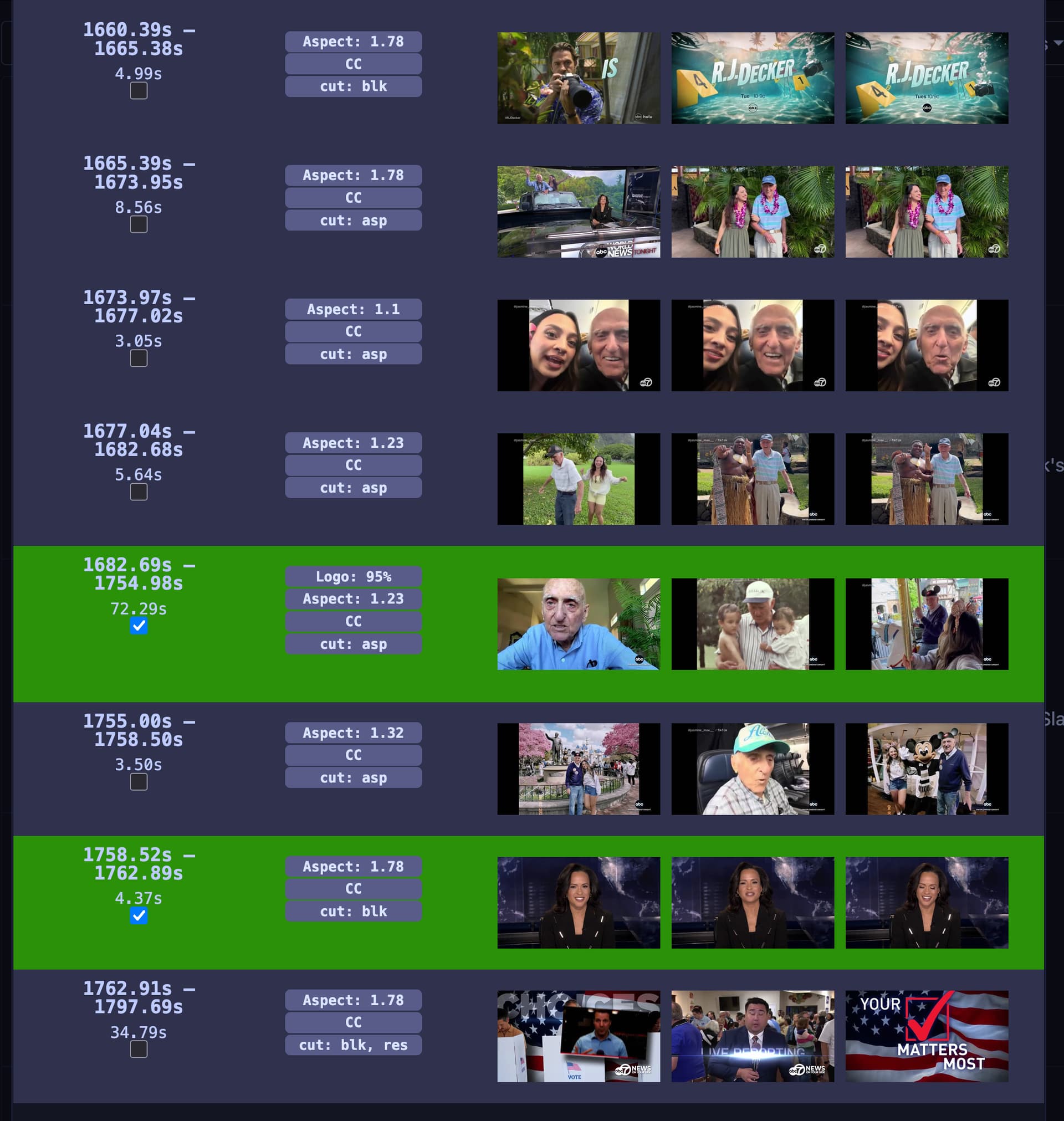
I have been submitting corrections where possible. If there is anything else I can do to help, please let me know.
That's all we need for now! Getting more recordings processed with Enhanced+ will be what we need to start to roll out the improvements to the mixed blocks and the many short blocks.
5 Likes
Turned on Enhanced and recording several shows a day, both OTA and through various sources (Prismcast and ADBTuner). Not sure if there's specific things you would like to record and I can set it up to record more for your needs.
I enabled Enchanced+ on both the server I run for myself and the one I run for my Mom. They are both Synology NAS machines but the one my mom's runs on has locked up multiple times since I've switched to Enhanced+. It caused an issue with a recording today so I've switched it off for now but submitted logs in case it might help. reference 7d3b7d7d-e65b-4b82-a9c5-e9e2f3330071
1 Like
@mantooth Thanks for reporting this. Would you be able to upload one of the recordings that was causing us problems so we can look into this further?
If you could upload The Young and the Restless S54E02 2026-10-09-1059.mpg it would be very helpful: https://www.dropbox.com/request/MMjICRc053JJpSBPDIfQ
2 Likes
Thanks, uploading it now but would it be helpful to also upload the file for The View? The Young and the Restless was the active recording but The View would have been the one that was processing at the time I noticed the system hanging.
EDIT: I went ahead and started uploading The View recording as well.
@mantooth Thanks! We've identified the source of the issue and are looking at a solution. I appreciate the samples.
2 Likes
I am also seeing a lockup with video processing going.
Earlier, there was one recording in progress and we were watching a program from the library while video processing was also in progress.
The show we were watching buffered and stopped playing.
The server was unresponsive. I had to kill the power to it.
Now that it's back up, it's locked up again and it's still processing after I upgraded to the latest pre-release.
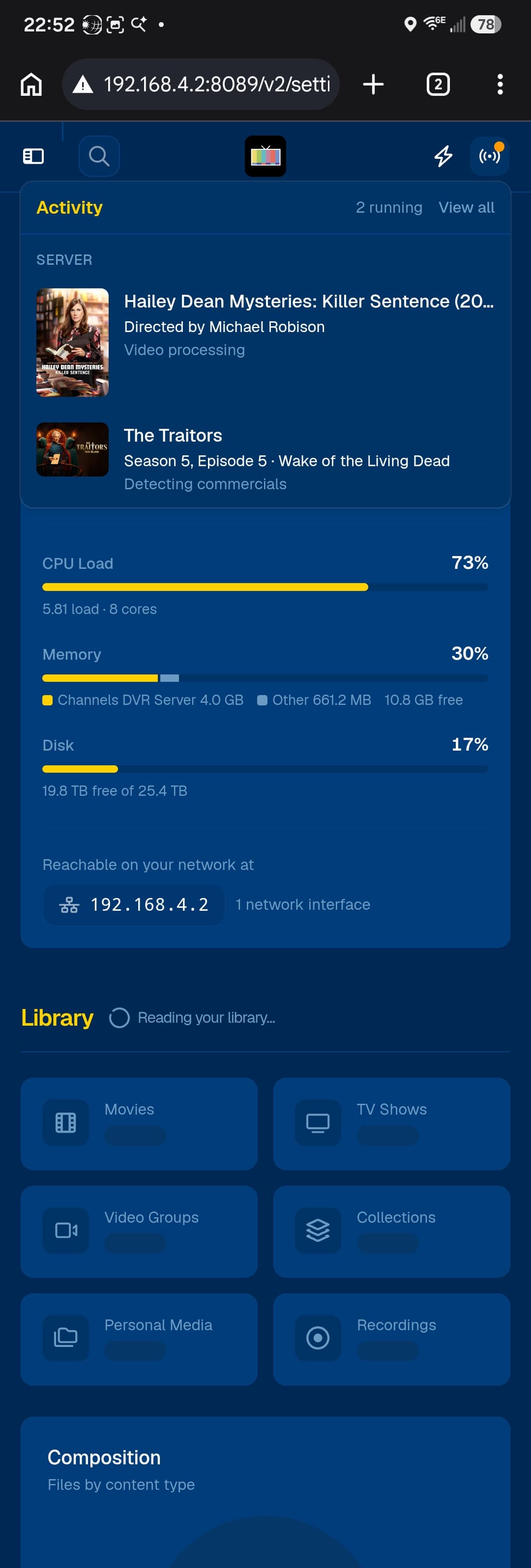
It's been processing this movie and detecting commercials on this episode for a long time.
I have other docker containers running on the same machine and their web pages won't load in the browser.
The whole machine is completely frozen.
I will kill the power again and as soon as Channels is back up, I will hurry and send diagnostics.
Logs submitted — reference 1a201b6f-46a7-41cc-92a7-659368cb5eac.
Great, Thank you Eric.
1 Like
Thank you. I've been running this new version for 12 hours now and no issues so far.
2 Likes
We have a big update in the new Enhanced+ work that is the next step in solving these issues that @sdschramm, @Shaggylive and others have talked about where a single block contains both ad and show content.
Next to the Mark as Commercial/Mark as Content button in the commercial editor, there is a new Split button that will take a block and split it into two.
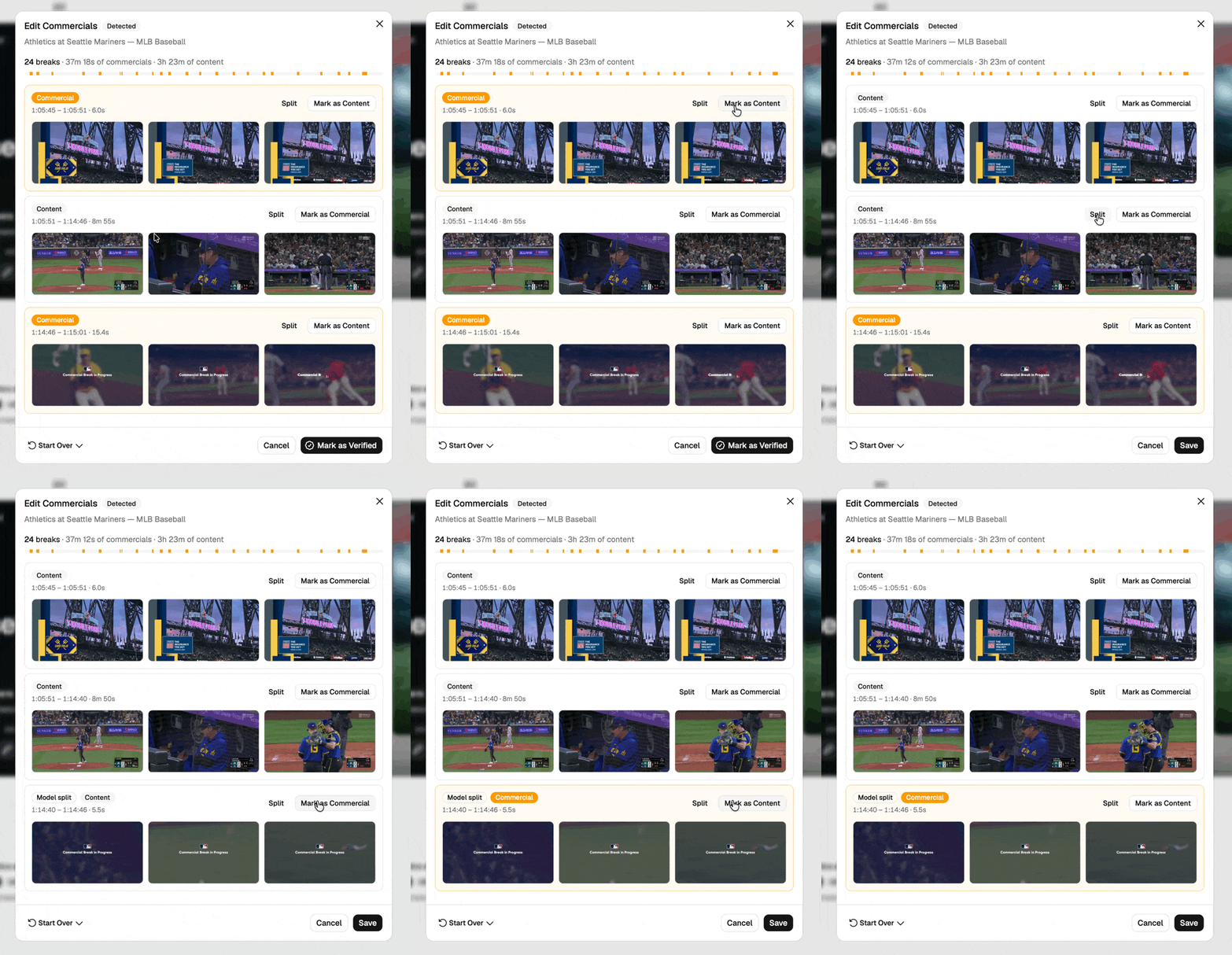
Using this button will allow you to be more granular with your commercial edits, which will mean that you won't have to sit through ads if you edit commercials before you watch a show, and will give us feedback about where the existing cuts are being missed to make the detection process better and more accurate.
We appreciate everyone who has been trying out Enhanced+ and reporting the issues. Soon it will be the only Enhanced Detection option.
5 Likes
Progress continues: Enhanced+ is now Enhanced. Anyone who was already on Enhanced now gets the new more efficient processing. We appreciate everyone who helped us test this out.
Note: If Deep Video Processing was disabled, you will need to enable it to be able to re-enable Enhanced.
6 Likes
Great work! 
1 Like
The new "split" button is working great! Thank you!
1 Like
I've viewed a number of shows where the commercial skipping has been so good that if the message that the skip was happening was not there it would look like a there was a normal fade to black, fade back in edit in the video. Someday we might be at the point that the commercial skipping message is not needed and could be made optional.
Thank you for the superb work Eric.
2 Likes
wanted to take this opportunity to point out that 'Play Next' does not recognize a show as watched if you do not let the count down finish and even then sometimes there is 1sec still showing unwatched.