
Morris, have you found the enhanced detection to work better than the usual comskip we have come to know over the years? Are you continuing to use it exclusively?
Works better for me. Standard gets it about 60% to 70% right, and Enhanced often brings it up to 80% to 90%. Mostly news and talk shows here.
ETA: no TVE, only cable and OTA, and I cut the cable a couple days ago so only OTA now.
1 Like
The original com skip is run first and then the enhanced feature makes the cuts cleaner so yo never see more than a frame of the commercial. Usually you don't see the single frame. I don't believe there are more commercials detected. I ca I have not seen false positive yet they are not that common with com skip
Thank you. Does it help at all with those TVE breaks where the commercials are replaced with some kind of "IFC" image and elevator music (for example)? Comskip really seems to fall apart on those types of non-commercial breaks.
It varies wildly for me, I'm seeing some Olympic events where everything works, some where it partially works, and then I'm seeing others where it doesn't look like skip worked at all. It's not just the Olympics, I've seen this plenty of times where it doesn't look like skip worked at all on a program. You just don't see any comskips.
I'm watching pretty much all of the Olympics except for curling and hockey, so it's a ton of programs.
I'm watching the Olympics via recordings made via antenna and HDHomeRun. At least 95% of commercials have been skipped with about perfect cuts. It's a delight. We have not noticed any false positives.
TVE skipping was a bit better with the enhanced skipper. As I recently dropped cable TV, I lost TVE so can't say how it's been for the past 2 weeks.
Did this feature not make it into the latest stable release? I have a Synology NAS DS1019+ on 2026.02.09.1530 and had assumed I'd be able to enable the Enhanced Commercial Detection. Under Commercial Detection I see the button to enable Share Commercial Edits but I'm not seeing the box for Enhanced Detection that shows the options for Off/Preview/On.
1 Like
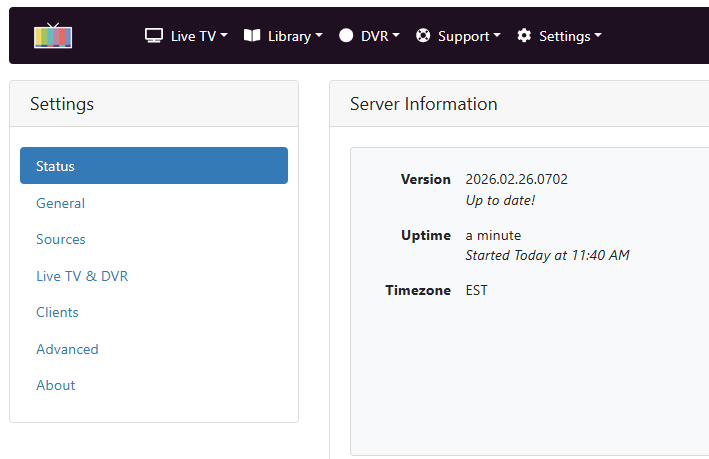
Please update to the latest prerelease to enable it.
Just noticed a 3-day-old recording that doesn't have enhanced commercial detection:
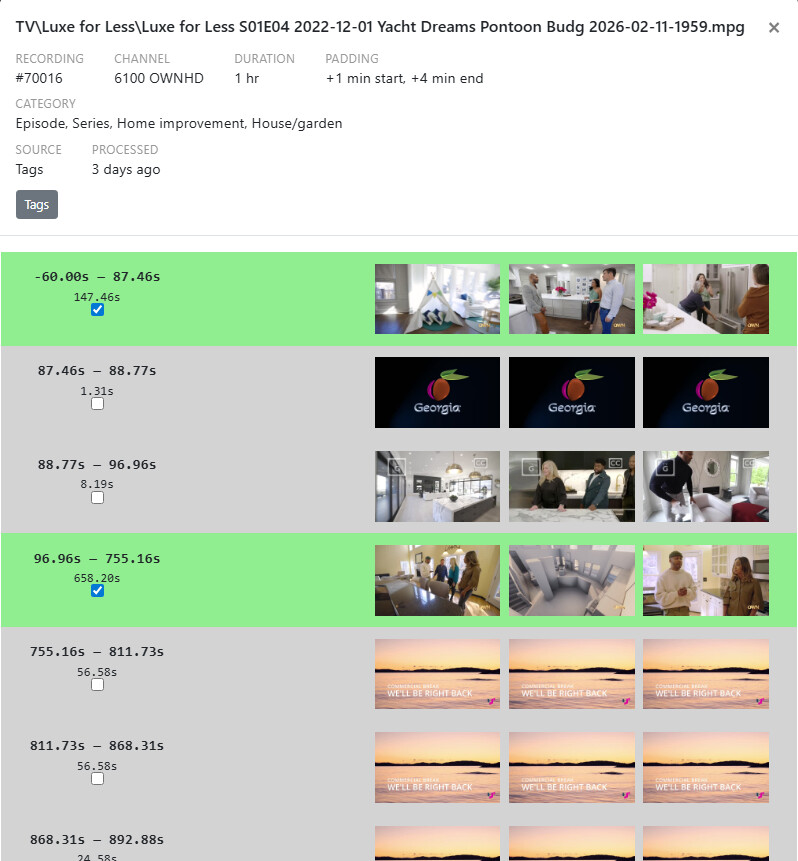
Not sure if the logs go as far back as 3 days but just submitted anyway: Logs have been submitted as 7f9472aa-d1bd-45bd-bb8d-54a21612b688 .
Tagged recordings (ones that get their commercial detection from TVE streams) do not do enhanced detection. If you'd like enhanced detection you can go to the episode and select Re-Detect Commercials.
1 Like
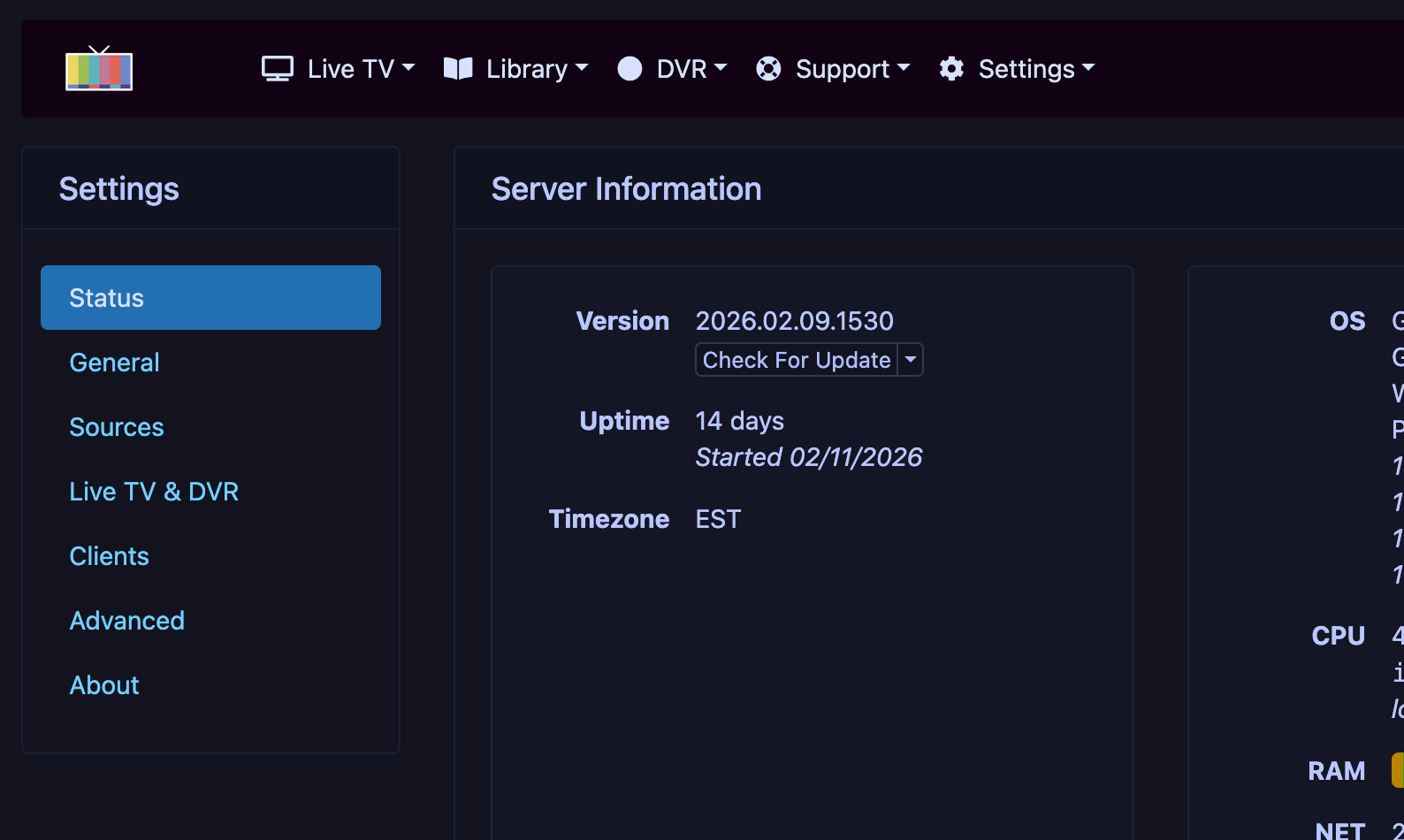
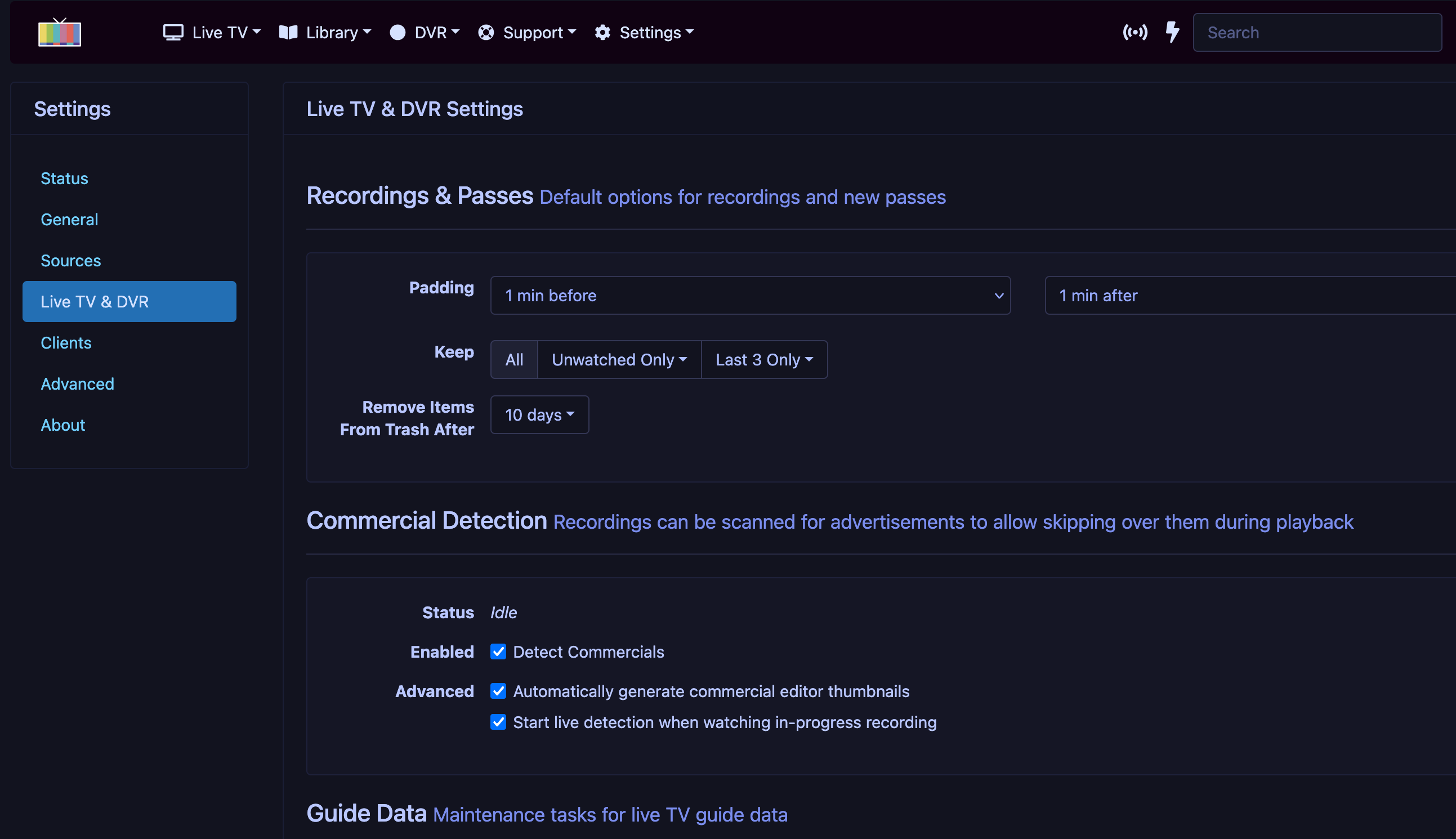
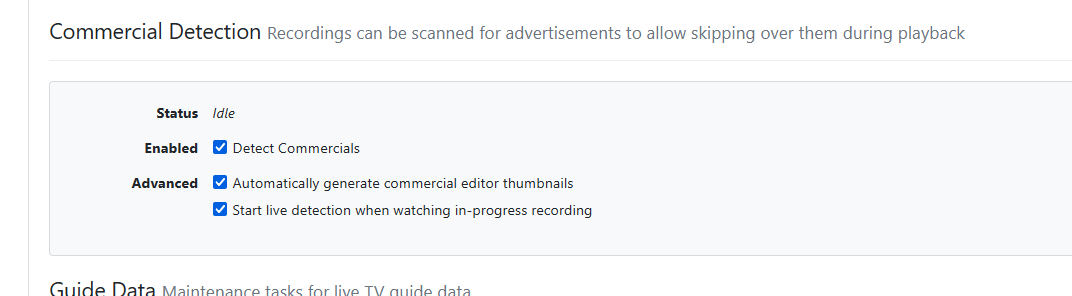
That's weird, I'm running latest 2/9 stable and I have the enhanced options.
@sdschramm do you have Deep Video Processing enabled?
EDIT: I realized it's likely because you have a customized comskip.ini. Those will not work with this system. The latest pre-release has a new warning to let you know if this is the case.
1 Like
I believe I have modified my comskip.ini a while back. Is it as simple as removing that in order to get the new options to appear?
Yes, removing it will be sufficient to get the options to appear.
1 Like
Success! The options have now appeared!
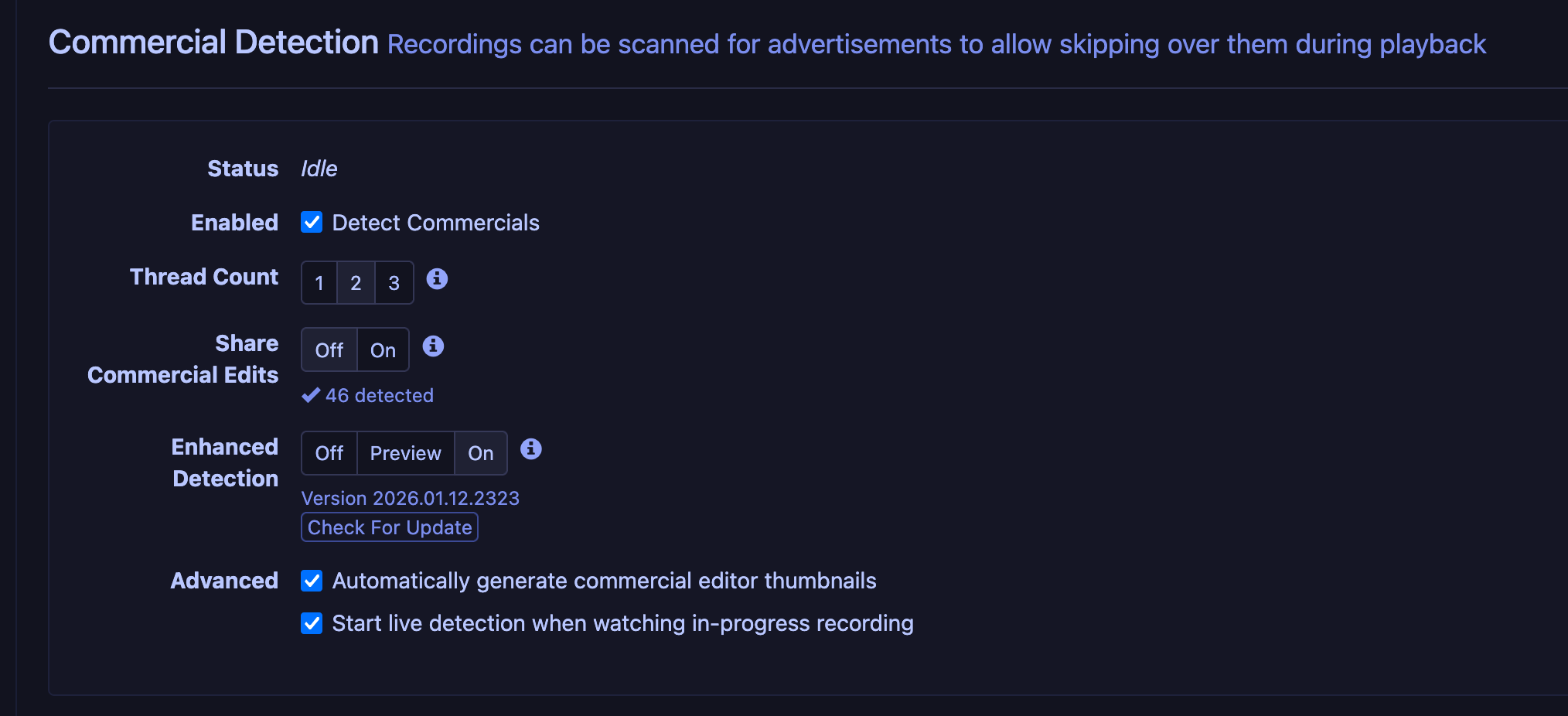
In case anyone else has the same issue, here is how I solved it:
- Go to this location on the server:
C:\ProgramData\ChannelsDVR\data - Locate
comskip.iniand make a backup copy somewhere else, then delete it from the data folder. - Restart the Channels DVR service/app
- Go into the settings and the new options will now appear.
Thank you!
There should be no reason to restart the DVR. Refreshing the browser after deleting the file should be enough.
I enabled enhanced commercial detection but it seems no better than the previous as far as I can tell, for new or existing recordings. Most often it misses a break in the latter half of a show, as in Survivor, Daily Show, Grey's Anatomy (don't judge), and a few others. I can keep track if that's of interest.
Occasionally I go back to the TiVO and especially of late it has been near perfect with commercial detection. Environment is FiOS TV via HDHR Prime cablecard. Pretty vanilla Win10 server environment.