
On my remote it's simply the Channel up/down button next to the Volume up/down button. It scrolls through pages at a time, not a single channel.
Wow, I could have sworn I tried using Chan up down before and it didn't work but it does now.
Anyway it doesn't wrap in my Apple guide with page up down. Hits the top and stops, hits the bottom and stops.
It wraps around on the OLD guide on Android TV boxes but not the experimental guide. At least not on the onn 4K plus boxes.
Agreed. Guide wrap around has always worked for me on Android (FireOS in my case), but never on my AppleTV boxes.
And that's a head scratcher. Yet another why does this act differently on different TV clients? Not mobile, TV with remotes.
noticed some issues today when trying to navigate the guide with several channels having multi-hour events. trying to go right on a 3+hr block nothing happens, but when multiple blocks are this way it's inevitable to push right a few times before going up or down to to a channel with shorter shows.
all the focus back and forth starts glitching and can lead to disappearing blocks. I took a pic with my phone.
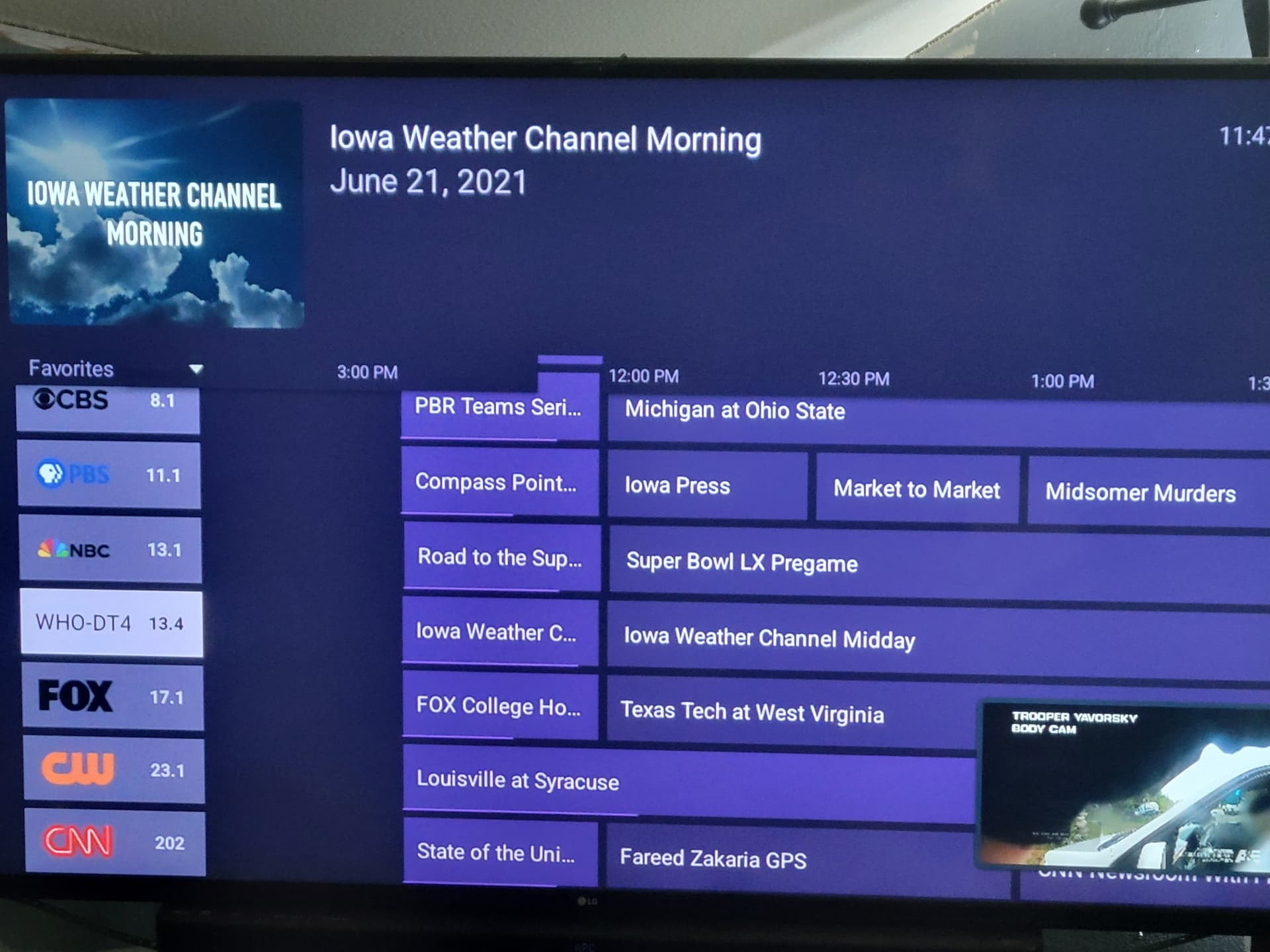
it will gracefully recover if you give it a second or two and a navigation direction (no navigation presses left the screen as you see it in the picture.)
submitted diags.
I also noticed this earlier in the experimental guide versions, but didn't think much of it as there were bigger fish to fry, but I suppose it's possibly related.
the dropdown is not aligned with the channel column and overlaps the first time column.
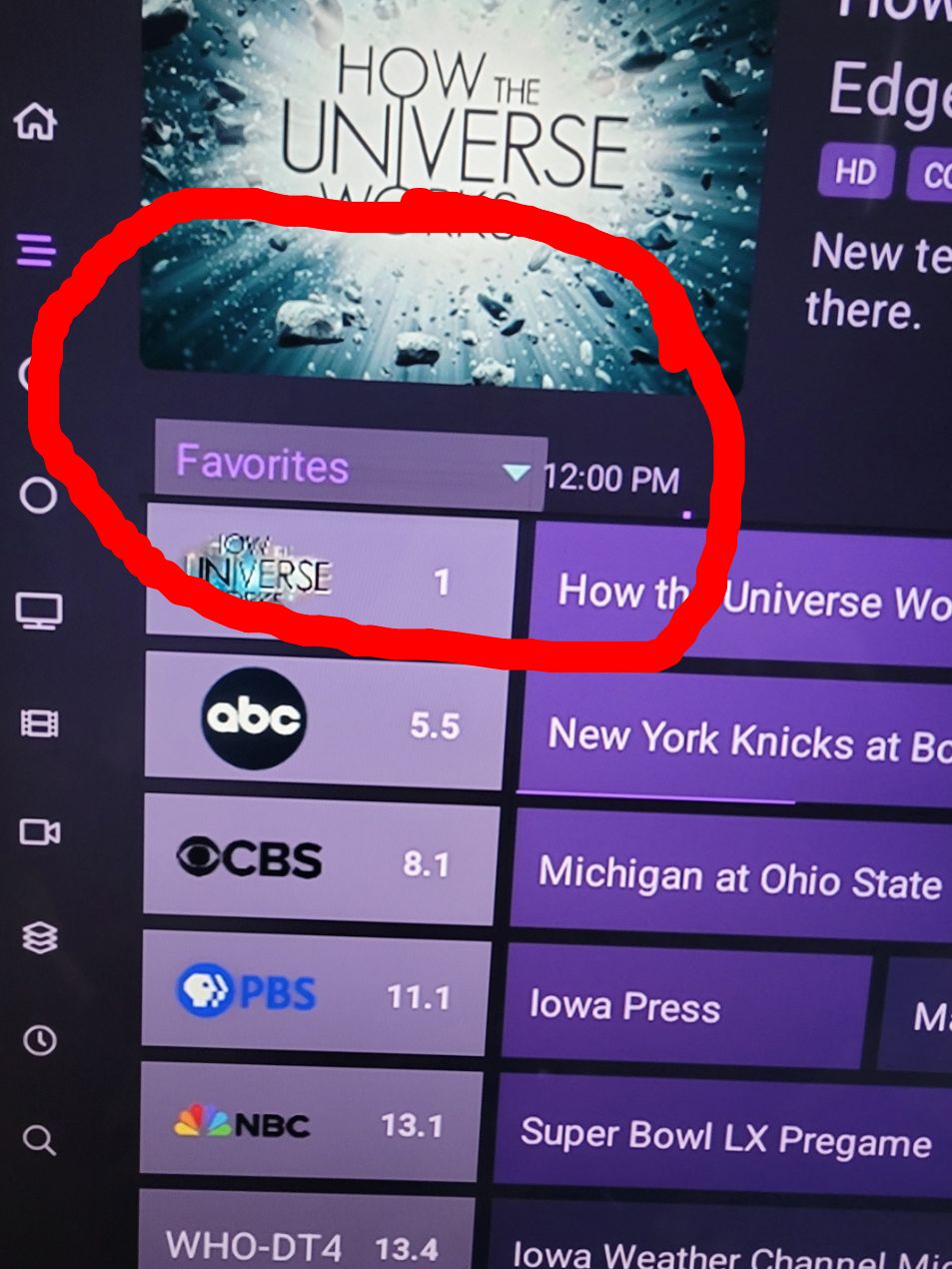
@troyboyjbl Yes, it was helpful to clarify that it was not up and down that wrapped. Only Page Up/Down.
Latest updates:
@Shaggylive This should fix the issue you pointed out with the dropdown
@troyboyjbl This build has the page up/down wrap-around
@Shaggylive Please let me know if you run into that issue again with the weird rendering glitch.
Using new version, if I select Settings, Support, About Channels or Test Speed to Server; it crashes to OS.
Yup, just tried both.
I am getting the crashing as well.
Also, wrap around works if you are at the top of the guide and want to go backwards, but does not work if you are at the bottom of the guide and you want to go down.
Looking into it.
this works fine for me.
speed test crashes everytime
while navigating the guide and trying to reach the sidebar navigation (back button) it first tries to go to the top of the guide. sometimes this glitches out and fails to actually move the guide, but a down arrow will move to the 2nd channel and repaint the guide. other times it will simply crash out.
most of the time it seems to work as it should. although it would be nice if we could simply arrow left to reach the sidebar navigation instead of using the back button.
I know you don't want to do any new features currently, but you may want to consider removing the "Install DVR Server App" and "Install Alpha App" from the support menu since they probably shouldn't be used.
thought I'd let you know I have NOT ran into this again, although superbowl sunday combined with Olympics was an unusually high number of long program blocks.
while the refocusing on long blocks is slightly annoying, I understand the challenges they pose
So far I have not caught any glitching, and overall i think it's snappier! 
1 Like
I have not been able to participate in beta testing as I would like because the current and past several beta versions have a glitch which interferes with my normal use of the client app. Previously, I had been jumping back and forth between the beta and stable versions so that I can test the new guide features without dealing with the TV series sequence problem.
Here is a link to my other topic which explains the problem I am having. If we can get this fixed, I will be happy to join the beta community again.
Should be fixed in the latest pre-release:
1 Like