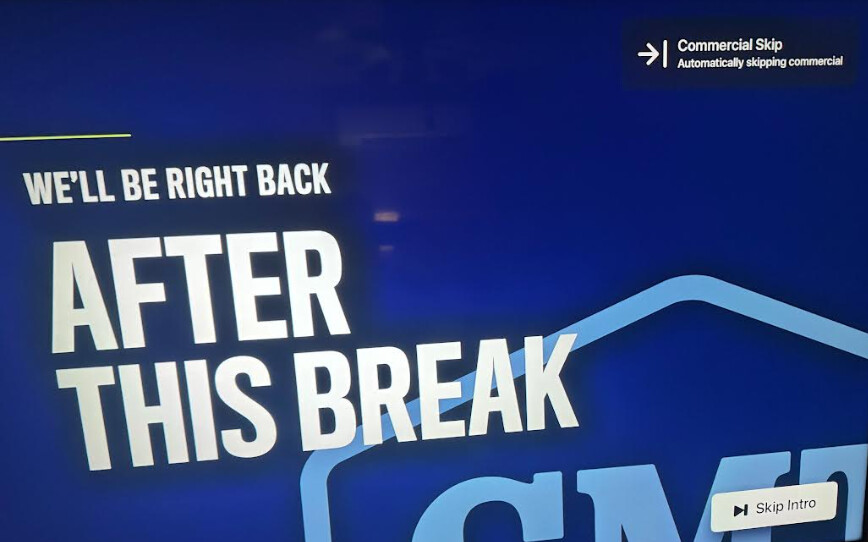
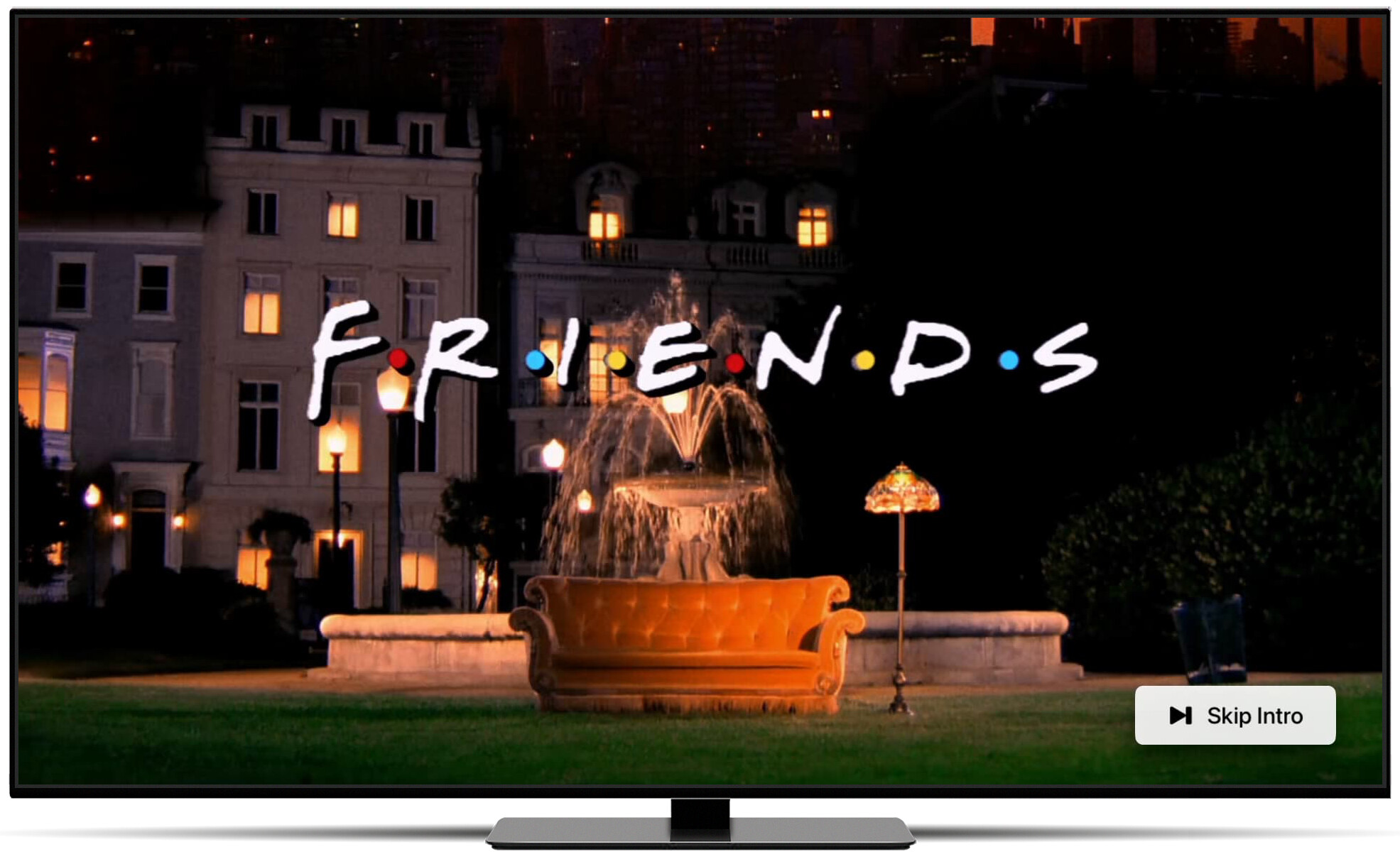
As of the latest TestFlight beta and server pre-release, we've added Intro and Credits detection for TV Shows.
Detection
The process is completely handled locally on Channels DVR Server. Once an entire show has been scanned and its episodes' intros and credits were detected, intros will be able to be skipped.
While credits are detected, their index is used differently in that Channels uses them to prompt the Next Up card used for Auto Play, rather than just showing it with 20 seconds left in the episode. This should be a huge improvement to Auto Play, for shows with detected credits.
Get Started
We are looking for folks to try this out on their shows and share how it's working for them to see how it performs across a wide range of situations.
We do not automatically perform detection on all shows while in beta. You will need to opt your shows into this one by one.
If you would like to participate in this beta feature, read below on the steps you'll need to take to enable it.
Make sure you have both the latest pre-release server and TestFlight beta of the Channels app installed.
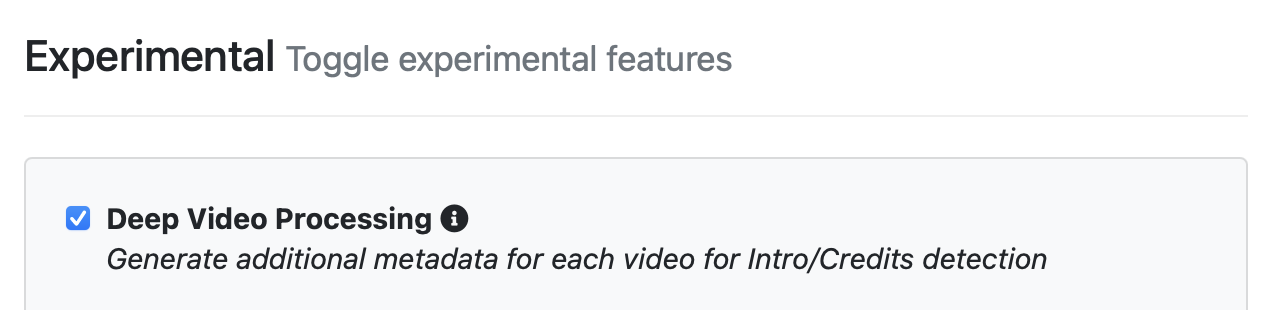
Enable Deep Video Processing
On your Channels DVR Server, you will have to enable Deep Video Processing in the Experimental settings:
Opt a Show In
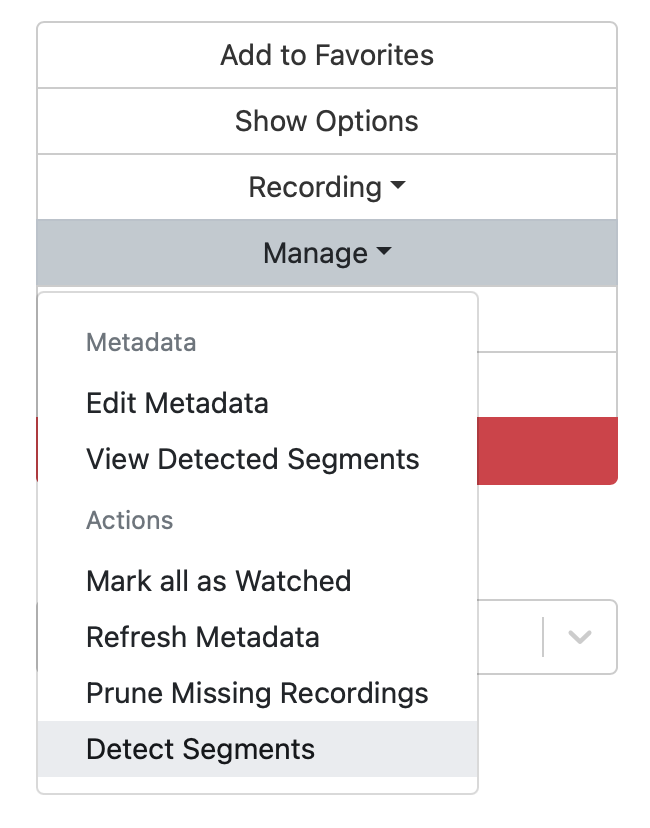
You can opt a show into intro and credits detection by choosing the Detect Segments action on the TV show's page in your Channels DVR Server web admin.
It will then process all of the episodes for that show and index any intros or credits that it finds.
Once you have opted a show into this, all new episodes for that show will automatically be detected once they are added to your library.
Inspecting Results
We've built a few ways for you to peek at the detected segments of your episodes.
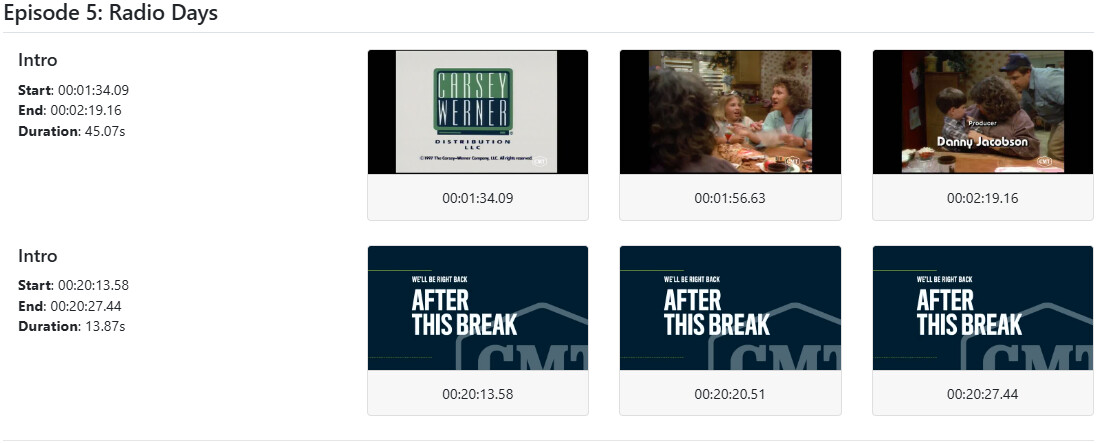
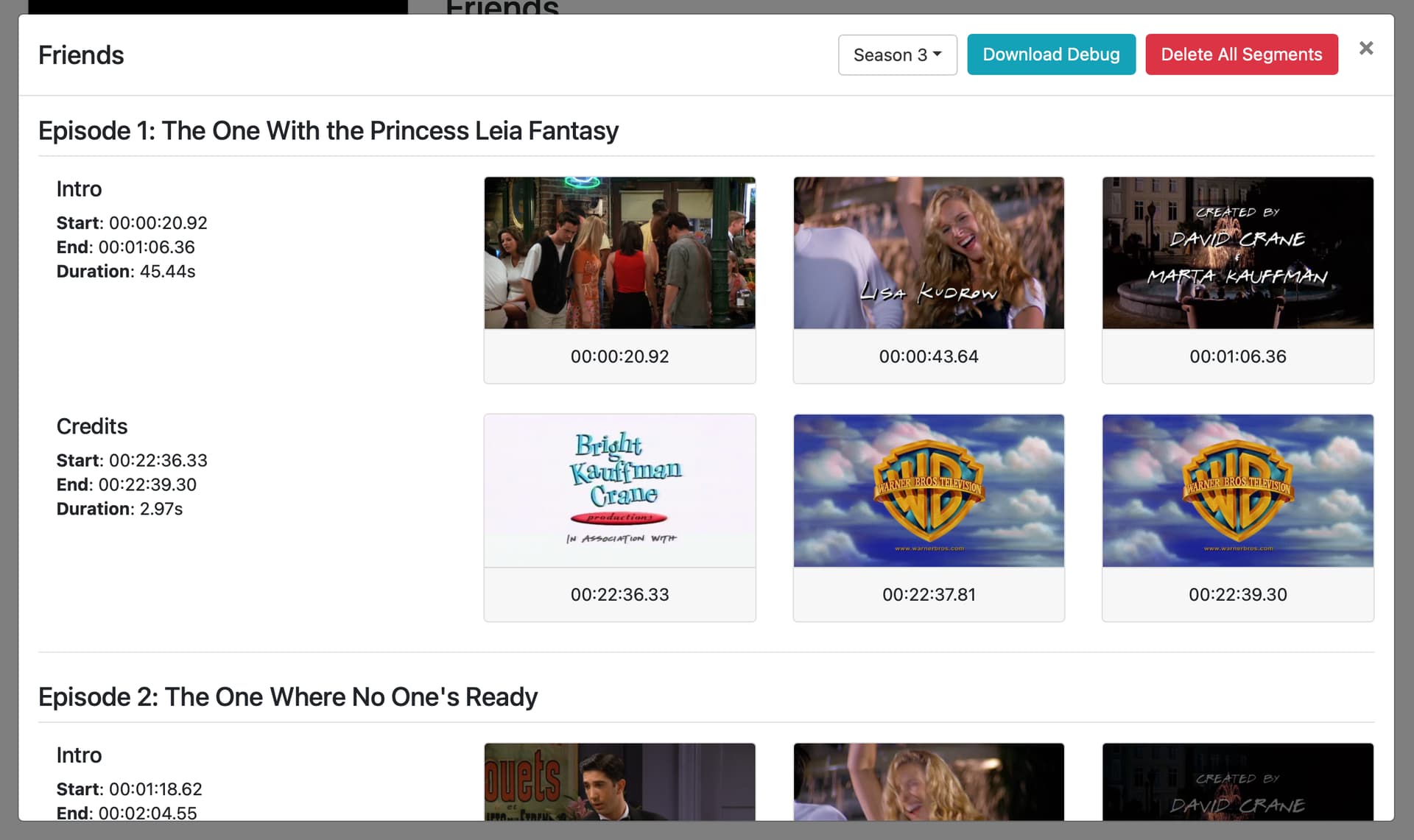
On a TV show's page in your web admin, we've added the View Detected Segments action to view the overall success of the detection for the show.
This will open a modal listing all of the detected segments of each episode grouped by season. You can adjust the season with the drop down at the top.
Debugging
We've also provided a way for you to delete all of the detected segments for a show, in the off chance that the detection is completely inaccurate. You may want to do this if you find that the detection is bad and you don't want that show to have awkward results in the Channels app.
There is also a way to download debug data to provide to the developers, but more on that below.
Additionally, you can see a single episode's detected segments in its View Details modal.
How it works
OK great! You've opted some shows into detection and now you want to actually get something out of it!
Intro Skip
Intro Skip works just like the Commercial Skipping you're familiar with. It shares the same options and allows for both a global setting and setting per TV show.
The skip options are:
- Automatic - Channels will automatically skip through detected intros.
- Skip Button - Channels will offer a button to allow you to tell it to skip through an intro.
- Manually - Channels will do nothing, and instead you can double click the seek forward button to skip through the intro, just like Commercial Skipping.
Credits
But what about credits?
Library Playback
While Channels detects credits in shows, it does not offer a skip credits option when watching shows from your library. This is because Channels uses Auto Play to get you to each next episode. So skipping credits doesn't make a lot of sense.
Instead, we use the detected credits to cue Auto Play's next up card, rather than the old way of just showing it 20 seconds before the episode ends.
This should incredibly improve the experience of Auto Play.
Virtual Channels
By design, Virtual Channels play things back to back continuously, there is no Auto Play.
For Virtual Channels, we've added credits skip options.
We've added a new setting to your Virtual Channels for Credits Skipping that have the same options as listed above.
Notes
- You must be on the latest TestFlight beta and pre-release server
- This is only for tvOS/iOS clients
- The more episodes of a show that you have to run this on, the better it performs.
What happens if I get bad results?
Please let us know! We've seen it perform well on the shows we've checked, but you may have found something we haven't seen yet.
Steps to provide feedback
If you notice that your show is inaccurately detecting segments, please follow these steps to provide us some information.
- Take a screenshot of the inaccurate detected segments, like the shot we provided above.
- Download the debug data of that TV Show.
- Email us with these items:
- email address: [email protected]
- Subject line: Segment Detection Beta
- Attach the screenshot and debug file
- Provide the source(s) the episodes came from (OTA, TVE, Personal Media, etc)
Known Issues
- Recordings that have a lot of the same ads running over and over again can cause bad results. Pluto is a good example of this. We do not currently have a solution for this.
- Recordings from TV Everywhere sources can detect "Commercial in Progress" breaks as Intros.