Hi  We've been quiet this summer, but after this post we hope you understand why.
We've been hard at work at new presentations for Movies and TV Shows providing a richer experience.
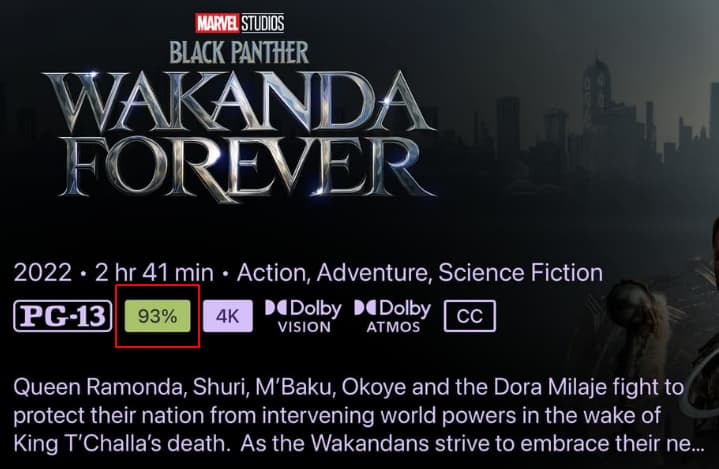
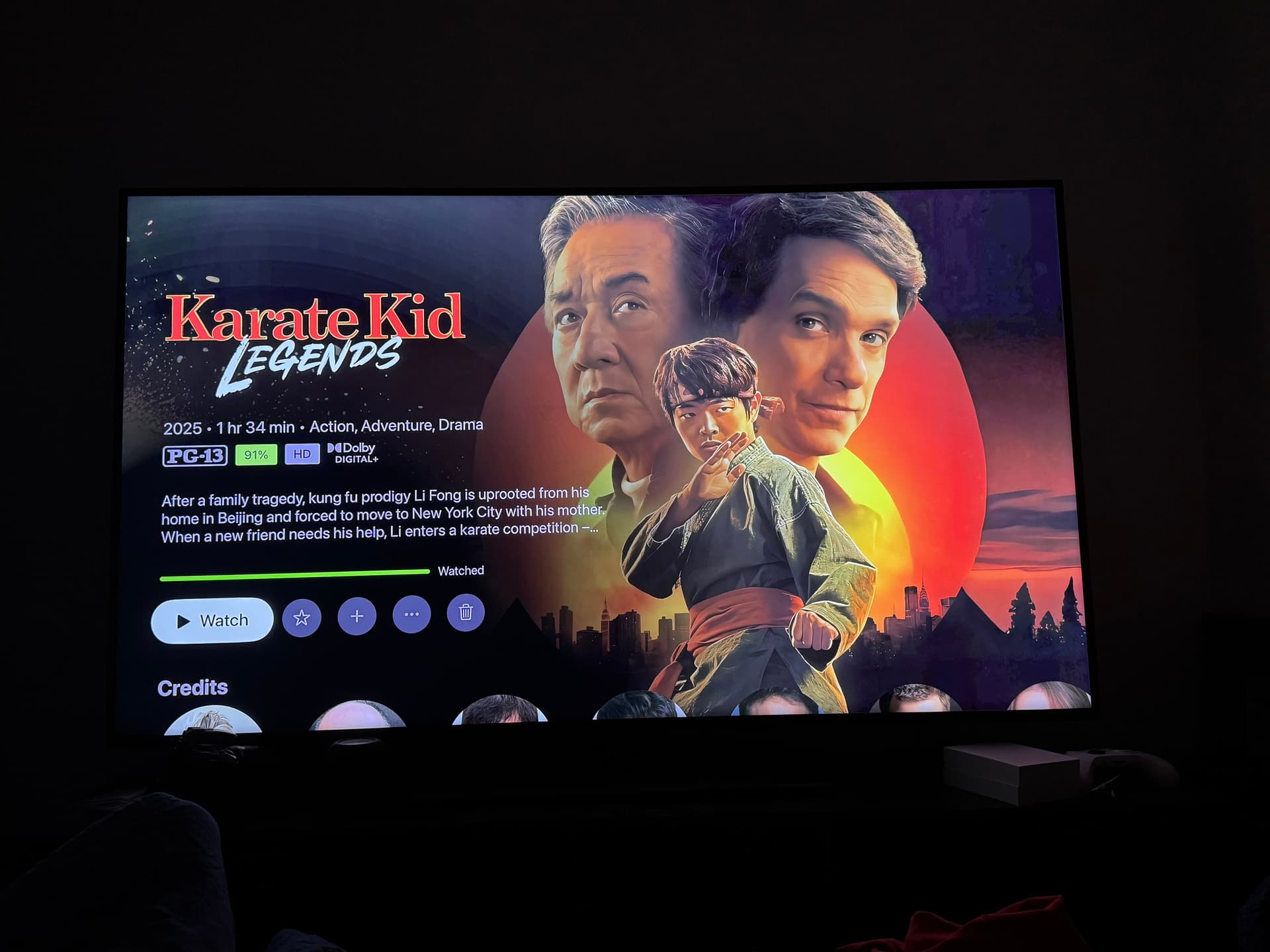
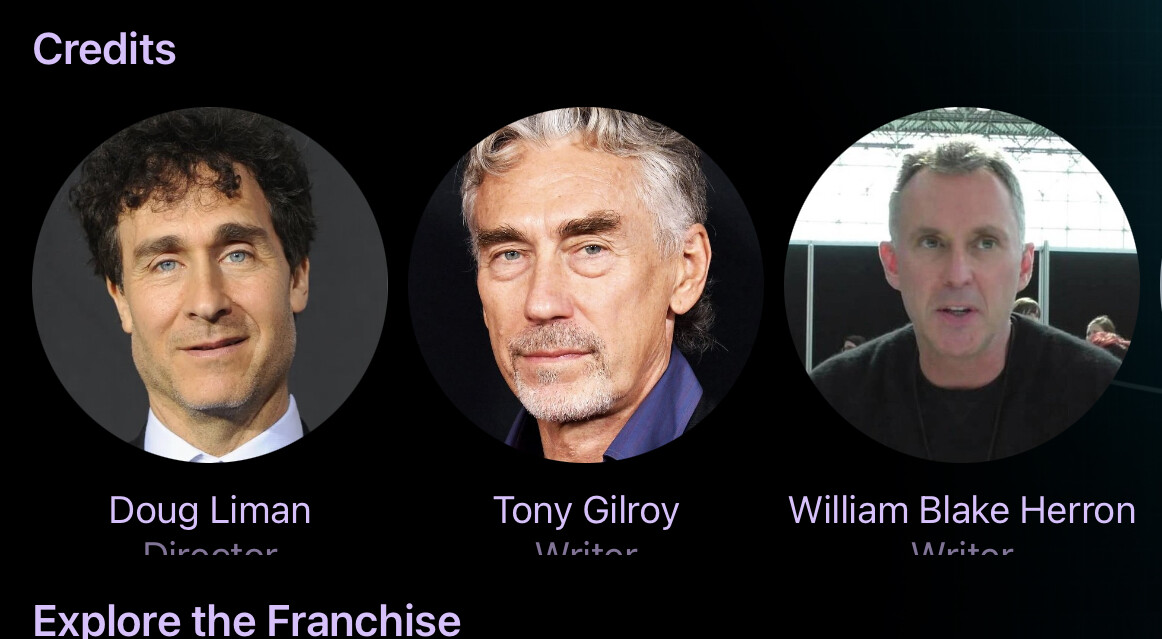
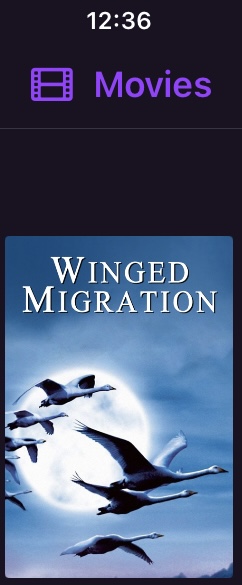
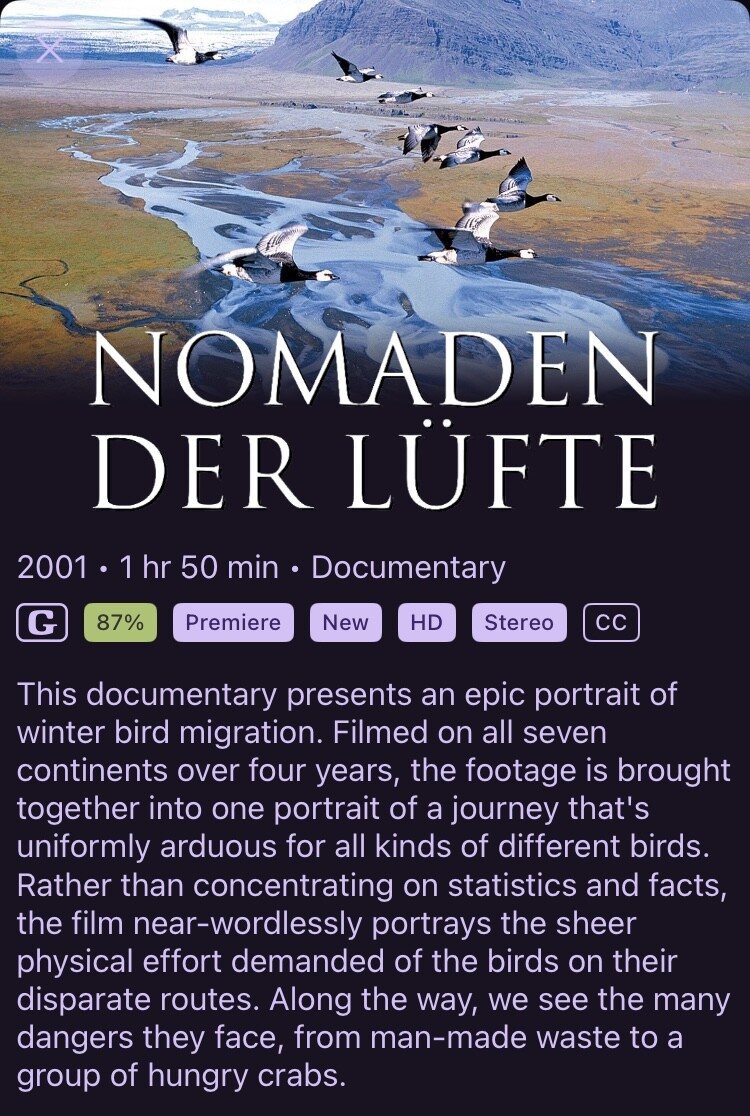
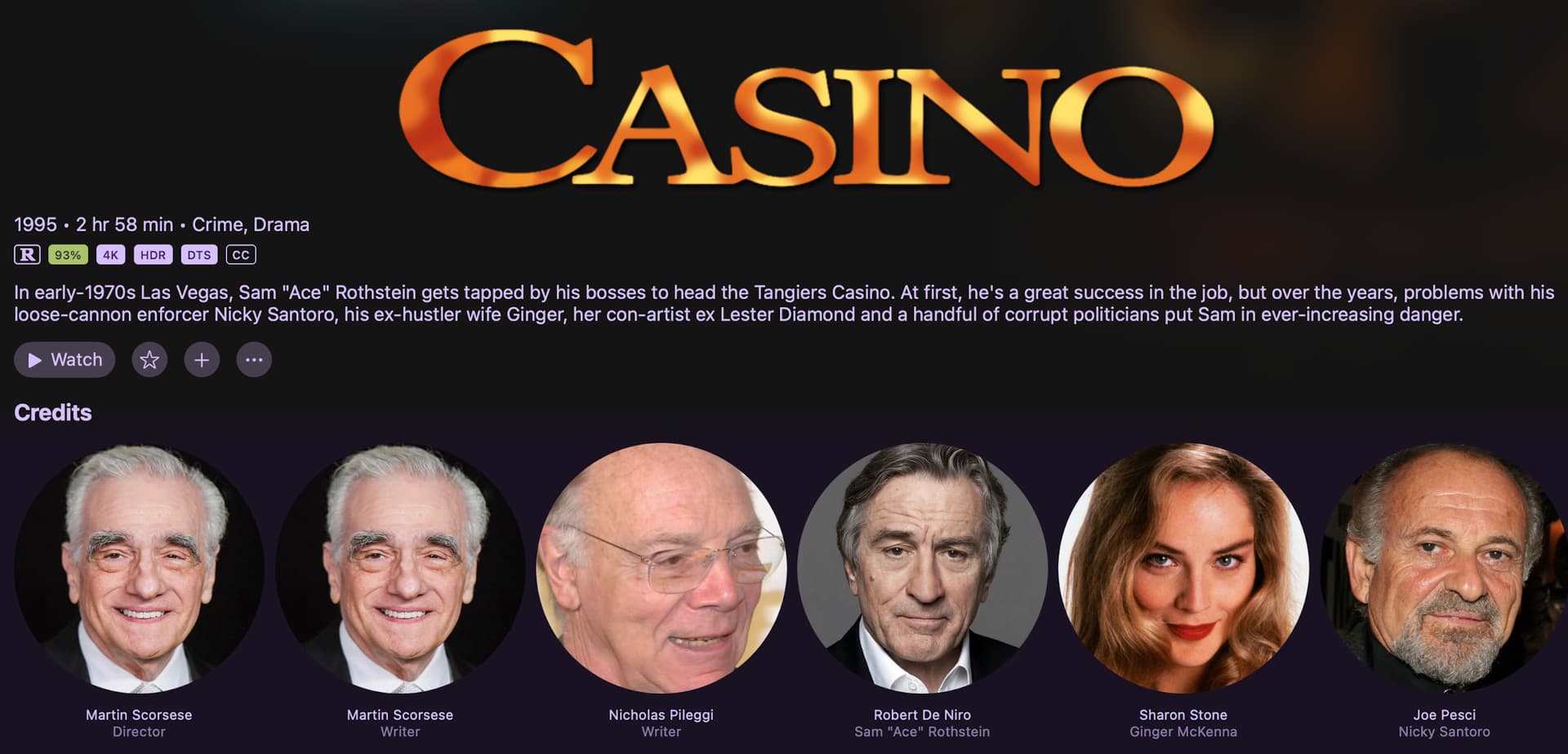
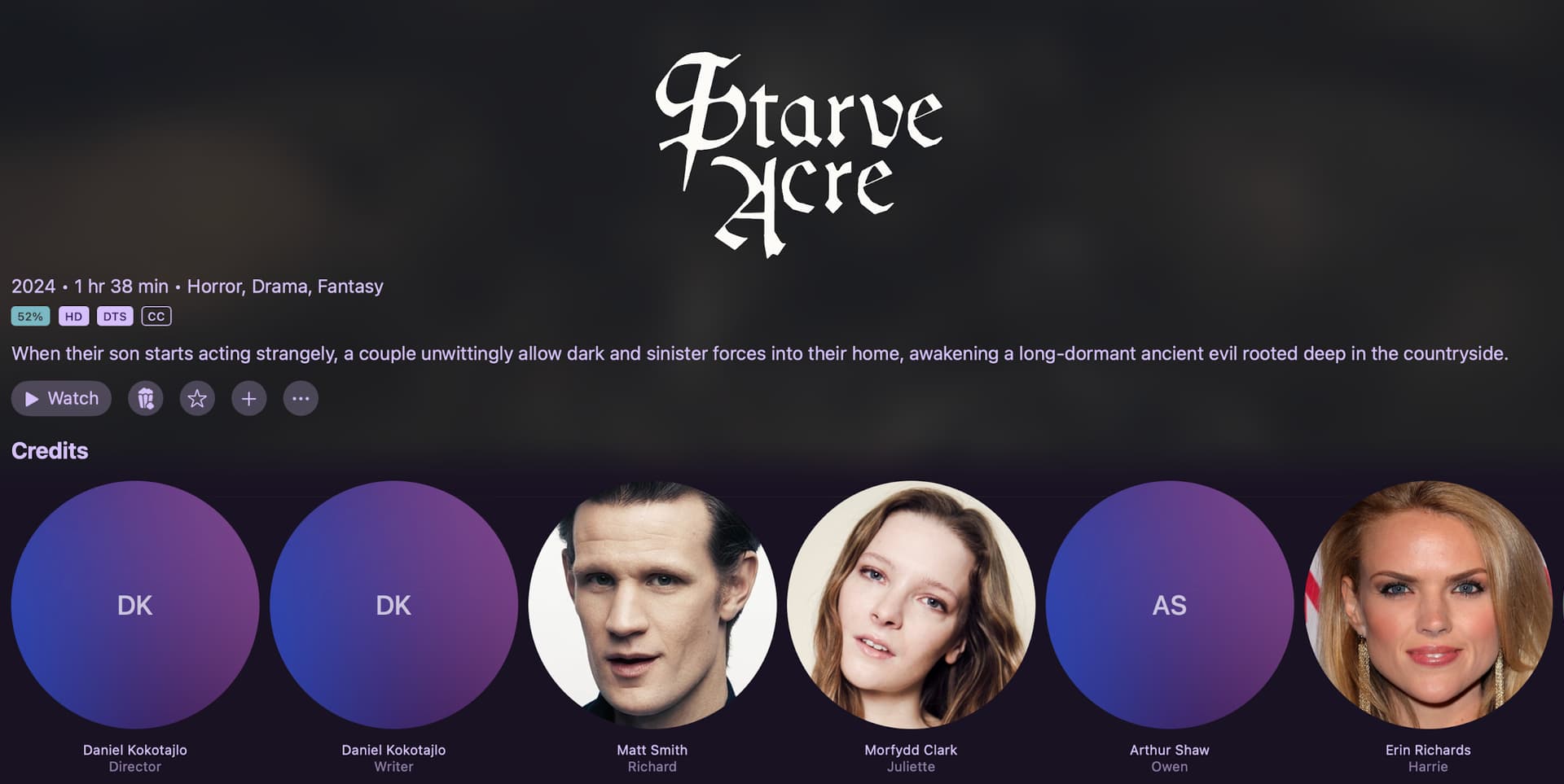
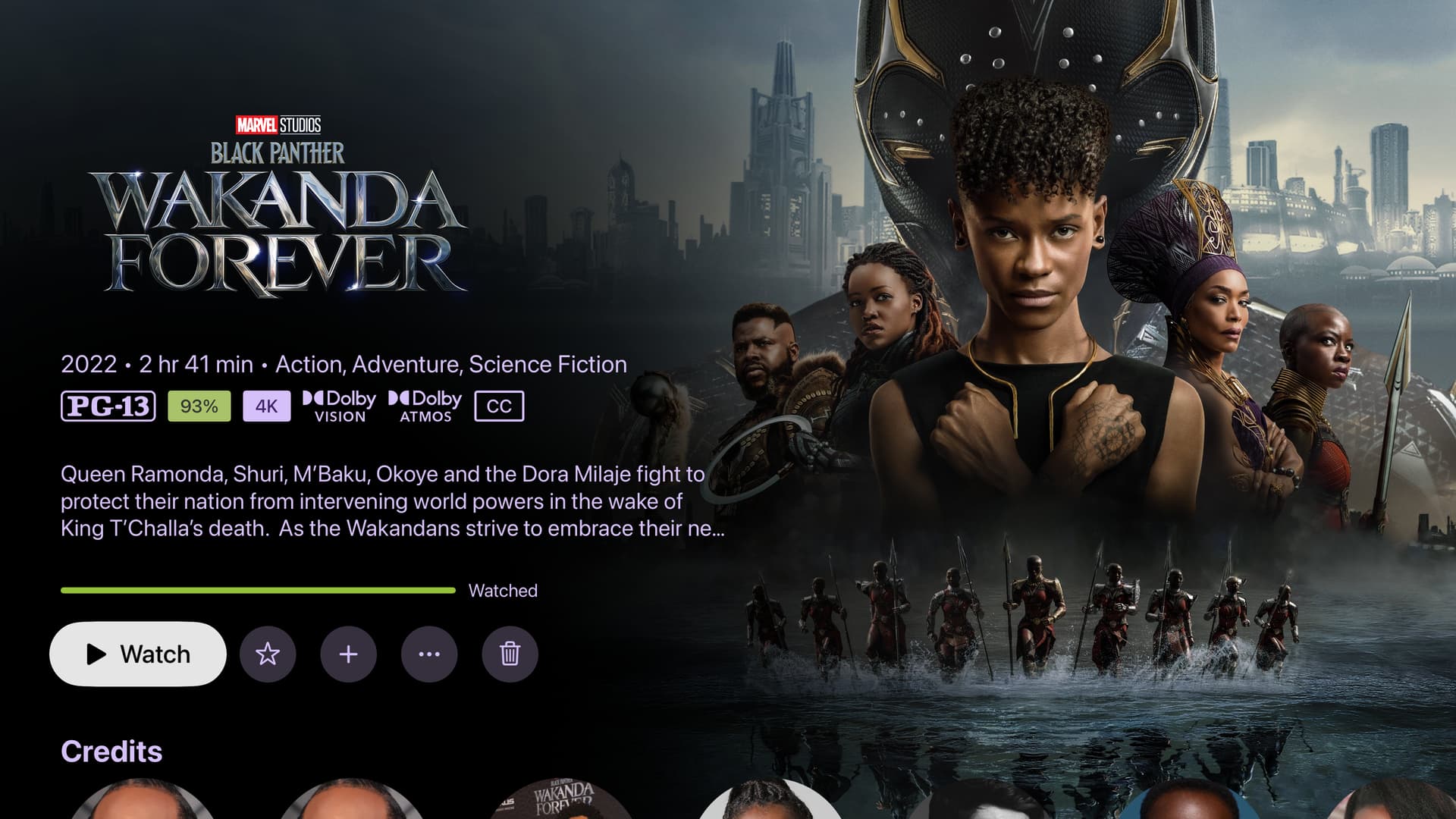
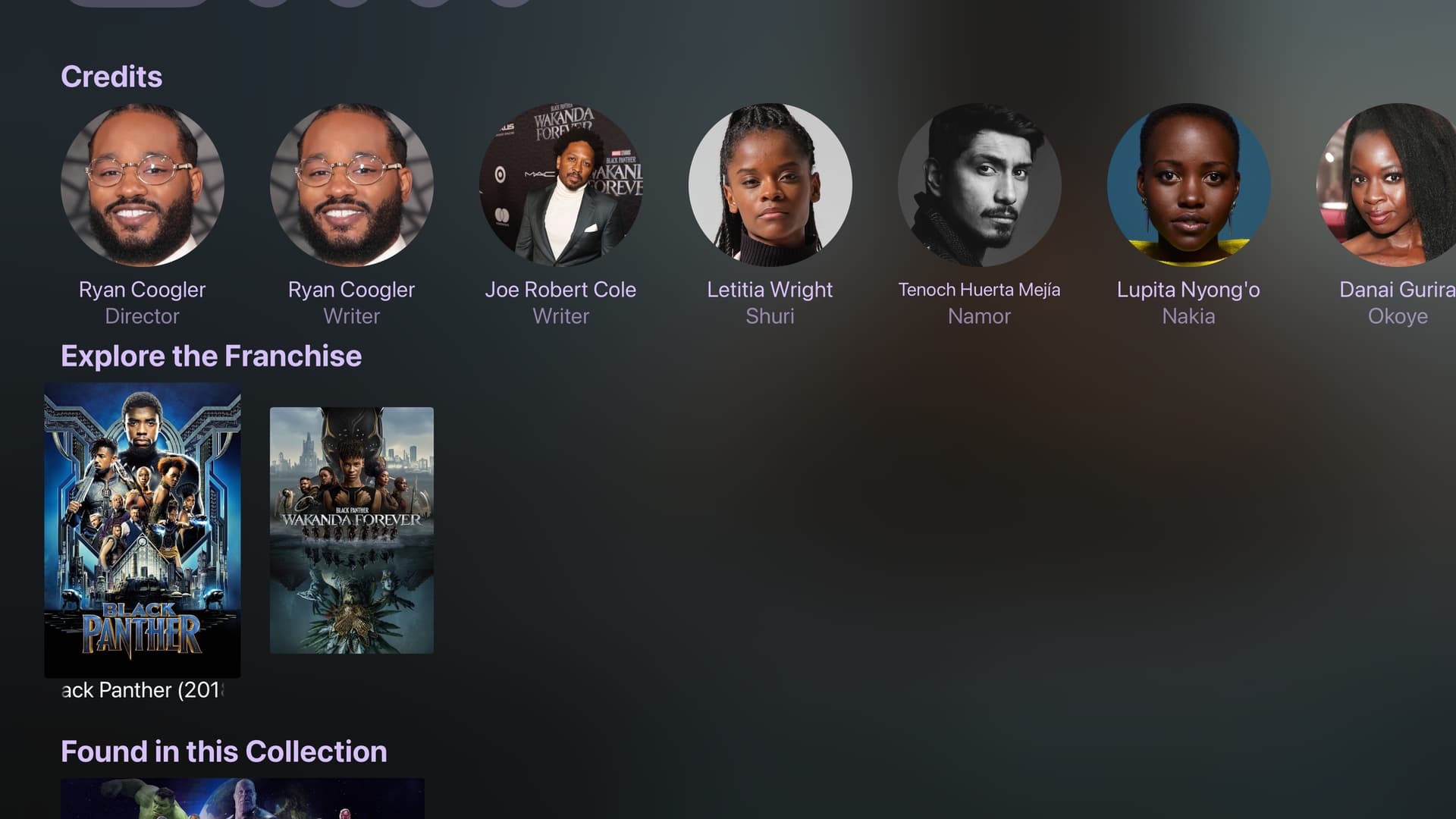
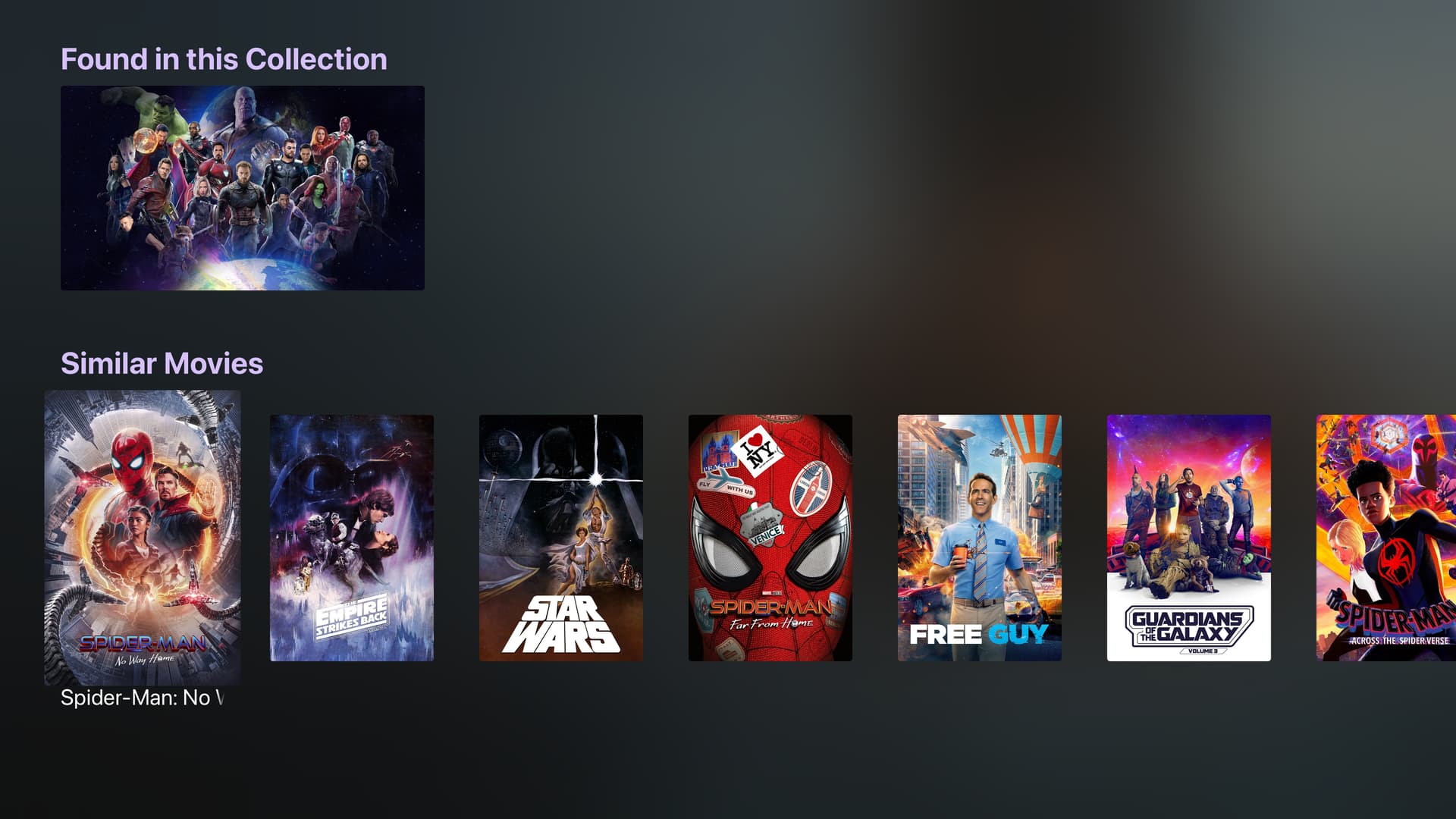
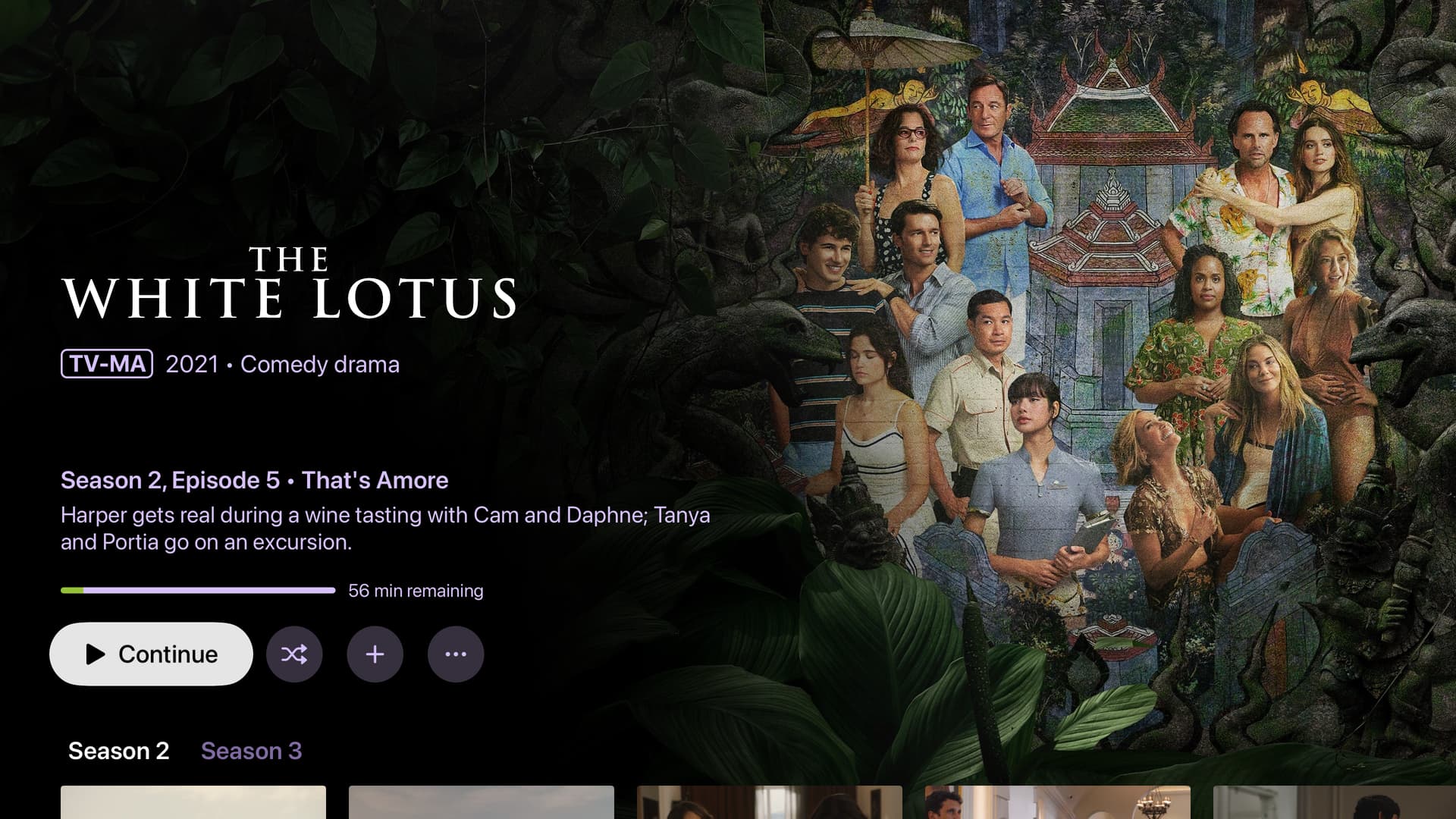
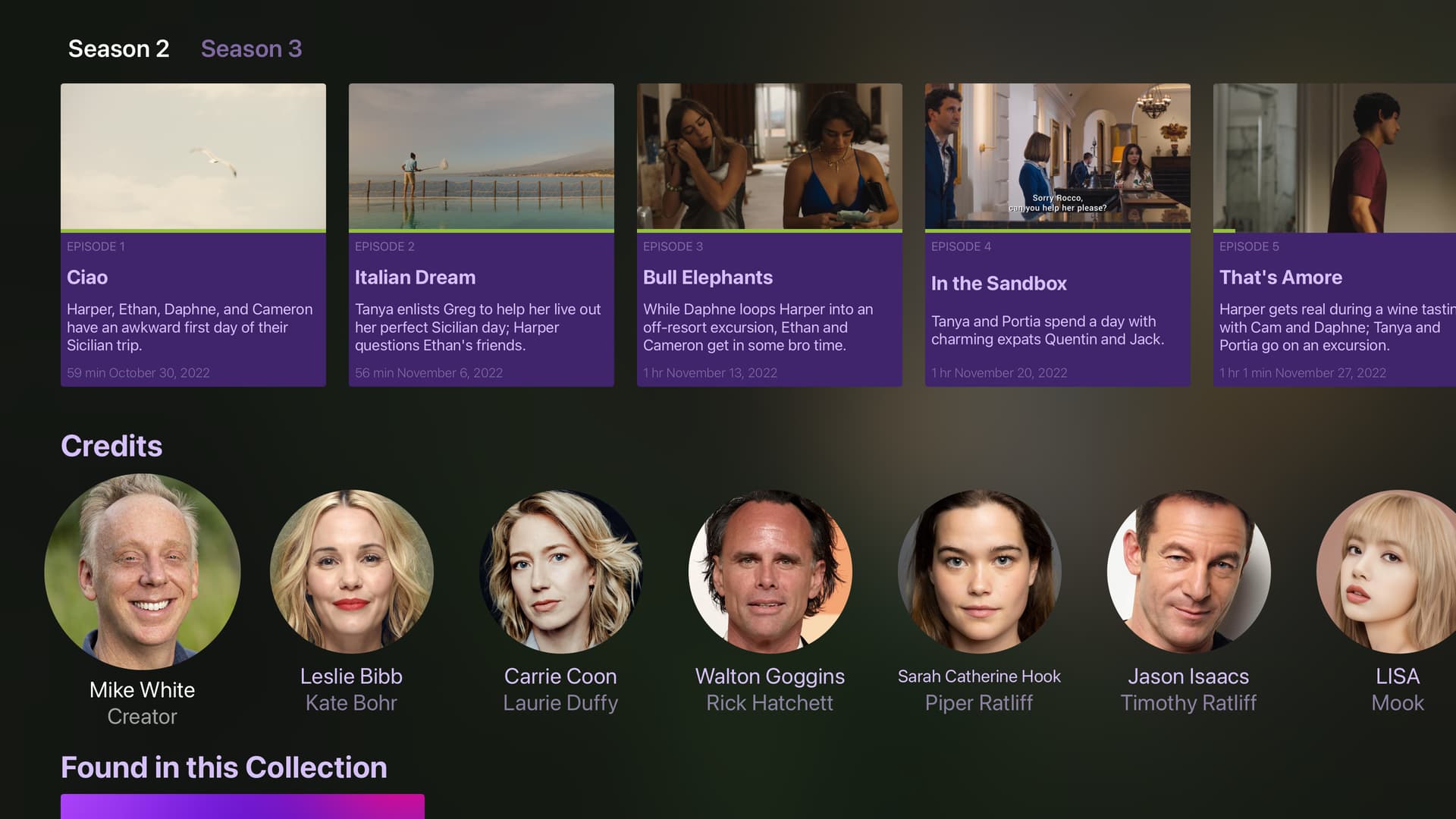
Your movies and shows all now utilize gorgeous backdrops, logos, cast information, and related content in your Channels library in fresh designs and layouts on tvOS and iOS.
Sample Shots
Here's some examples of what you should expect to see.
Movie
TV Show

How do you get it?
You'll need to be on the latest Channels DVR Server pre-release and Channels TestFlight beta.
The richer metadata should already be available on your Channels DVR Server, but if you don't see it, do this to force a refresh on your library:
- Settings > General > Library Database > Maintenance
- Refresh Library Info
Give it some time as it pulls in and applies all the latest metadata for the shows and movies in your library.
Rich Metadata
We've been hard at work at a new metadata engine that supports content from multiple sources and allows us to mix metadata from multiple sources, allowing us to dress up the content in your library no matter where it came from.
Right now this means content from recordings (Gracenote) and Personal Media (TMDB) will all end up having the same sort of metadata and your experience will be the same no matter where it came from.
We've only just started down this path, and these new views are the first results of what we've done so far. Moving forward we'll be applying more of the metadata and supporting more sources.
Curation
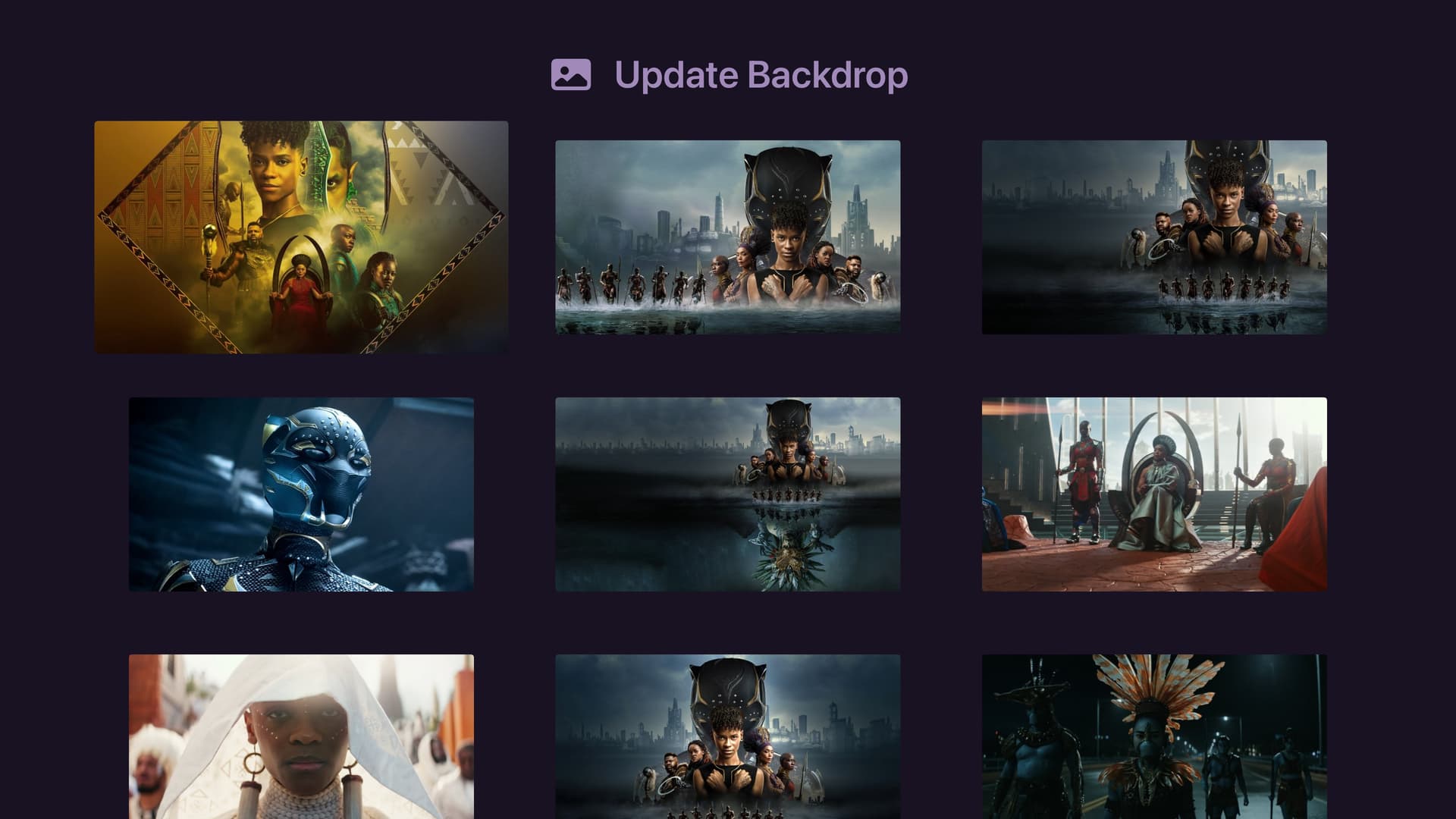
While the backdrops and logos will be chosen automatically for you, they are absolutely editable just like art has always been in Channels.
If you don't like the backdrop or logo that was chosen for you, change it! If you do, we suggest right weighted art for backdrops, as it fits the design great.
What's even better, is you can now do this directly in the app! If you happen to land on a movie and don't like its backdrop, just use the Manage Art action and pick another backdrop. This is available for backdrop, logo, movie poster, and series art.
Updated UX
Besides the fact that these new views convey way more information, they're all browsable.
Movies
View exactly how much is left when resuming the movie. Jump directly to another movie in the franchise. Explore one of your curated collections that the movie might be in. View similar movies. Browse other movies a director has made. It's all just more fun, and exactly what a lot of you have been asking for...for years 
TV Series
TV Series have leveled up even more in that we now put the next episode you should be watching front and center. No more manually scrolling to the next episode to watch, it's right there ready to watch.
TO DOs
This is not finished. But it's close enough that we are super excited to deliver it to you all. We still have a lot of work to do.
Here's a short list of major things that are not yet available:
-
The new TV Series views are not yet available on iOS.
-
Jumping to content via Siri Shortcuts have not been tested yet and may be broken.
- A lot of QA!
Thanks!
Thanks for being patient with us while we were finally able to deliver a richer experience. We're super excited to finally get it in your hands and can't wait to hear what you think about it.
Change is hard, but we think this is moving in a positive direction.