
We’ll be working on that in the future.
Beautiful work! 
Looking forward to seeing this on Android... when you get to it. 
1 Like
Appears to be from the Rotten Tomatoes Audience Score (Popcornmeter)
It's based on what the metadata has and falls back. Here's the priority of what shows:
- Rotten Tomato Audience Score
- IMDB score
- TMDB score
- Gracenote score
3 Likes
This looks, and feels, great! I just clicked around for a few minutes, linking from cast and crew to other titles and enjoyed learning more about the titles in my library. It’s all implemented and laid out very elegantly. Nice work, thanks!
4 Likes
Fixed in the latest TestFlight beta:
2 Likes
One thing I have always felt is true about the Devs for Channels - when they do make something different in the software, it's pretty rock solid. I know big changes take a while to accomplish and is a lot of work on the backend but the frontend result is pretty amazing. It's why I know if you decided to do some of my most wanted feature requests it will be very well done.
5 Likes
How do you change the Title that's displayed over the backdrop?
I have a movie titled "Winged Migration"
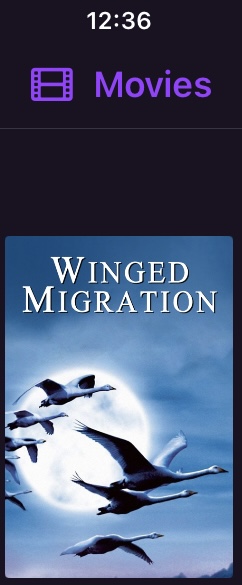
but when I display the details with the backdrop the title appears in German as NOMADEN DER LUFTE
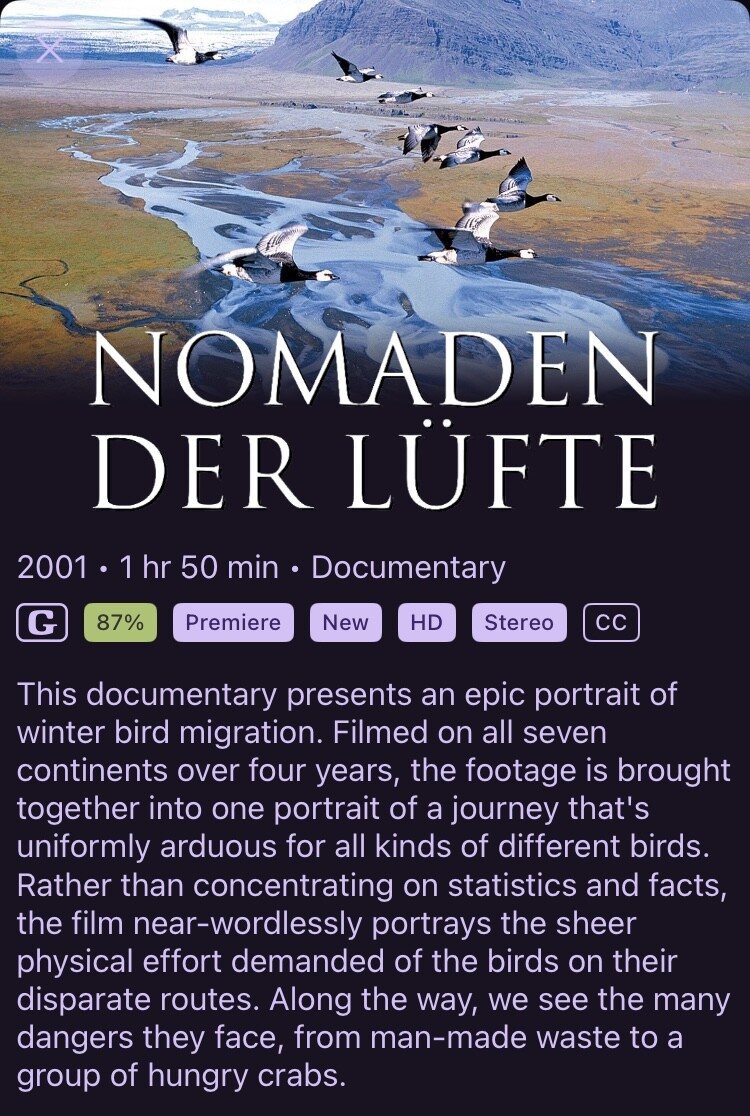
That’s the Logo. Update it via web admin, or directly in the client.
Use the more button to get the context menu and go to Manage > Manage Art > Update Logo
1 Like
any chance in putting the cast before the writer and director? it just look better having the cast first, some missing pictures are from the staff and are repeated. thanks.
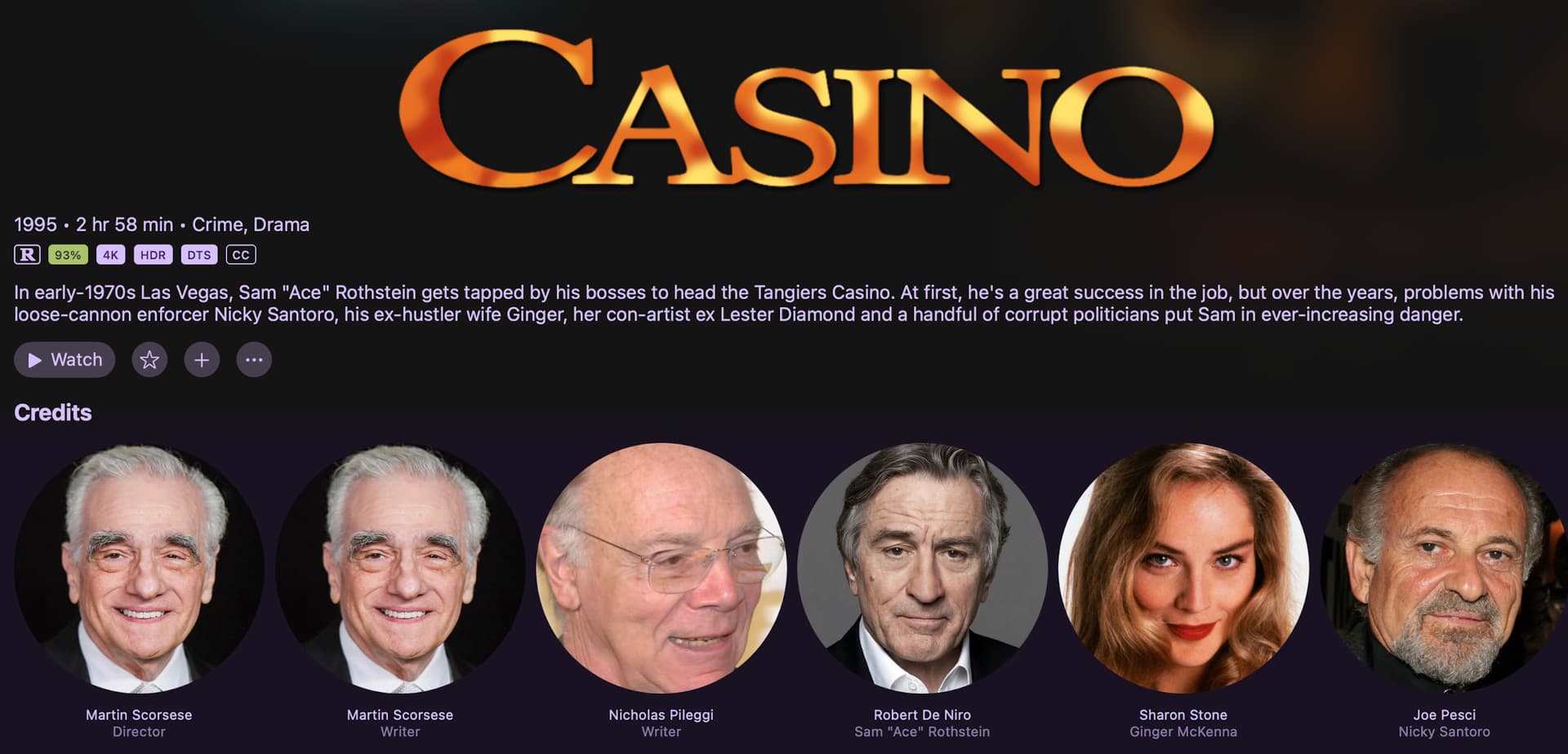
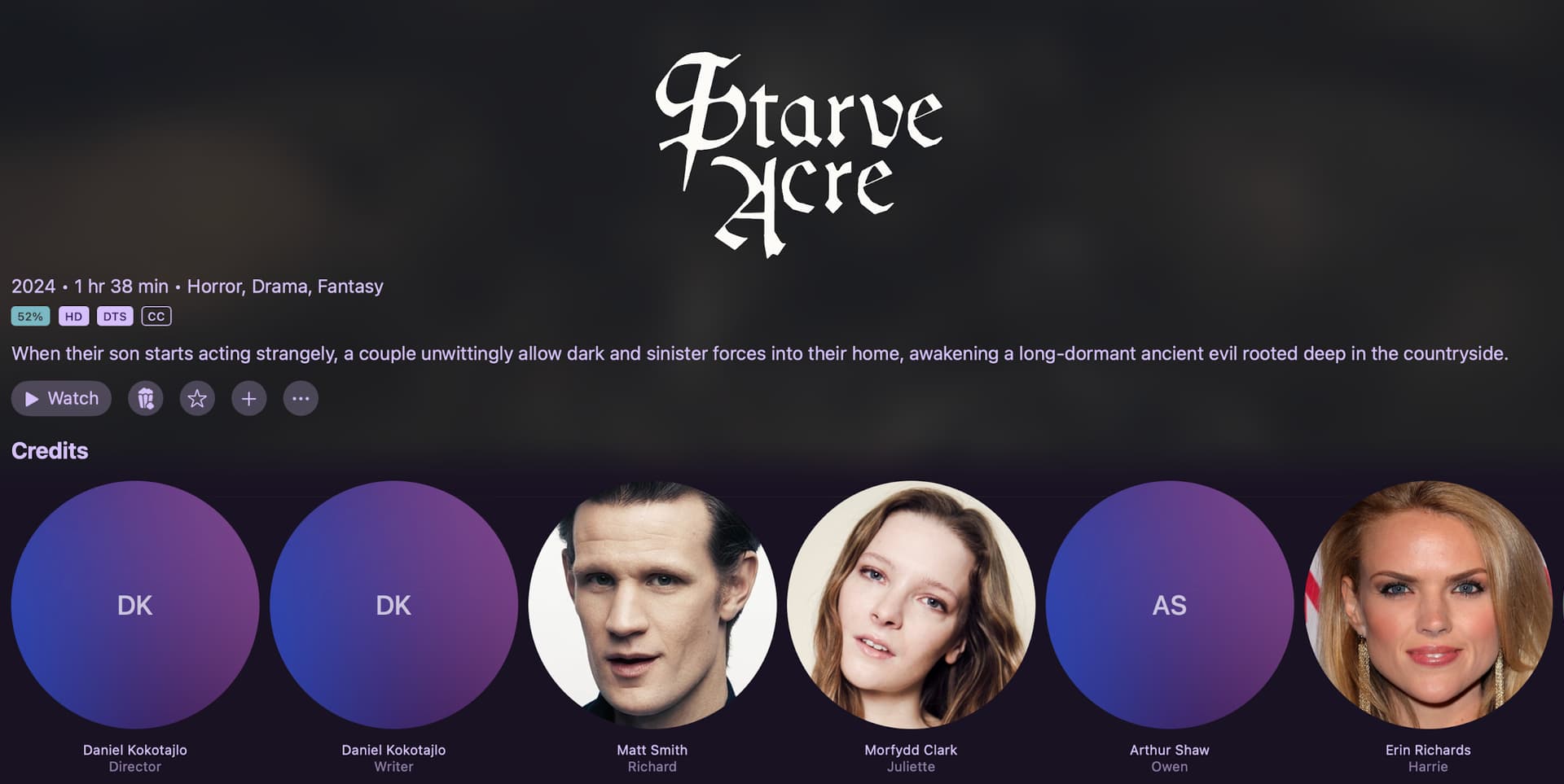
I agree with @AeroR1 on the cast placement. Sounds like a little thing but it actually threw me a bit first time I looked at it and the main actor wasn't listed first.
I'm running the Apple TV 4K with the latest tvOS (18.5) and the latest Channels pre-release (2025.07.19.2021) and I refreshed the Library Info. I still don't see the Credits with the Actor's pictures. I do see the new score and other new items when I look at a movie.
Any idea why on my ATV 4K it doesn't display the Credits with actors pictures?
Submit diagnostics from your server.
Just to be clear, the score isn’t new, it’s been there for ages.
You have to have the beta Channels app.
Ah OK thanks. I just submitted 67c72f3c-53b4-4b24-835b-3d1054a1aaa6.
Ah yes, I forgot to mention my ATV is running Beta 5.21.146. But I'm sure you'll see that in the diagnostics I sent.
1 Like
The latest beta build is 7.19.1902
You need to go to TestFlight and update it.
That was it. I'm not an Apple user I'm strictly Android but I bought the ATV just for Channels.  I didn't realize I had to update TestFlight every so often. I think it said 90 days when I just updated it. I'm all set and thanks for the info.
Best update since I’ve been apart of the community. Awesome work and hope you guys keep taking channels in this direction!
4 Likes
I absolutely love this, but can i beg you for one change that hit me immediately??? Please change the "4K" and "HD" to something better (and any other purple logos like "DTS" and "HDR" from the screenshots)... I beg you! It really detracts from the view and stands out horribly. Something like below (and the "HD" equivalent) would look great and polished.
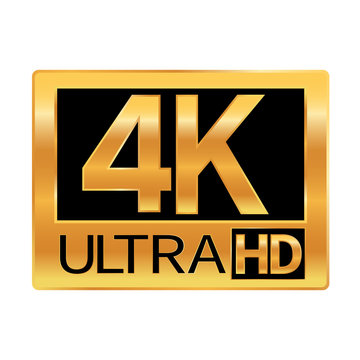
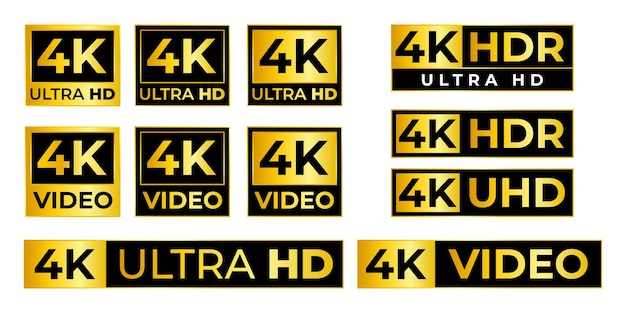
Also, I have noticed the score color background changes based on the number (percentage). Maybe rather than have a background that surrounds the number, make the actual number bold and colored (no background). I think it would stickout less, but still provide the information you are trying to convey at a glance.
2 Likes