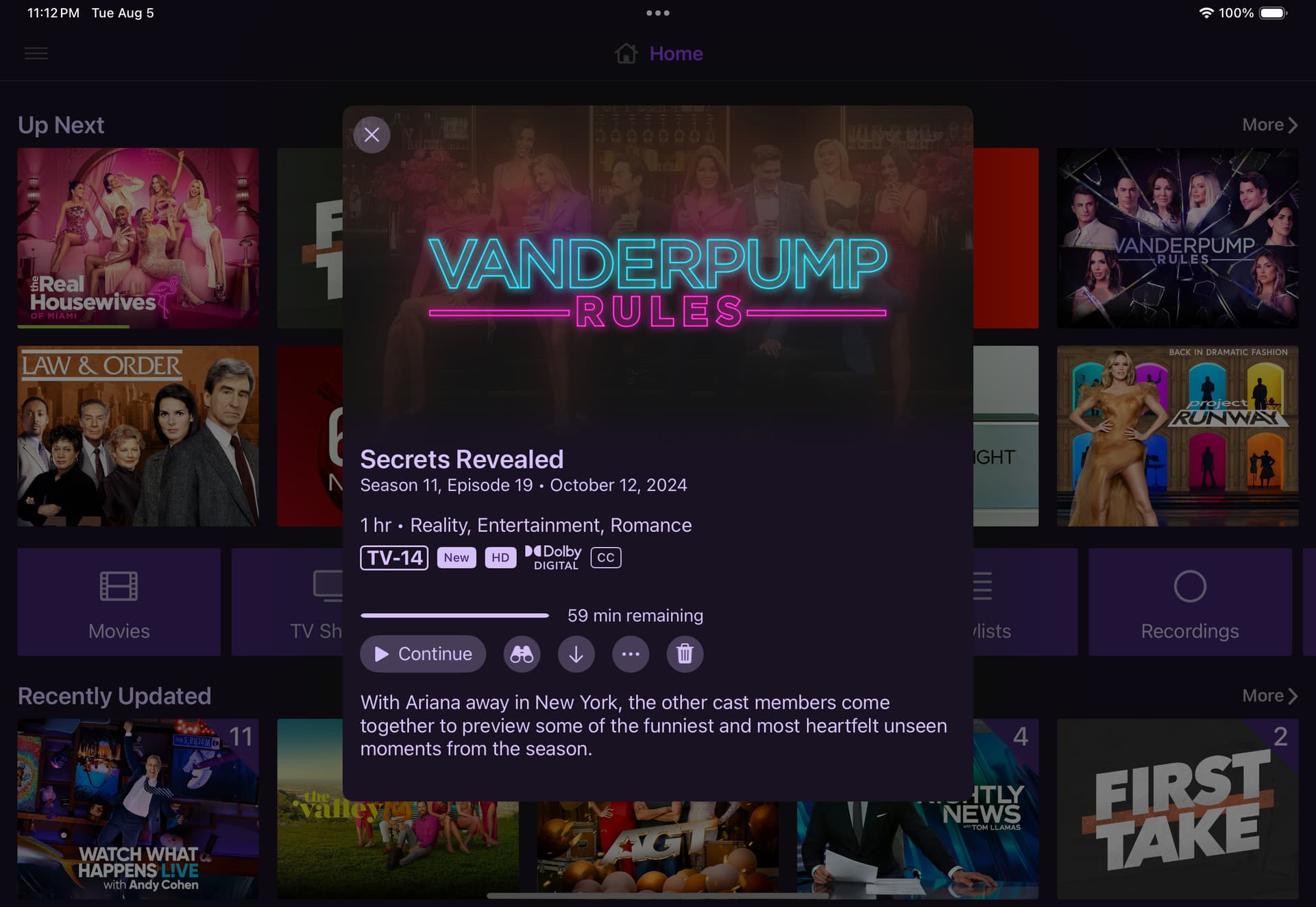
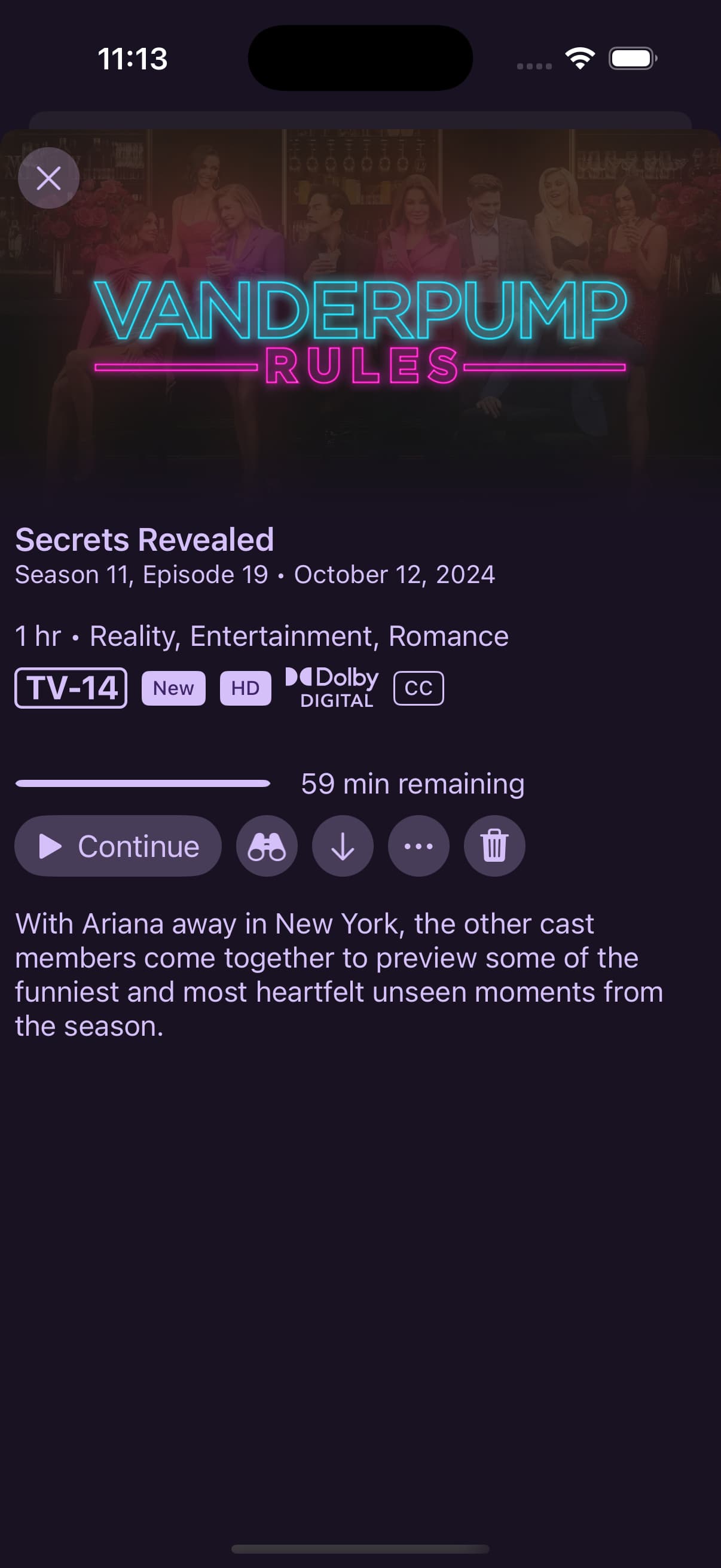
Everything looked good until I set a filter that didn't have results, now I don't know how to unfilter 
This looks great! I’m loving the new layout.
@maddox I was curious if you guys have any plans for Major League Sports. Right now when I record baseball it goes in my library but the “series” art is the logo from a previous World Series.
Similar with NFL I have all teams set up as recordings they all filter into a NFL “series” but the art selection for it is limited.
I’d be happy with just the major league logo art or even team logo art.
1 Like
This is a bit limited by Gracenote.
I’d suggest trying to pick from art they provide, or just using your own 4:3 aspect image.
1 Like
First bit of feedback I have is to change the first view when you click on a "Up Next" TV episode. That is literally 90% of my interactions with Channels on Apple TV so I would miss the new artwork entirely! I honestly thought at first that my beta app didn't update until I clicked a movie and then explored a show. And then found a mismatch for "Destination X" from NBC that is only on the beta. Looks like a British version now.
2 Likes
There’s no plans to open the episode modal when clicking the Watch/Continue/Next button.
As for the rest of what you said, I’m don’t understand what you mean.
1 Like
Ok! Yeah that show is matched correctly on my iOS app that’s not on the beta. But for the Apple TV beta it is now matched with another show that has different artwork!
I can’t really say why that would be. The app doesn’t even work like that. All data comes from the server.
This also wouldn’t be something affected by the changes mentioned in this topic.
If you want, create a new thread with diagnostics and some screenshots of what you are seeing.
Somewhat disappointing as the new view does seem to default to a watch next episode when opening, and I, like @Lvevan used the Up Next most of the time for TV recordings.
1 Like
I think I’m resolving they you guys are saying you’re missing out on the new view because you use Up Next to watch your next show, because it shows the modal.
This is the default behavior when selecting an episode/recording. This isn’t going to change.
This also means Up Next is doing it’s job!
2 Likes
As of the latest pre-release, you can edit backdrops and logos from the web admin.
Sorry, we left this out when we shipped it out!
Additionally, you can set whether to use the rich views or not via Server Side Settings, this setting has been in the client the whole time, but we never mentioned it.
1 Like
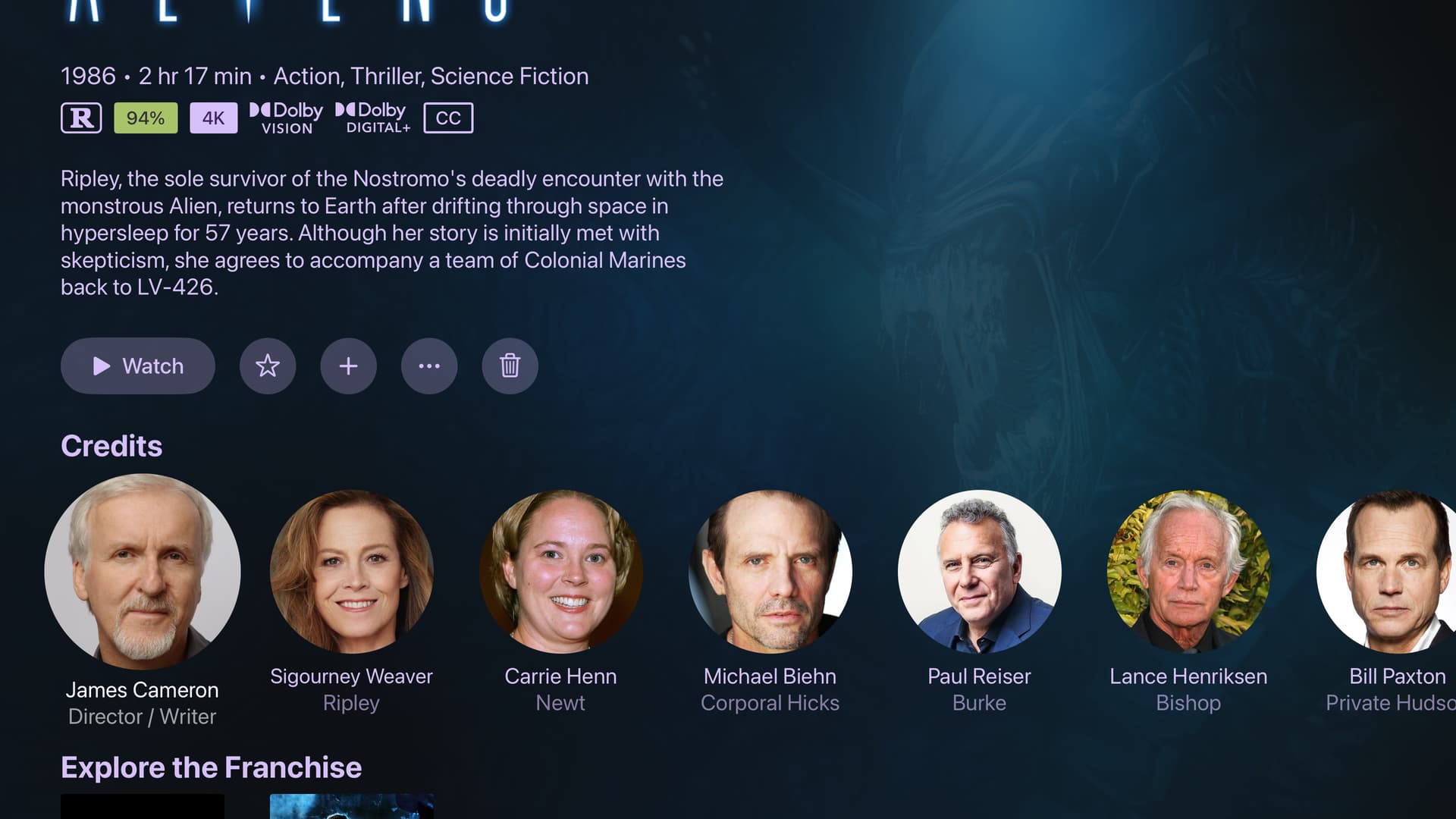
Just a usability thing I noticed for the new server side view. It isn't apparent that when I put my mouse over an image that the edit button will pop up in the corner. I was looking for something like "Edit Artwork" in the "Manage" drop down. Just don't want folks to miss this feature because it is really helpful with the new tvOS banner images.
This is fixed now in the latest build.
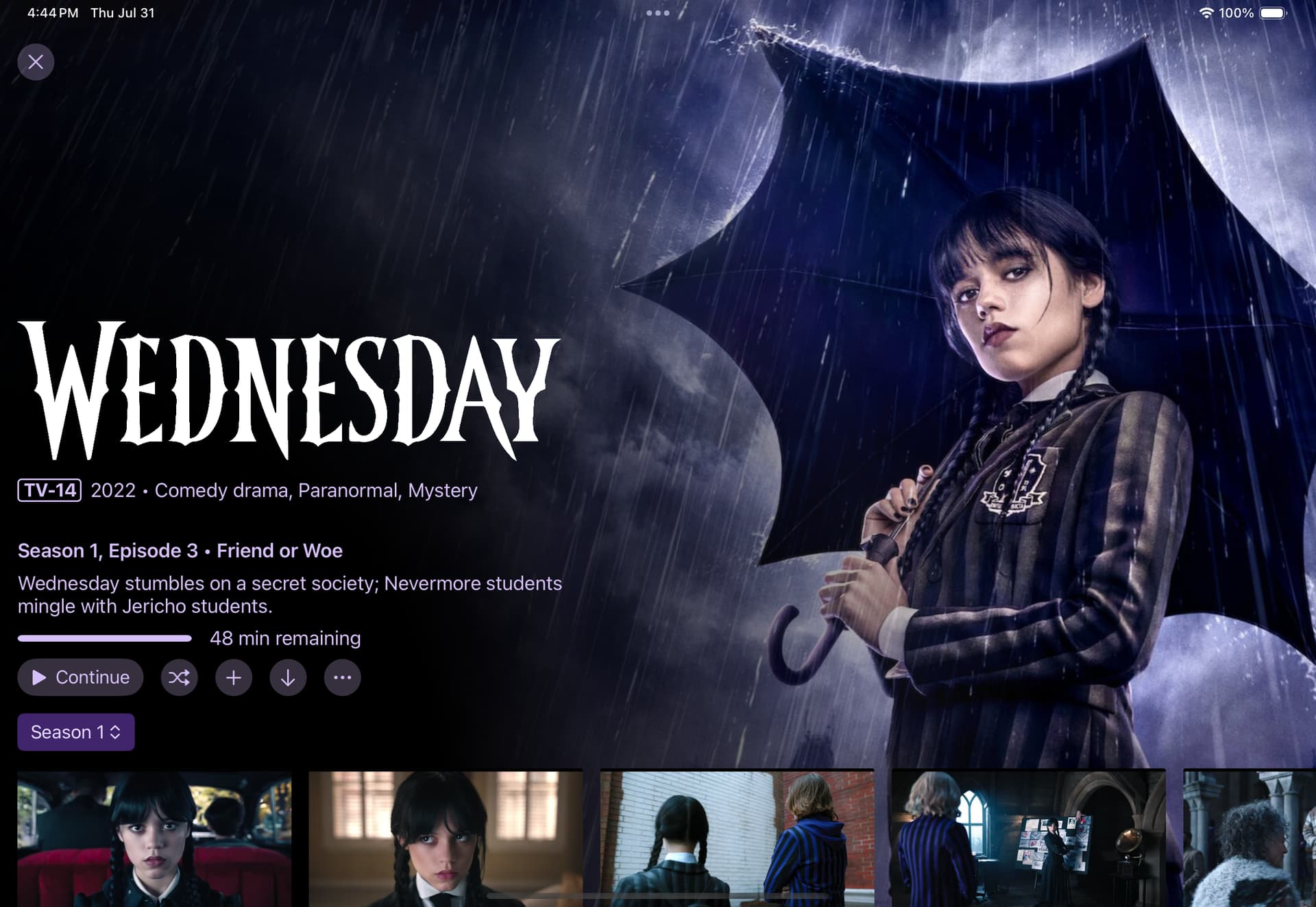
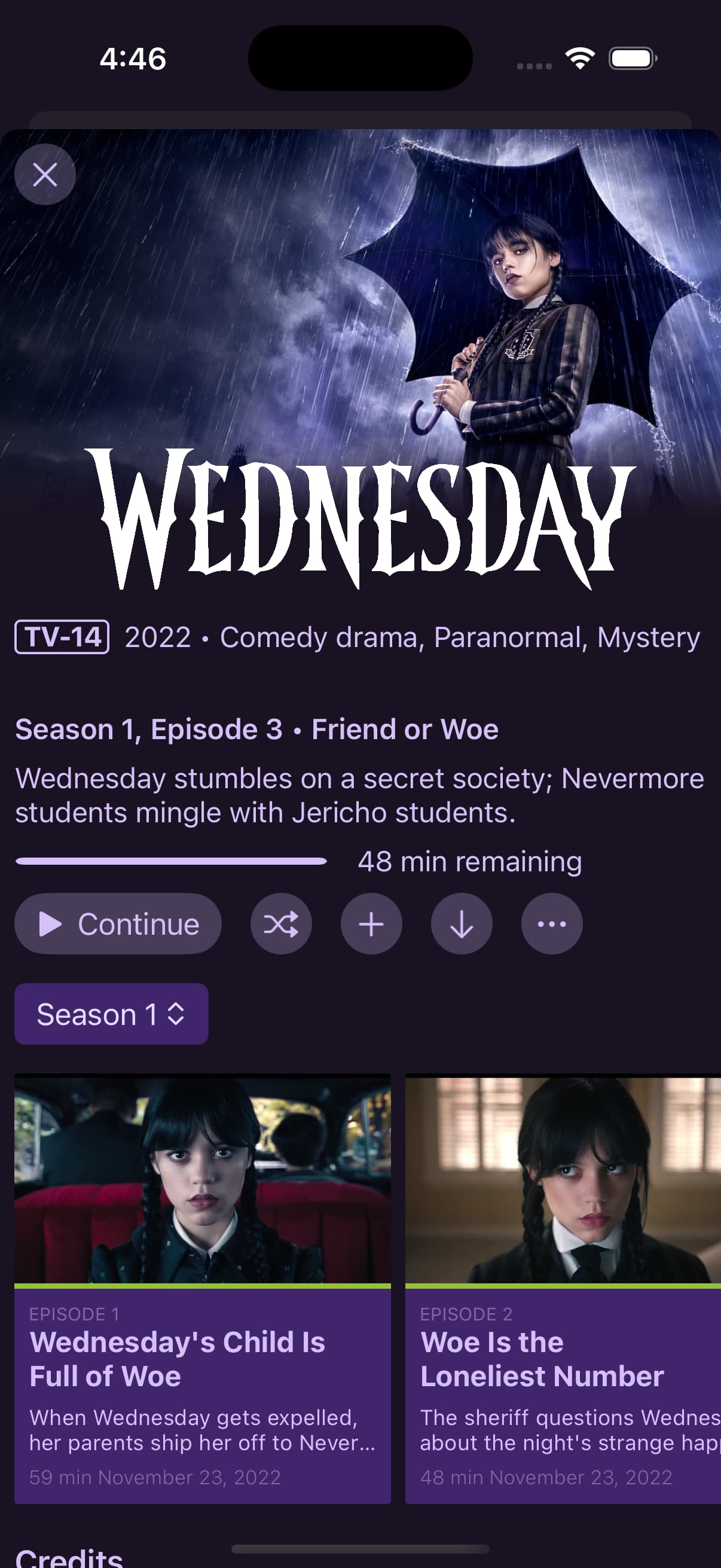
As of the latest TestFlight pre-release, TV series now use the new rich view on iOS and iPad OS. additionally, movies without rich art now use the new view as well on iOS and iPadOS rather than the simple modal.
7 Likes
I was playing around with backdrops for a show and found one that I liked better than the default. However, it has a logo on it already and then the show logo got added as well.
I would hope there’s an option to remove the logo? Maybe in the manage logos page there can be one that just says “none” or something like that which tells Channels to remove any logo for the show?
Just delete the logo image. You can do that from the web admin, that option is not available in the client.
But when there’s no logo, the title of the show is shown.
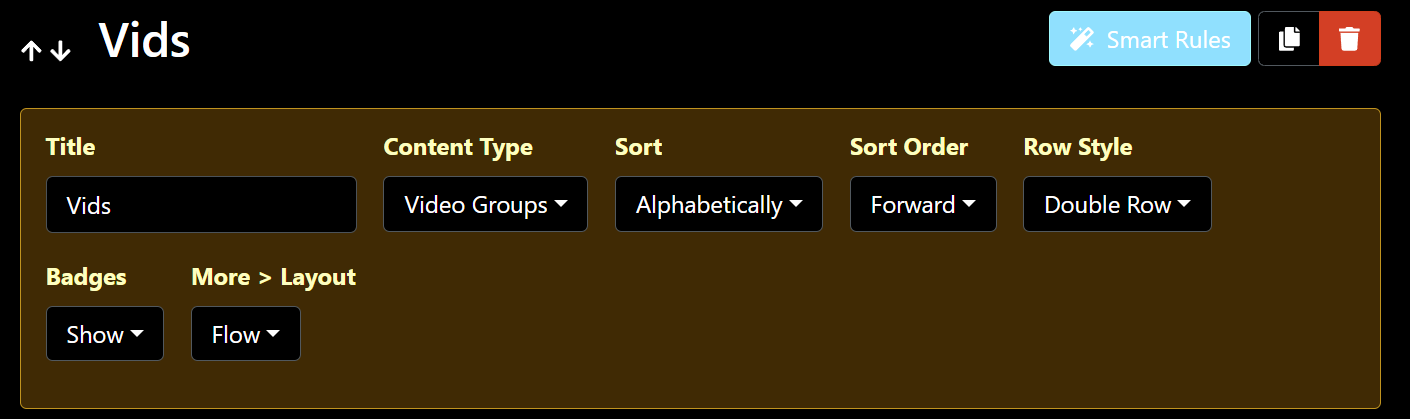
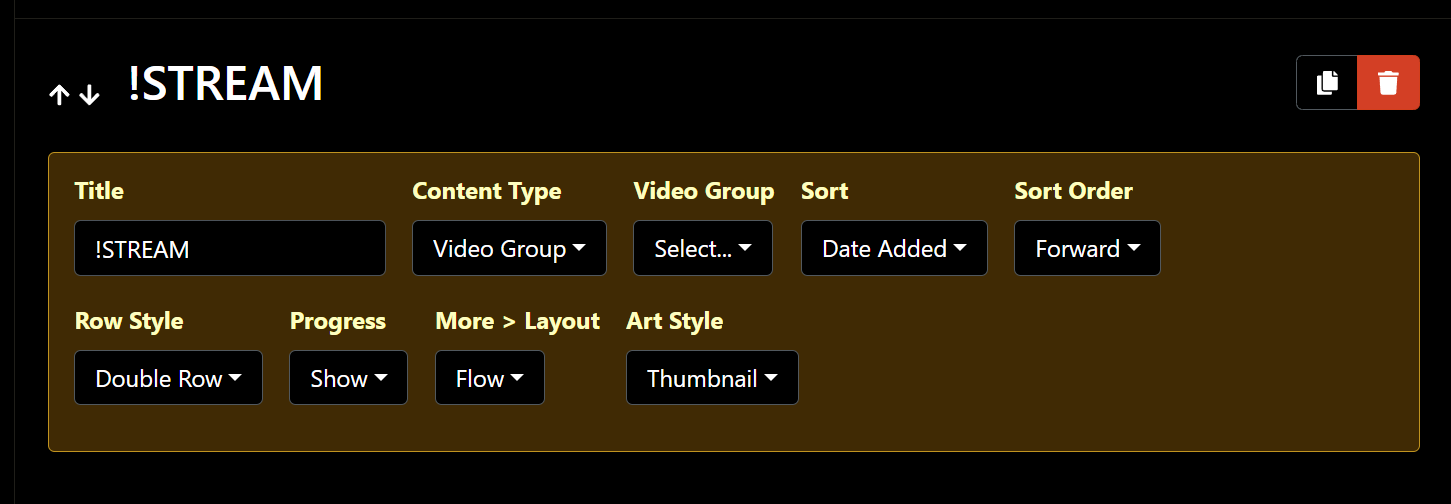
Since, i believe, app version beta 8.2.503, when i trash the last video in my video group, in my Personal Section, the app crashes to the Apple TV home screen.
I updated to app version 8.2.2016 and still experience the same issue.
I submitted diags from the app after i deleted the video, the app crashed, and i re-opened the app.
Here is a pic of how i have that section in Personal section setup, if that helps.
(it also does it on my dedicated Personal Section tab that only has this video group.)
1 Like
Great, thanks, we'll look into it soon.
This has been resolved in the latest TestFlight beta:
1 Like