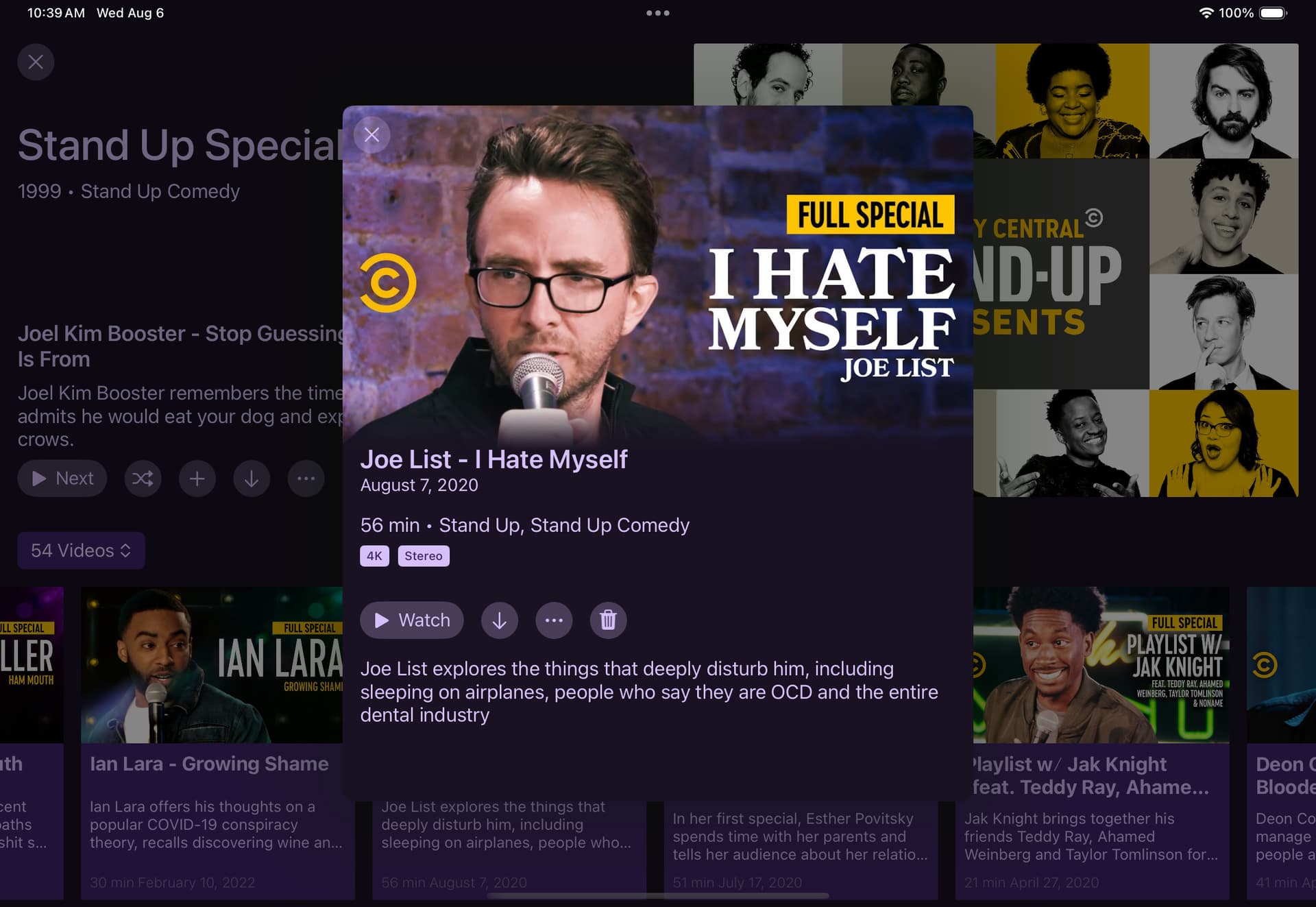
Ok! Yeah that show is matched correctly on my iOS app that’s not on the beta. But for the Apple TV beta it is now matched with another show that has different artwork!
I can’t really say why that would be. The app doesn’t even work like that. All data comes from the server.
This also wouldn’t be something affected by the changes mentioned in this topic.
If you want, create a new thread with diagnostics and some screenshots of what you are seeing.
Somewhat disappointing as the new view does seem to default to a watch next episode when opening, and I, like @Lvevan used the Up Next most of the time for TV recordings.
1 Like
I think I’m resolving they you guys are saying you’re missing out on the new view because you use Up Next to watch your next show, because it shows the modal.
This is the default behavior when selecting an episode/recording. This isn’t going to change.
This also means Up Next is doing it’s job!
2 Likes
As of the latest pre-release, you can edit backdrops and logos from the web admin.
Sorry, we left this out when we shipped it out!
Additionally, you can set whether to use the rich views or not via Server Side Settings, this setting has been in the client the whole time, but we never mentioned it.
1 Like
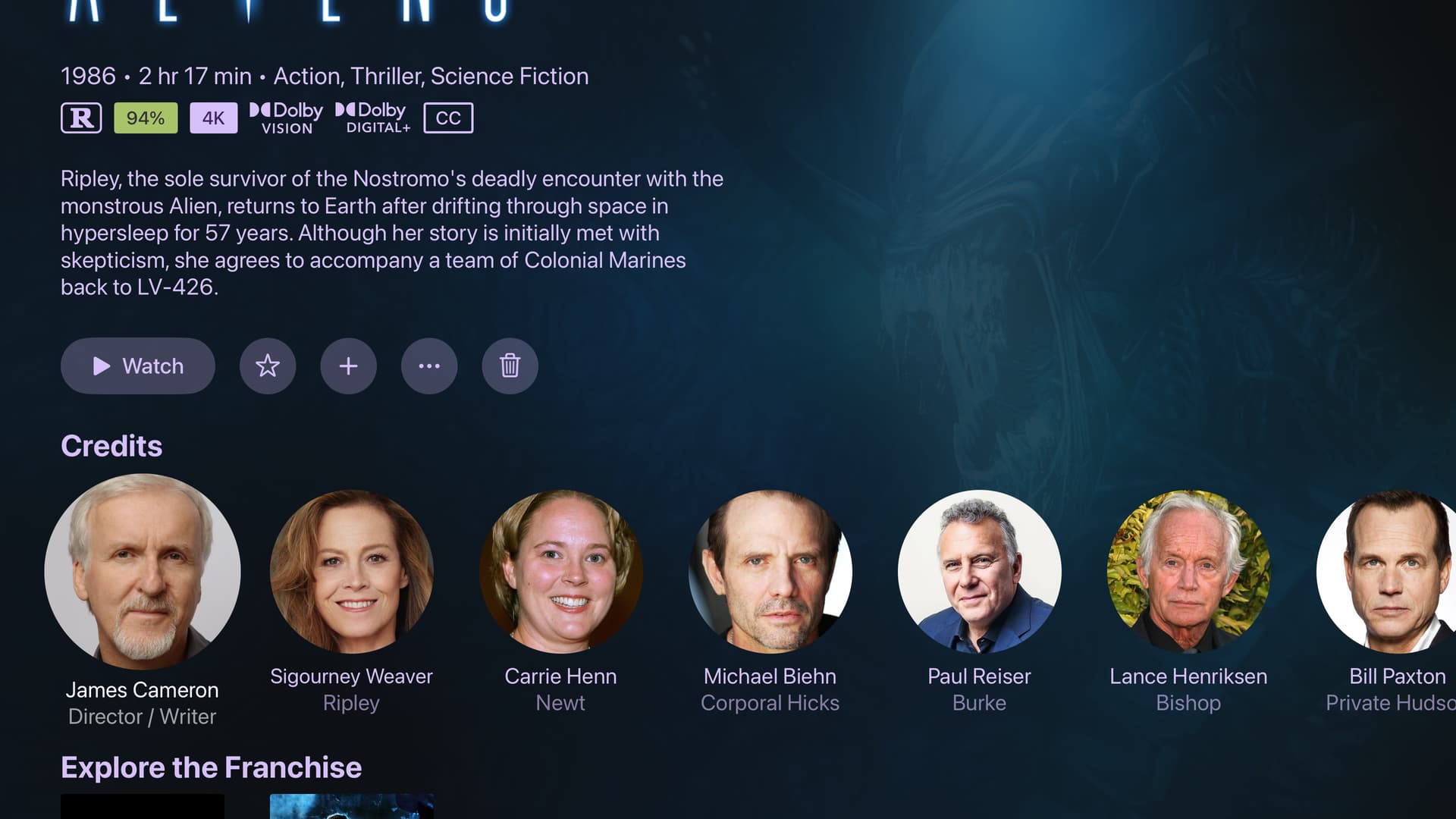
Just a usability thing I noticed for the new server side view. It isn't apparent that when I put my mouse over an image that the edit button will pop up in the corner. I was looking for something like "Edit Artwork" in the "Manage" drop down. Just don't want folks to miss this feature because it is really helpful with the new tvOS banner images.
This is fixed now in the latest build.
As of the latest TestFlight pre-release, TV series now use the new rich view on iOS and iPad OS. additionally, movies without rich art now use the new view as well on iOS and iPadOS rather than the simple modal.
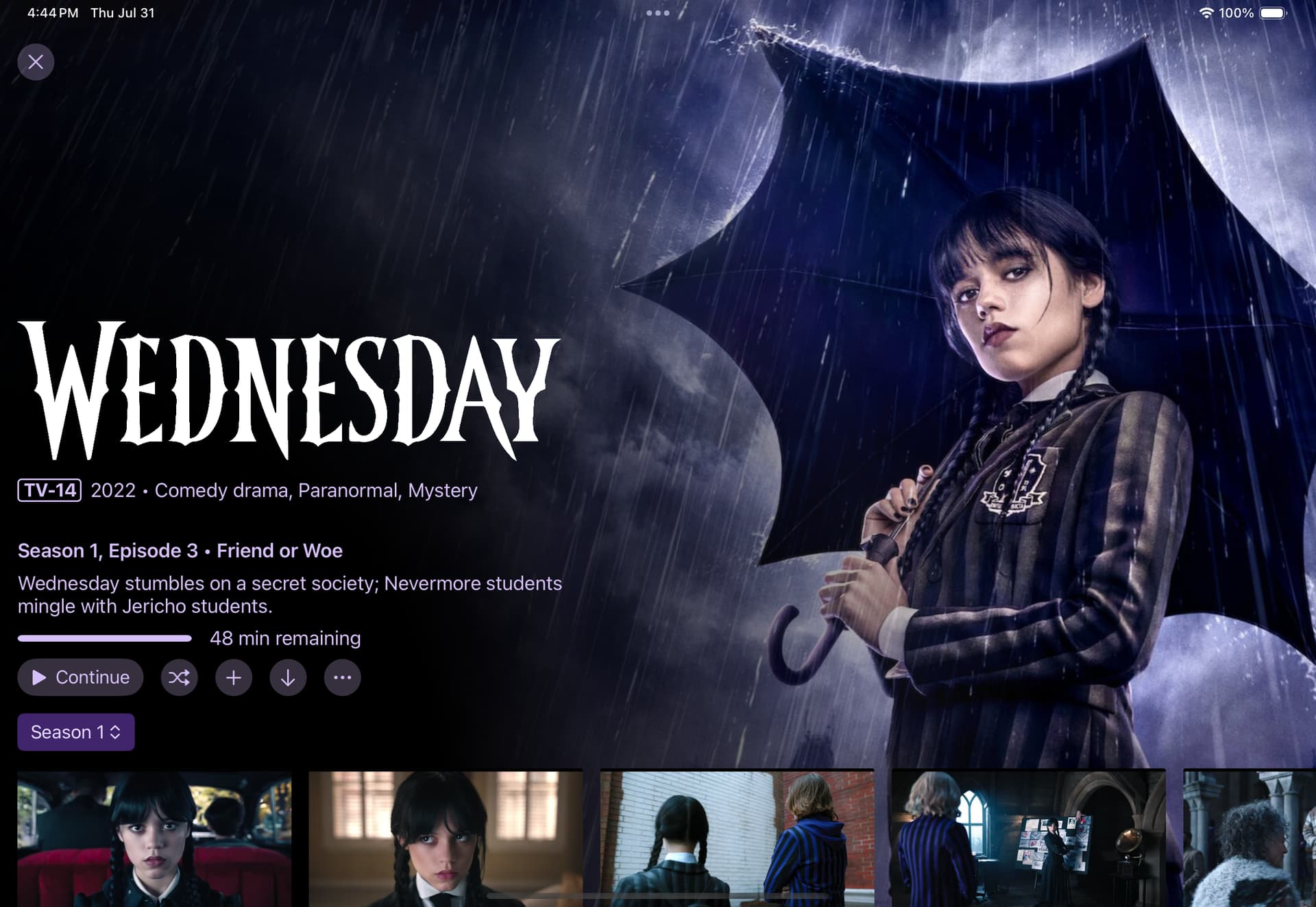
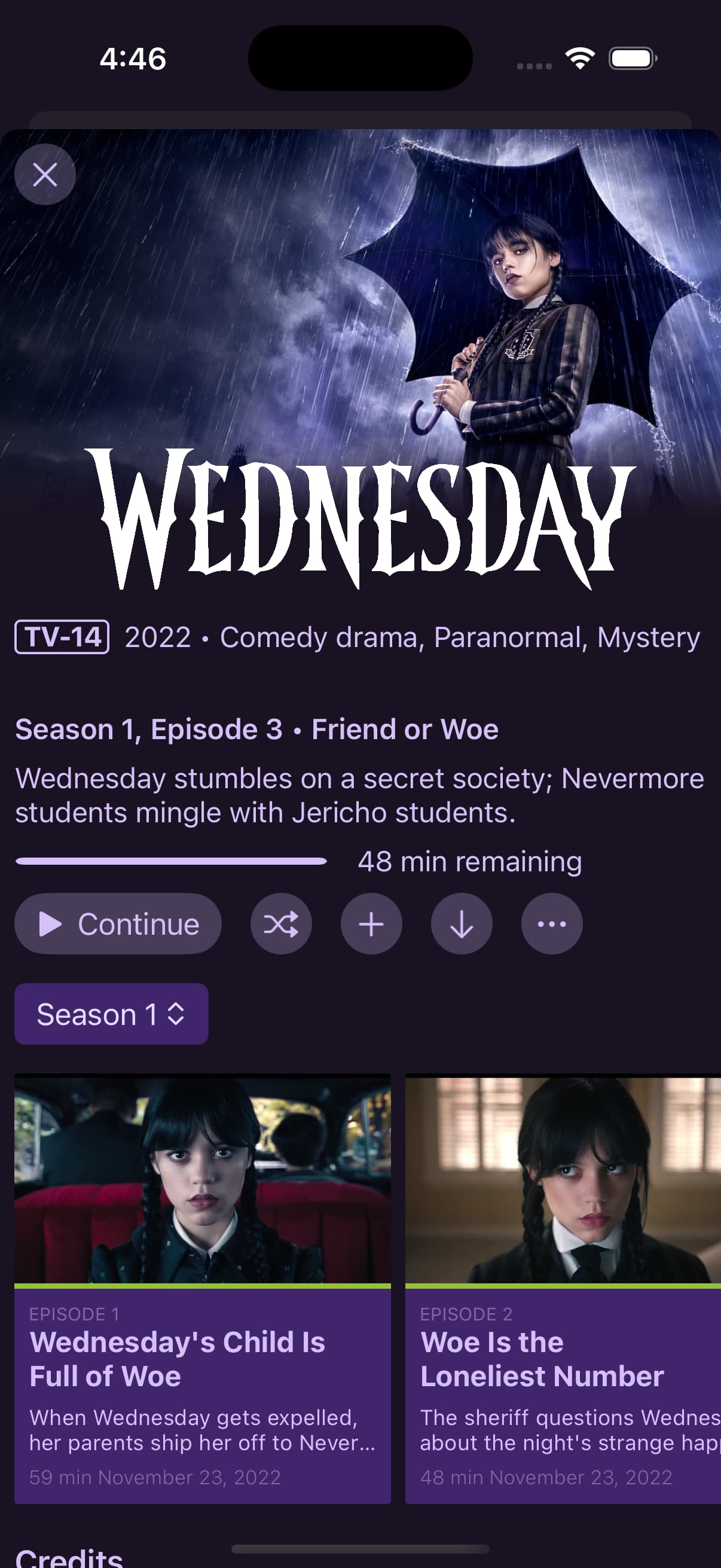
7 Likes
I was playing around with backdrops for a show and found one that I liked better than the default. However, it has a logo on it already and then the show logo got added as well.
I would hope there’s an option to remove the logo? Maybe in the manage logos page there can be one that just says “none” or something like that which tells Channels to remove any logo for the show?
Just delete the logo image. You can do that from the web admin, that option is not available in the client.
But when there’s no logo, the title of the show is shown.
Since, i believe, app version beta 8.2.503, when i trash the last video in my video group, in my Personal Section, the app crashes to the Apple TV home screen.
I updated to app version 8.2.2016 and still experience the same issue.
I submitted diags from the app after i deleted the video, the app crashed, and i re-opened the app.
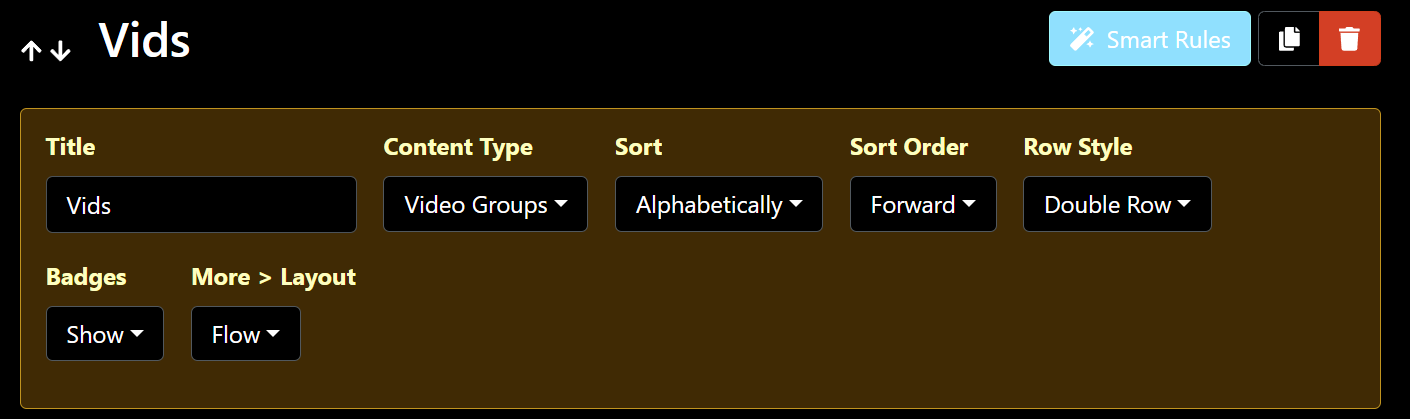
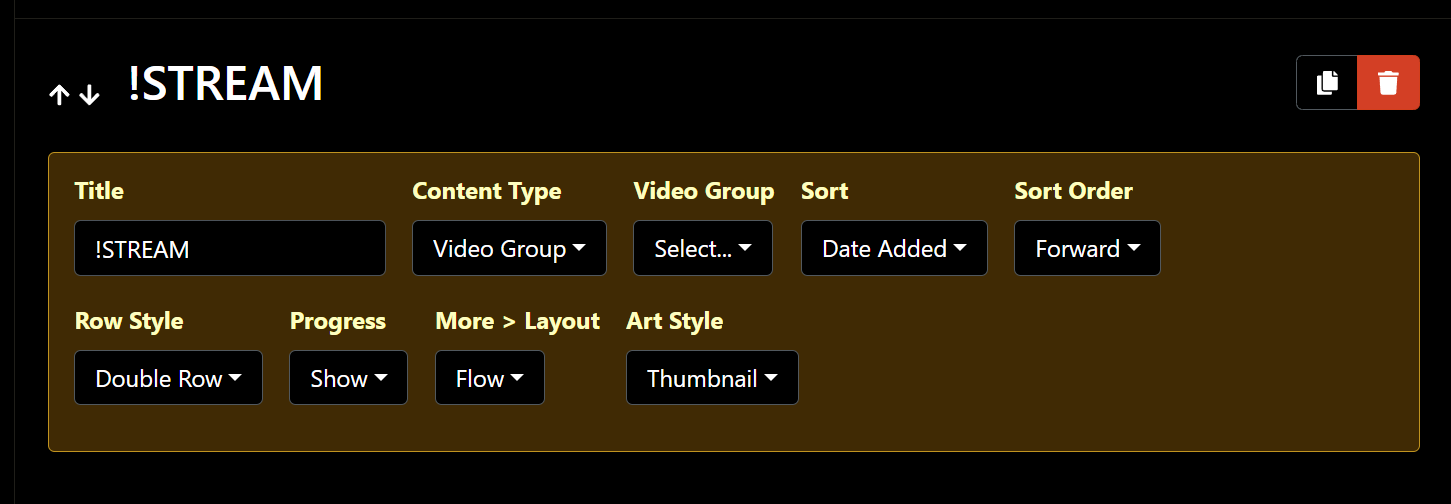
Here is a pic of how i have that section in Personal section setup, if that helps.
(it also does it on my dedicated Personal Section tab that only has this video group.)
1 Like
Great, thanks, we'll look into it soon.
This has been resolved in the latest TestFlight beta:
1 Like
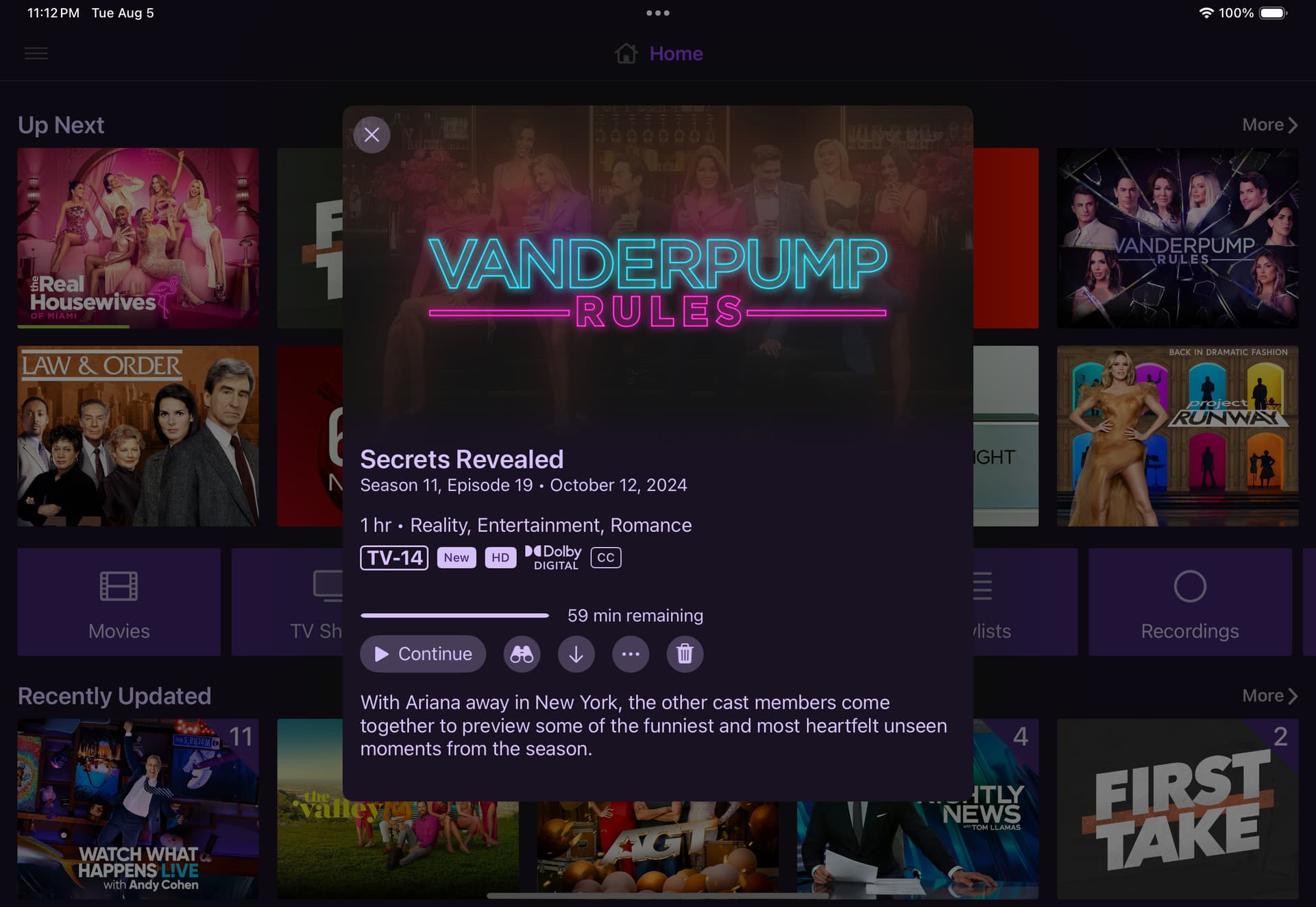
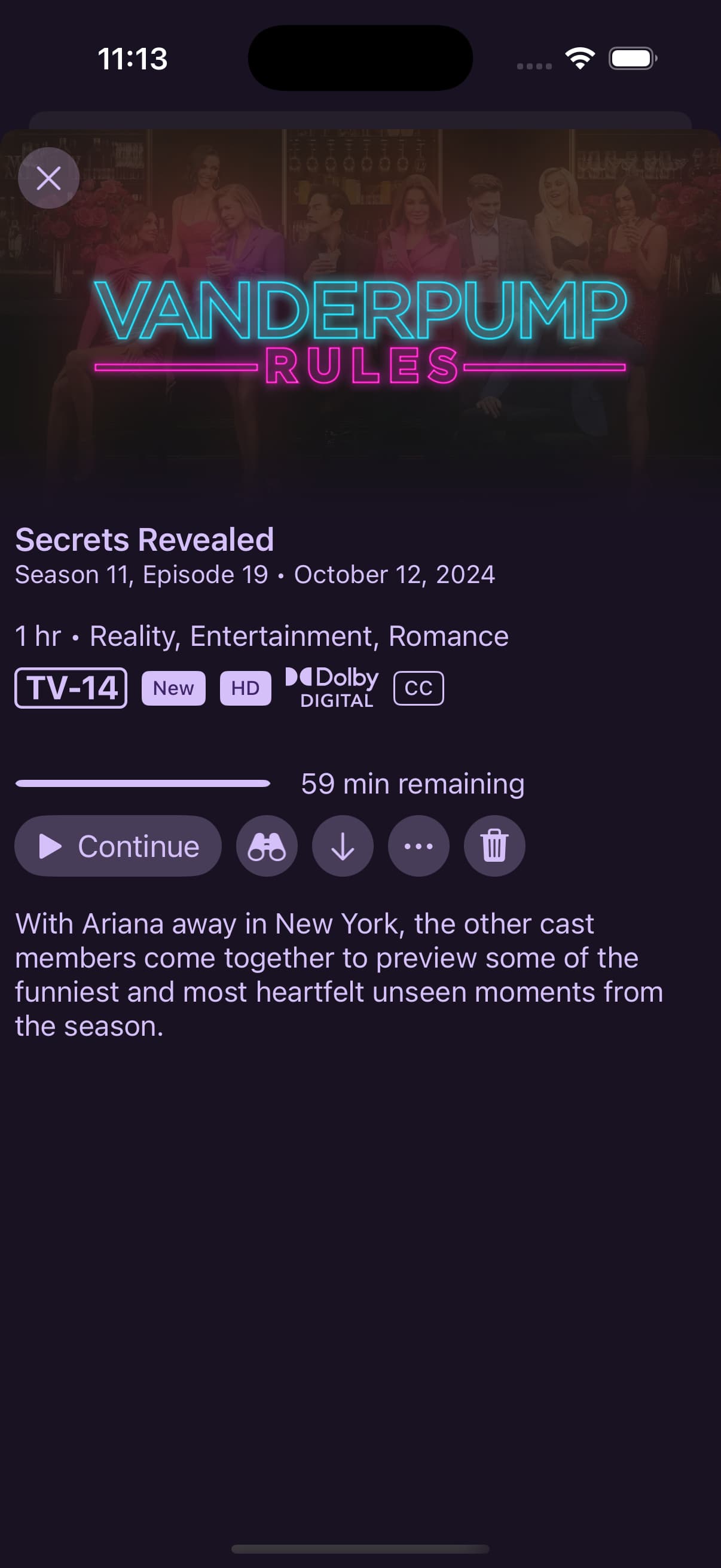
The latest TestFlight beta adds new re-designed modals for episodes from your library that utilize the new richer art:
tvOS

iPad
iPhone
8 Likes
Nice! Looking slick!
Would also like to see this new UI look for normal DVR program episode/recordings too, not just local library files.
One annoyance for me, though is in my custom video groups that just have random video files I watch them delete, it’s showing the image that I set for the group, not the thumbnail the actual video when I click to show the preview of the video.
Is there any way to set that so that when I open the Video episode file preview, it shows the video thumbnail?
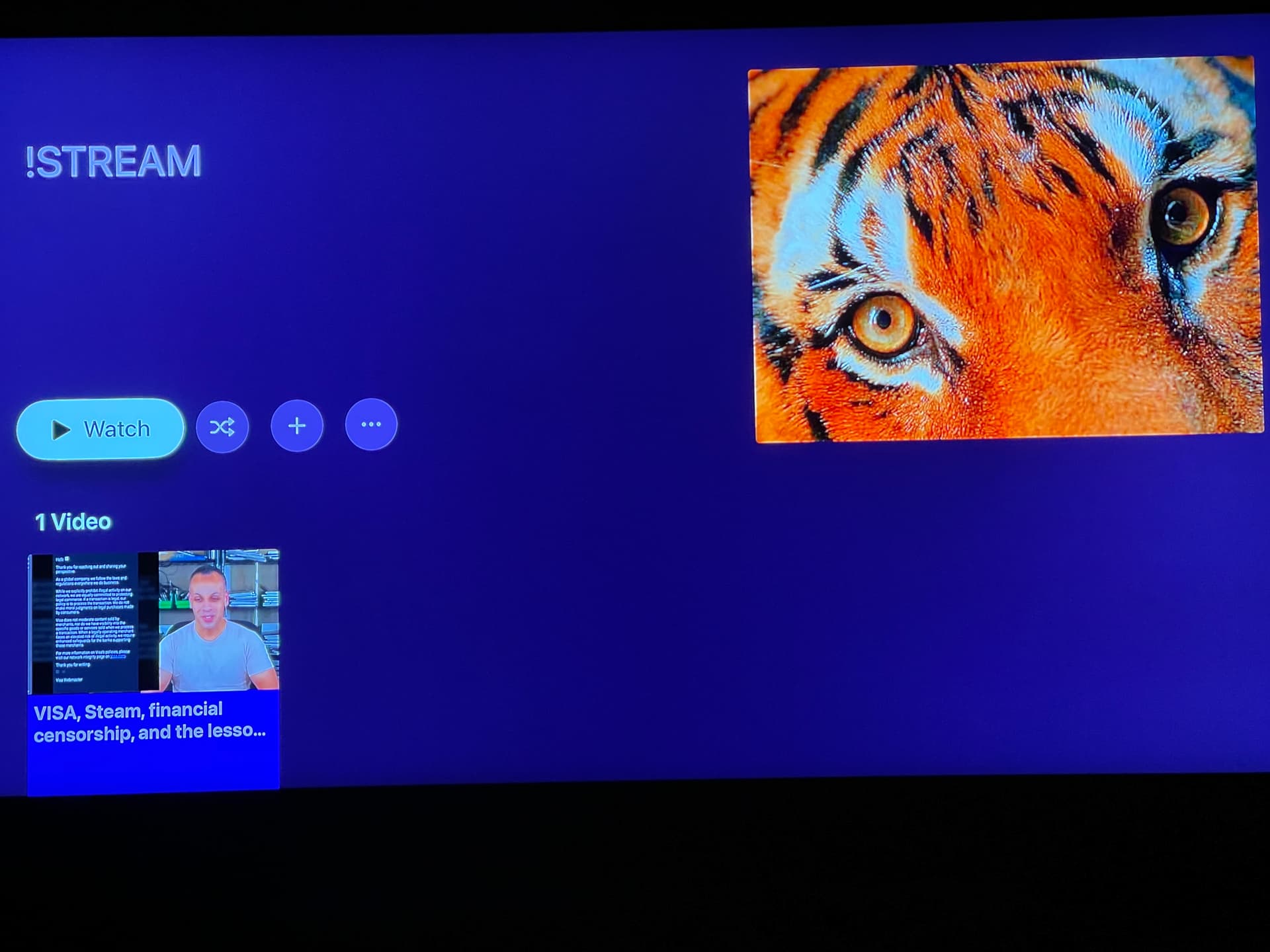
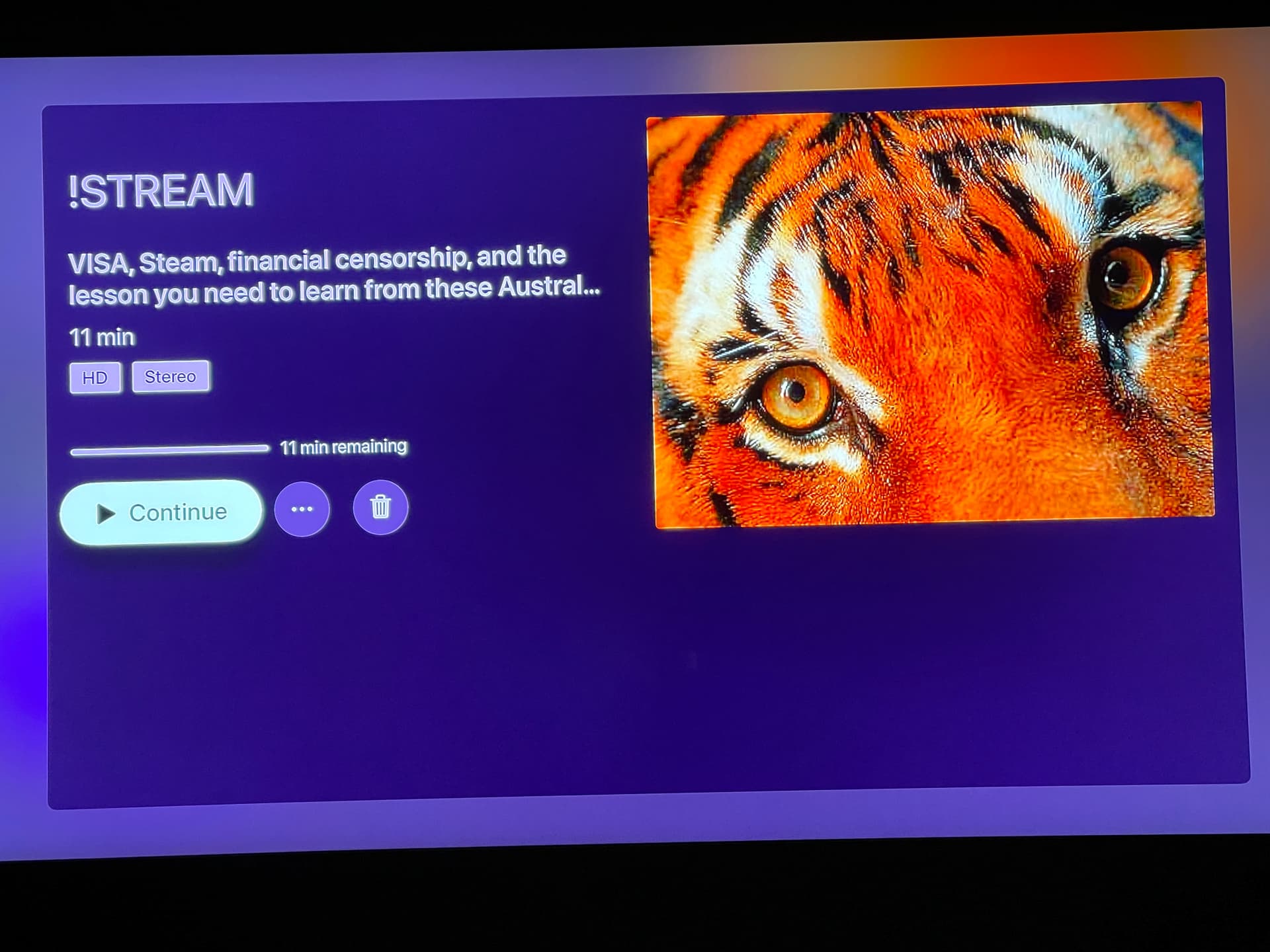
Video thumbnails are coming.
1 Like
The eposode tags are smooshed a little bit
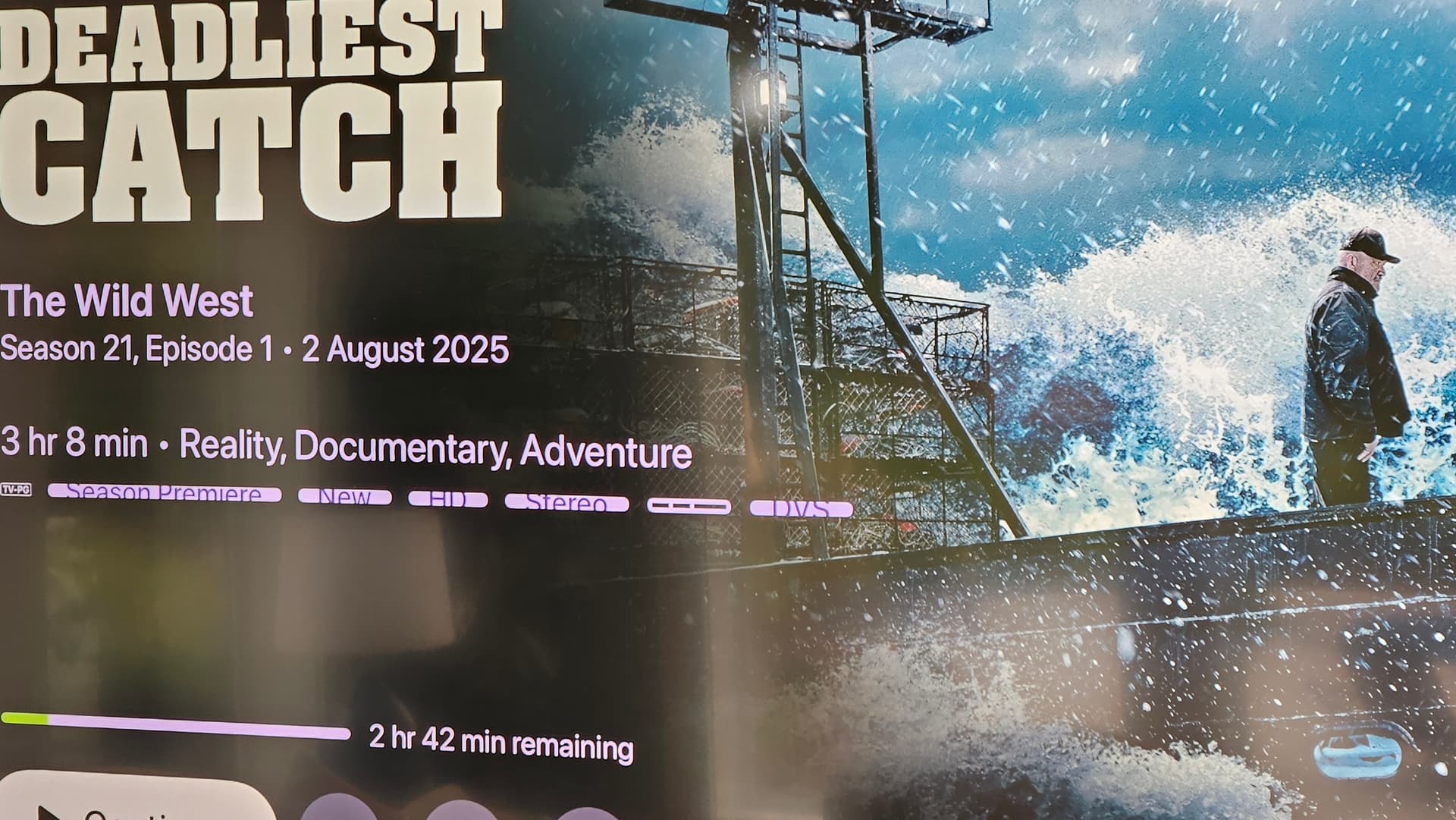
Others look fine though. Maybe when there are more than a certain amount of them?
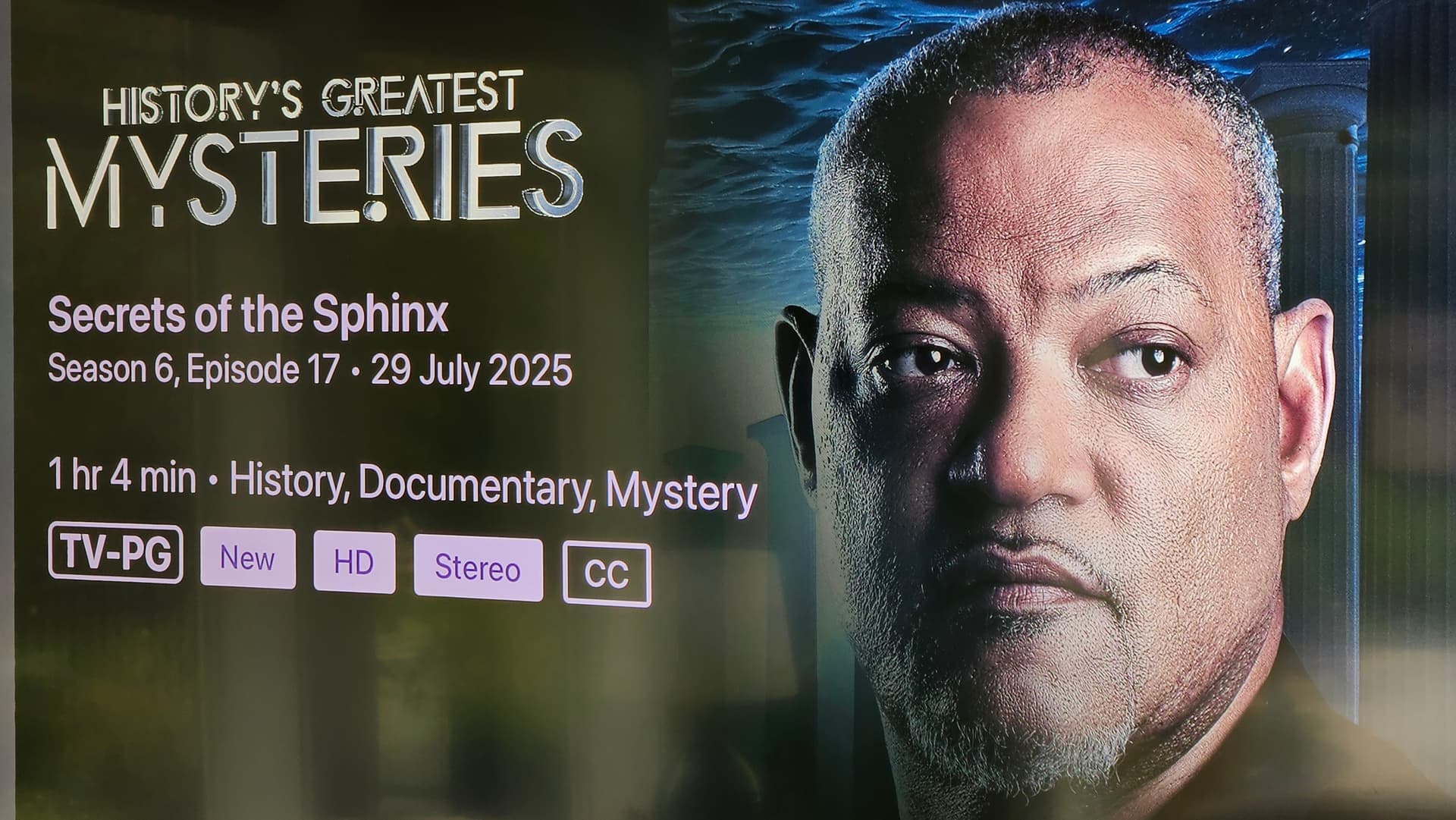
Thanks, could you give me what the full list of tags is on that episode?