Beta: Web Admin v2

Overall, it is :heart_eyes:.

The web player looks very nice... but playing is not smooth, as if it was skipping frames. Not sure if it's just my system.

Server running in a Docker container on an Unraid system.
Admin page opened in Microsoft Edge on a Windows PC.

Logs submitted — reference 998569e2-d234-44c8-bea1-4a2721e054fe.
In the Legacy view there was a visual indicator of the Verified badge after verifying/editing the commercials on a recording. I'm not seeing anything like that in v2 in the Library. Will some sort of visual indicator for verified commercials be added back into v2 at some point?

EDIT: I see now that if I click "Edit Commercials" again the Mark as Verified button just says Verified but it would be great to have some sort of visual indicator as well before having to click through to "Edit Commercials."

1 Like

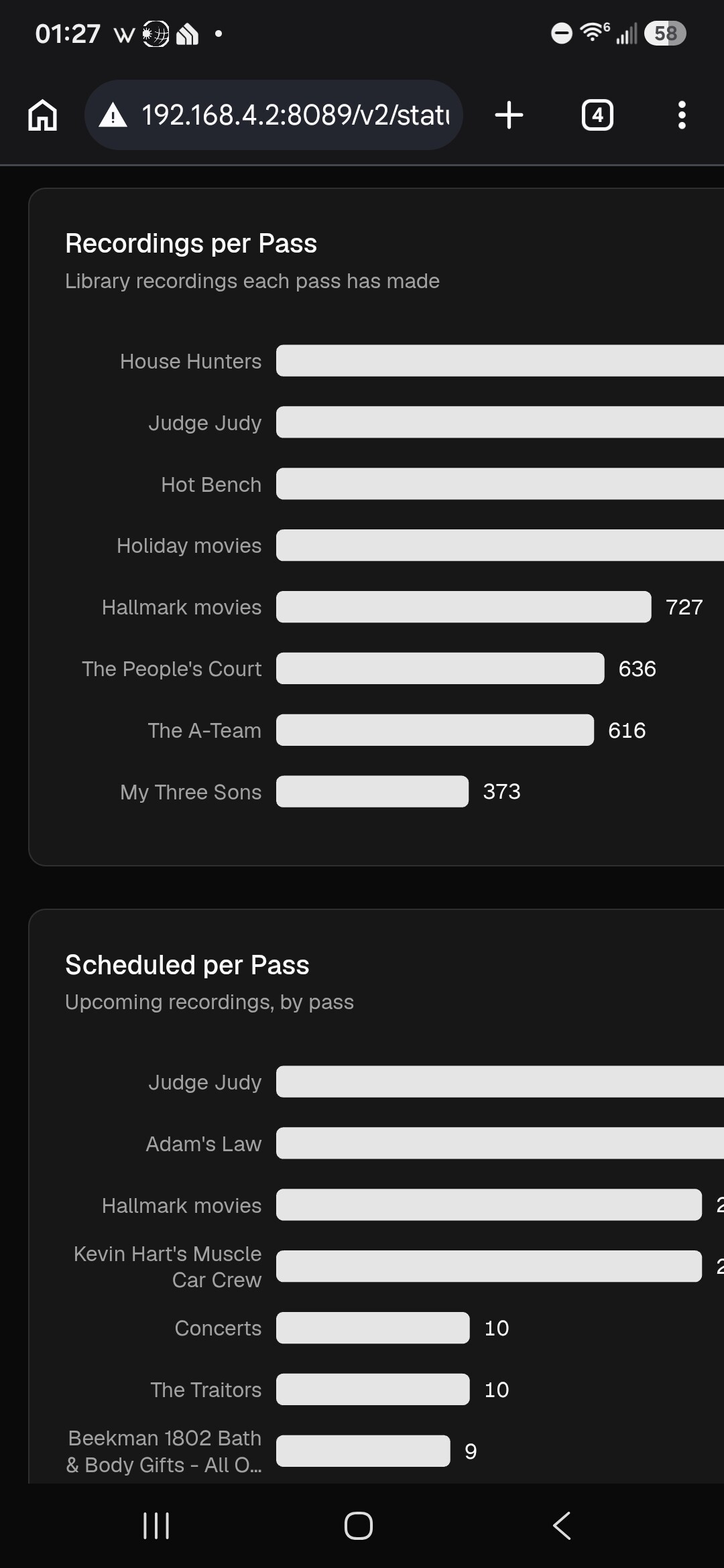
Cool stats on the status page.

Speaking of the status page, the last 2 bottom sections are cut off on a mobile device.

It's possible to scroll to the right to see the missing part.

Maybe it's by design?

A lot to explore but time for bed. :laughing:

This was missed and will be coming.

1 Like

This looks great so far! The virtual channels interface is way better now.

1 Like

The following are fixed in the latest pre-release:

  • Personal Sections page error
1 Like

No video playback in Firefox, perfectly fine in Edge and Brave. I think Firefox had an update yesterday.

What will the people that complained about the purple theme have to complain about now??

:slight_smile:

video store is my favorite, too. I still owe Blockbuster some late fees.

It looks great. Awesome job guys, thanks.

I noticed in the channels collection menu, I like the ability to select individual stations with the new checkmark, but I also noticed that there is no “add all” button anymore?

edit:

Im seeing a discrepancy between old UI and new UI in the up next?

Similar for me: I got playback once, but now can't get it to work again in macOS (Apple Silicon) Firefox 157.0

Congratulations!!!

Looks good in my 5 min purview. I'll spend some time after Football Saturday and delve into it.

Minor issue I saw was CPU load was not showing the same value as my NAS resource monitor; i.e., webui was over 80% but resource monitor on Synology was less than 10%.

Diagnostics:
f339d335-b492-43a8-9fd3-6b0ec0f21387

During diagnostics:
Webui: up to 100%
Synology: 65-75%

Synology 220

Looks fantastic!

Immediately after updating just now, my HDHR OTA source disappeared, and Channels can't seem to find it, even on restart. I was able to add it manually by pointing to the IP address.

Playing a show from the guide with Firefox in Windows doesn't seem to be working.

This is some of the best work I've seen you guys do since the introduction of TVE and remote streaming. Thanks!

I see that now, the filters change according to what is selected, it wasn't immediately obvious when I was going through everything last night,

I see that now, wasn't real obvious when I was going through things last night, guess I was confused because I didn't see advanced filters at first because I had "TV Shows" selected and the advanced option wasn't there. I'm good now :wink:

Scrolling down in the guide keeps the time header static, and the info popup when the user hovers a show in the guide ... HELL YEAH!

the first time I loaded Library - Episodes, it defaulted to all sources, but does remember my previous selection on subsequent reloads, so same.
it did however help me narrow down a problem i've been having with playon recordings that mainly shows up in some of the new community windows apps.
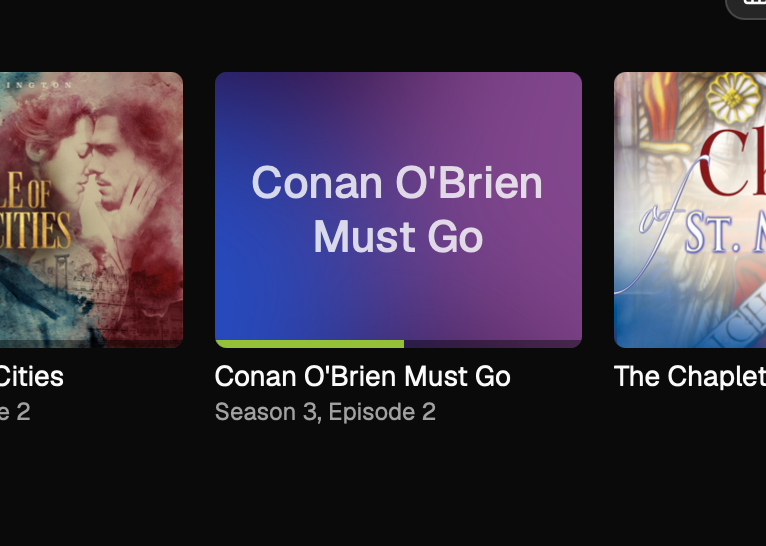
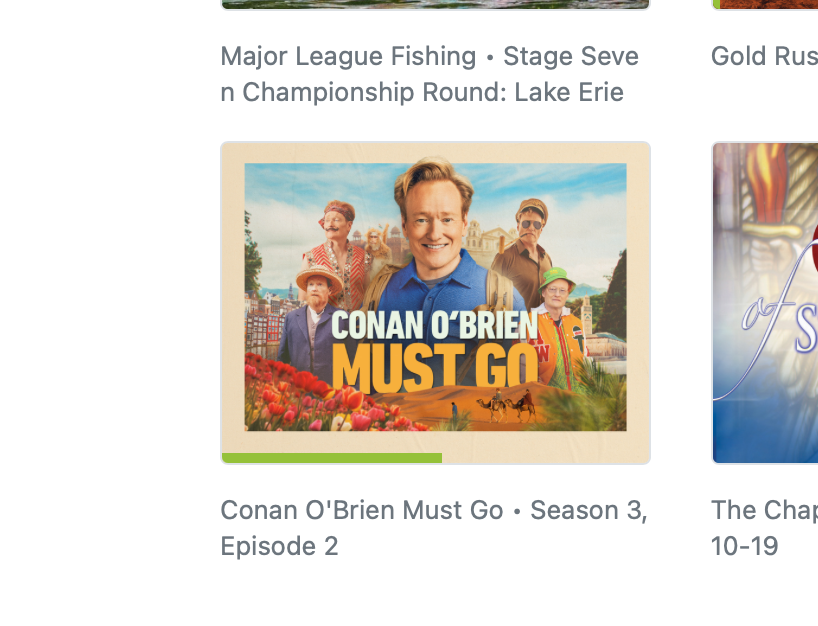
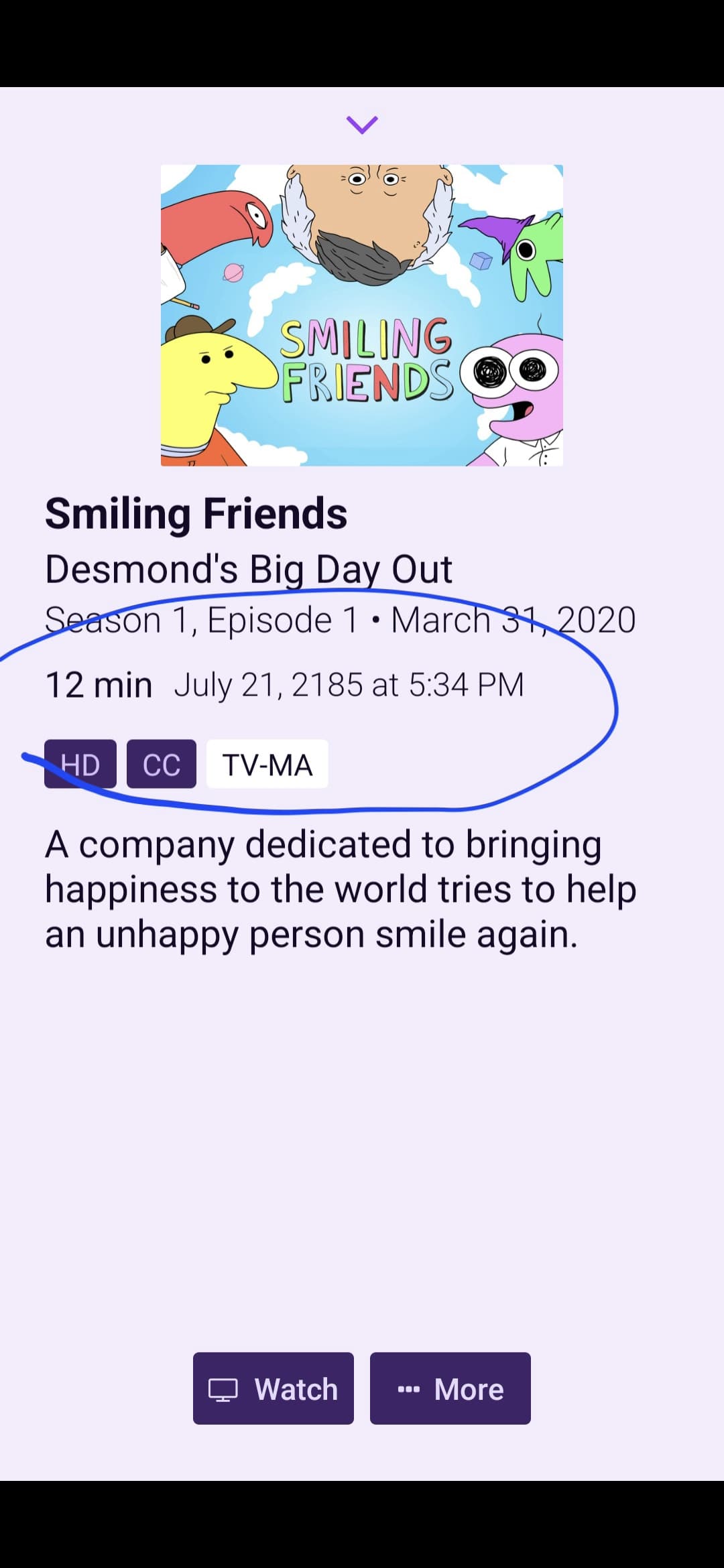
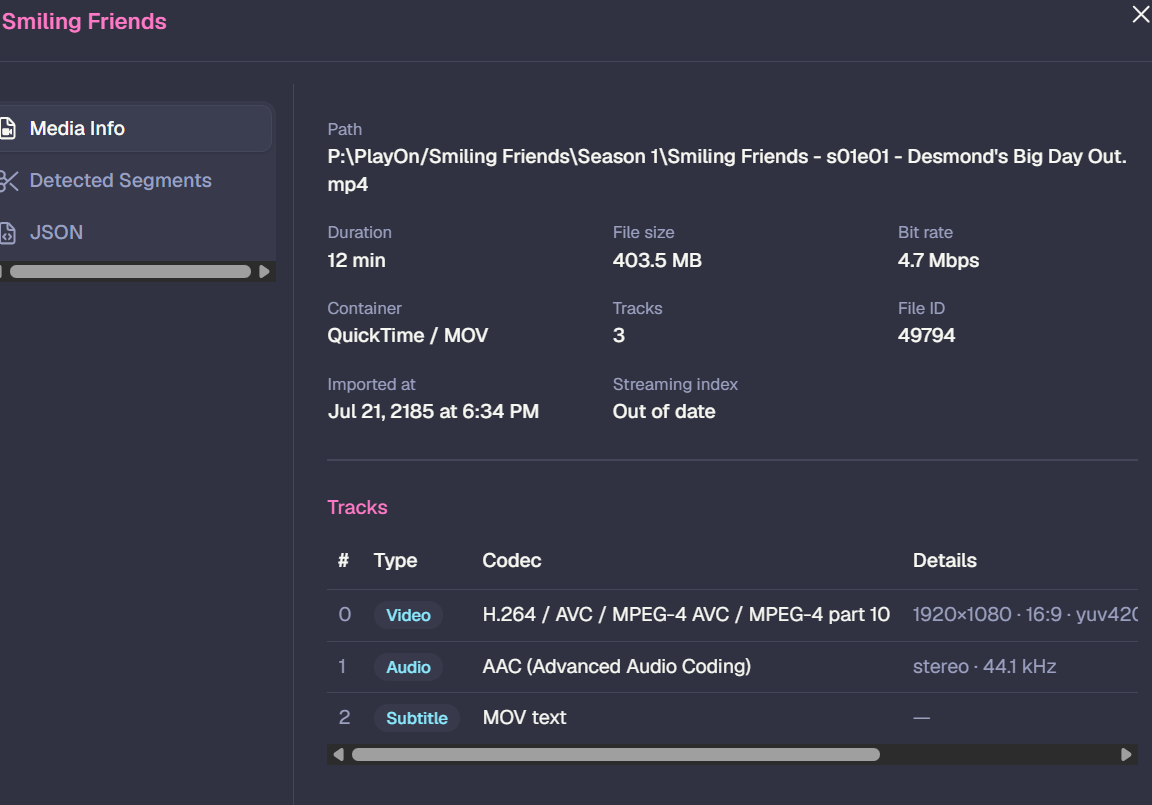
all of my playon imports show the date July 21, 2185

the new UI 'View Details' shows me more info :+1:

it is the imported date. I have Reimported them, but still showing imported date wrong.

sorry this is not a v2 issue, but it does finally identify the field :slight_smile:

@chDVRuser does the web player work fine for you?
I know you also run the server in Docker.

Additional information: the web player works fine on my phone, it's just on my PC that it's not smooth.

I can only play HDHR & PlayOn with chrome, and only TVE with firefox. neither will play ah4c/encoder/h.265 shows.
update, chrome will also now play TVE & ah4c/encoder after clearing all browsing data from the last 24hr.

I can't find the settings page for sources.

Is the link for it missing or am I not looking well enough?

1 Like