
It's honoring the advanced setting for me.
spacebar also works in pip and after toggling pip.
this was Channels DVR Extras chrome extension
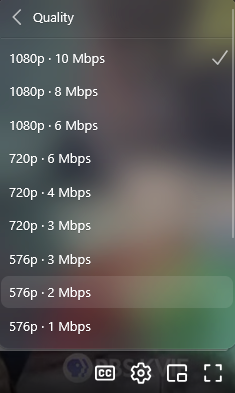
There has always been. In settings go to Web Player and set your quality. The web player will always start with this, but you can adjust it in the player.
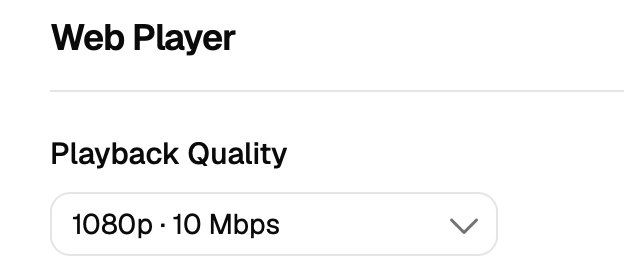
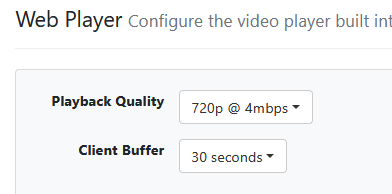
Selected this in the player:
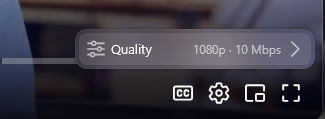
Got this:
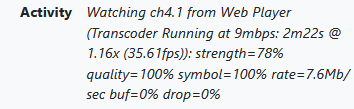
For any family member that is connecting with a web browser remotely, they are killing my Internet upload speed.
This is a client side setting, not a server side setting. Also, not new and how it's always been.
New pre-release resolves these:
3 Likes
So, no. I just figured it was always broke.
1 Like
It always has been a per browser setting, not a server setting.
It's in v1 from the guide or the pass matches tab.
mjitkop added it to the recordings
1 Like

the old commercial edit did have small thumbnails, but allowed for easy scanning while scrolling.
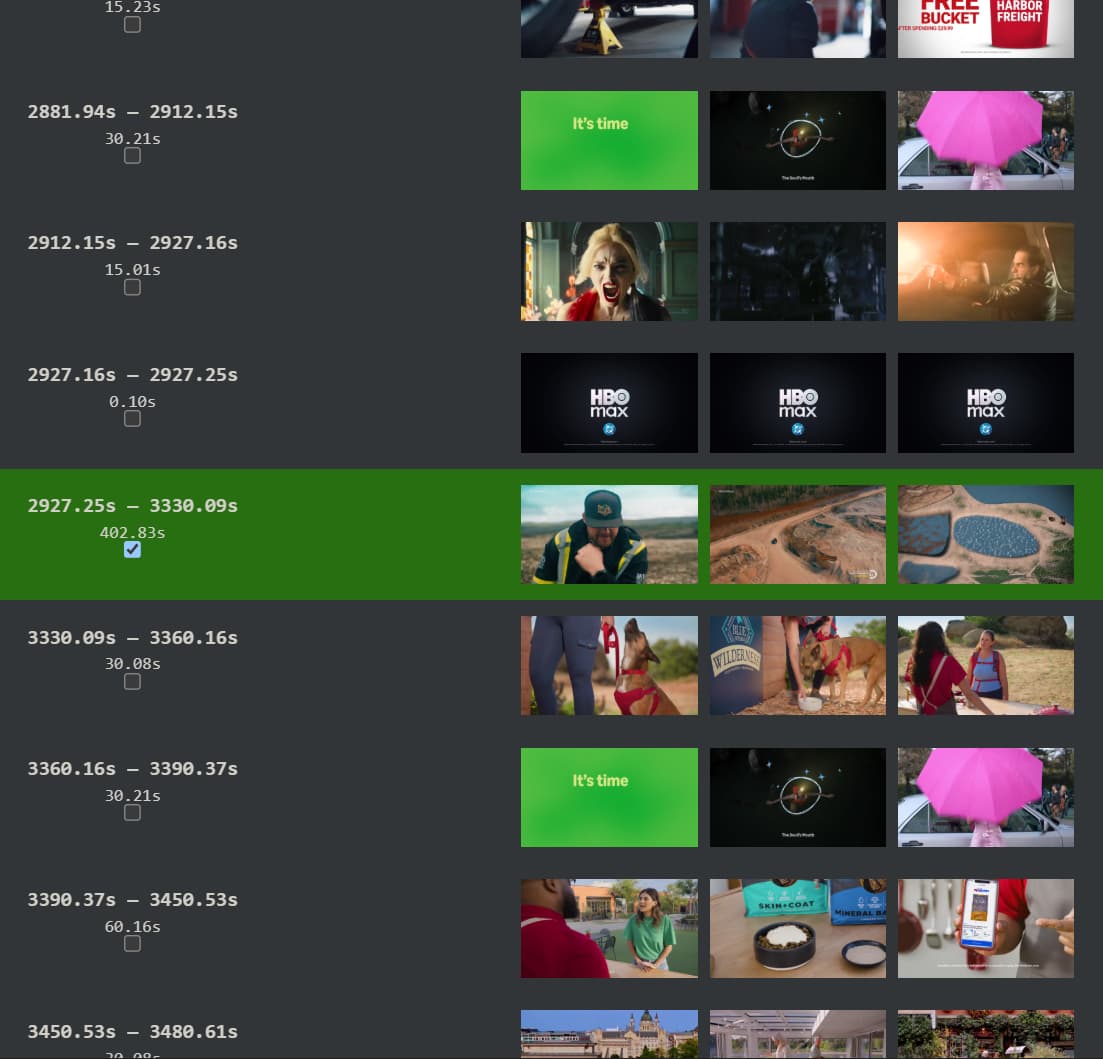
v2 only shows 3 lines so it makes it easy to loose track of where you are in your scroll and miss segments.
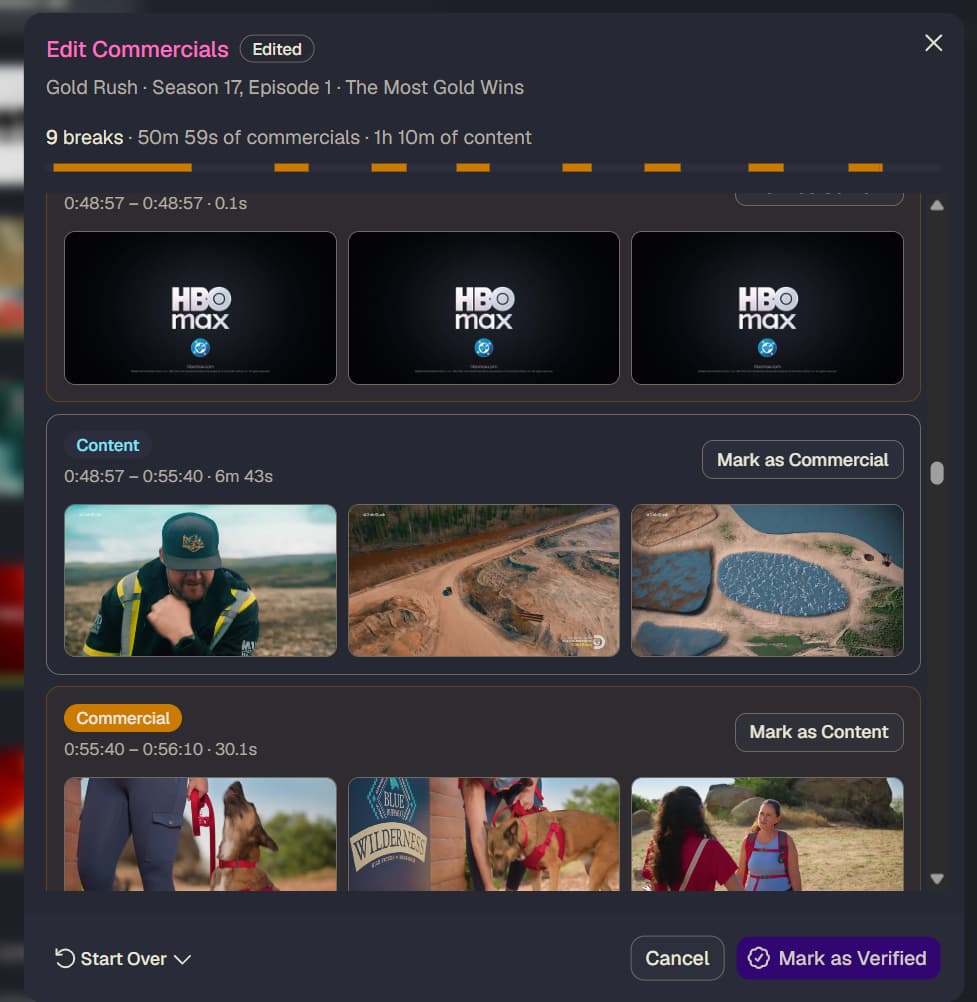
would smaller thumbnails with click to zoom be an option?
also I'm sure we don't need all these details, but the padding info was useful while editing.
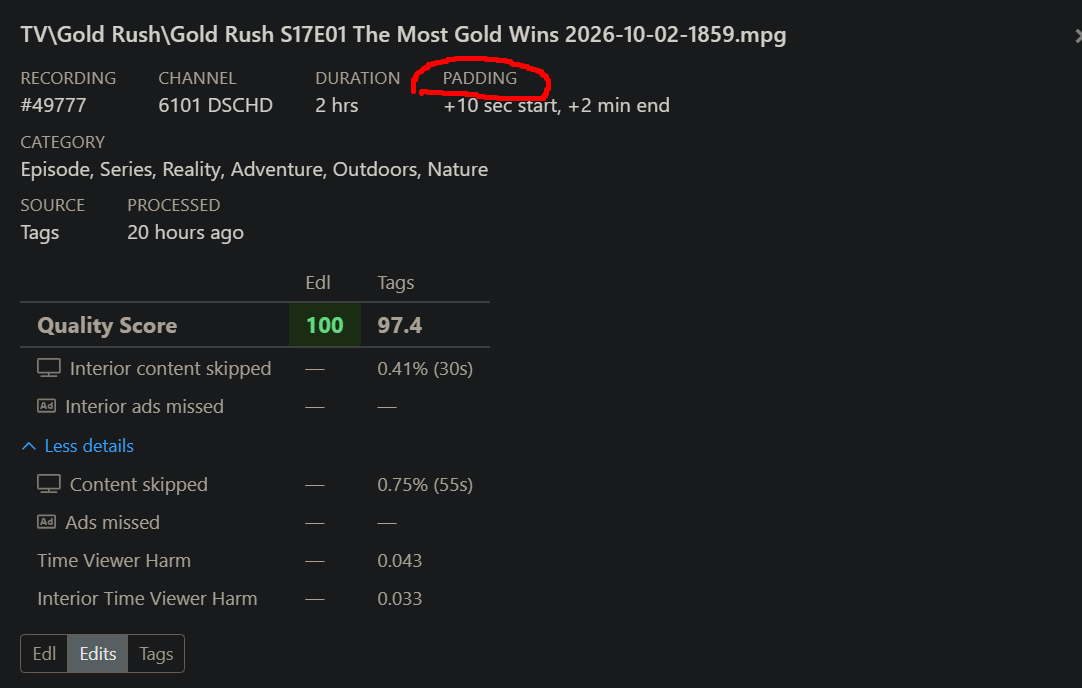
the old interface let us toggle between Edl, Edit, Tags, ect. to compare without completely starting over.
2 Likes
Is the sidebar not sticky to be minimized?
I minimize it, but then refresh the page, or re-open bookmark, and its expanded again.
I personally hate sidebar style for main navigations, prefer top bar as it takes up less space overall on screen, though minimize a sidebar is acceptable.
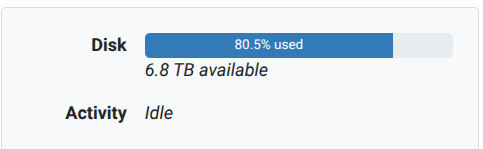
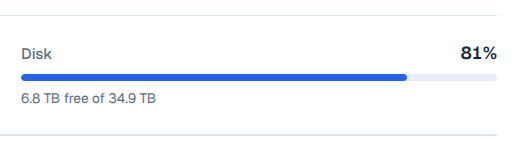
I liked being able to see the % used to the first decimal place, rather than rounded to a whole number.
However, I do like that the total storage space is identified.
OLD:
V2:
1 Like
For the web player, can we get skip forward 30 secs and skip back 10 secs buttons like in the v1 player.
Using left/right arrow keys only moves 5 secs in Firefox.
Using shift+left/right arrow keys only moves 10 secs in Firefox.
Home Page options on settings is missing "Status" page as an option
2 Likes
In the guide, when you click on a channel tile it goes to a page with upcoming programs for the channel. When you go back, it doesn't maintain the position in the guide, it returns to the top.
Also, it would be nice if the upcoming programs page included the channel name and/or description.
1 Like
The live player is missing the options to start recording, new season pass, and the More airings.
At least the player works now in Chrome based browsers...
The first title card pages, u have those options...i assume that is by design now?
Meaning u have to back out of live playback to get to those options.
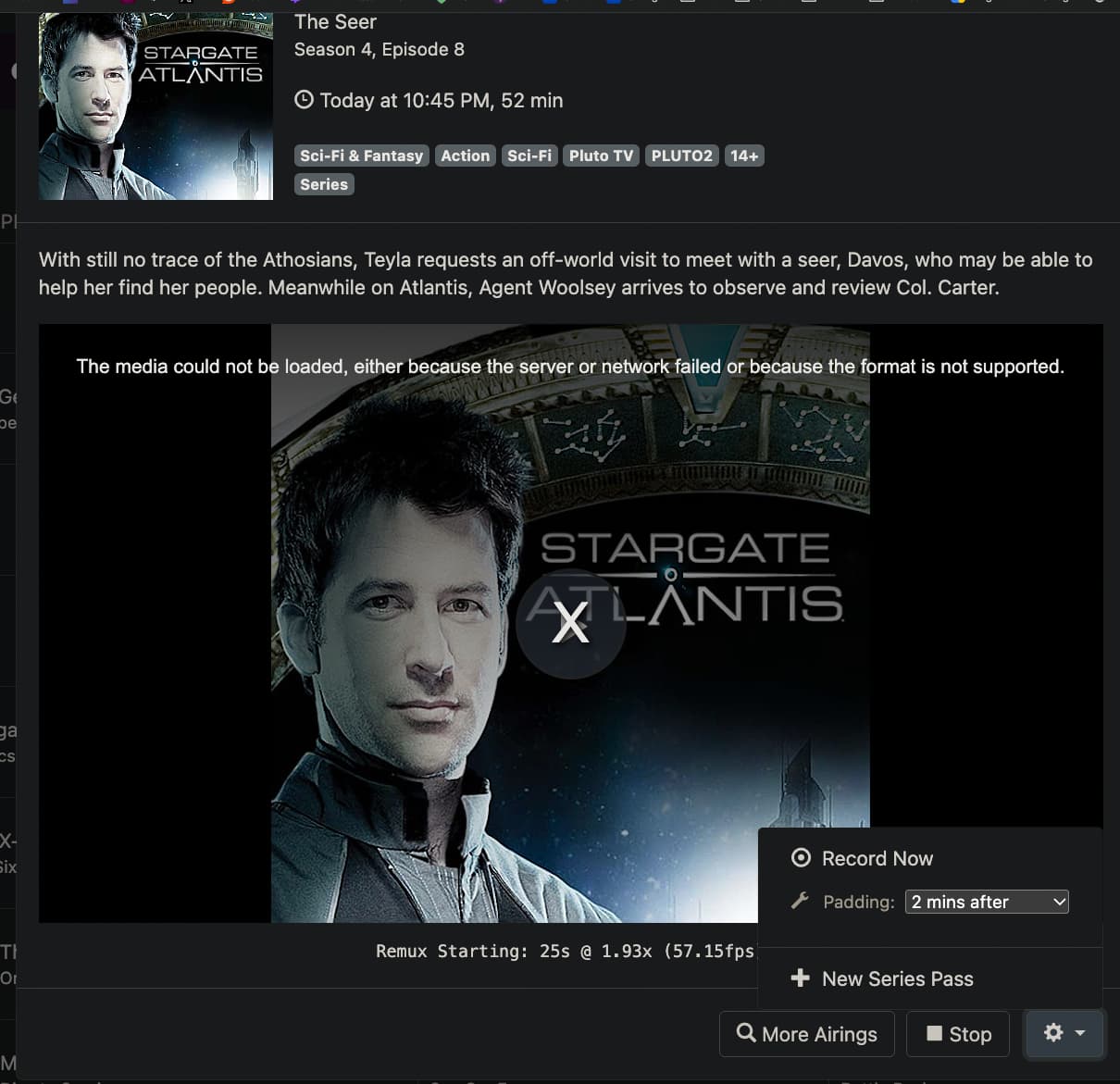
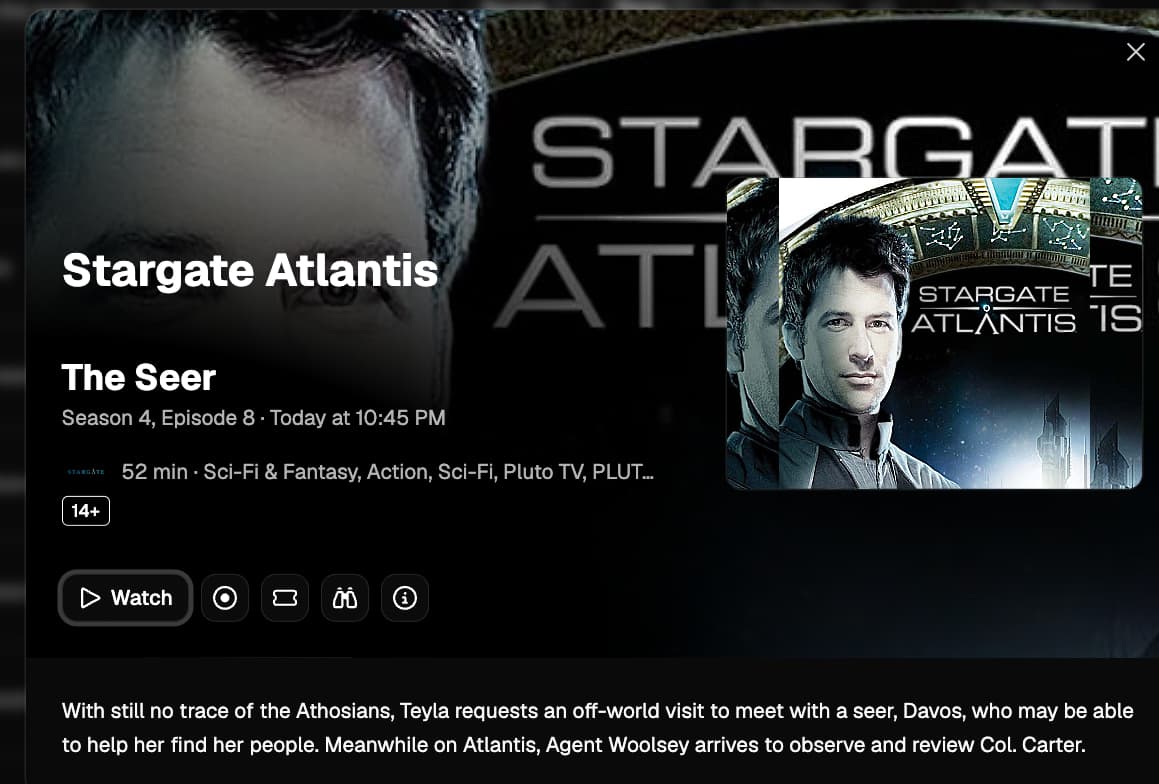
There’s no plans to have that in the actual video player anymore.
Technically, those weren’t in the video player previously, but in the modal frame the video player was embedded in.
So yes, your interpretation is right.
Hopefully this new guide design will also be used in the appletv/iOS versions of channels. The purple and such has kind of runs its course IMO.
1 Like
I don't know if anybody cares about the mobile version  but I found a functional bug: when you open the
 Settings page in portrait mode, the top buttons/icons don't do anything, you can tap on them all you want but nothing happens.
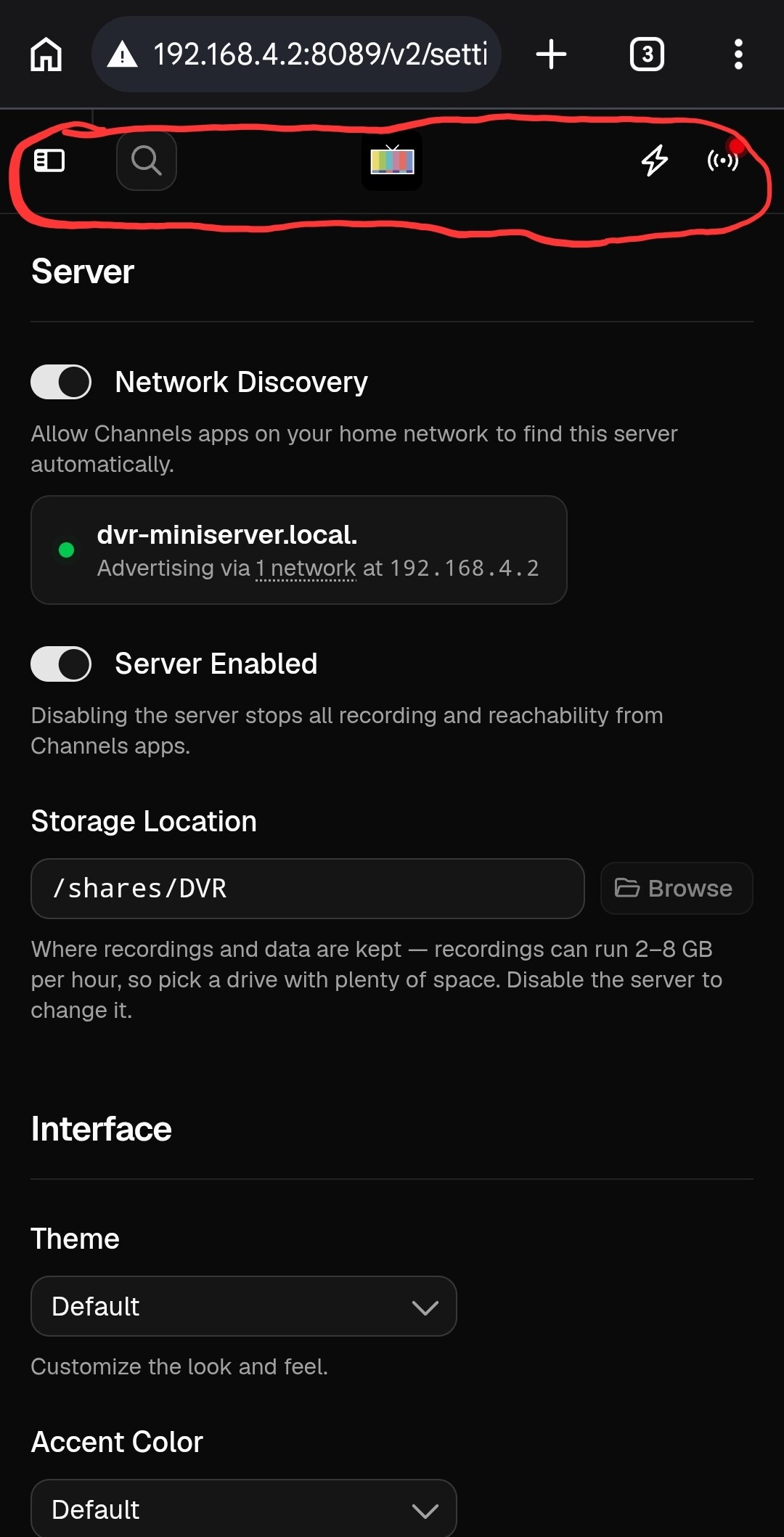
There are two ways I found to get unstuck:
-
Tap the phone's back button to return to the previous page
-
Rotate your phone to put it in landscape mode and then right away rotate it back to portrait. When you do that, the top buttons become active. When you're in landscape mode, the menu in the left pane also shows up and it works.
1 Like