Beta: Web Admin v2

First off, the new interface looks amazing! Great job.

It seems like I can't create labels that stick within the new interface. I tried with several movies and create a label, back out, refresh the page, look again and the label isn't there anymore.

However, if I switch to the legacy interface, create a label for any movie (I am creating my October Movies collection with the smart tags) they do stick and are available to select once I go back into the new V2 interface. I just can't seem to create new ones from the V2 interface.
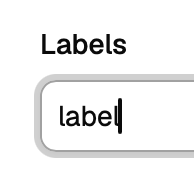
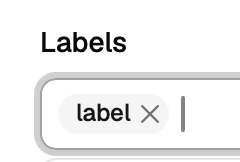
Are you saving after adding the label? For adding a new label, you should:

  1. type out the new label
  2. hit Enter to make it a label
  3. click save in the modal to save the changes.

Type it

image

Hit Enter

image

Click Save

image

1 Like

Yes, there is a Save button at the bottom right of the window and I entered the Label, hit save. It gives a little pop up at the bottom of the screen saying "Changes saved" but when I exit the page and go back to that Movie (I tried a different label to test) and the label isn't sticking.

EDIT: I am on Chrome browser. I will try a different browser and see if it does it differently there.

EDIT EDIT: Ok, it's working on Safari

me too and it works fine. though, it will let you 'save' if you fail to hit enter and get the X (to remove if you want)

logo please :smile:

1 Like

@maddox @Shaggylive

Ok, finally got it to work on Chrome. I don't know why it wasn't before. I closed the browser and re-opened and it is now working. :person_shrugging:

2 Likes

Oh No! lol @mjitkop hopefully you can easily adapt your Extras for /v2

@maddox any chance of getting the option to re-record natively? (mark as not recorded)

My immediate reaction is that it seems like using the guide will finally be a pleasant experience.

ETA: Search in the guide is awesome.

1 Like

I'm so glad this has been released. I actually kind of had a way of looking at this beforehand. I just happened to catch it before it was locked down, and it looked so freaking awesome, even early on.

Then it was locked down, and I was able to find a way to periodically check up on how beautiful it was becoming. I'm just so glad you guys released it. It's a really amazing piece of work, and you should all be very proud of the accomplishment.

Yes, I will look into it.

2 Likes

I am so used to the current AdminUI, and many pages fit very well and easy to ready when zoomed in.
This new version, sleeker, but some pages are hared to see, smaller text or logos and things, Have to increase zoom to see it.
Still have to get used to it.
Bit more clicks and navigation than I am used to for accessing settings.

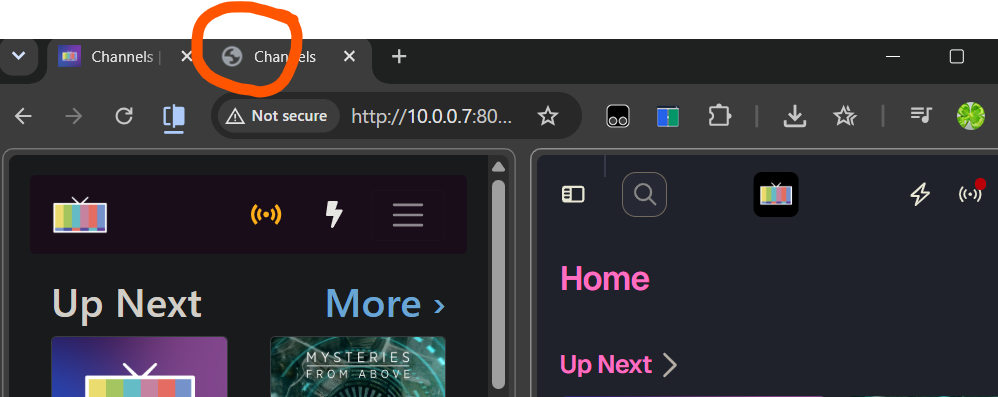
why won't the icon populate when i bookmark the new server ui pages?
Screenshot 2026-10-03 at 2.11.31 PM

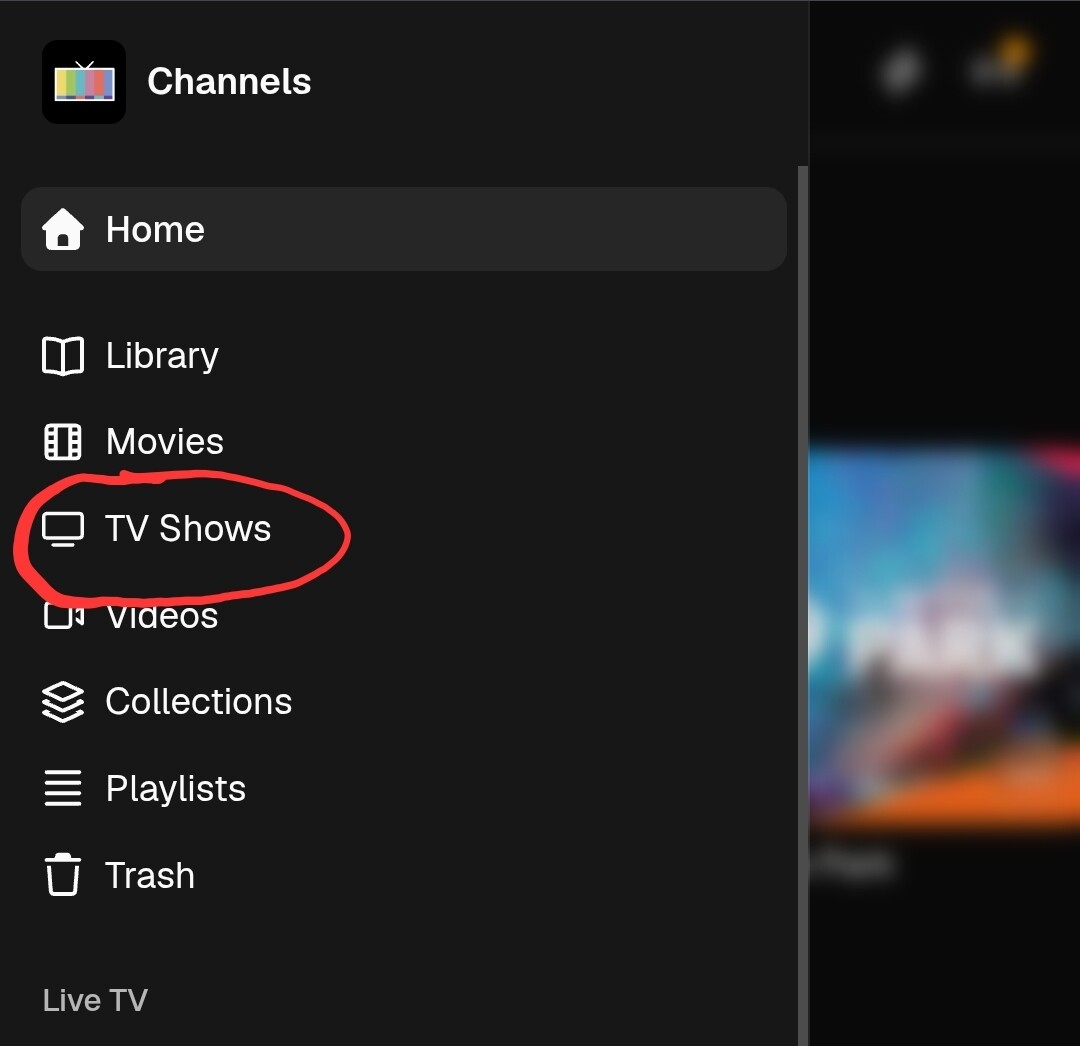
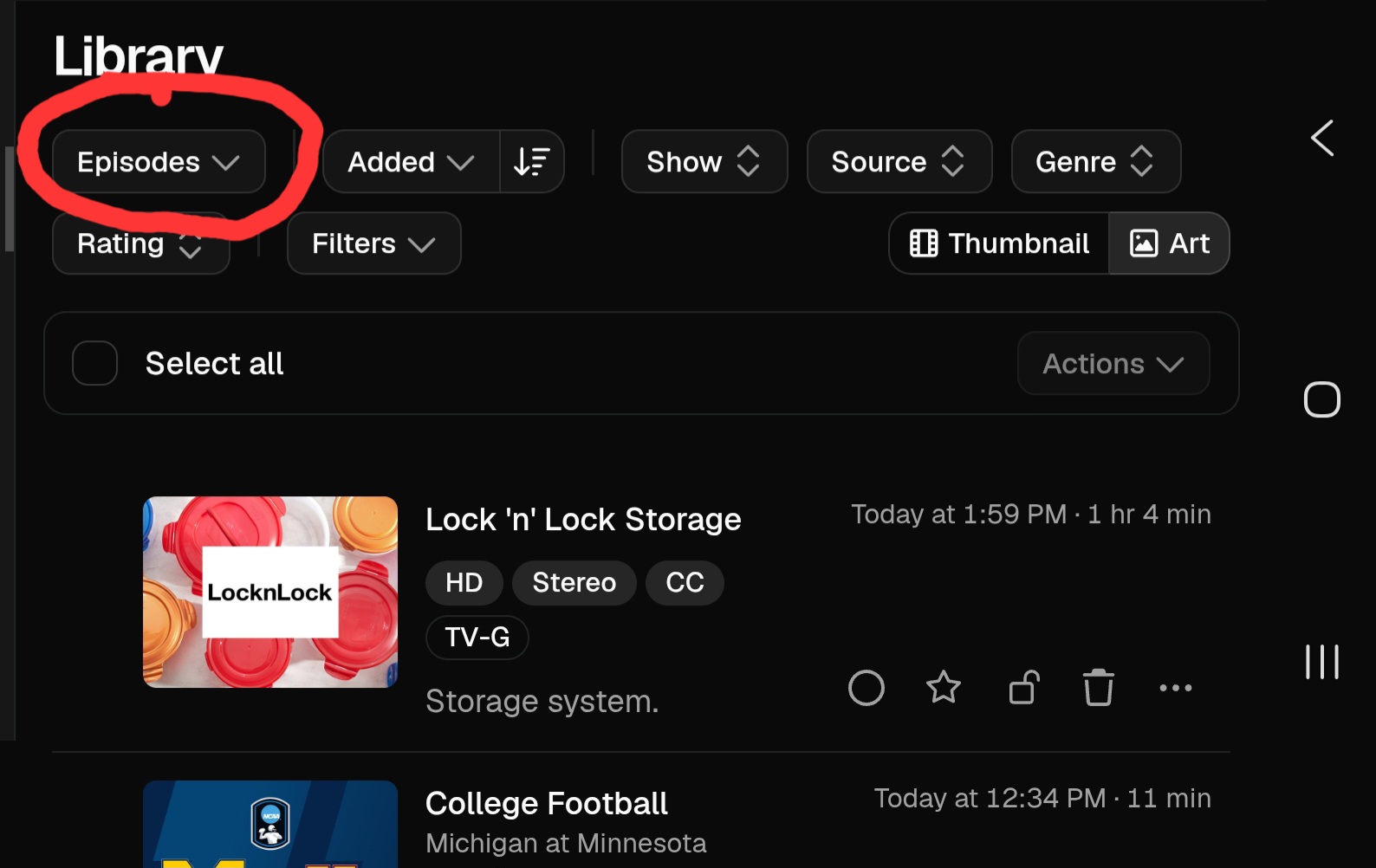
And, where is the Recordings page? DVR, Manage? To see a list of recordings.
I see a calendar view of upcoming recordings, but not the list view i want like the old UI.

Oh, I found a slight bug with the V2 interface.

So, when adding a custom channel collection, there's no way I can find to take all channels in a specific source and add them to that channel collection. Like, I have my DirecTV M3U from Fast Channels as a source, and I like to just add them all to one DirecTV collection so I can easily see everything coming from DirecTV. And there's no way to just add all the channels in one fell swoop, which was in the previous interface.

I was wondering the same thing too.
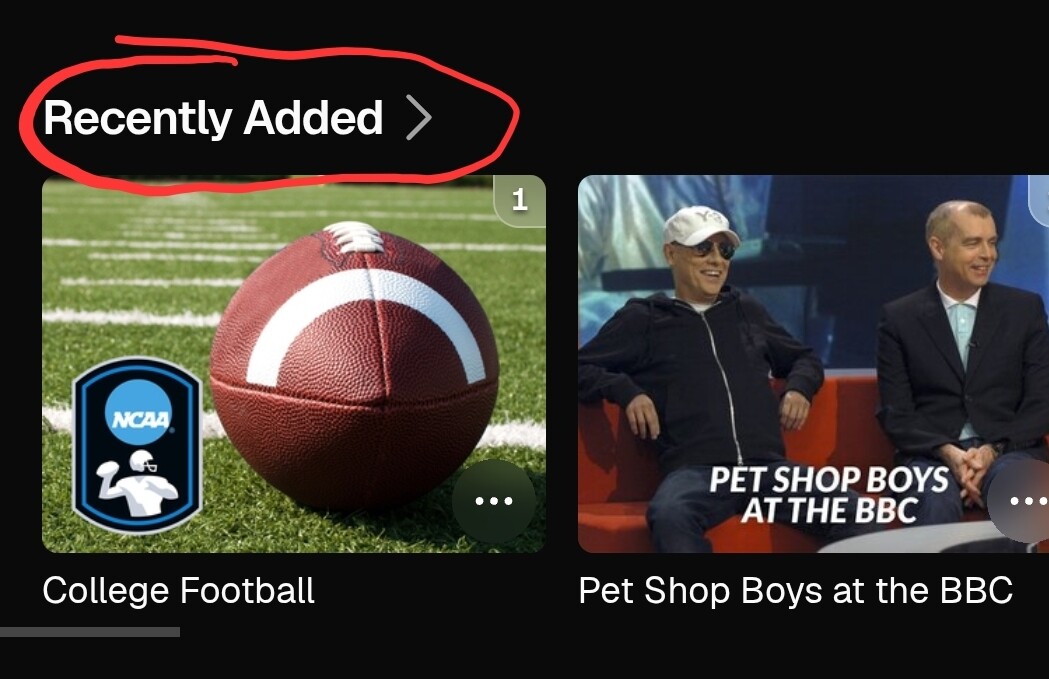
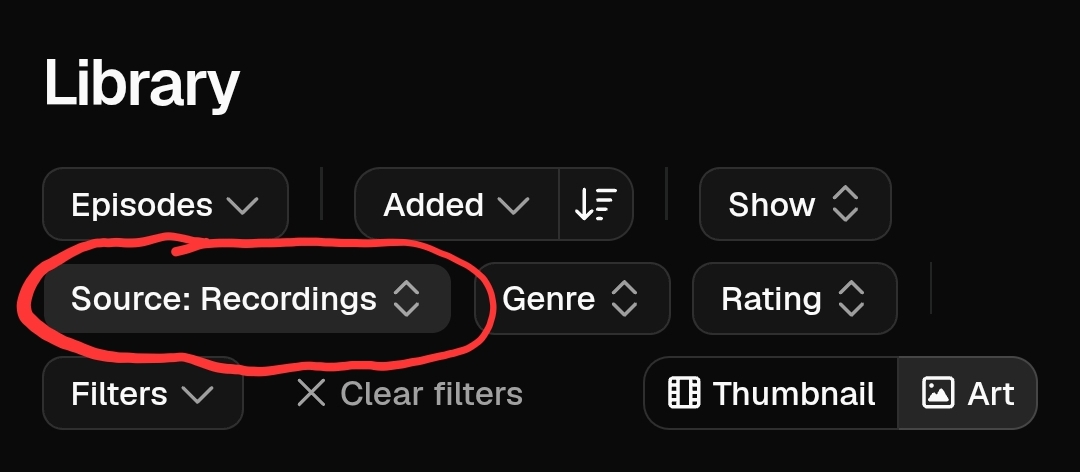
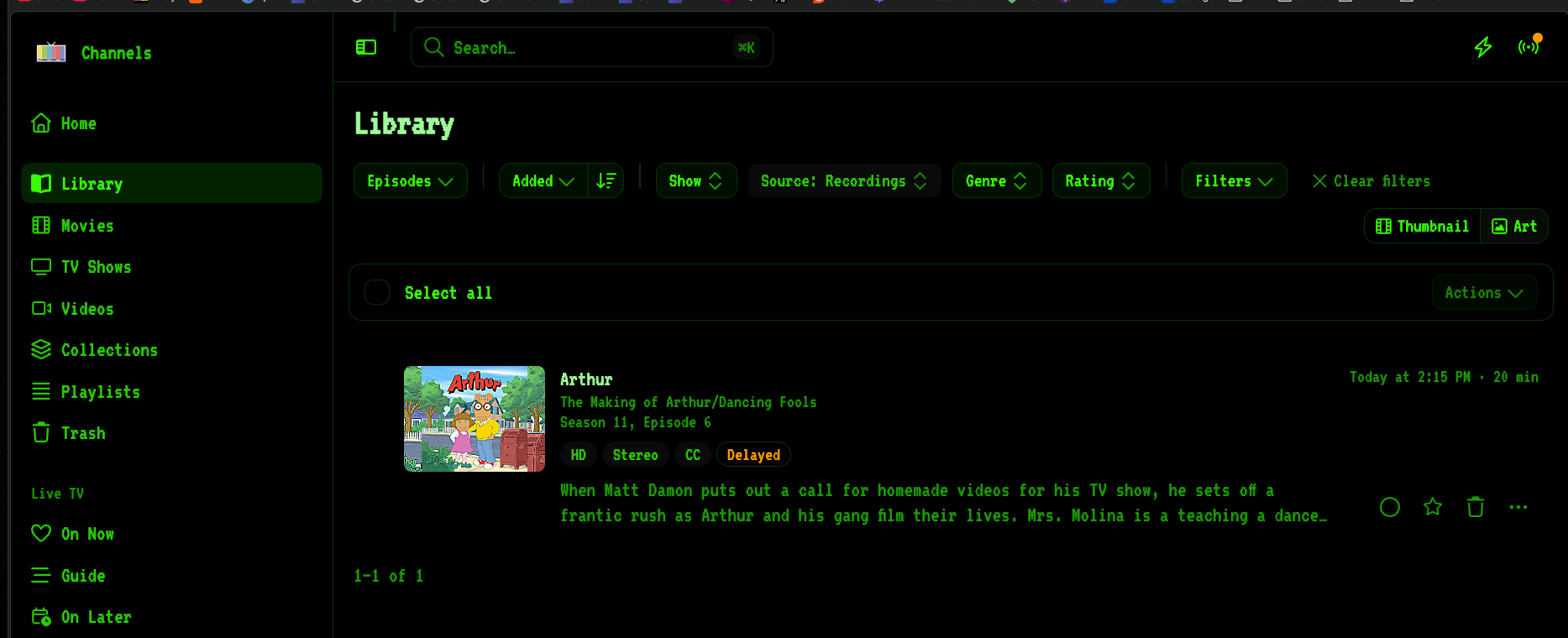
There are a few posts above that mention it but I like pictures:

no that not the same. does not show just and only Recordings, that shows other things in my library that are Recently Added. No filter there to only show recordings.

I think the old commercial editor made more effective use of the screen realestate.

1 Like

ip/v2/recordings

This screen isn't built yet

It's coming as the rewrite progresses.

Ah so maybe it not done yet then

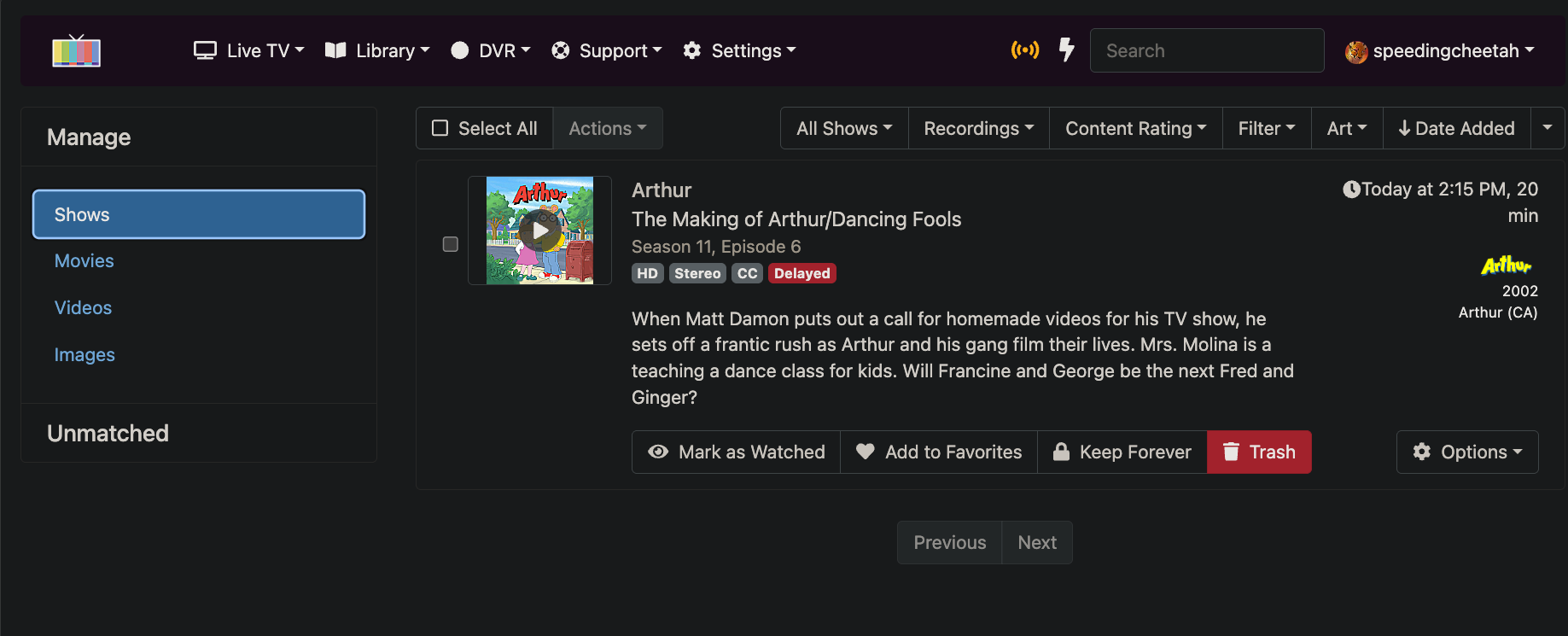
No, Manage was replaced by Library. It’s explained further up in this thread.

It effectively does everything managed did before and more.

Yes, sorry, I forgot about the source too.

ah i see. have to use Episodes then source.

vs the old