
Same issue here, Directv Stream will not authenticate with TV Everywhere. I first noticed it last night and it is still failing this morning.
Same issue for me. CHDVR will not tune TVE channels from DTV, but no problems from YTTV. I use the DTV and DTV stream sources.
I checked my test server and got the no password error with Directv.
Synology server
As a test, I was successful logging in to DirecTV's TVE in my browser on my laptop. I went to https://www.tntdrama.com and watched something without issue, so it definitely allows TVE logins that way.
It's been so long since I've done it that I'm not sure what, if anything, is new. But it does go to ttps://identity.directv.com/weblogin/authenticate which asks for my username. Then once I enter my username I'm brought to a second pane (seemingly via JavaScript) that lets me enter my password.
Perhaps that part is new and ChannelsDVR needs to be updated to follow along there? 
Edit: I've submitted my logs as 180e9cab-91e7-4d59-b102-4839b72a804f in case that helps (and also emailed support, as instructed when submitting my logs  ).
).
2 Likes
I’ve submitted a diagnostic from my test server, in case it helps.
8e46e74c-8a79-444d-a717-bdfe45617f2c
Please see if this pre-release is better.
3 Likes
That did it! Thank you
This did it for me also. Much, much appreciated!
Hello. Just installed server and getting error messgae when trying to add Direct TV Stream: " Cable provider authentication failed" a 2MFA issue?
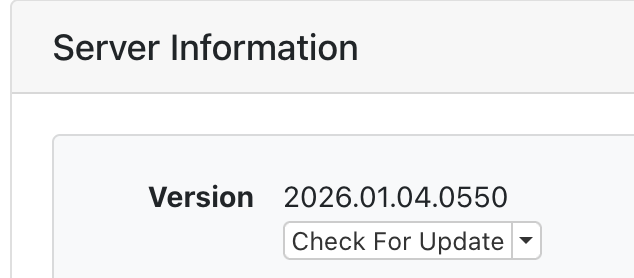
You probably need to update to the latest Server Pre-release. On the server web admin Status page, select the drop-down box Check for Update, choose the Pre-release. It should update to 2026.01.04.0550.
1 Like
I now have experienced this same issue after Channels + DirecTV Stream TVE has been rock solid. Tonight none of the DirecTV Stream channels would play (OTA and Pluto work as expected). When checking the logs (see attached) the login attempt shows 'no username', 'no password' (yet the username is included in the login field). Updated to pre-release version as well.
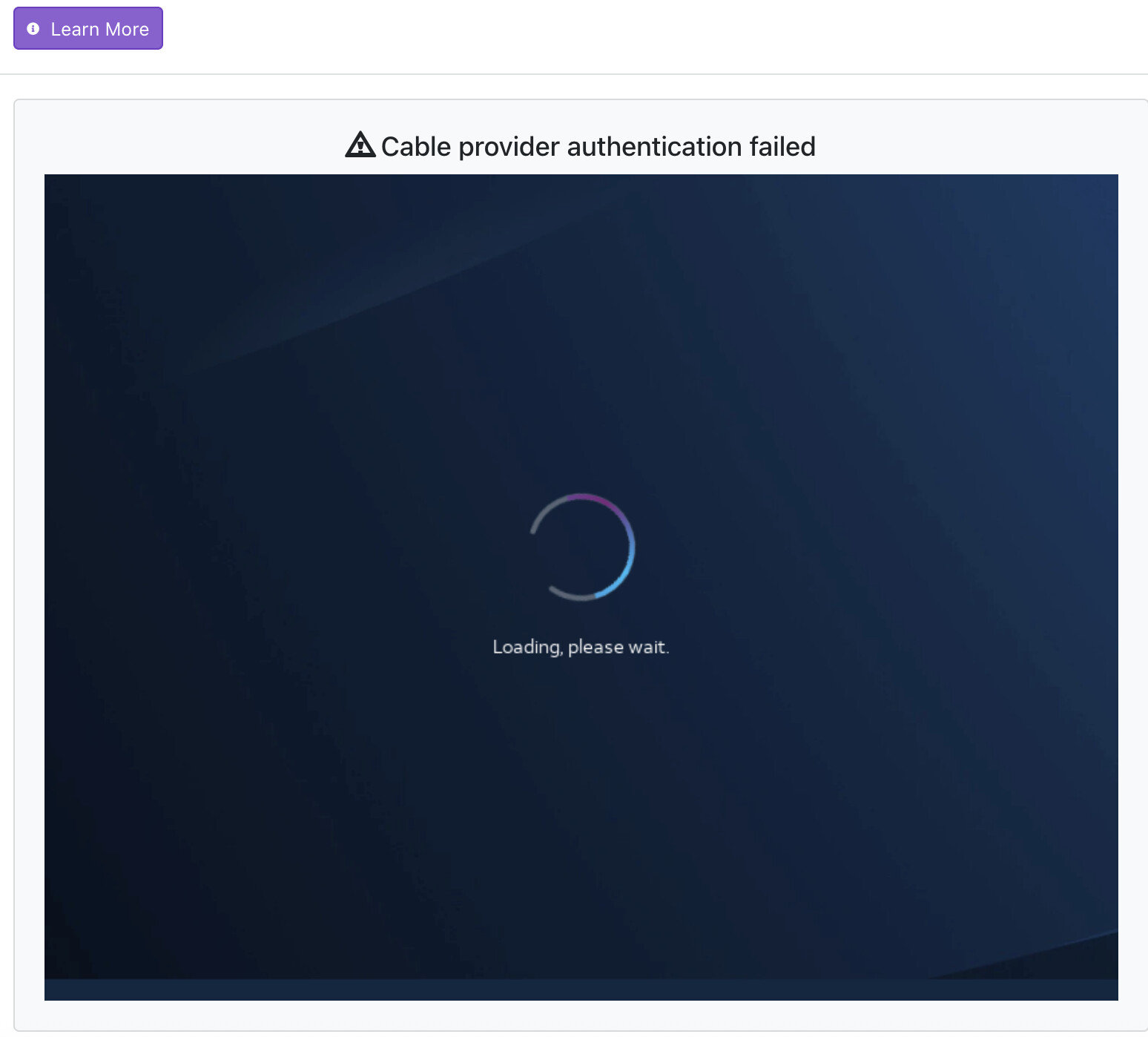
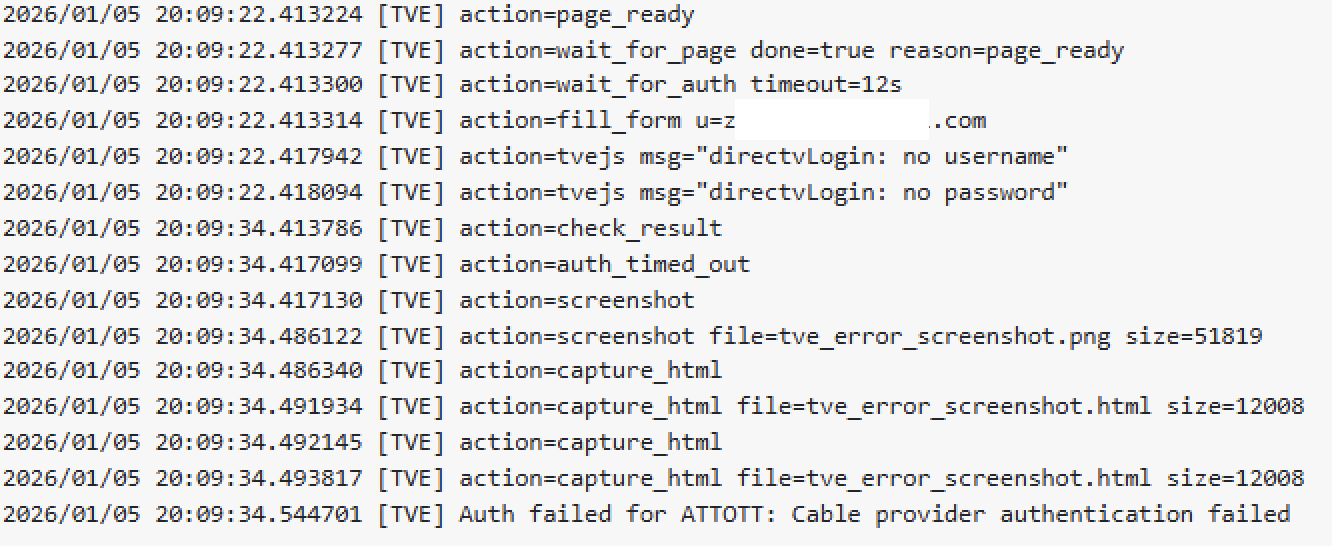
Go to Sources >Manage Line Up> Scan
Then try to reauthorizing channels that aren’t working (individually)
Alas, not an option. After initially rescanning, most of the previous TVE channels disappeared, so the DirecTV Stream TVE source was removed, with the intent of (re)adding it from scratch with fresh login credentials - now, it cannot be added as a source (above pics).
Same here, been like that for a month.
Deleted and re-added to try a fresh start, now nothing shows up, no directv source shows at all.
I've given up.
Also tried as plain DirecTV
Update - Installed a fresh Channels DVR server on macOS (Bug Sur), and the DirecTV TVE source added flawlessly. Interestingly... the log shows it listed as ATTOTT (different from the unsuccessful login above - yet using the same DIRECTV STREAM source).

macOS Channels server version: 2025.10.30.0407
Unsuccessful setup - Synology NAS 7.2.1, Channels App [not Docker] (no security or updates were preformed when it stopped working) - Also to note: tested the TVE login from 4 different (Firefox/Safari/Chrome/Edge) browsers across Windows and macOS.
[Resolution Update] tl;dr - TMHI = login failure | Verizon Home Internet = login success
Further testing (including setting up a Docker instance on Synology NAS as well) determined that the issue was related to T-Mobile Home Internet (TMHI) / as well as T-Mobile Business Internet (TMBI); failing the initial login authentication. Instead, Verizon Home Internet worked to get the initial login authentication to work. Once authenticated and tested, switching back to TMHI works as expected with the already authenticated DIRECTV STREAM TVE channels.
good to know, I have tmhi at parents house. no dvr currently since they've been traveling a lot and for some reason my dad doesn't care about football or ncis this year. ;b
I wonder if different dns would also fix