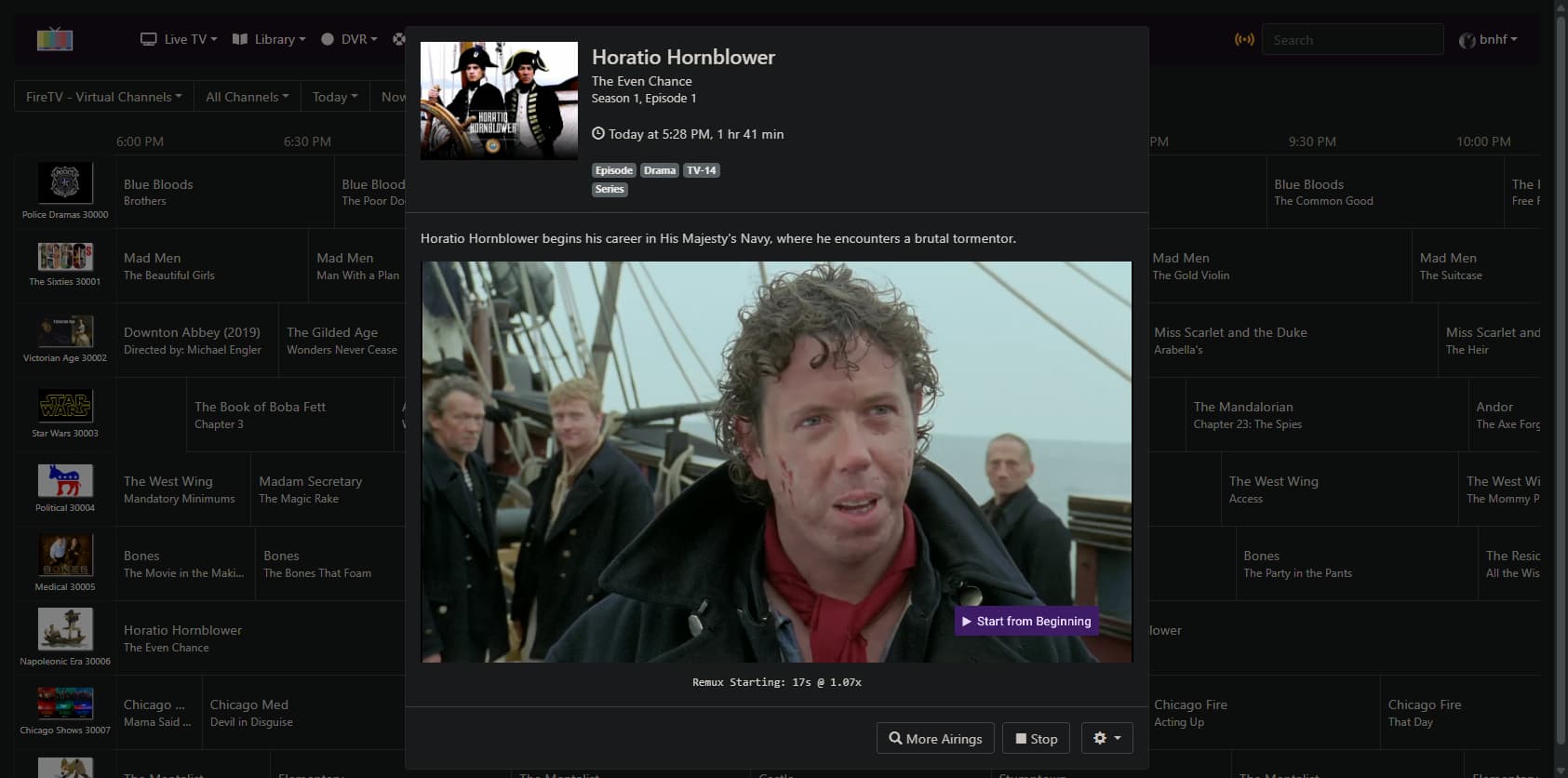
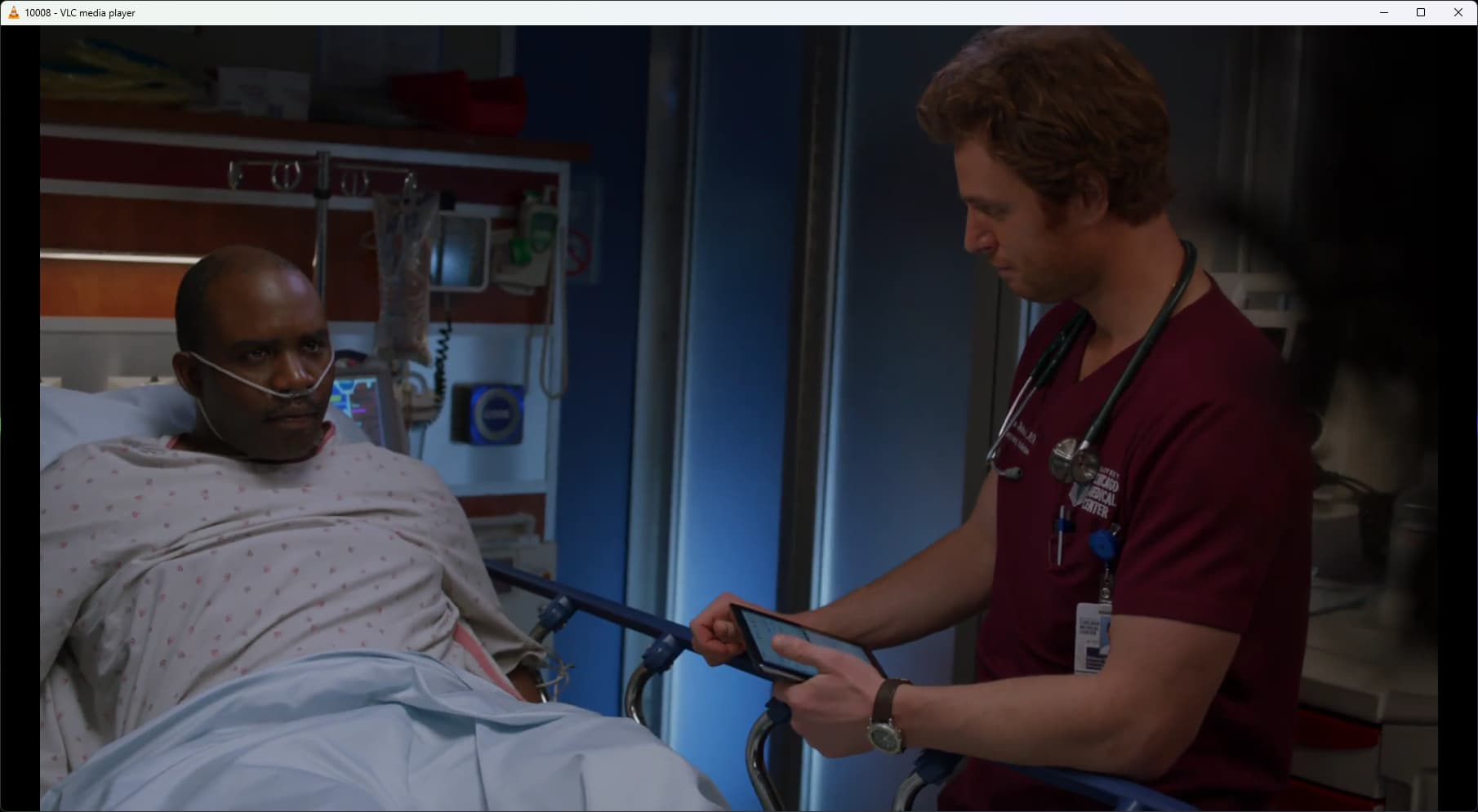
I've added the ability to play CDVR Virtual Channels in external players (like VLC or whatever), and the CDVR WebUI, via ah4c. This should also work in other media centers. This support has been added under bnhf/ah4c:test currently, until I can get someone besides me to try it out. 
For the moment, this requires a Firestick to be connected to the HDMI encoder you're using for ah4c -- though I'd be happy to add support for another streaming stick, for a willing tester.
Setup the ah4c container in the usual fashion, with scripts/firetv/channels as the STREAMER_APP value. From there, you'll need to build an M3U that matches the virtual channels you've created. Here's mine, as an example:
#EXTM3U

#EXTINF:-1 channel-id="10001" tvg-logo="/dvr/uploads/3/content",Police Dramas
http://{{ .IPADDRESS }}/play/tuner/10001

#EXTINF:-1 channel-id="10002" tvg-logo="/dvr/uploads/4/content",The Sixties
http://{{ .IPADDRESS }}/play/tuner/10002

#EXTINF:-1 channel-id="10003" tvg-logo="/dvr/uploads/5/content",Victorian Age
http://{{ .IPADDRESS }}/play/tuner/10003

#EXTINF:-1 channel-id="10004" tvg-logo="/dvr/uploads/6/content",Star Wars
http://{{ .IPADDRESS }}/play/tuner/10004

#EXTINF:-1 channel-id="10005" tvg-logo="/dvr/uploads/7/content",Political
http://{{ .IPADDRESS }}/play/tuner/10005

#EXTINF:-1 channel-id="10006" tvg-logo="/dvr/uploads/8/content",Medical
http://{{ .IPADDRESS }}/play/tuner/10006

#EXTINF:-1 channel-id="10007" tvg-logo="/dvr/uploads/9/content",Napoleonic Era
http://{{ .IPADDRESS }}/play/tuner/10007

#EXTINF:-1 channel-id="10008" tvg-logo="/dvr/uploads/10/content",Chicago Shows
http://{{ .IPADDRESS }}/play/tuner/10008

#EXTINF:-1 channel-id="10009" tvg-logo="/dvr/uploads/11/content",Police Consultants
http://{{ .IPADDRESS }}/play/tuner/10009

#EXTINF:-1 channel-id="10010" tvg-logo="/dvr/uploads/14/content",Global Catastrophe
http://{{ .IPADDRESS }}/play/tuner/10009

#EXTINF:-1 channel-id="10011" tvg-logo="/dvr/uploads/15/content",Criminals
http://{{ .IPADDRESS }}/play/tuner/10011
The channel-id values would be the channel numbers you're using for your virtual channels, and those need to match the number at the end of the stream URL. Replace the sample channels.m3u in scripts/m3u with your M3U. I've uploaded my Virtual Channels logos to CDVR, which is why they're showing as paths, but you could also use a URL for the logo.
Your source should be setup similar to this:
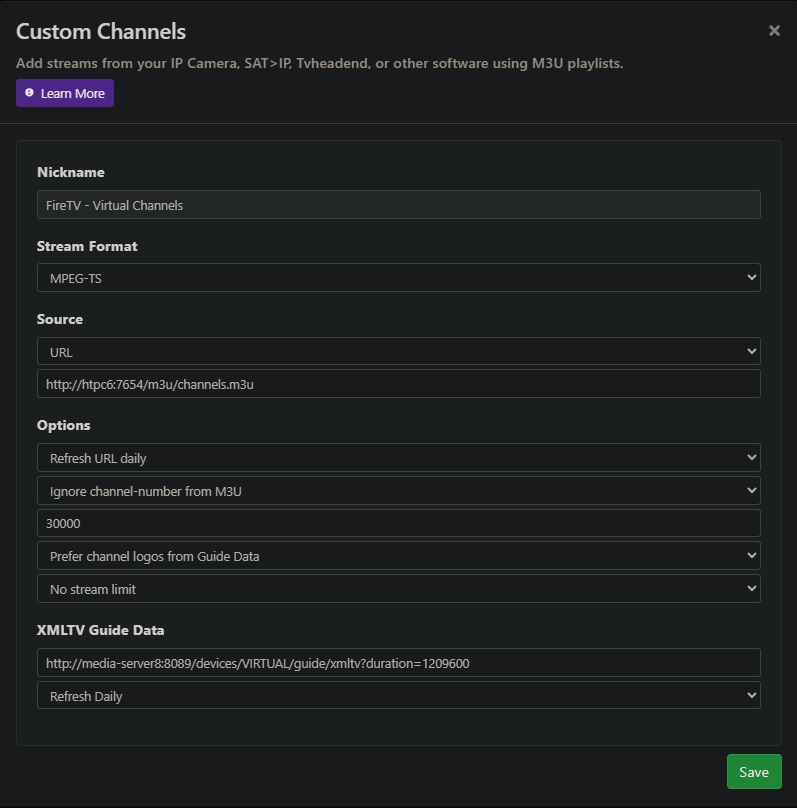
Note the way the XML guide data is setup, using just the VIRTUAL source. The channel numbers should be set to an unused range.