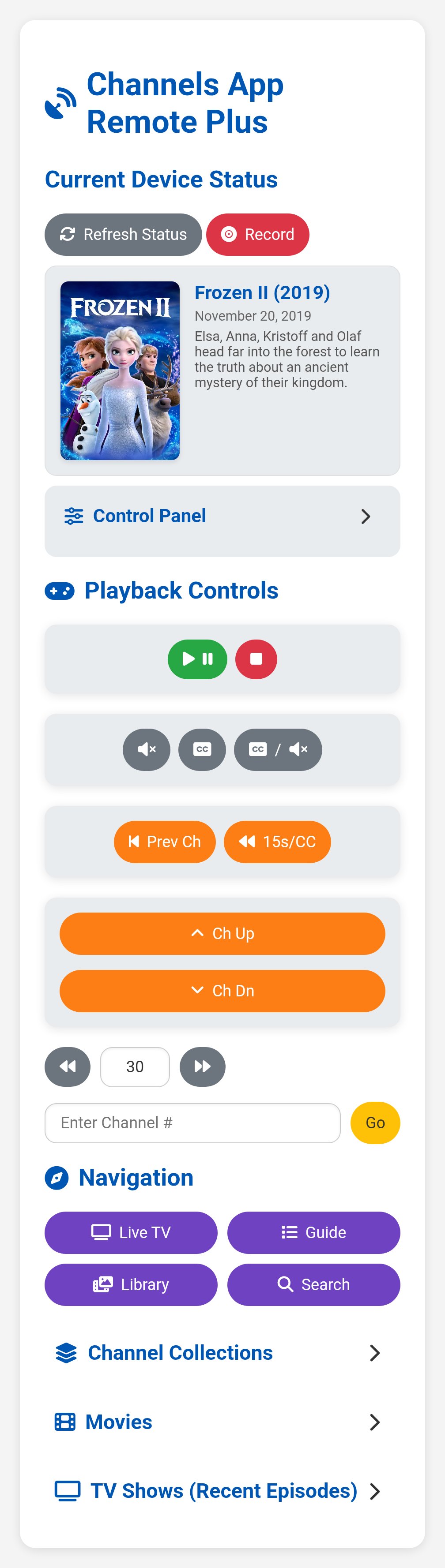
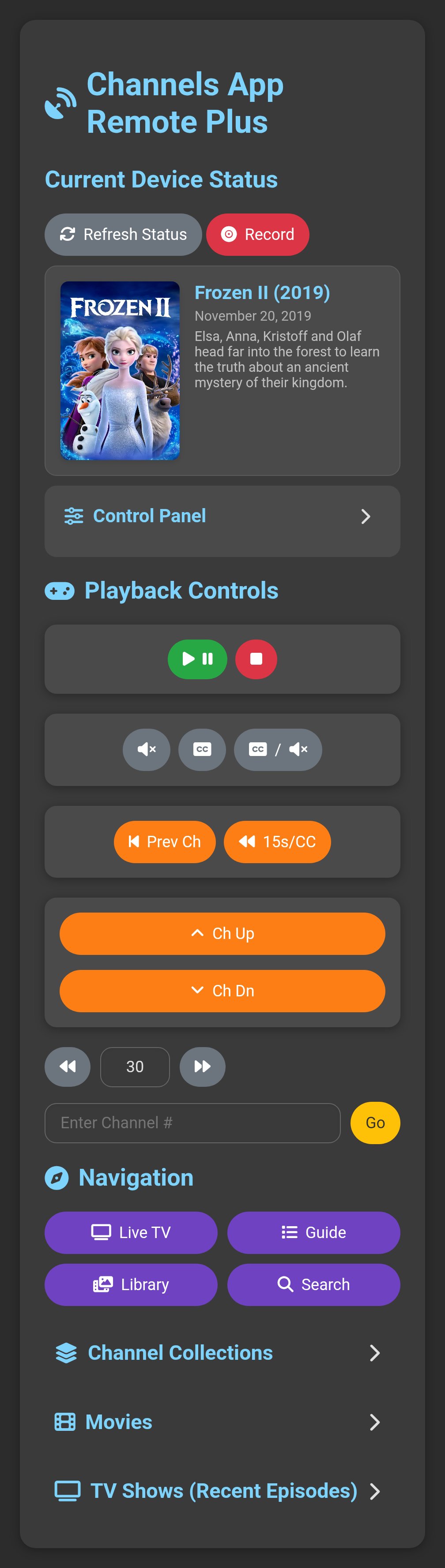
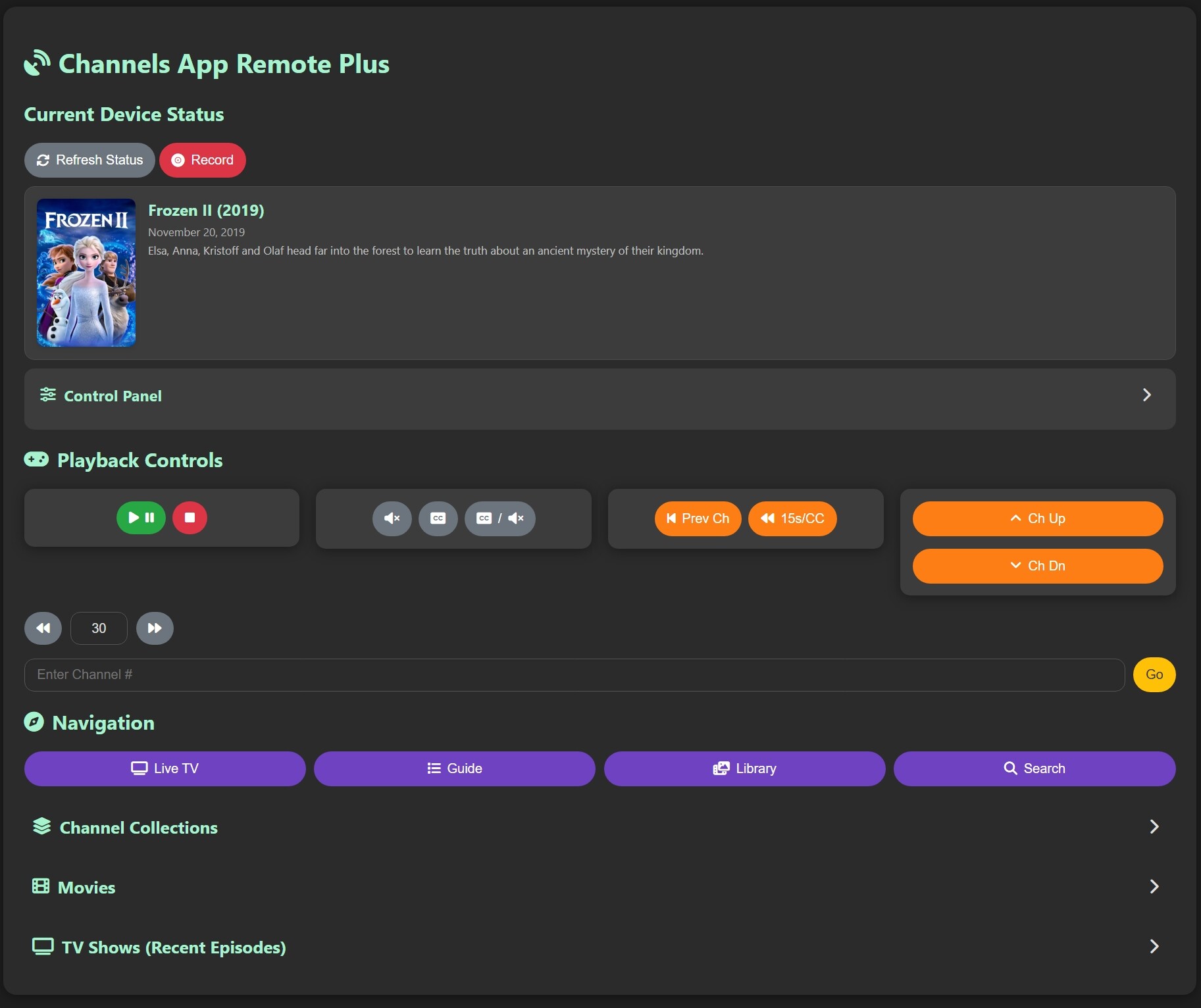
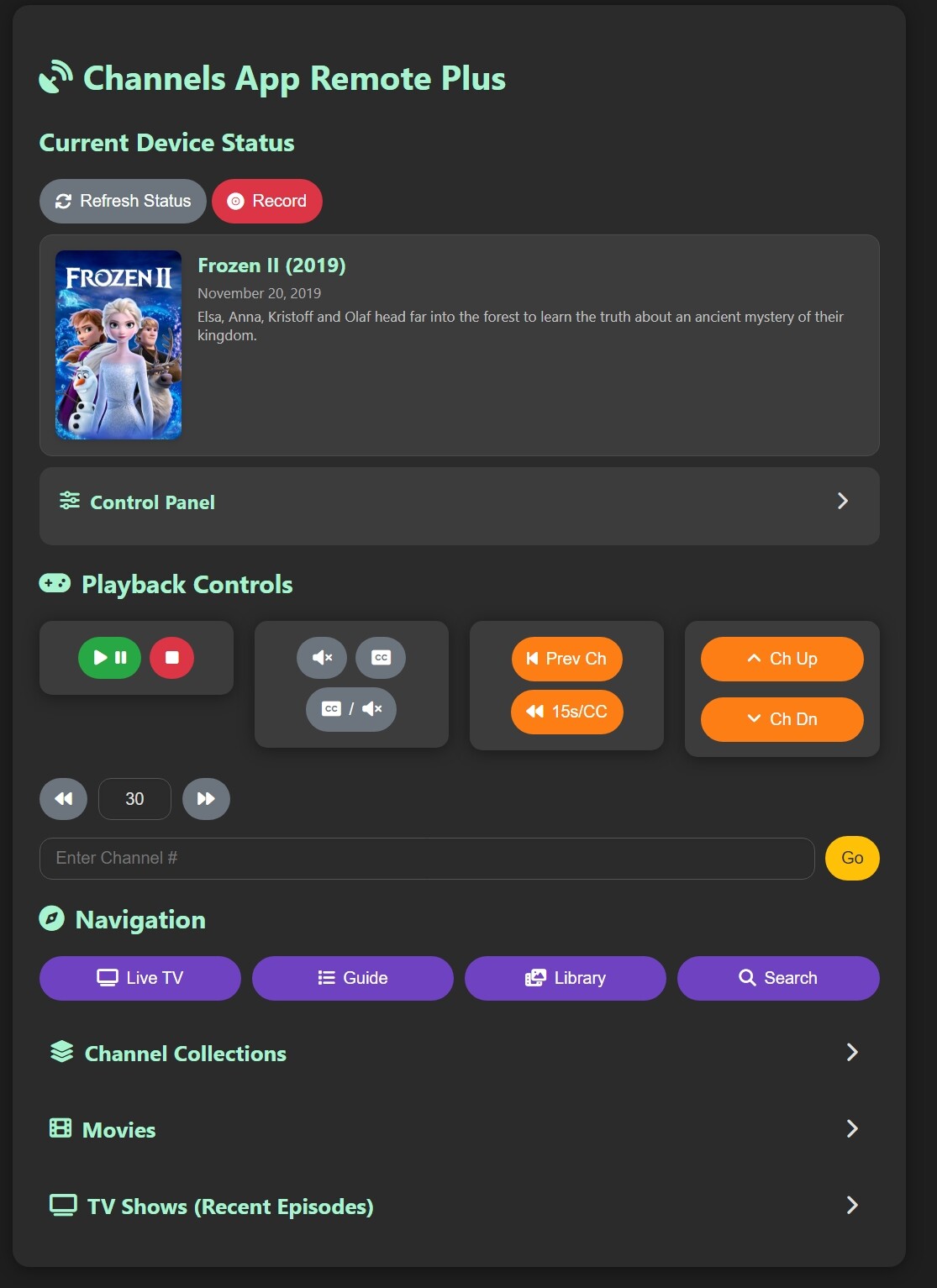
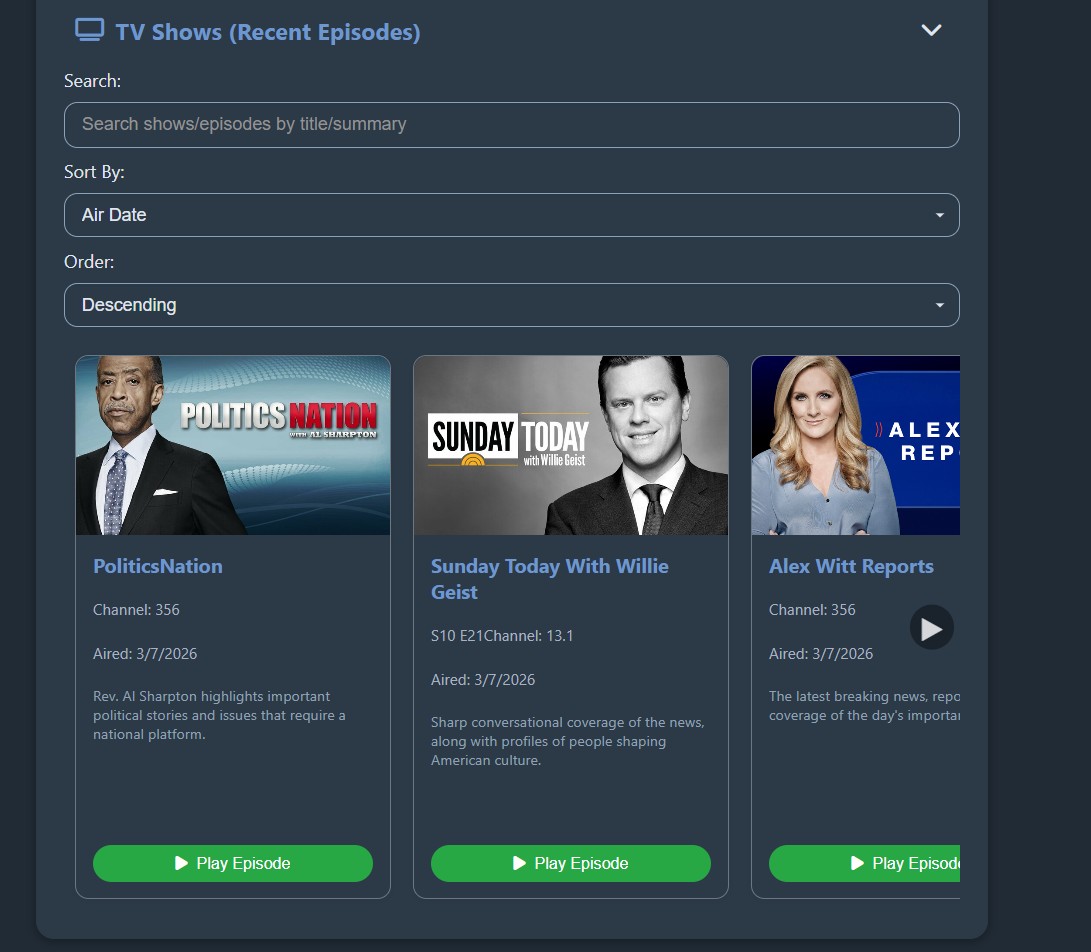
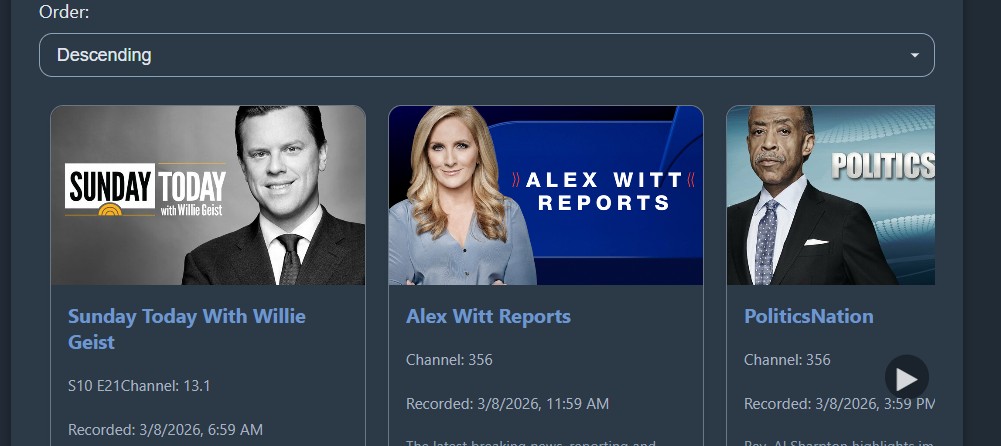
Yes! And sometimes wishes DO come true! 
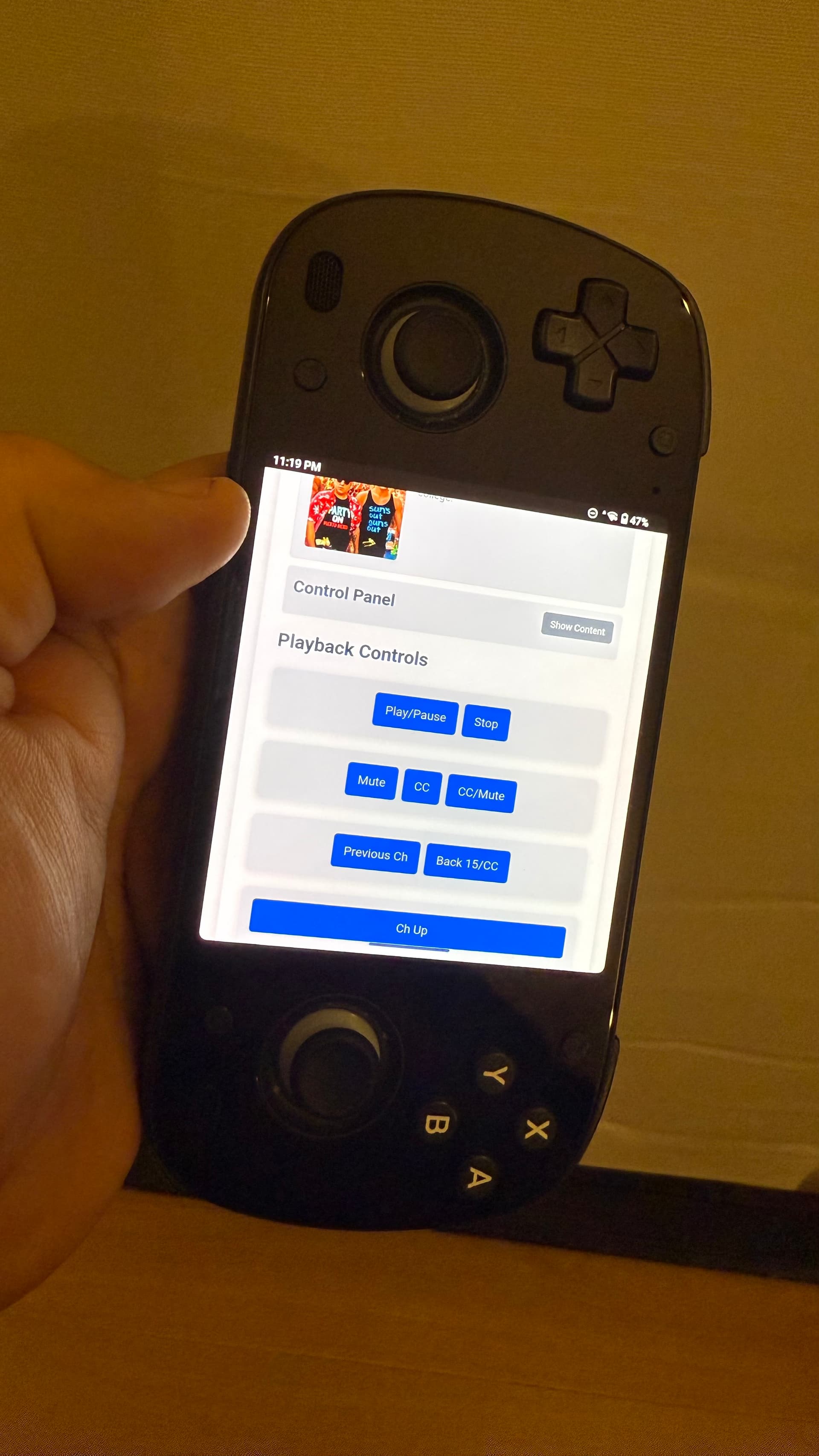
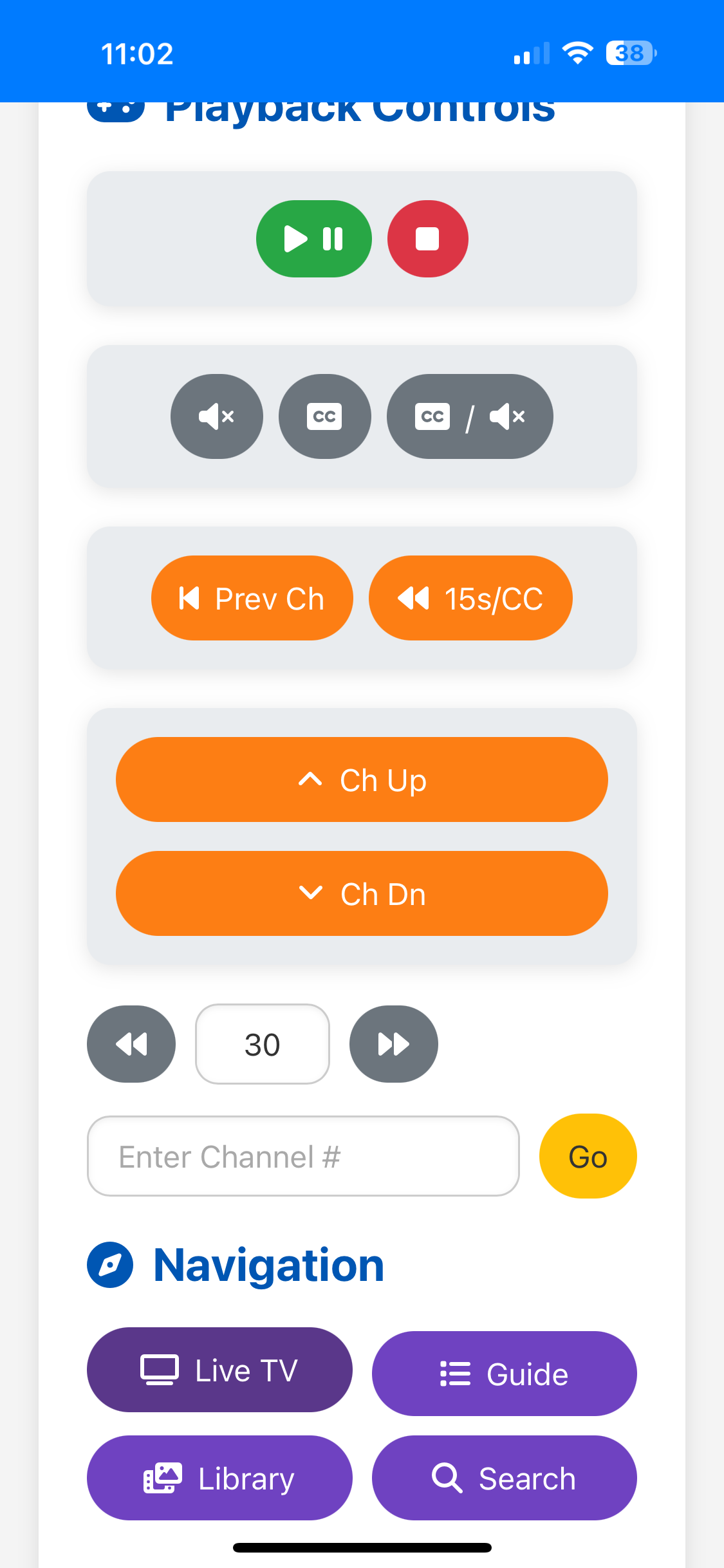
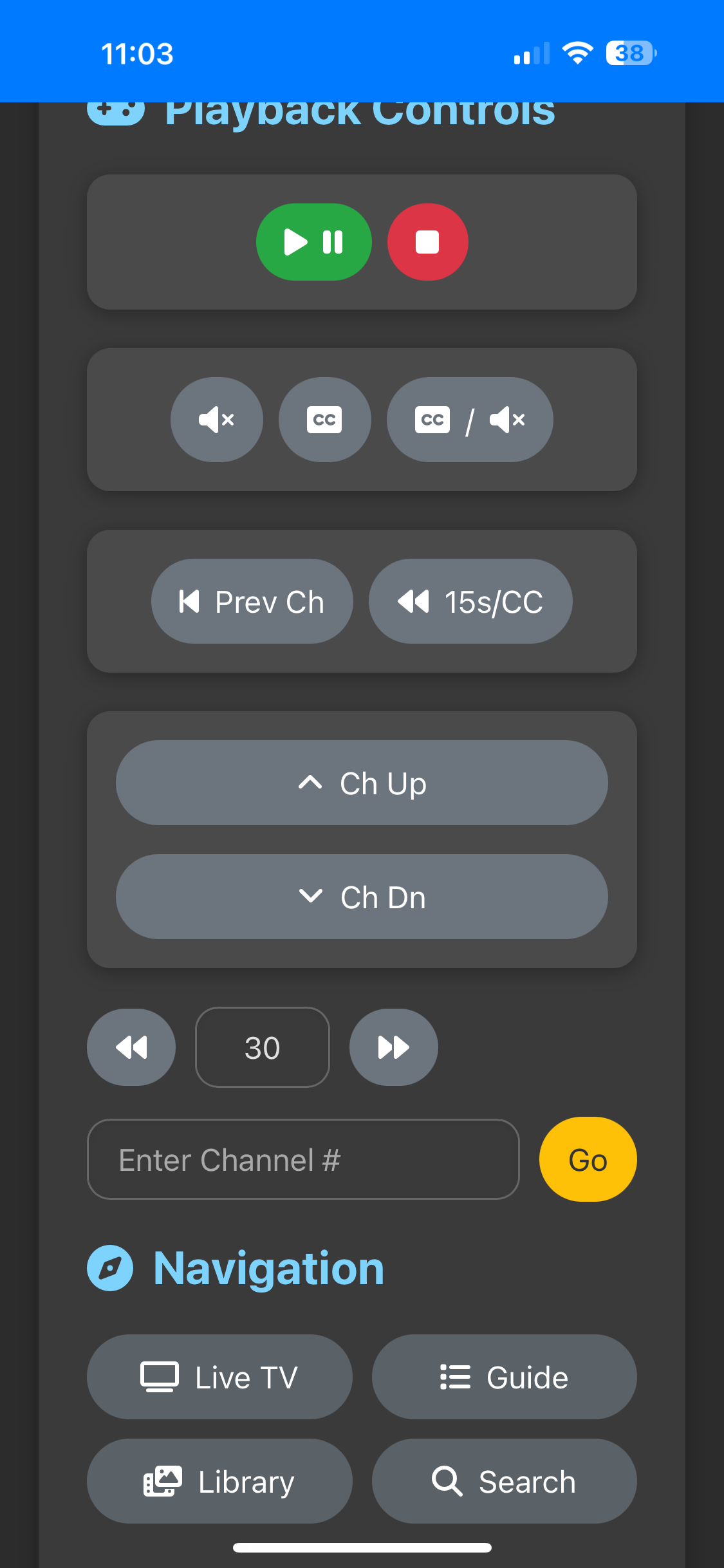
Funny you say that. I have been working on a redesign that adds all of that as a new section called Control Panel.
For anyone who prefers rounded corners, for example to match other app icons in their macOS dock:

I just pushed another UI improvement release. I should have done more extensive testing as it has a lot of code changes in the javascript (Always seems to have unintended consequences). If any bugs are found, report them and I will try and sort them out in short order. Thanks.
Testing and it's working beautifully on my Mac with Safari, I couldn't get it to work when I tried on my iPad or iPhone though.
You may have to delete cached images and files. Sometimes browsers don't want to let go of older javascript and css.
OK cool, I'll try that when I get home later tonight.
I think I have a possible way to achieve this. I will hopefully be testing it this evening by sending commands to the flask app to switch audio channels (actually muting and unmuting). I have everything loading correctly to do it, it's just a matter of some real world testing and troubleshooting. Cross your fingers.
Did you get it figured out and does it address the issue?
Yes, I experimented a bit with various devices, and at least in my case, the web app now loads when I specifically "Turn off Content Blockers" for the IP address where CARP is running. The content blocker I'm using on my iPhone and iPad is AdGuard. There's probably something inside AdGuard's whitelisting settings I can tweak to figure out which component specifically is causing these hiccups, but I haven't gotten that far yet in the troubleshooting. I just configured the webpage settings so that content blocking is permanently disabled, for that one site.
As mentioned though, it works fine on my Mac -- where AdGuard is also installed and running -- without having to turn off Content Blocking. And that's the screen where I'm using CARP primarily, anyway.
that looks... absolutely gorgeous 
Do you have a Patreon, Venmo, Github sponsorship, buymeacoffee.com account, or even just a favorite charity to which I can donate? This is awesome work you are sharing and I wish to show appreciation beyond mere words in this thread.
Thank you. I don't want money for any of this stuff. I enjoy doing it. I haven't really done coding in like 5 years or longer and it's nice to get back into it. Plus, I made it because I wanted to have this type of control over my tv and sharing it has made it a better product with the great feedback and ideas given. This is such a convenience to have available and makes my viewing experience better. I just hope others enjoy it too.
Just wanted to share that I also tested CARP on an Android 13 device, and it works beautifully there too. I saved it as a web app on the home screen. Super handy!
I'm really liking it too. I am finally at a point where I can work on the little things that annoy me with it and not having to change or add major chunks of code to it.
Changelog
September 16, 2025
This update focuses on modernizing the container environment and improving the backend server's performance, stability, and adherence to production standards.
Enhancements
- Upgraded to Gunicorn WSGI Server: Replaced the default Flask development server with Gunicorn, a production-grade WSGI server. This resolves the startup warning and provides a more stable and secure foundation for the application.
- Implemented Asynchronous I/O with Gevent: The server now uses gevent asynchronous workers. Because the application's primary function involves waiting for network responses (I/O-bound tasks), this change allows the server to handle multiple requests concurrently, leading to a significantly more responsive user interface.
Under the Hood
- Python Version Upgrade: The base Docker image has been updated from python:3.9-slim to python:3.13-slim, ensuring the application runs on a more modern, secure, and efficient version of Python and avoid 3.9 deprecation issues.
- Dependencies Updated: Added gunicorn and gevent to the requirements.txt file.
- Dockerfile Updated: The container's startup command (CMD) in the Dockerfile has been modified to launch the application using Gunicorn with the specified gevent worker.
I have done limited testing of update and everything looks good. This has been very handy to stop a tuner when Grandpa turns the TV off without exiting the channel! I have tried reminding him to exit the program but it seems that message is just not sticking. It would be nice to see a version number displayed like you did with tv-logo-manager in the future. Thank again for all your work @Bobby_Vaughn
When I release the next UI update, it will be in it. 
I had several projects that I built with older versions of python to avoid potential conflicts with other libraries and I never went back and updated them. Next month, the version I used is scheduled for deprecation so I figured I better jump on it.
Thanks for checking the updates. 
I've been playing around with adding voice controls to the remote. I have put a test version up with the voice addition here:
I do not know if I will ever add this to the main repo. Right now, it is just a fun thing to play with. The only browsers that it will work on are Samsung Internet Browser on Android devices and Safari for Apple devices. Chrome browsers do not allow for microphone use over http. If I do continue with it, I will add a reverse proxy like Caddy for a secure https connection.
Edit: After trying Caddy and Nginx for reverse proxy, I realized setting up either would be a bit much for a lot of users. They both work fine, but the configuration needed is a no go for a simple install. The best solution is to keep this as a separate branch and use either Samsung Internet Browser on Android or Safari on Apple devices. They do not require the secure connection for the microphone. I will be making a few improvements over the next few days. Any changes will be reflected in the GitHub readme. Have fun and enjoy.