ChannelWatch: The Complete Monitoring Dashboard for Channels DVR

@Matthew_Crommert thanks, the screenshots help. I’m treating the watch-history / notification behavior as a separate bug. What stands out is that Active Streams can see the session, but Recent Activity and notifications are not following it. I’ll keep digging into that path.

@bnhf good catch on the Disk Space unit. You were right: that value should have been TB, not GB. That is fixed in v0.9.2, so the dashboard now formats large disk-space values correctly instead of forcing the GB label.

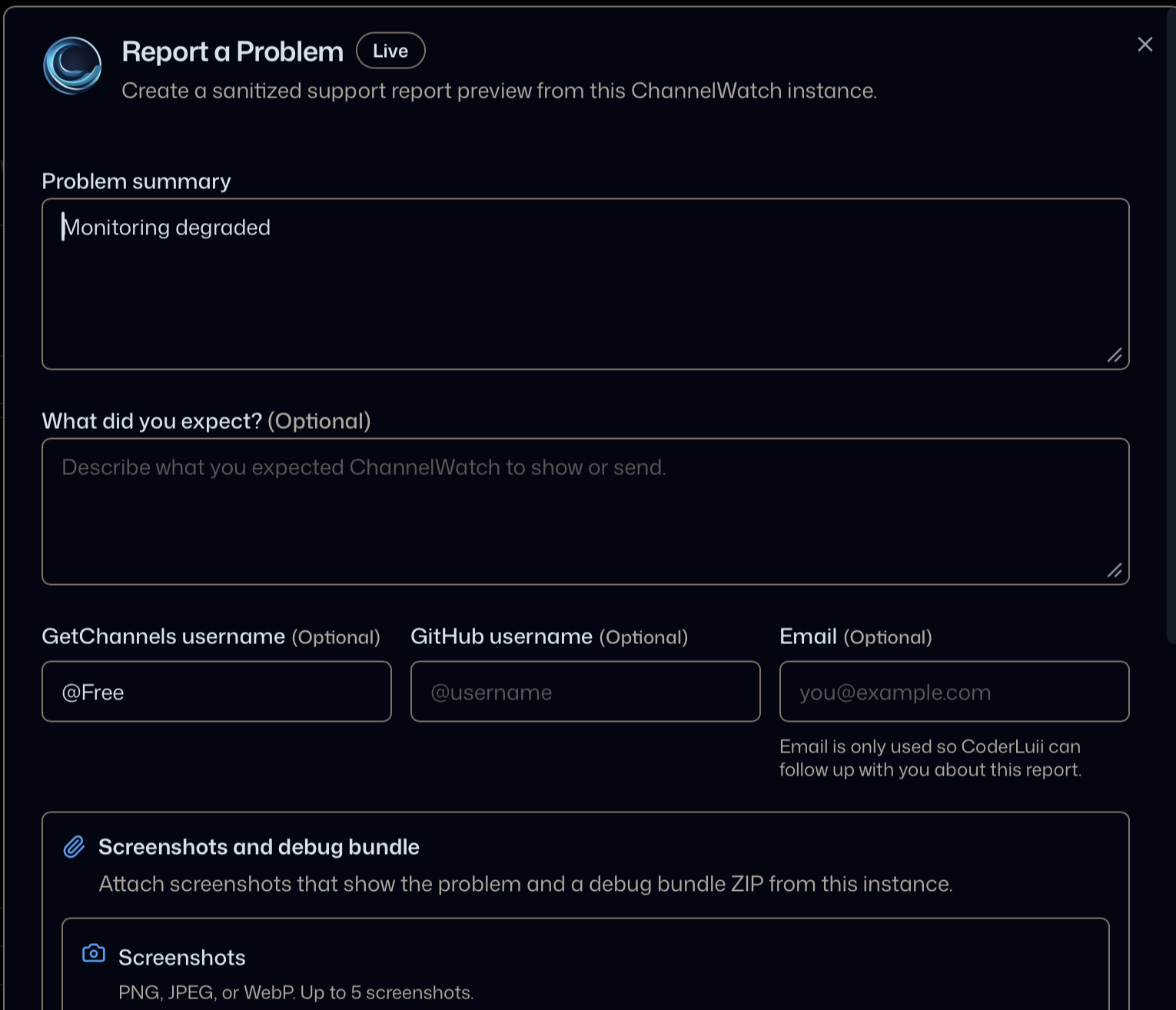
I’m also adding an in-app Report a Problem option for v0.9.3 so users can send sanitized diagnostics directly from ChannelWatch instead of manually putting together a zip.

Cheers,
CoderLuii
CoderLuii

Quick update for everyone since my last note:

I have the v0.9.7 fix implemented and in release checks now.

Changes included:

  • Live TV watch history/session state is now recorded before notification provider delivery.
  • If Pushover, Apprise, or routed delivery fails/rate-limits, the watch activity should still appear in ChannelWatch.
  • Live TV and DVR playback alerts now use a single outer provider delivery attempt so they do not keep retrying aggressively during provider rate limits.
  • Recording and disk alerts still keep retry/circuit-breaker behavior, since those are lower-frequency and benefit from retries.
  • Added regression coverage for failed provider delivery, repeated live-watch telemetry cooldown, channel/device changes, and route-specific retry behavior.
  • The GB/TB disk display fix is already included from the earlier update.

Moving forward, the easiest way to send diagnostics is the in-app Report a Problem option from Diagnostics. It creates a sanitized report/debug bundle path so manual zip uploads should not be needed.

v0.9.7 is not published yet, but this is the release I’m preparing for this fix.

Cheers,
CoderLuii
CoderLuii

@Matthew_Crommert quick update: I added the local notification receiver fix for v0.9.8.

The SSRF block was doing its job by refusing private/local destinations by default, but that was too rough for users intentionally sending notifications to a LAN receiver like Mattermost. The new behavior keeps the safe default, then lets you approve the exact local destination from Settings > Notifications.

So for a local Mattermost custom Apprise destination, ChannelWatch will still block it at first, but the UI will now offer a trusted-local approval for that exact scheme, host, and port. Metadata, link-local, loopback, reserved, malformed, unresolved, and image URLs still stay blocked.

Cheers,
CoderLuii
CoderLuii

Thanks again for the work - everything is working on my side now

Quick update: ChannelWatch v0.9.9 is released.

The main change in this release is the new Update Center in Settings. After installing v0.9.9 normally once, compatible app-only updates can be checked, verified, backed up, applied, restarted, and rolled back from the web UI.

If a future release needs a new container image because the runtime changed, ChannelWatch will say container image update required instead of trying to force an unsafe in-app update.

If you are updating from an older image, v0.9.9 also includes the recent live-watch history/session fix and the trusted local notification destination fix from the last two updates.

Docs are updated here:

ChannelWatch Official Docs Site

Images:

Docker Hub:
coderluii/channelwatch:0.9.9
coderluii/channelwatch:latest

GHCR:
ghcr.io/coderluii/channelwatch:0.9.9
ghcr.io/coderluii/channelwatch:latest

v0.9.9 gets the update path in place so compatible future updates can be handled from inside the app.

Cheers,
CoderLuii
CoderLuii