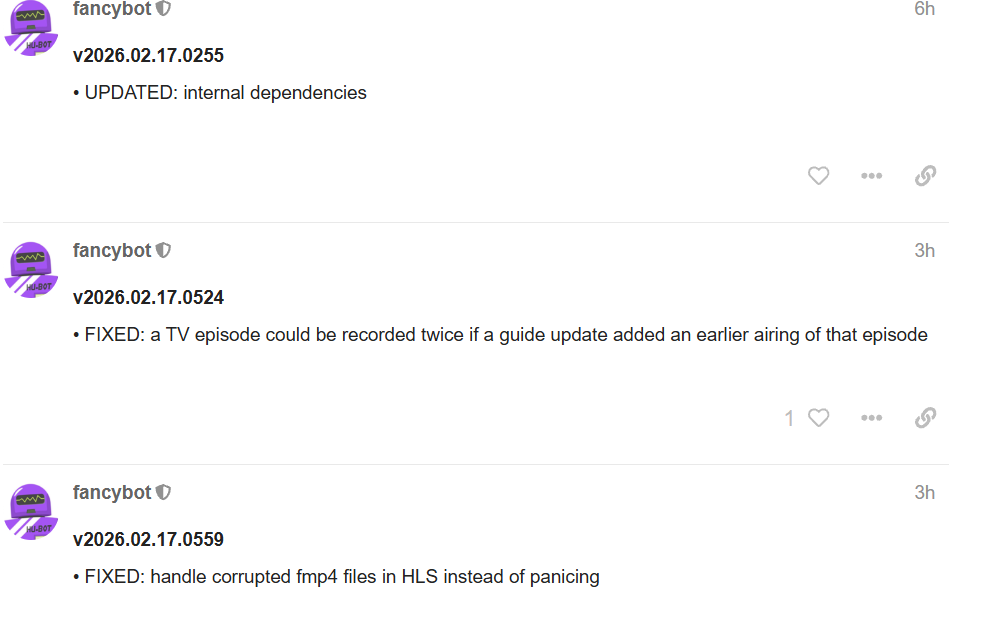
Custom Channels Issue with v2026.02.17.0559

I seem to be getting a failed to load m3u for frndlyTV, PlutoTv and Tubi. I think this issue happened after the last few updates. I am not sure exactly when it started. But my pluto channels was working prior to the upgrade.


Edited:::
02.15 in my logs was last time they loaded.
v2026.02.15.2021

v2026.02.17.0559 was first time they failed.

Your issue is at the other side, or at the network layer

Well I switched the IP to local 127.0.0.1 and now they are loading. Its all on the same machine. Not sure why using the IP of the machine would have changed that. Tubi loads sometimes. Just very odd. I can reach all of it using web page and the ip the server is on. Just not sure why channels wouldn't.

Please submit diagnostics and we’ll check it out.

8bb9e541-b8b6-4c59-a3c9-6fb94c7fd173

Dealing with the same issue updated to the latest pre-release as well. Pluto isn't working, Tubi.

2026/02/17 10:58:07.927982 [ERR] Timeout while requesting m3u for PlutoTV: Get "http://192.168.7.220:7780/pluto/local/playlist.m3u": dial tcp 192.168.7.220:7780: i/o timeout
2026/02/17 10:58:14.728985 [ERR] Failed to request m3u for PlutoTV: Get "http://192.168.7.220:7780/pluto/local/playlist.m3u": dial tcp 192.168.7.220:7780: i/o timeout
2026/02/17 10:58:46.261965 [ERR] Failed to request m3u for PlutoTV: Get "http://192.168.7.220:7780/pluto/local/playlist.m3u": dial tcp 192.168.7.220:7780: i/o timeout
2026/02/17 10:58:53.620664 [ERR] Timeout while requesting m3u for Tubi: Get "http://192.168.7.220:7778/tubi/playlist.m3u": dial tcp 192.168.7.220:7778: i/o timeout
2026/02/17 10:58:54.909178 [ERR] Failed to request m3u for PlutoTVUK: Get "http://192.168.7.220:7780/pluto/uk/playlist.m3u": dial tcp 192.168.7.220:7780: i/o timeout

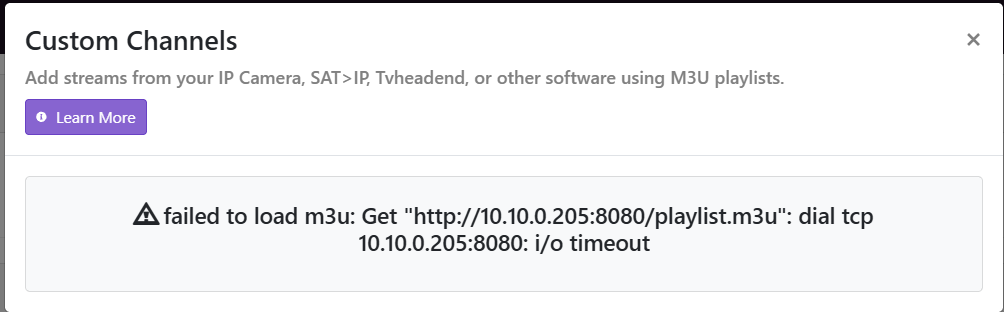
It looks like our update to our internal Tailscale library may have caused some issues. I'm looking into it.

@arizonaralph Please send diagnostics.

1 Like

Sent, f18f9e8f-a512-4af3-ab51-d1b8469f3c96.

5 posts were split to a new topic: Remote authentication issue

@jxxaxxy if you turn off Tailscale on your DVR does your local IP work again for the m3u?

Yes turning off Tailscale allows me to use the server address 10.10.0.205. If I turn Tailscale back on and edit the source using IP of 10.10.0.205 it fails.

@jxxaxxy okay. that's great. It does confirm what I suspected was impacting the situation.

@arizonaralph it sounds like you're having a different issue.