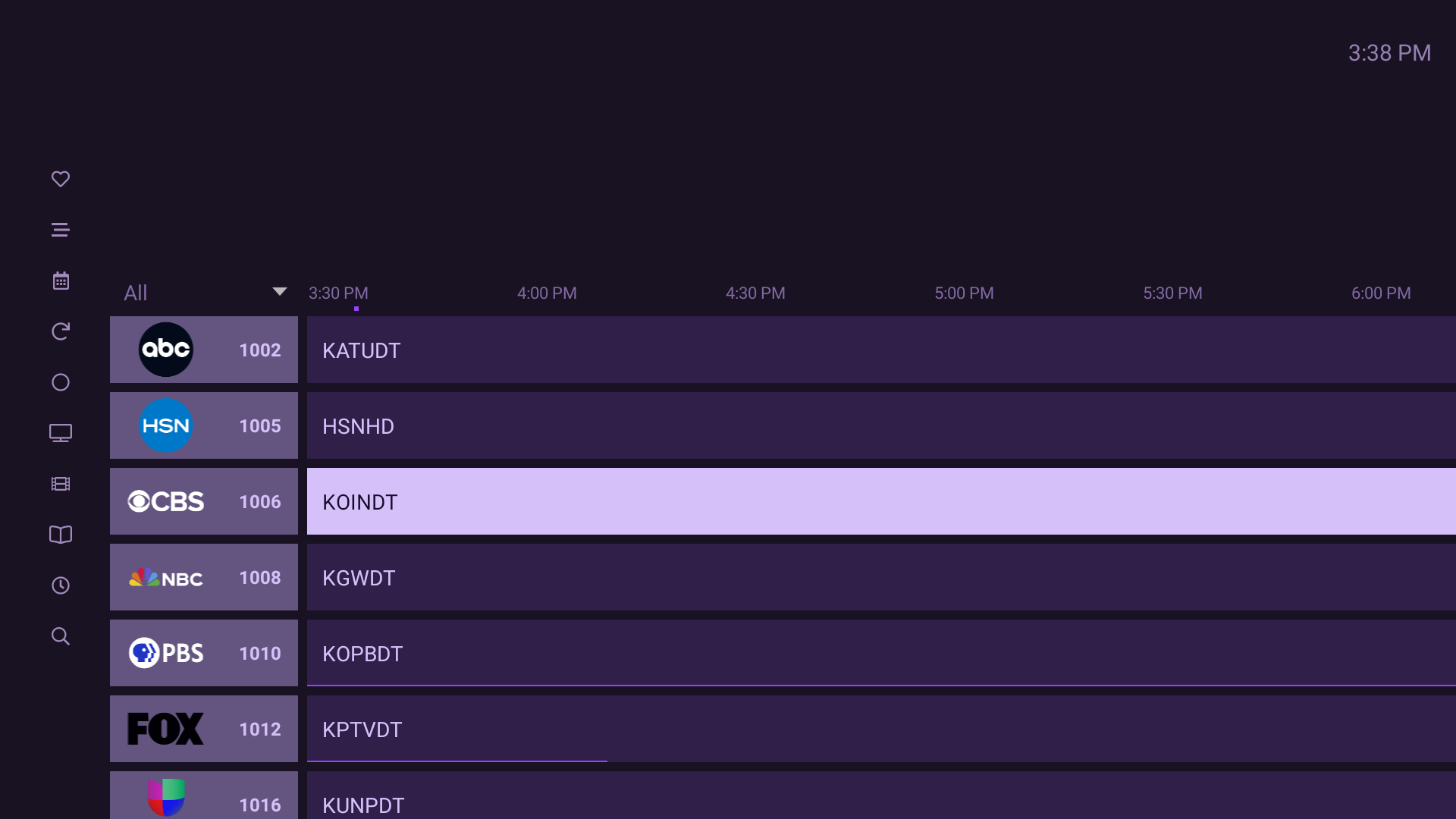
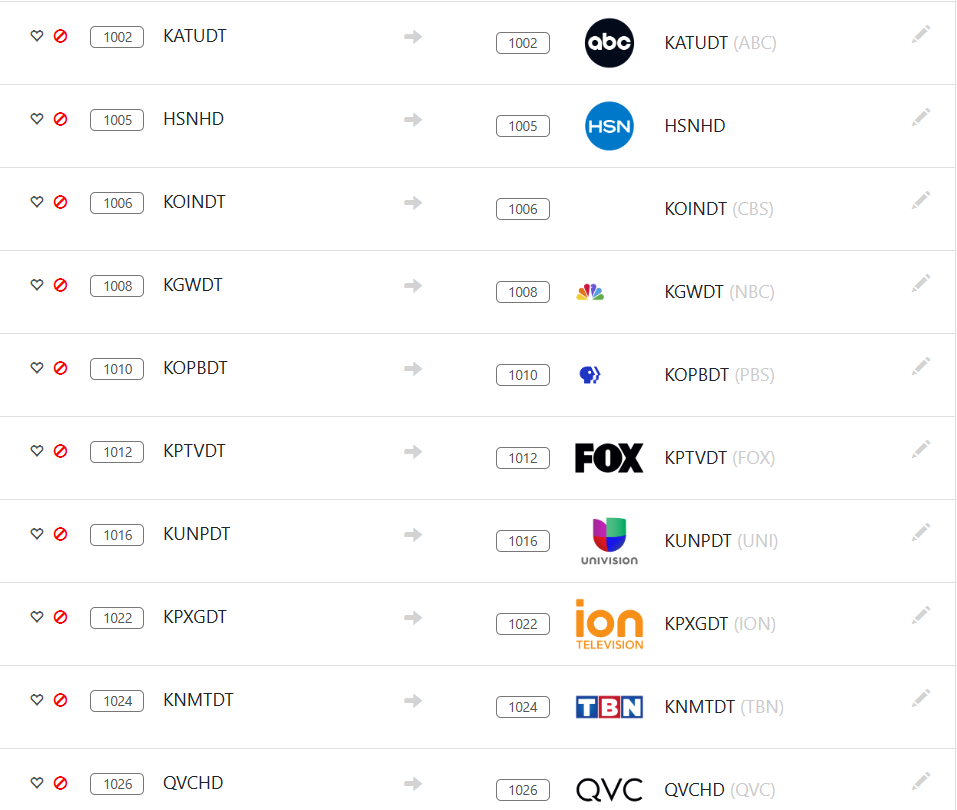
Have not seen this before how exactly does this work ?
De-duplicate HDHomeRun Channels
If you have a cable provider that provides the same channel on multiple frequencies, this will de-duplicate them

Have not seen this before how exactly does this work ?
De-duplicate HDHomeRun Channels
If you have a cable provider that provides the same channel on multiple frequencies, this will de-duplicate them
Based on the tuning frequency. May not work with tuning adapters.
It is based on the frequency and program number. Some cable providers like Xfinity will present the same frequency/program on multiple channel numbers. This will hide all of the channel numbers after the first one that is found, keeping the lowest channel number for each frequency/program pair.
You mean like XFINITY has the regular Channel #'s 2-800's then the 1000 on up grouped by Category it will de-duplicate them ?
That’s correct. The 1000+ channels will be hidden automatically when they match the frequency/program of a lower one.
SD and HD channels are not duplicates.
http://{hdhr_ip}/lineup.json?tuning
Eliminates duplicate channels (same Frequency and ProgramNumber) by keeping the lowest numbered channel of the duplicates.
Worked like a Champ ... before I had the 1000's disabled on the HDHR WEB Page ... enabled them and they were de-duplicated.
Also got a few new Channels I did not know I had because they were disabled.
Found a problem the Android FireTV Clients' still show the de-duplicated channels with no guide data.
I've learned that anytime you make changes to channels (add/remove/hide/unhide/fave/unfave/etc.) you should delete and recreate the guide database.
Appears to have worked. Spoke too soon did not work .
I suspect you needed to exit and re-enter the app. We do have an issue where a change to sources and available channels is not something we have auto-update logic for. We only refresh it when you enter the app.
There is also some bug on Android IIRC where if you hide a channel on the server it doesn't get hidden in the clients automatically.
Yeah it does not work even uninstalled the APP and Reinstalled and still picked up the de-duplicated channels without guide data. Guess I have to go back and disable them at the HDHR Source.
Wording appears incorrect in description
De-duplicate HDHomeRun Channels
If you have a cable provider that provides the same channel on multiple frequencies, this will de-duplicate them
Should read
If you have a cable provider that provides the same channel on multiple frequencies channel numbers, this will de-duplicate them
on multiple Channels same frequency.
Yah, I didn't want to say on multiple channel numbers using the same Frequency and ProgramNumber.
Will this work with antennas too? I occasionally get the same channels on different (or even the same) frequencies at times. (eg. WPBTDT3/WURH)
As far as I know, the HDHR is responsible for doing the OTA frequency scan, seeing the frequencies and mapping them to channel numbers, so I don’t believe that there would be any instances where the same frequency was exposed as multiple channel numbers.
So, I don’t believe that this will make any impact on OTA channels.
The HDHR firmware only maps channel numbers to a single frequency/programID. If multiple frequencies offer the same virtual channel number, the firmware will map the frequency with the strongest/best signal to a given channel number, and the weaker signal will not be assigned. The firmware runs background scans every 3 days or so, so if the signal fluctuates, the actual real frequency that a channel number points to may change. Unfortunately, this is handled by the firmware of the device and outside of Channels' control.
There have been many requests over the years to allow users to override/disable these background scans, as well as to manually assign frequency/PIDs to virtual channel numbers, but so far SiliconDust has ignored those requests.
As a workaround, you can use a custom channel (M3U playlist) to specify a particular physical/RF channel and PID directly from the tuner.