
Why would the movies and tv folders mot show up under the DVR SMB share?
They are only created when the first recording happens.
Well they actually are there though, just not showing via SMB.
Can you screenshot what you're seeing?
There is one SMB share called MEDIA. Under it is the DVR directory and under that should be everything including TV and Movies.

Doesn't show up under terminal either
Also just verified that the movies and tv shows I copied back to the Pi play perfectly. Manually mapped a share to tv and also to movies to copy them. Even after watching one it doesn't show up. Seems to work though
Can you click Support > Submit Diagnostics on the dvr web UI
Just sent them. Seeing some odd errors in the logs. Let me know what you think
Had a show that recorded this morning. Worked without issue and detected commercials. Those directories still won’t show over SMB though. Doesn’t seem to be causing any issues and I was able to fix the Imports issue from my log file
@tmm1 - any ideas on this? System has been stable for a few days. But I don’t see the TV and Movies directories regardless of how I connect to SMB. Just curious
No idea, seems very strange. I can't actually see the directories via the diagnostics so I'm still confused about what's going on.
You could try enabling SSH and then SFTP connect to see what folders are present and if maybe some of them have differing permissions?
You said the dirs weren't there to begin with, so how did you create them?
I didn’t actually create them manually. I only connected to the full path over SMB. They were already there.
I’ll give ssh a shot. Seems a bit beyond my ability currently but I’ll try and report back
Sorry to bring this thread up from the dead, but I'm having a similar issue and luckily was able to play around with it on a smaller scale. I'm also using a RPi4 and MacOS. I can consistently get an error -50 when trying to copy over files via SMB. It seems like the only way I can successfully copy files over is by dragging an entire folder of items via the Finder at once. If I try to create a folder on the shared drive in the Finder, I am unable to copy content to that folder. Happy to provide logs or clearer directions...
This is still an issue. Tried to add new items to a current folder via SMB and MacOS and received the same error code -50.
There’s a setting under the sharing pane in macOS that enables you to share folders less securely. I had to turn this on to get it to work. It’s under options in the file sharing preference pane. Had to select my username there. Have you already done that?
1 Like
That did not seem to work. Assuming you meant the this section...it didn't seem to make a difference.
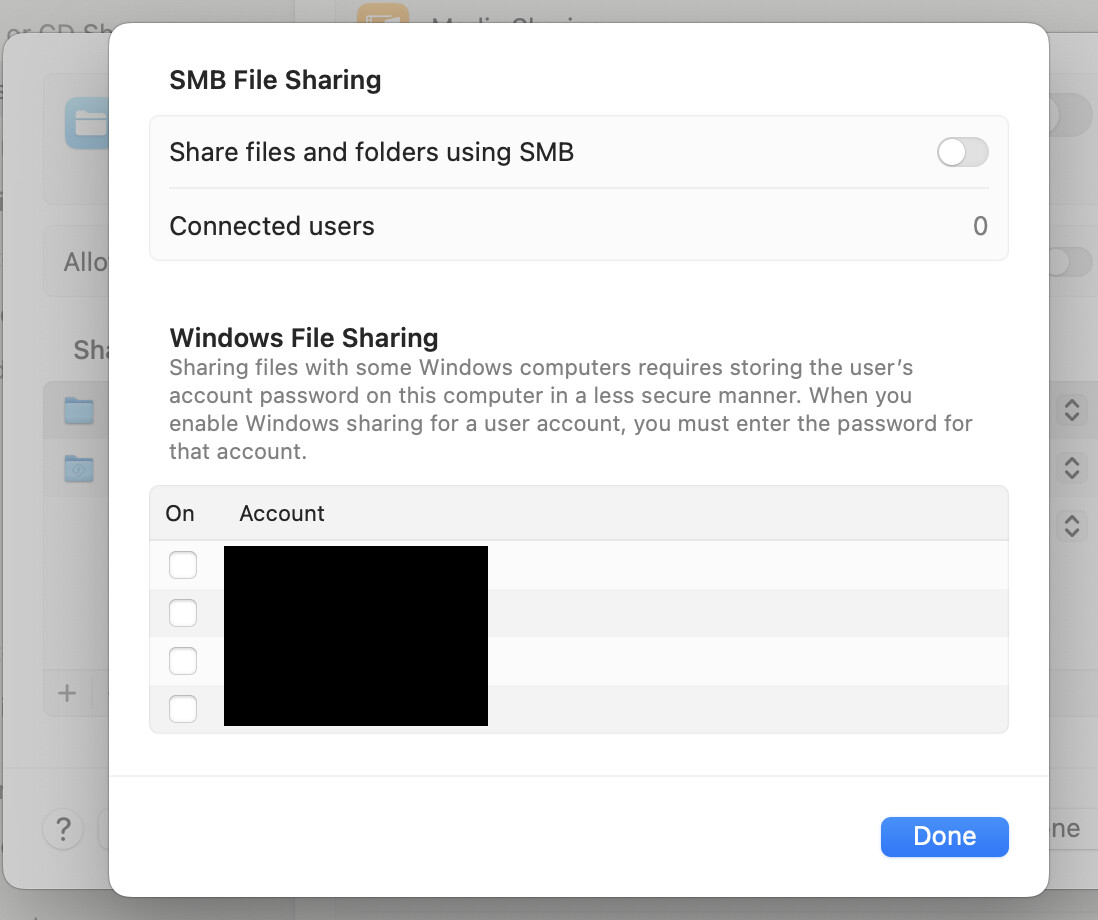
@tmm1 I know this is a super old thread, but the problem was still persisting when trying to copy files onto the SMB share drive from a MacOS computer to a RPi Image DVR. Found an Apple support document that fixed the problem. It has to do with named streams, which I have no idea what they are. However, after disabling them on my computer (by way of the 2nd option in the disabling section), I was then able to correctly transfer individual files to already created folders on the SMB.
The support document mentions that I should let you know. 
3 Likes
This works for Mac, thank you for posting. I have been trying to figure this out for some time now.
1 Like