
Let me personal message log in details to you.
I just released a big update - a lot of credit to @tonywagner for adding in some really nice features: Release v4.3.0 · m0ngr31/EPlusTV · GitHub
There was a ton of code changes for bug fixes and updating the package for handling the embedded databases. Let me know if you see any bugs
2 Likes
I was able to authenticate with your YTTV login but the expiration seems to be normal. So I'm not sure what's going on there 
in an effort to get this solved, i switched the email from the on ei use for my onn boxes to the one i use for TVE.
The TVE account has no 2 factor in fact it is the same one i use for channels.
I just checked the stations in question and it would appear the problem continues.
thanks
Just for my clarity, what exactly is the behavior? Is it just failing on linear channels? If so, have you upgraded to the newest version and rebuilt your EPG (you'll have to do it in the web UI and then refetch it in Channels as well)
Sorry for the newbie question, but do I update through the EPlusTV login site or through Container?
Thank you,
Install Watchtower through Project One-Click, and it will install in "run once" mode. The time you install it , and every future time you run it, Watchtower will update all running containers to their latest version. It's the easiest/best way to go for anyone (like you) running Portainer.
2 Likes
Perfect. That worked.
1 Like
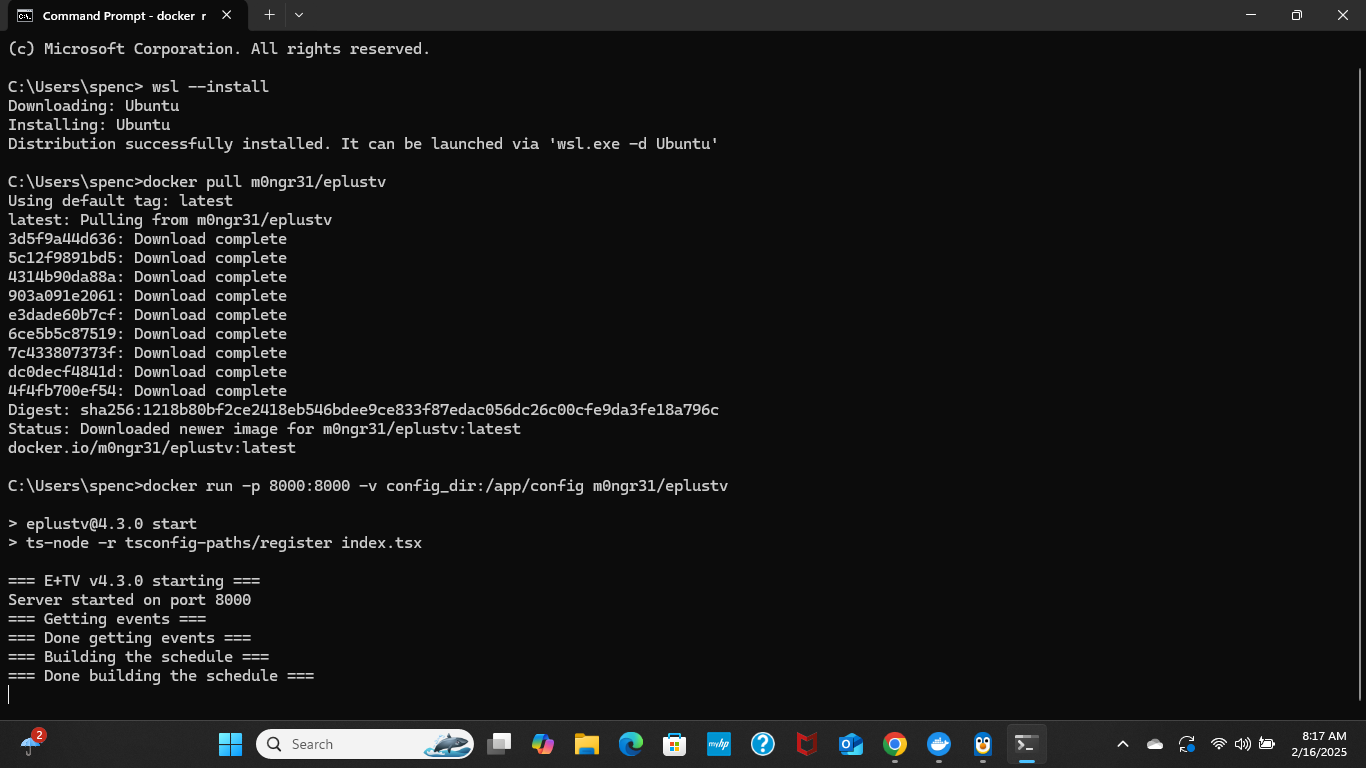
Scroll to the top of the post and read away...
Nevermind, nothing tells you how to add it to channels
Not worth the aggravation
Literally first post, first sentence. Link to github project with all instructions.
I see nothing there on how to get it into Channels. I guess you need some kind of M3U and xml guide, but I have no idea where to get it.
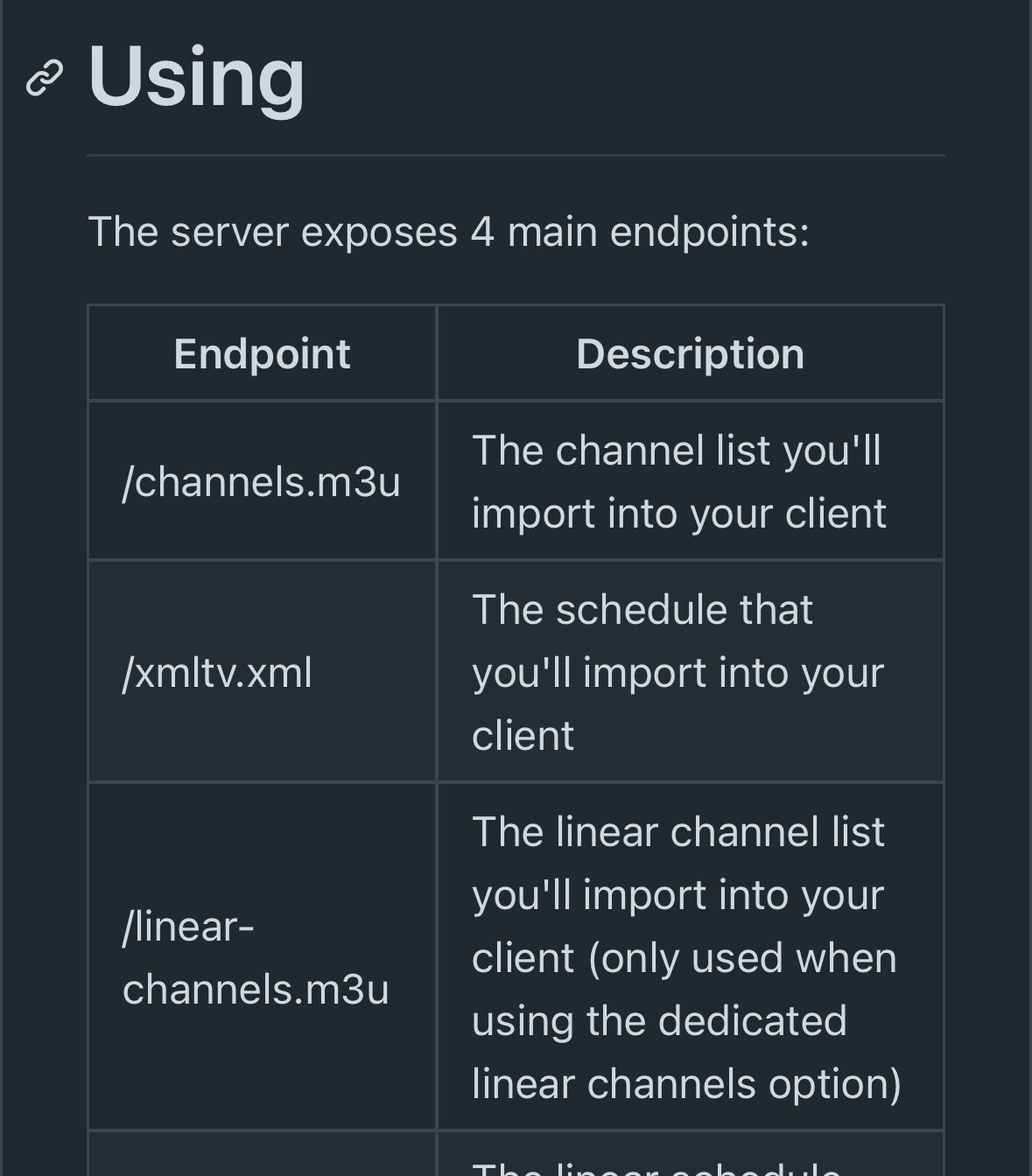
I see that, how do I create those?
Use your browser and go to http://xxx.xxx.xxx.xxx:8185 (use your server's ip address) and it will show you the info you need.
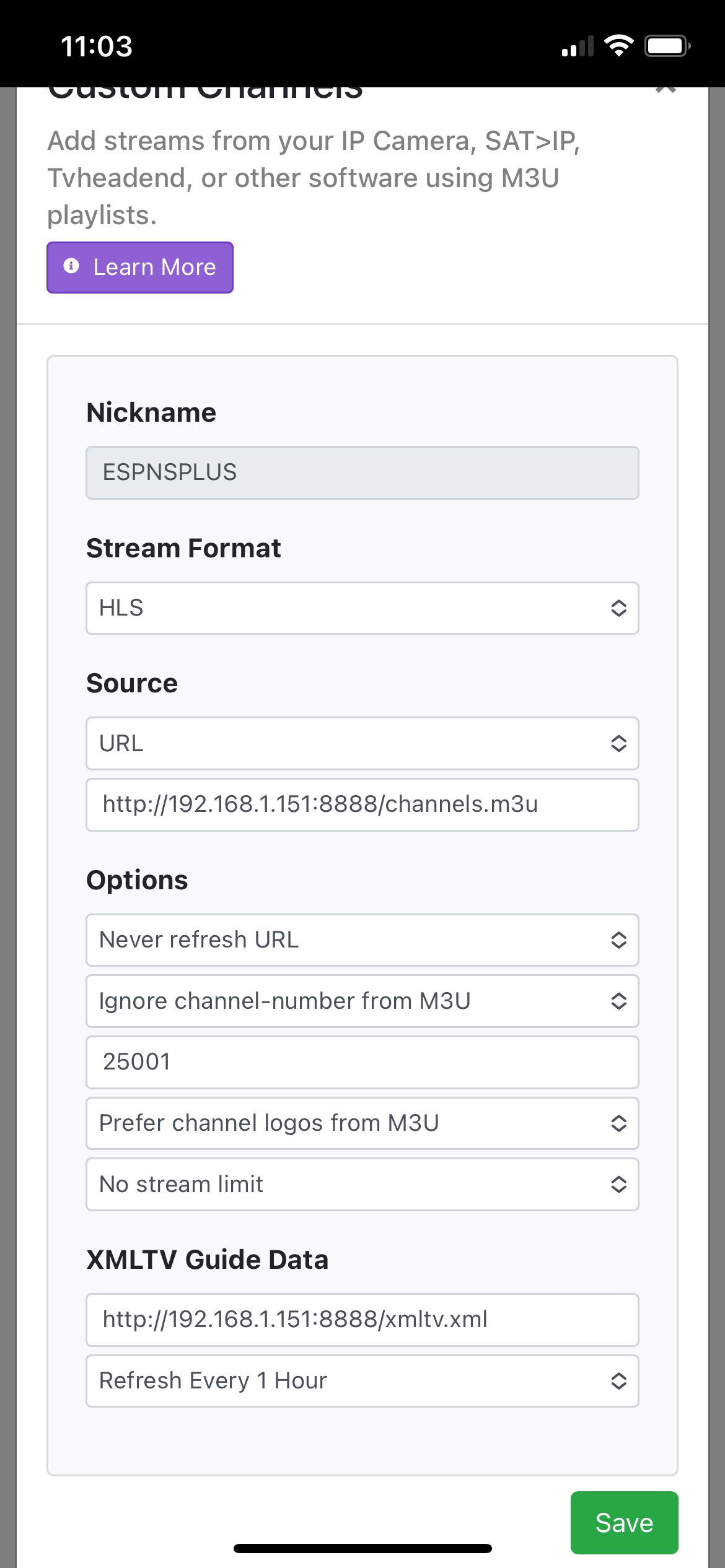
It just times out
I got invalid source. Is iya problem that the docker address ends in /24?