
You can add it back as a Custom channel using the uri found in https://www.apsattv.com/distro.m3u
Thanks to @Apsattv
Thank you Sir, you are a gentleman and scholar.
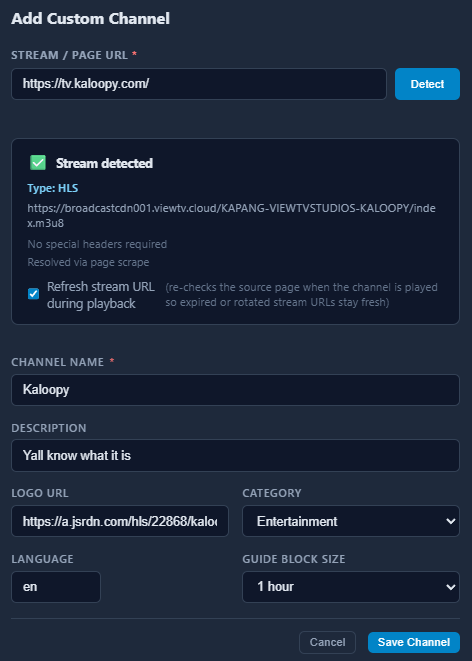
OR - even cooler to keep in house... Use the sweet Custom Channel function to add it back manually.
type in https://tv.kaloopy.com/
2 Likes
Dang it, the logo url isn't totally visible in your picture. Would you share that? Asking for a friend... 
I'll +1 the need for more pixels on the Gracenote ID's
1 Like


Could you explain more about how to use the Community gracenote map?
Trying to understand why when going to source on CDVR and changing refresh to hourly, saving it, and later on viewing that source again it reverts back to daily, appears to happen to Gracenote fast channels sources. Am I missing something?
Post a screenshot of the source settings you're talking about.
If it's a gracenote source, there is no XMLTV Guide Data to refresh.
Okay, took another look and yes no guide data to refresh, probably why when selecting the one hour refresh it reverts back to default of daily when entering back in on later time frames. Was going through all sources in general after setting my Fast Channels feeds and ensuring they were set for one hour, guide data sometimes appears to be unfresh often.
Version 3.9.0 pushed
New Features
- Clock-aligned scrape scheduling — sources can now be scheduled to align to clock boundaries cron-style; currently could be different depending on when container was built/restarted)
EPG/XML Improvements:
- Program type detection — movie/episode classification added across 9+ scrapers (Plex, Xumo, TCL, and more); propagates into XMLTV output
- TMS program IDs — captured and emitted as in XMLTV for richer guide data (not all sources have this)
- XMLTV series/episode identity — series_id and episode_id fields added for guide matching
- Bally Sports live events — live flag surfaced in EPG
Mobile view:
- Mobile channel updates - admin/channels page is now usable on mobile (not as rich as desktop, but good for viewing/testing). Few other mobile polishes.
Bug Fixes & Polish
- Server URL UX — auto-suggests detected address, warns when port is missing. For users that use port proxying (port was required in the past).
- Vidaa channel ID migration cleanup from earlier version, fixed some filters not interacting well with each other, custom channel detection/proxying improvements, server URL false warnings, feed XML race condition, and general admin UI cleanup (button layouts, tooltips, Gracenote cell now fits all 6 digits, stat card labels, category corrections).
2 Likes
Having an error ":" failed to load m3u: no channels found in m3u" fall Ruko feed, add about 39 channels and could see the feed listed the 39 channels, but when adding feed to channels I get the following error.
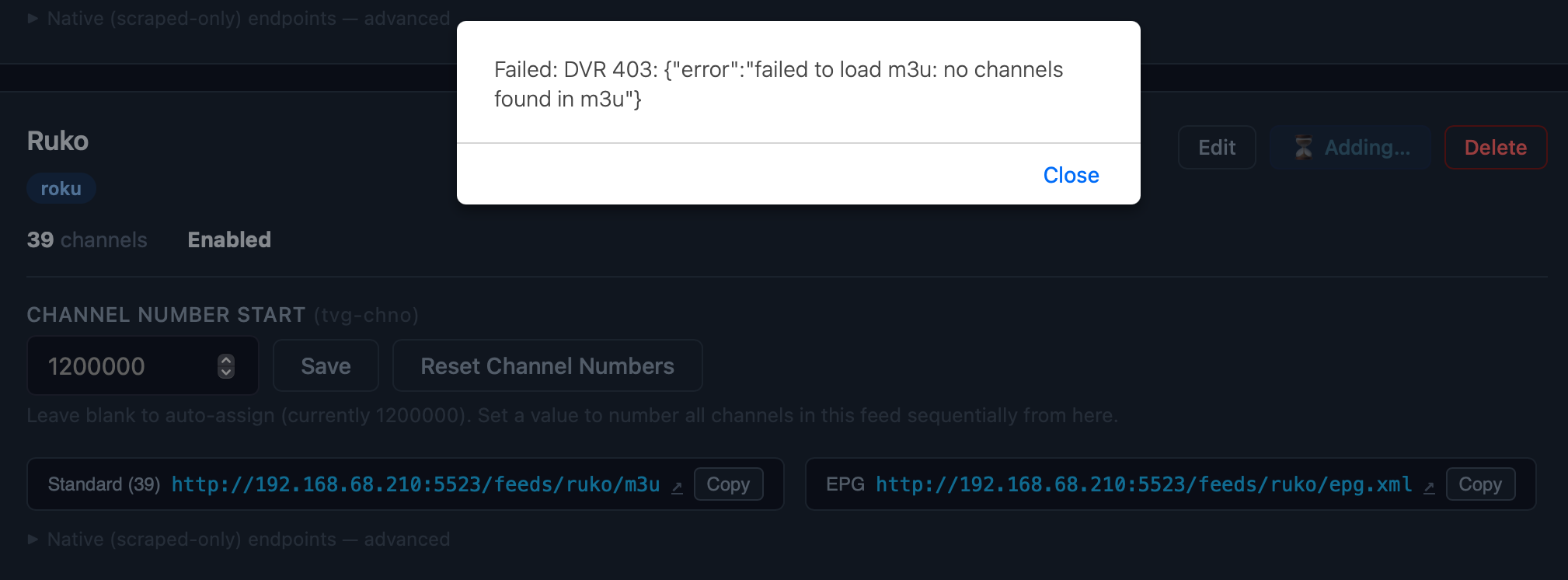
That’s bizarre. Have you added a feed with that button before?
Correct my understanding if I'm getting this wrong, but it seems like to me that if a station is disabled for not being scrape-able, should it come back later (like below), FastChannels will not re-enable it automatically?
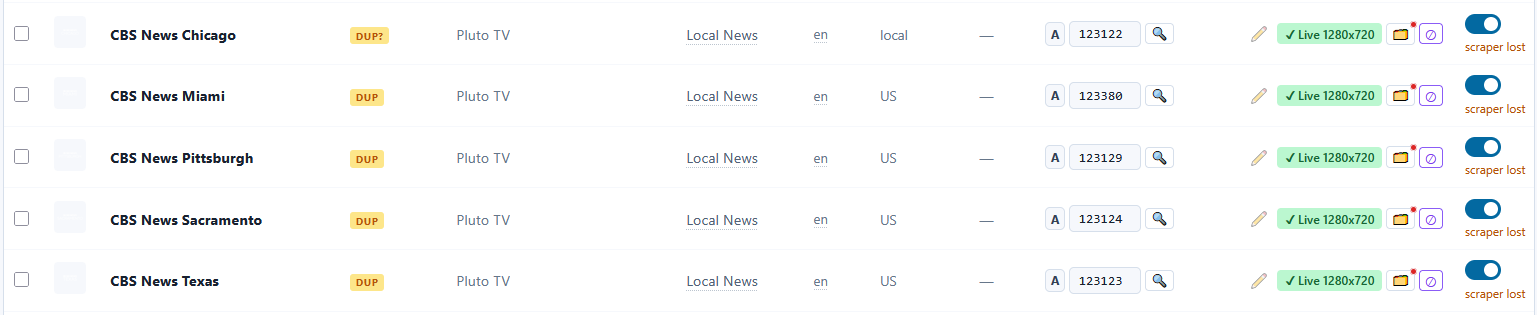
If that's so, that will be an issue, especially for Pluto and Plex as they roll the same stations in and out all the time. Things like Star Trek, James Bond, and Sherlock Holmes comes to mind.
Yep,was working, all others add fine. I did remove the Fastchannels from Olivetin removed all sources from CDVR and reinstalled via Olivetin, appears all my settings were still intact upon open Fastchannels again, which I thought it will completely remove all databases associations, but it didn’t. Anyway re-scraped all my sources and started adding feeds back onto channels, Roku was the only problem child. No biggie, I could always remove and try again, was just trying to do a new install, but not sure why it continued to remember my previous setting’s?
You'd have to remove the Docker/Portainer Volume fastchannels_db_data if you want to nuke all your previous work.
Thanks, will peak around my Docker Desktop and clear that out when re-attempting clean install again.
There was a Plex bug a few versions ago. Make sure your on new code too fyi.
Also if u ever wanted to clear out a sources channels, just disable the source and a job will queue up to delete all its channels.