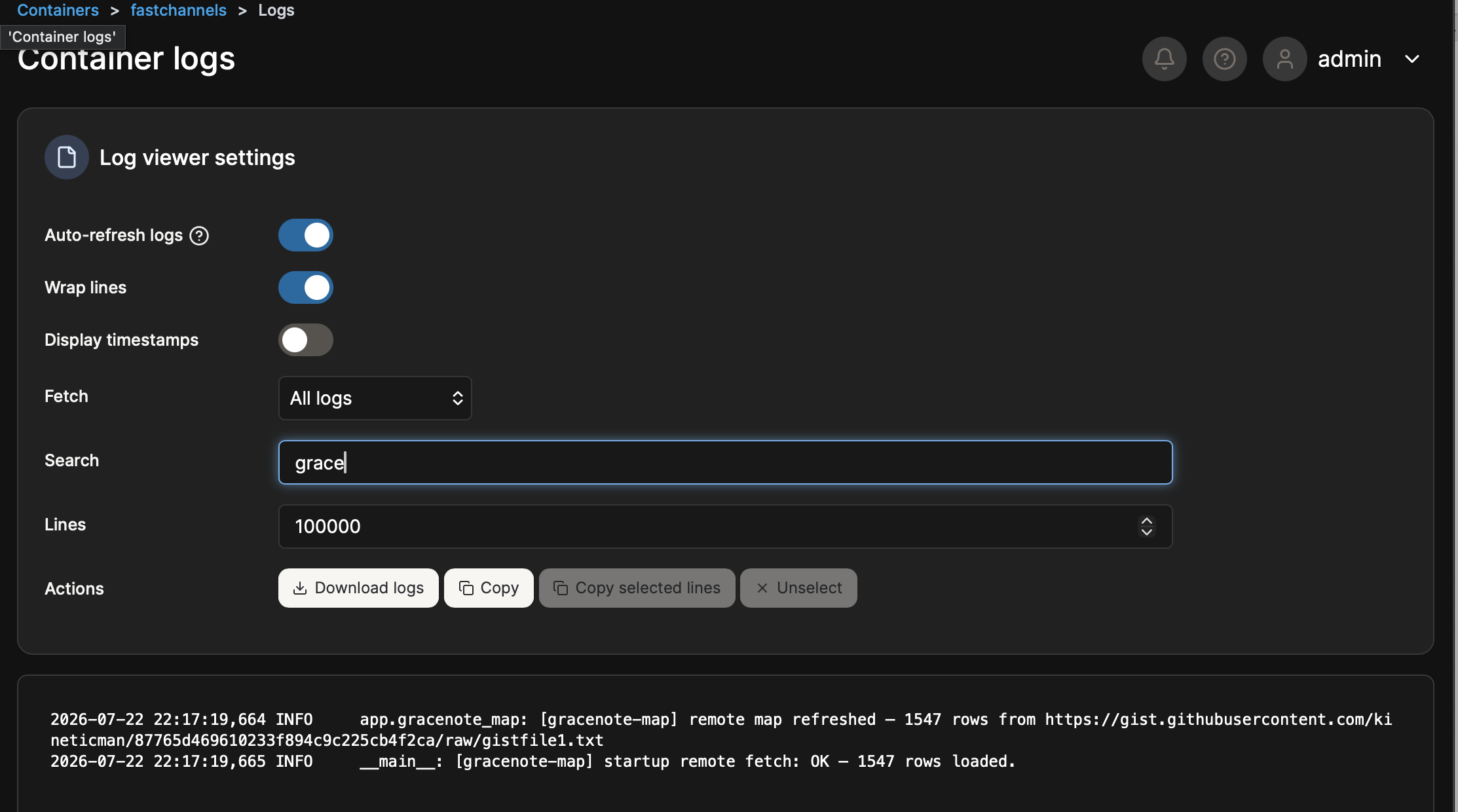
I should have screenshot it, but there were two entries in the log last night that mentioned a text file that looked like it came from gracenote with your handle in it as well (something along the lines of gracenote.com/KineticMan/*****.txt)
I looked for it again today, and there is nothing there so maybe too old? Those lines were definitely events from last night though.
Sorry for the incredible vagueness, but it made me think my FC did something with respect to gracenote last night.
I Made these changes, and I got a little further, but the stations still don, show up in Channels. I can roughly play these channels directly using PrismCast in ChannelsDVR.
PrismCast API probes:
/status: HTTP 404, 11ms, available false, content-type text/html; charset=utf-8
/debug/streams: HTTP 404, 6ms, available false, content-type text/html; charset=utf-8
/metrics: HTTP 404, 5ms, available false, content-type text/html; charset=utf-8
PrismCast port probes:
PrismCast API: 192.168.0.232:5589 open (1ms)
HDHomeRun emulation (optional): 192.168.0.232:5004 closed (1514ms), TimeoutError
noVNC (optional): 192.168.0.232:6080 open (5ms)
PrismCast health snapshots:
before_capture: HTTP 200, 7ms, status healthy, streams 0/4
before_play:4187: HTTP 200, 7ms, status healthy, streams 0/4
after_play:4187: HTTP 200, 11ms, status healthy, streams 0/4
before_play:1524: HTTP 200, 9ms, status healthy, streams 0/4
after_play:1524: HTTP 200, 7ms, status healthy, streams 1/4
after_hls:1524: HTTP 200, 10ms, status healthy, streams 1/4
DRM candidates:
amazon_prime_free: no selected channel; active/enabled 0; bridge candidates 0
Auth: Required authentication configuration is present; playback will verify whether it is still valid.
Readiness: Not tested: source is disabled or EPG-only.
Fix: Enable the source before running the PrismCast test.
cox: no selected channel; active/enabled 0; bridge candidates 0
Auth: Required source configuration is missing: username, password.
Readiness: Not tested: source is disabled or EPG-only.
Fix: Enable the source before running the PrismCast test.
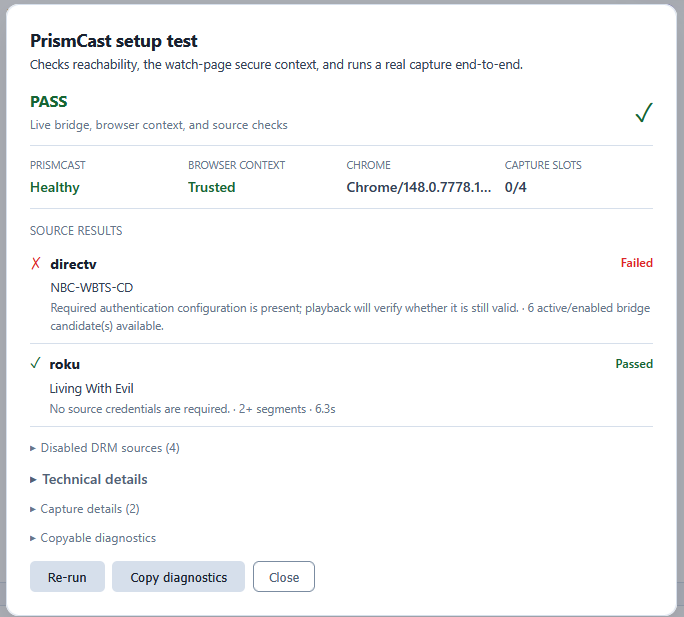
directv: selected NBC-WBTS-CD (#4187); active/enabled 6; bridge candidates 6
Auth: Required authentication configuration is present; playback will verify whether it is still valid.
Readiness: 6 active/enabled bridge candidate(s) available.
philo: no selected channel; active/enabled 0; bridge candidates 0
Auth: No source credentials are required.
Readiness: Not tested: source is disabled or EPG-only.
Fix: Enable the source before running the PrismCast test.
roku: selected Living With Evil (#1524); active/enabled 312; bridge candidates 307
Auth: No source credentials are required.
Readiness: 307 active/enabled bridge candidate(s) available.
sling: no selected channel; active/enabled 0; bridge candidates 0
Auth: No source credentials are required.
Readiness: Not tested: source is disabled or EPG-only.
Fix: Enable the source before running the PrismCast test.
Checks:
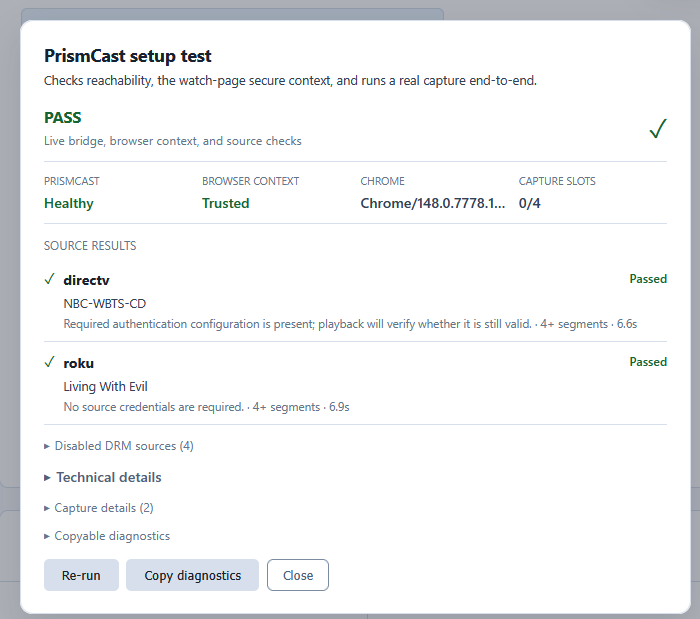
[ok] PrismCast server reachable: http://192.168.0.232:5589 responded (version 1.10.3, capture ffmpeg, Chrome/148.0.7778.167, streams 0/4)
[info] PrismCast API capabilities (optional endpoints): Available optional endpoints: none detected; unavailable: /status=404, /debug/streams=404, /metrics=404
[ok] Watch-page URL is a secure context: http://localhost:5523 — loopback — a valid secure-context address. This only checks the URL's shape; see "End-to-end capture" below to confirm PrismCast can actually reach it.
[info] Loopback watch-page routing: The Watch-page URL uses loopback. That is correct only when PrismCast Chrome shares the host network namespace.
Note: For Docker PrismCast, use network_mode: host. In bridge networking, 127.0.0.1 points inside the PrismCast container.
[ok] This browser secure context: http://localhost:5523 reports window.isSecureContext=true.
[ok] DRM bridge candidates: Selected one candidate per source: directv (NBC-WBTS-CD), roku (Living With Evil).
[ok] End-to-end capture: Captured "Living With Evil" in 6s — 2+ segments flowing. The full chain works.
I'm having trouble with the bridge for Roku Channel. While the Prismcast bridge is working (mostly*) for Xfinity and the Amazon Free channels, I'm not getting Roku working. Do I need 4.9.9 for that? There's no option in the Prismcast settings to use it for Roku, so maybe that's my issue (I'm on 4.9.5)? Currently, I can see numerous bridged Roku channels, but they won't play, so I guess Prismcast isn't connecting with them? (No mention of Roku appears in "test setup" either).
*The problems I have with Prismcast is it's not reliable. It will sometimes stop itself until I manually force a server stop and start, or force it to start at all. I'm running it on Windows 11 via node. I no longer remember if I tried it with Docker, but found the instructions so confusing (I'm not at all a docker person) that I gave up and went with node.
At any rate, sometimes when I restart the PC it loads Prismcast fine as a service, and sometimes it doesn't. If I just leave the PC running, sometimes Prismcast stops working reliably until I manually stop and restart the service.
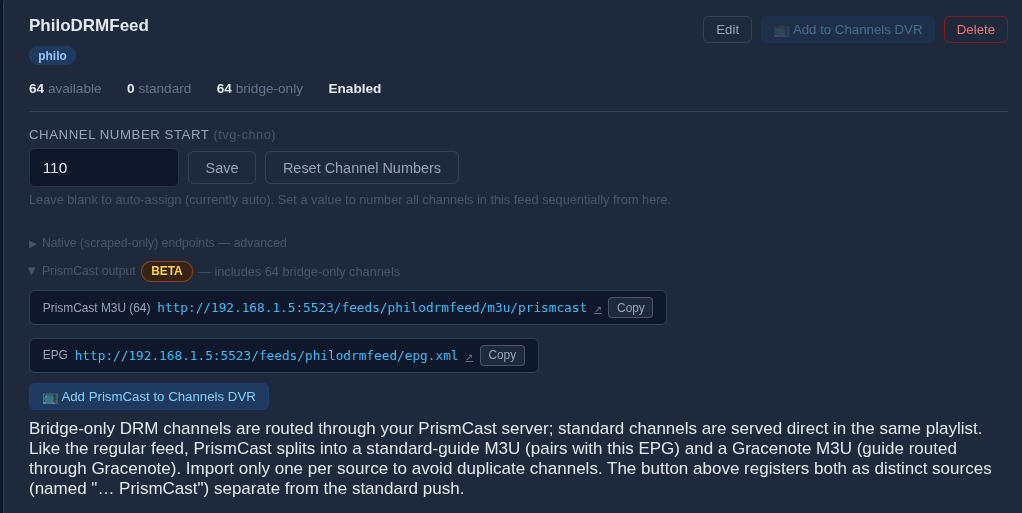
Not certain if this is your issue but when adding to ChannelsDVR, the URLs you use are not the standard one for DRM channels. If you click the Add to Channels DVR button in upper right corner, that will only add non-DRM feeds. If you expand the Prismcast bullet you will see the DRM based URLS and a button stating to "Add PrismCast to Channels DVR" to do that.
Thanks. I think I found the right button, and got some Roku drm channels added. However, none of them will play. Is there somewhere I need to log into Roku to make them work?
first, do they play inside your Chrome? that's step one.
try playing a channel from the FastChannels guide first (with the full screen button). That's the screen that Prismcast will cast from.
If it doesn't work, make sure you set this:
  1. Open chrome://flags/#unsafely-treat-insecure-origin-as-secure
  2. Set it to Enabled
  3. Add this exact FastChannels origin (whatever your FastChannels LAN ip is)

     http://192.168.0.5:5523

  4. Relaunch Chrome completely.
  5. Reopen the stream preview.
Long ago, I did a prototype that scraped all of Pluto's VOD stuff. I didn't go too far with it - it started to look like justwatch.com and I quickly got in over my head - and decided to keep focused on live channels. It would be pretty cool though.
I disabled all but 10 channels under DirectTV Stream. I then clicked the button to add PrismCast to Channels. It added 400 channels. I just want the 10.
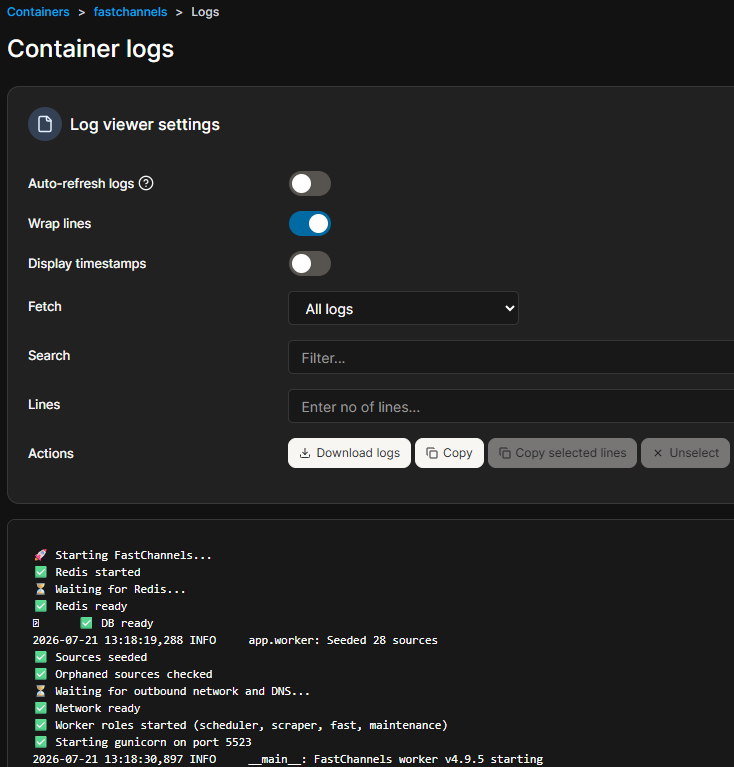
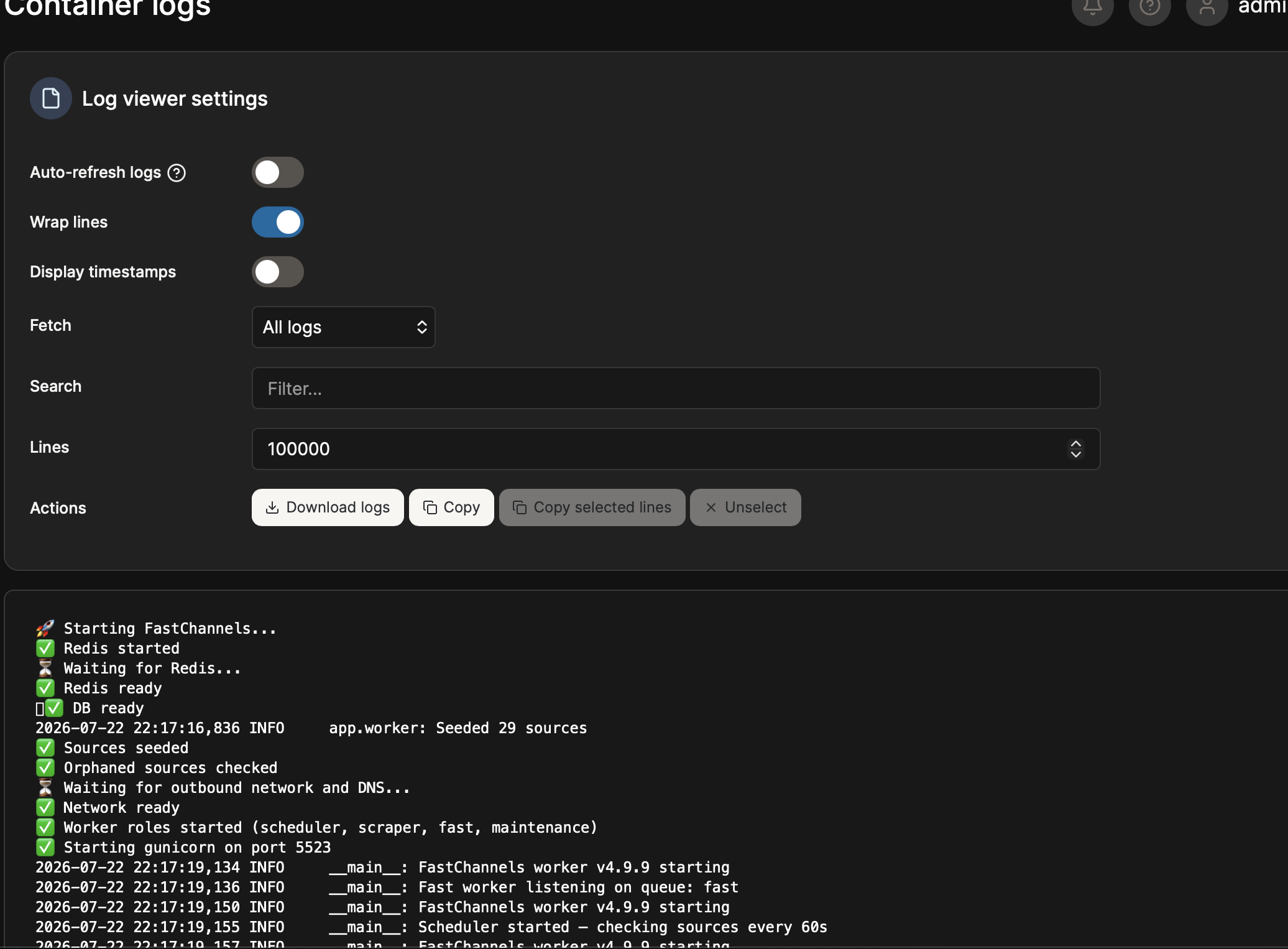
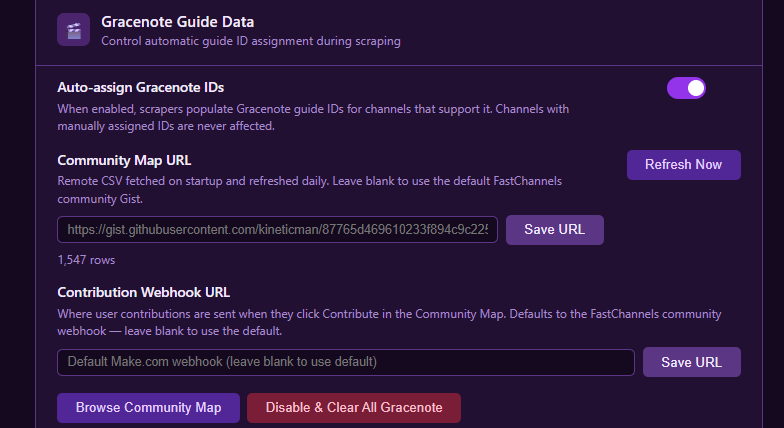
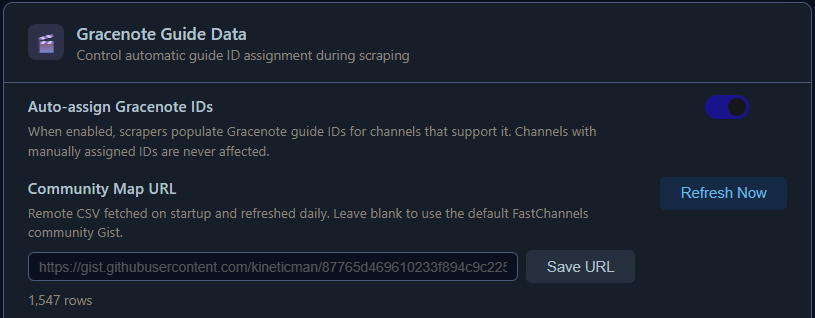
I restarted FC in an effort to force it to pull the gracenote map again (which logs say it did), but still am missing nearly all of the gracenote matches.
Is my best bet to delete and re-install FC? I was "hoping" someone else would see this since it happened when I updated to latest version, but apparently I am the only one who has seen it.