FastChannels - FAST Channels aggregator/manager

Short story:

I've found some cases of two channels being assigned the same channel number. My current example involves a feed with the starting channel number set to 21000.

I suspect this is triggered by changing a channel between having a Gracenote ID and not having a Gracenote ID (either direction). I added a Gracenote ID for Declassified last night. I think I added a Gracenote ID for Modern Marvels a couple of days ago. I think I assigned a Gracenote ID to Bizarre Foods a few days ago, but don't recall for sure.

Longer story:

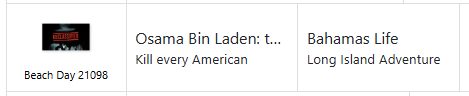
Last night, I noticed that the Declassified channel was lacking in guide data. At the time, it was assigned a channel number around 21020 (I forget exactly). I spotted a potential Gracenote ID and set it. At the time, I didn't do anything to update the data in CDVR. This morning when I went to check it in the CDVR guide it appeared to be assigned to 21092, but when I checked the M3U, it was assigned 21098.

After reloading the M3U in CDVR, the guide now shows 21098 with the channel name Beach Day but the channel icon for Declassified. The actual guide data appears that it may be a combination of Declassified and Beach Day. If I play it, it plays Declassified.
image

Unless it would confuse CDVR, I would prefer that the assigned channel number not change when switching a channel between Gracenote and non-Gracenote. I understand it would move from one M3U to the other.
def a bug. tnx for catching. i'll fix for next version

That did it. It could have indeed been one or more of these "hangover" channels. Now everything seems to work fine. Time to deactivate the old containers. Thank you for the assistance.

This is counter to something I asked for a few weeks ago, but I would like to cast a vote for having Reset Channel Numbers assign channel numbers strictly by alphabetic order of channel name without regard to Gracenote status.

What do you think will happen to those channel numbers when sources rename, add or delete channels?
Are you thinking FastChannels would then renumber all channels to keep them in alphabetical order?

I realize there are different methods, but I prefer to let CDVR number the channels and use Channel Collections to sort them to my liking.

And you're welcome to do that. I prefer to have FastChannels assign the channel numbers. There is a button on each feed that can be clicked to force FC to reset the channel numbers. That is what I'm referring to.

I really wish you would refrain from responding to my posts. We seem to be on very different wavelengths.

Thanks, but I was aware of that.

If we can't have civil discussions, what's the point to a Community Forum.
There are different thoughts and perspectives from users that can be shared.

I believe it does sort alphabetically, does it not? that's how i have it coded at least.

I think it does the non-Gracenote channels (sorted alphabetically) then the Gracenote channels (sorted alphabetically). I won't stake my life on that.

btw, i think i did have a Roku bug with Gracenote. so you were only half-crazy haha. Fixing in next version.

Roku and Plex has been the absolute worst scraper out of all of them. non-stop issues with them. cursed!

Hehe. I am very happy the solution was to upgrade the container, disable and enable the source again, scrape, audit, and presto! It just works. I disabled the old containers this afternoon as well and now I rely solely on your excellent work!

we were both right... it did sort them alphabetically, but it two seperate buckets. easy enough fix, but I'll only do it if you select "Reset Channel Numbers" from feeds. It would get out of hand if it re-sequenced them every time a channel was moved active/inactive. fair?

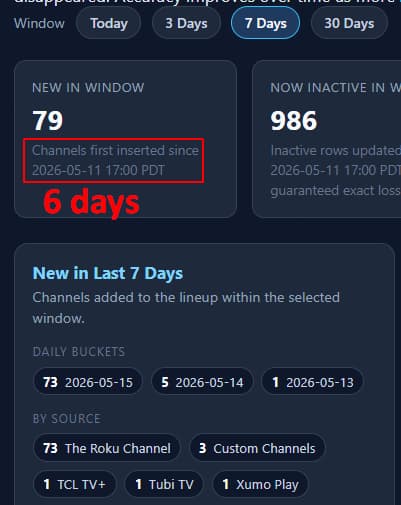
Channel Changes Report
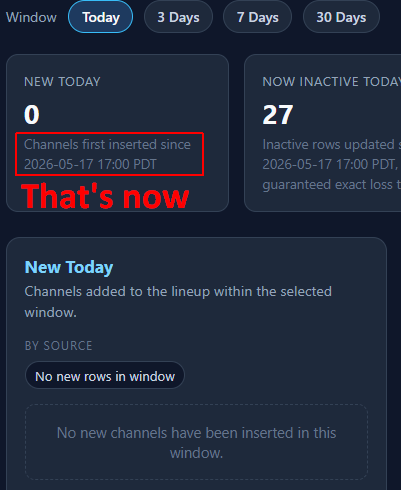
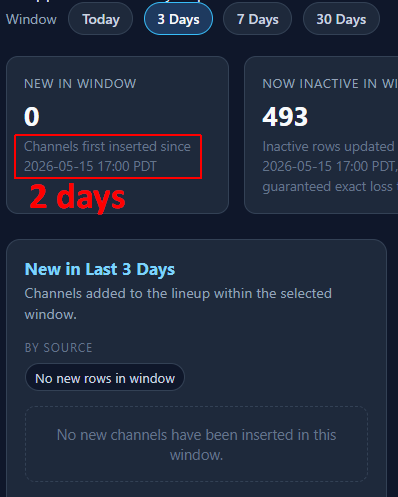
When you're in there, can you fix the report. It's off by one day.

Last day

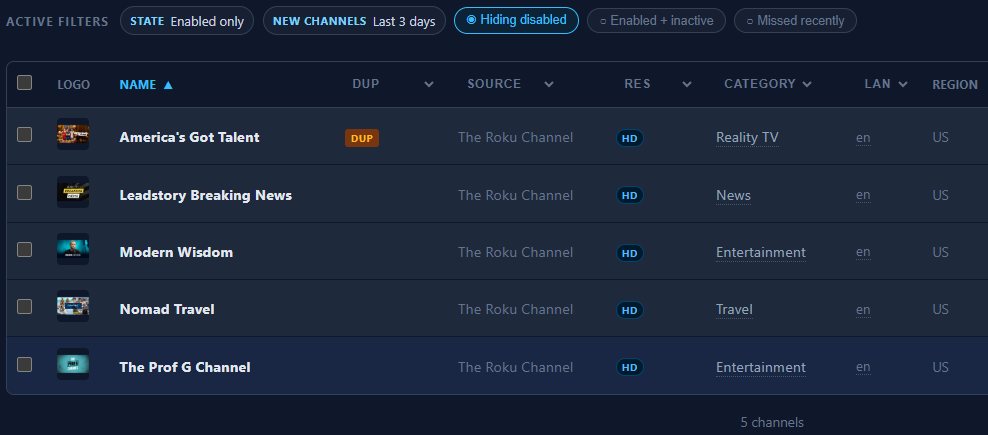
Last 3 days

Thanks. I use it to see what new channels were scraped.
Channels tab lets me look back 3, 7 and 14 days, but not one day.

Absolutely what I had in mind.

In normal circumstances, keeping the channel numbers stable as channels come and go is definitely a feature.

I'm running Docker (only when absolutely necessary! :grimacing: under Windows 11.

If you installed with Docker Compose (likely), open PowerShell in the folder with your compose file (wherever directory the software is saved) and run:

docker compose pull
docker compose up -d

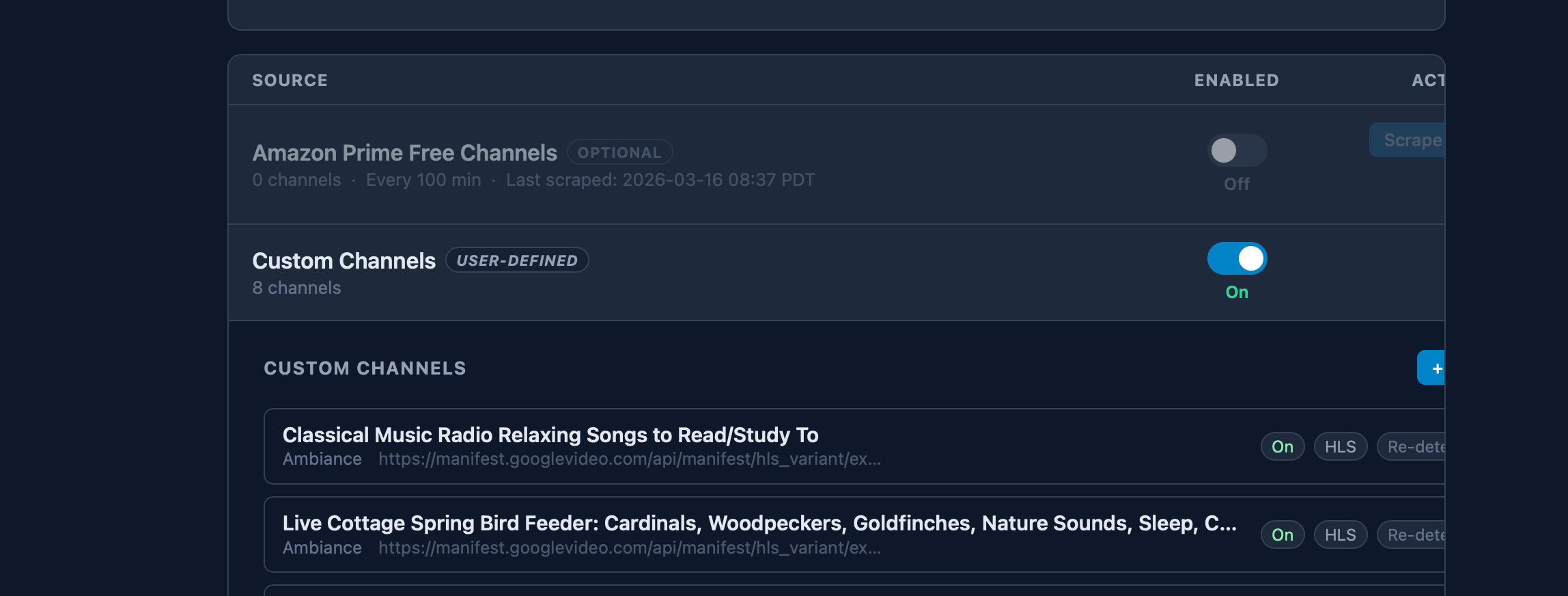
Oops. I stupidly pasted the full title of this live stream as a custom channel, and now I can't access the button in FastChannels that would allow me to edit it. The title's too long and it's pushing everything outside the frame.

https://www.youtube.com/watch?v=BaNfKtIRKGc

Help?

If you are a Luddite like me, you can use this PowerShell script:

docker container stop --timeout 30 fastchannels
docker container rm fastchannels
docker image rm ghcr.io/kineticman/fastchannels
docker run -d --name fastchannels --restart unless-stopped -p 8092:5523 -v fastchannels_data:/data ghcr.io/kineticman/fastchannels:latest

Note that I expose FastChannels on port 8092. You may want to edit the port number in the docker run command.

I guess it would work equally well as a .bat file.

1 Like

Not sure if it will work for you, but try this...
click in the line with the errror, in this case, click the Live (in the Live Cottage)...
You may not see the cursor, but now press the Tab key once...
It should move over to the Edit button...again, you may not see it....
Now press enter...

Thank you. Yes, that worked! Just not in Safari. I had to use Chrome.