FastChannels - FAST Channels aggregator/manager

@KineticMan Update on my Custom YT Channels issue...
I can Detect the channel and also "Preview Stream" while on the Edit Custom Channel page...
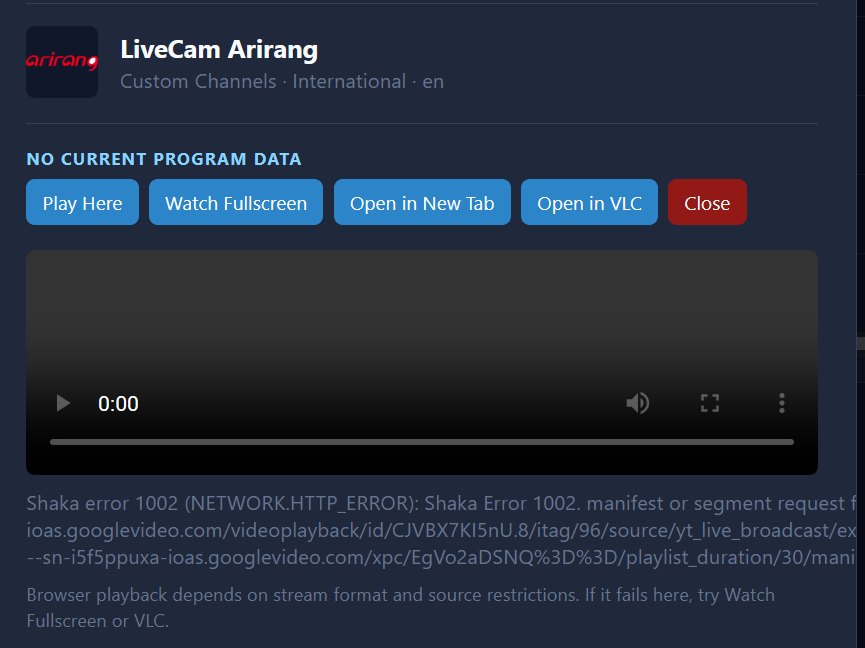
Observation 1: I cannot play via the built-in player on the Channels or Guide pages...I get this new error:

Shaka error 1002 (NETWORK.HTTP_ERROR): Shaka Error 1002. manifest or segment request failed; check HTTP status, CORS, and network filtering Details: ["https://rr2---sn-i5f5ppuxa-ioas.googlevideo.com/videoplayback/id/CJVBX7KI5nU.8/itag/96/source/yt_live_broadcast/expire/1781426055/ei/JhMuavG3PO31sfIP5YfboAI/ip/72.253.16.202/requiressl/yes/ratebypass/yes/live/1/sgoap/gir%3Dyes%3Bitag%3D140/sgovp/gir%3Dyes%3Bitag%3D137/rqh/1/hls_chunk_host/rr2---sn-i5f5ppuxa-ioas.googlevideo.com/xpc/EgVo2aDSNQ%3D%3D/playlist_duration/30/manifest_duration/30/ss/1/bui/ARmQxEUESNFU7Zw5Xz-z5fxmk05TLqEIdv-pdcqcmXJcsVdH-0b40goE4FmPKVzB3-nzlJu7NYUWwsbS/spc/SQ-umg_9my6
Observation 2: I can play via the "Watch Fullscreen".
Observation 3: I cannot play via the Open in New Tab... the new tab opens but it just spins the Loading

So I'm curious how it works on the Stream Preview page:
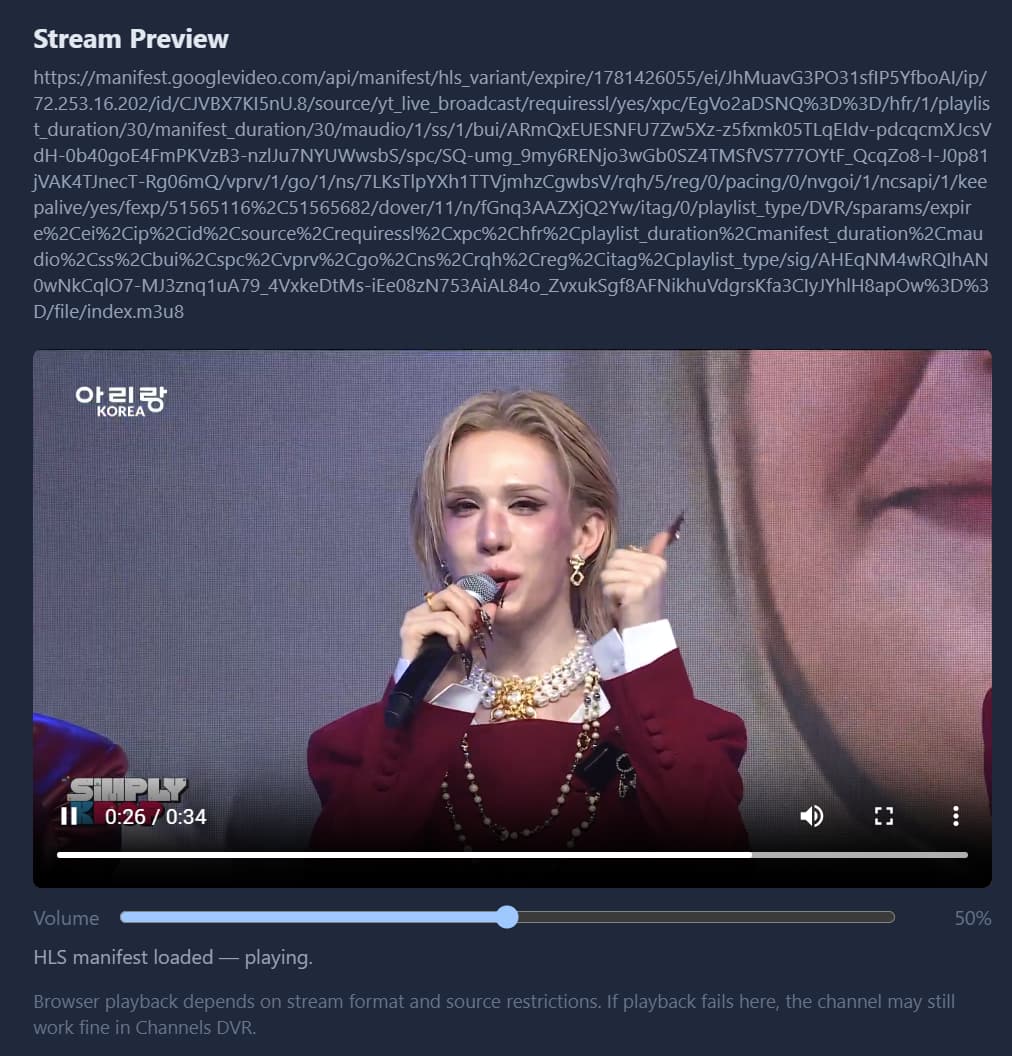

Luck...

They share simliar codepaths, but slightly different. I've been meaning to combine them. I'll probably have to proxy the youtube stuff to get it to work consistently. will work on next week.

1 Like

@KineticMan Feature Request: Search both Source Channel and EPG
On the Guide page, Is there the possibility to have the Search button searching both the Channels and the EPG?
Reason - Let's say I'm searching for Star Trek, currently it only searches the EPG... but it would miss all the dedicated Star Trek channels...
Currently, there are 7 dedicated Star Trek channels (available on the Channels tab), but on the Guide tab, it lists only 4 dedicated channels.
Another is let's say I'm interested in Las Vegas news... If I search in the Guide tab, I see a lot of Vegas but none of the news channels show up, and you can see them via the Channels tab...
I understand I can use the Channels tab, but I really like the Guide as I can see what is actually showing...
Hope this makes sense.

Thanks.

@KineticMan Feature Request: On the Guide page, remember previous searches...
Kinda like Youtube, the search box remembers previous searches, it may have a cap if necessary.
Along with this, is a means to clear all previous searches, and/or an option to delete one of the previous searches.

I've had Pluto For Channels running for some time now, and just today found Fast Channels. I don't have Fast Channels fully configured yet, but I'm guessing once I've done so I won't need Pluto For Channels anymore. Is that correct?

Also, I note that Fast Channels seems to be asking for some Pluto credentials but I don't think I ever put in any credentials into Pluto For Channels. I checked my P4C server today and there are spaces to input credentials but they are blank. Can someone clarify the P4C credentials situation to me?

@skipt There was some discussion on the need for creds but I couldn't find them...
Anyway, I entered my Pluto creds and this is what the Dashboard page shows:


Check your Pluto setup for the number of channels, if you see the same amount (since you didn't enter any creds), then don't worry about it...
If you see a lot of channels missing, then I would suggest creating one on Pluto... I recall it's free...
For the first question, if you check your current P4C and you see the same number of channels, then just like most folks using the new FC, they drop the other containers since it's not necessary...

Thanks Waffles. I don't have Pluto credentials, my point is that Pluto For Channels is working without any credentials. FastChannels seems to require credentials for Pluto, so I can't do the comparison you suggest until I establish credentials.

There is a reddit from 10 months ago complaining that "Pluto now requires a login". My P4C setup is probably older than 10 months. I suspect a Pluto policy change is at work. Maybe P4C without credentials gives some but not all channels.

Does this suggest that for some sources FastChannels should be able to get channels that that do not require credentials and then get even more channels if you do have credentials?

So there are some premium sources that definitely needs an account and I believe a paid account...
The only two I have entered creds on were Pluto and Tubi...
never really checked to see if any channels were missing if I didn't enter my creds...
So are you saying that on the Dashboard page, you don't see any channels for Pluto, it's showing 0?

On your current P4C, how many channels do you have?

Source Credentials Validated
Frndly TV Required (paid account) Yes
Fubo Required (account) Yes
Pluto TV Required in UI only No - anonymous works
Tubi Optional No - anonymous works
Amazon Prime Free Optional (or paste cookies) No - anonymous works
All others (Xumo/Roku/Plex/Stirr/Sling/LG/Vizio/Samsung/etc.) None N/A

I was actually able to force a Pluto scrape in FC without creds. 406 channels. In P4C I have 407 channels. The difference is probably FC found a dupe and deleted it.

So both P4C and FC are now getting Pluto channels without credentials. Why would anyone use credentials?

Agreed- when they changed their API a few months ago, it required creds. I dont know when it changed, but any bogus creds allows stream. I'm leaving it in the code in the likely event they do require creds in the future.

1 Like

Just a side note... I have that many channels since I'm scraping US West and UK

Thanks KMan. Great code. I'm still configuring FC but the docker run command and setup screens are terrific. TTYL.

1 Like

When you log in, some commercials are from local companies and the commercials seem to be better quality instead of so many spinning Pluto place holders during commercial breaks.

The "Feeds" page has a very convenient button, "Add to Channels DVR". Since I'm just starting and playing around, I have 1 FastChannels feed with 20 sources and many channels. Some of the FC channel numbers are already in use by my existing sources in Channels DVR. I'm afraid to simply push the "Add to Channels DVR" because I don't know what is going to happen.

I assume I will end up with 20 new sources in CDVR. Is that correct?

No matter what happens, how does CDVR deal with two different sources which may be using the same channel numbers?

1 Like

I tried to get a cookie and it failed: "Login did not succeed (landed on: https://www.amazon.com/)"

1 Like

It just creates one custom channel per feed on CDVR. Safe to try! (Just make sure feed doesn't have more than 750 channels in it).

Also, Channels won't allow ch overlaps and just ignores chnum if there is an overlap.

tnx for report. will fix in next version.

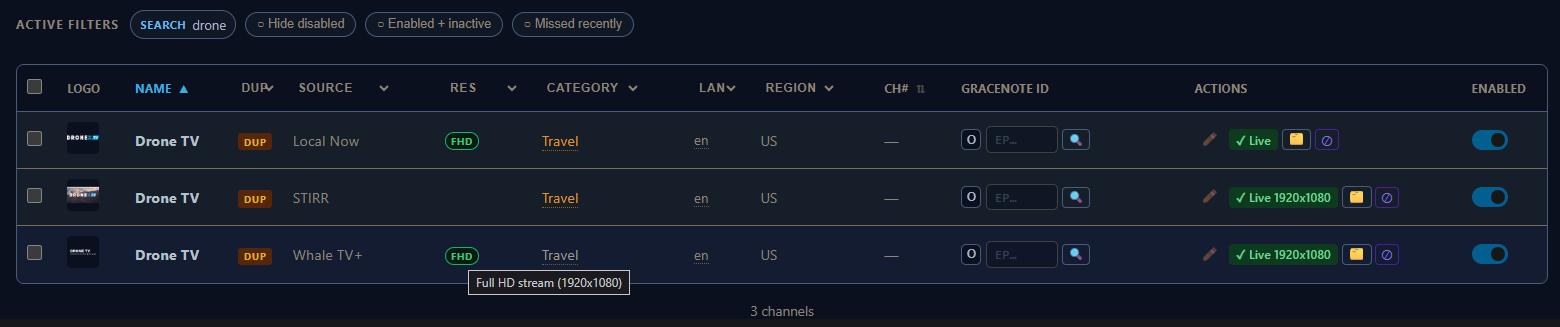
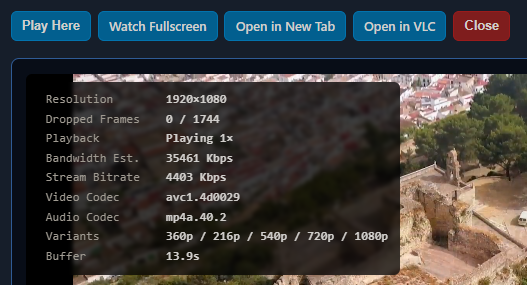
What determines the FHD resolution badge?


STIRR is streaming FHD (1920x1080)
brave_screenshot

1 Like

humor me and run a fresh stream audit on Stirrrrrrrrrrrrrrrrrrr. I recently updated that stream resolution logic- maybe had some stale info on there. let me know if that changed anything.

1 Like