
I have two HD Homeruns for OTA channels and both sets of channels show up in the guide. For example there are two 2.1 channels, two 2.2 channels, etc. Is there a way for just one channel to be displayed like the other clients? Thanks.
The Channels clients will "stack" the channels based on channel number or guide info and choose the HDHR tuner based on source priority.
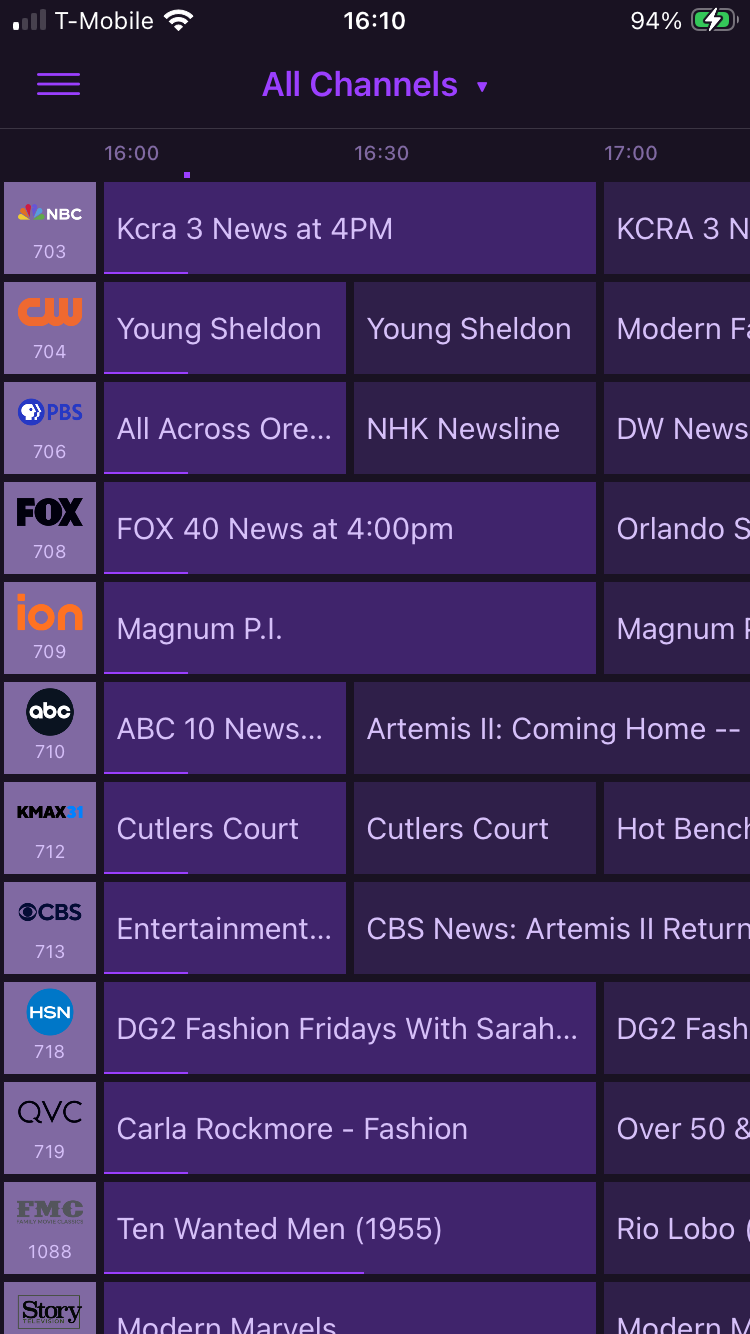
If you look at the client guide when the client is set to stack duplicates by channel number you should see the same thing Feral HTPC is displaying.
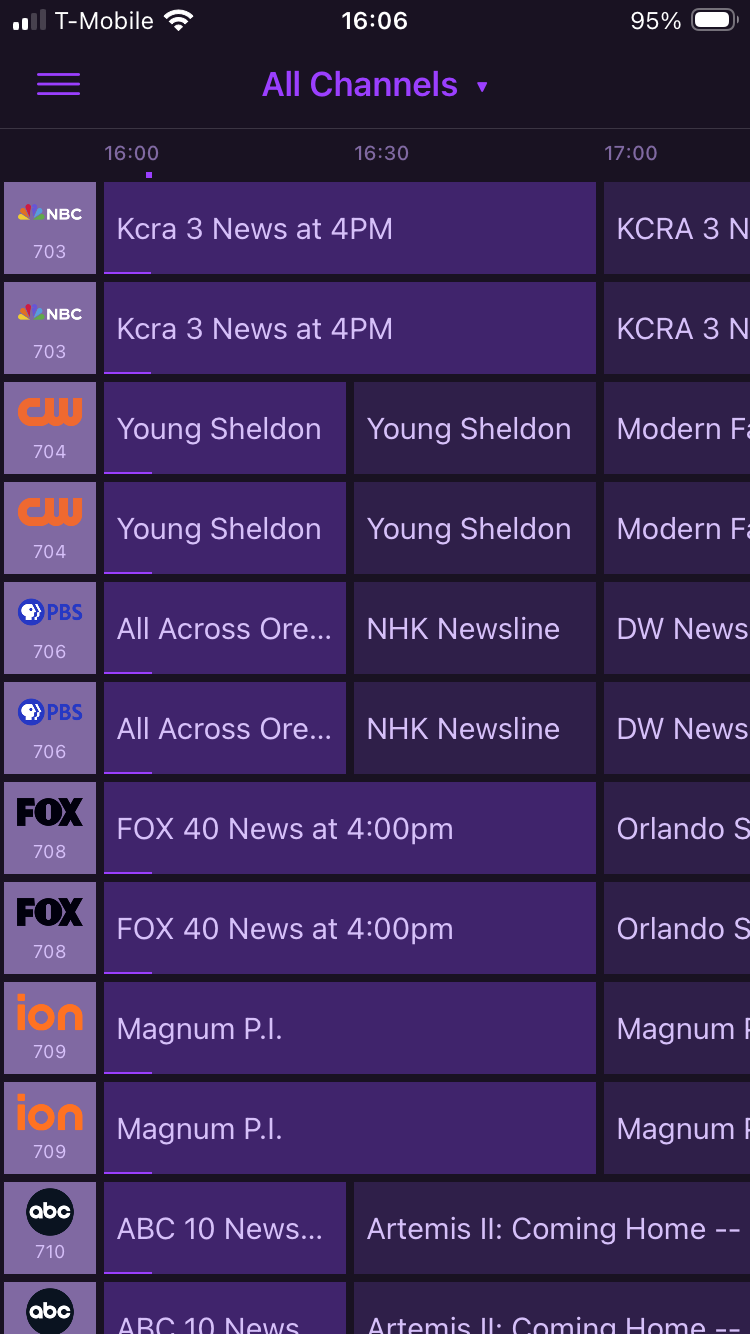
Client set to stack duplicates by guide data
If anyone is having issues playing back recorded content (stuttering, audio issues, etc.), try this.
I already do this to get good playback in the DVR web UI player and it seems to work for Feral HTPC also. Delete the Channels DVR streaming index for the recording.
@daldana7296 It simply pulls in what channels provides. If it is stacking your channels, they will appear stacked in Feral HTPC also.
There is a de-duplicate setting on the server that may help.
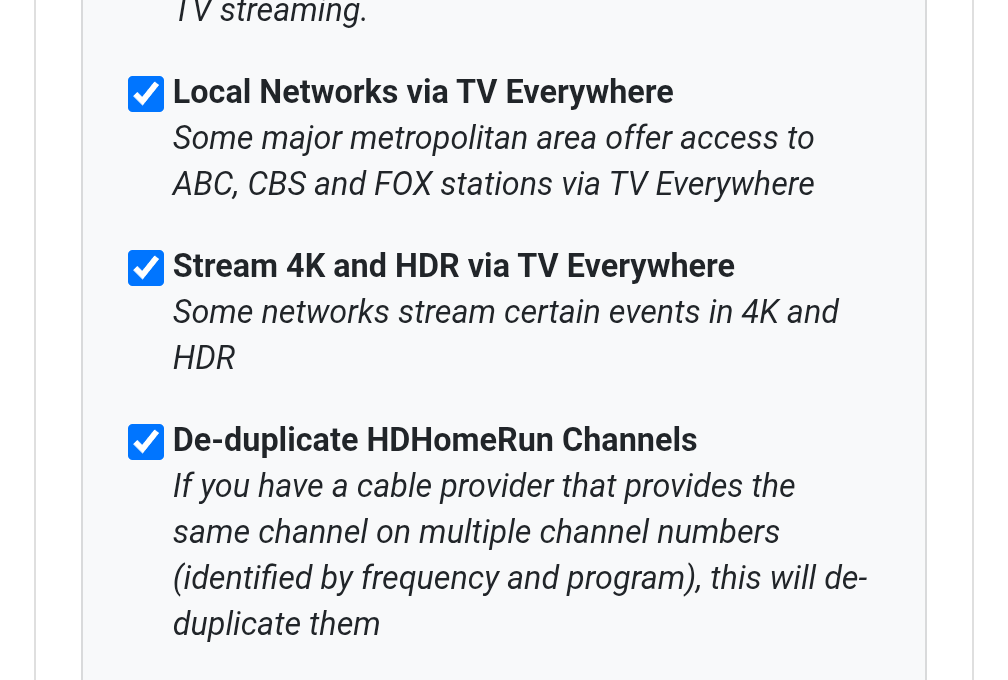
I'm wondering why none of my other clients (Android phones, Nvidia Shield, Web Client) don't show the duplicate channels, but they show in the Feral one. I tried the de-duplicate setting, but it made no difference.
The only thing I see different is that the other clients are set to show Favorites, but there is no setting in Feral for that, it shows All Channels or different tuner sources.
Do you not use Channel Collections? I am pulling Channel Collections for the sources.
No I don't. But if I need to set one up for this, I will. Thanks!
The de-dup homerun channels won't have any affect. That's for cable channels where your provider has 2 or more channel numbers for the same network.
Feral HTPC is probably looking at either /devices or /channels from CDVR and is showing all the sources and channels you have setup.
I already explained about the two different stacking methods that are done in a Channels client. That stacking is only done by Channels DVR client devices.
That is what Feral is using to pull channels from the DVR.
1 Like
I will add Favorites to the channel lists on the next release.
1 Like
[1.0.8-beta]
New Features & UI Improvements
- Native Favorites Integration: Added a dedicated "Favorites" option directly into the Collections dropdown menu. The TV Guide now reads your native Channels DVR server flags to instantly filter your view down to only your starred channels. (Server Favorites, not Client Favorites)
- Quick-Filter Tags: Added filter pills at the top of the Guide. You can now instantly sort your channels by Sports, Movie, News, Children, Series, Drama, Action, Reality, Mystery, or Live programming with a single click.
Settings & Configuration
- Audio Transcoding Default: "Force AAC Audio Transcoding" is now turned off by default for a more efficient out-of-the-box experience.
- Settings UI Cleanup: Removed the warning text next to the AAC transcode option in the Settings page to create a cleaner, easier-to-read menu.
Planned Improvements Next Release
- Incorporate Favorites in Multiview.
- Improved Remote Control function on Live TV.
2 Likes
[1.0.9]
New Features & UI Improvements
- Favorites in Multiview: Added Server Favorites channels to Multiview section. (This is not Client Favorites)
- Improved Remote Navigation: You can now use the directional arrows on your remote to move up into the category filter pills and easily drop right back down into the guide.
- Quick-Jump to Live TV: Improved shortcut to return back to the start of the guide. Just double-tap or hold the Left arrow on your remote.
2 Likes
feature request: any way we can get a button on the player to cycle through audio tracks?
I'll work on that and the Stats for Nerds update on the next release.
Looking good! Just want to make sure this feature request from me and @Shaggylive is also on the list: in TV Shows → Filters, inside the rightmost combobox, in addition to "Newest Added" (Channels app = Recently Added), we request "Newest Updated" (Recently Updated) which would order the list by most recent episode.
That will be on the next release also.
Edit: I have also been working on time shift improvements. When I finish testing them I will be adding that to the next release.
2 Likes
[1.1.0]
New Features & UI Improvements
- Sort by Recently Updated: Added a "Recently Updated" option to the TV Shows filter.
- Detailed Audio Stats: Upgraded the "Stats for Nerds" overlay to display real-time audio formats.
Playback & Live TV
- Live TV Scrubbing: Rebuilt the time-shift engine. Pausing, fast-forwarding, and rewinding live TV broadcasts is more stable.
- Audio Track Switcher: Added a dedicated "AUD" button to the video player's control bar.
1 Like
Audio stats and track switcher work great.
Pause button is now working for live tv.
this appears to just be sorting in alphabetical order.
I will check into it. When I tested it, it showed the shows with the most recently updated episodes first.