
I have been having a lot of issues with Portainer / Docker on the PR2100. I did a fresh install of Portainer / Docker to a Mac mini to run the FrndlyTV container and it works again. Still dialing in the Mac mini. We will see how it goes. Thanks for the help.
Now mine is missing as well. Did you ever find a solution?
1 Like
as mentioned last time a user had missing channels - I suspect running old container
Make sure your running the latest container released 7 months ago.
Got it.
Thank you!
Looks like it stopped working today not sure if it's only me? 7/26/26
@matthuisman Seeing this: Error: Failed to get response from url: https://frndlytv-api.revlet.net/service/api/v1/tvguide/channels?skip_tabs=0
Corrected thanks & interesting , but no you probably didn't check same issue
Both the matthuisman FrndlyTV container and the FastChannels container are working with FrndlyTV for me. No issues.
1 Like
Remember you must be in USA for the service, if their website doesnt work directly using your connection - the docker container will not either
Definitely in the USA. And can login to the website without issue. Even changed my DNS to OpenDNS from Quad9.
Not critical, but thought I'd mention it since Skylinejay187 was also reporting an issue.
Update: Changed my password and was prompted to add a special character.
Deleted and recreated the docker with the new password.
All is well.
3 Likes
Yeah changed the password all is good now , must be random but all good now! I'm planning on putting a new TVE extension in my app what I see so far it can be random things like this sucks but still works so thanks 
 Debrid Channels
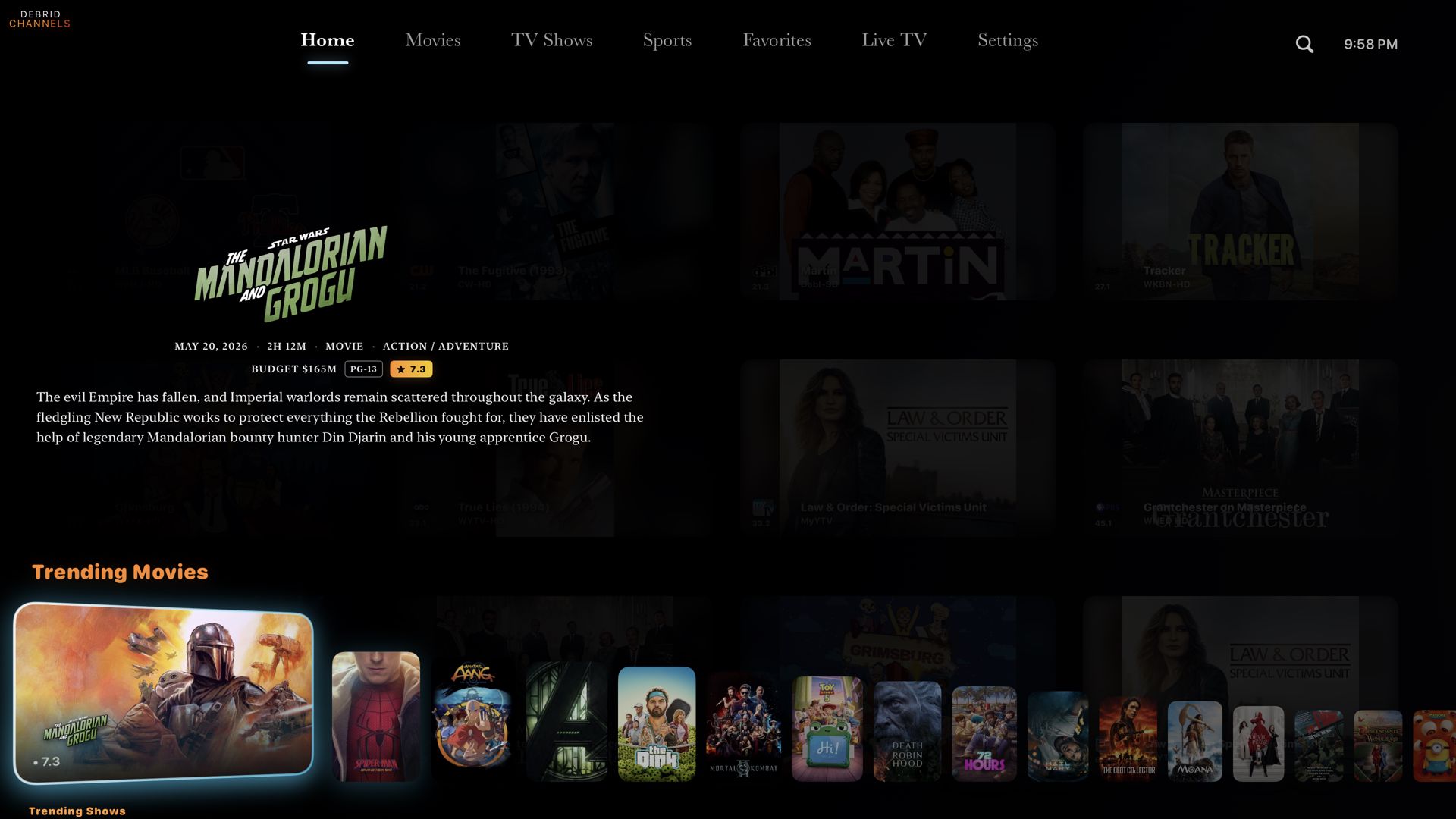
Same , back up!
I just noticed mine was missing as well.
Anyone else seeing problems today with guide data for FrndlyTV? This started this morning, I get guide data with the title of the show or movie and time it airs, but no episode data - all it displays for each show or movie is today's date and no other info. I see no errors in docker, and I can see in the logs where it is logging in and reaching out and receiving data, it's just missing everything but the title of the show or movie. I can view the channels with no issues, only problem is missing guide data as described above. See attached example.
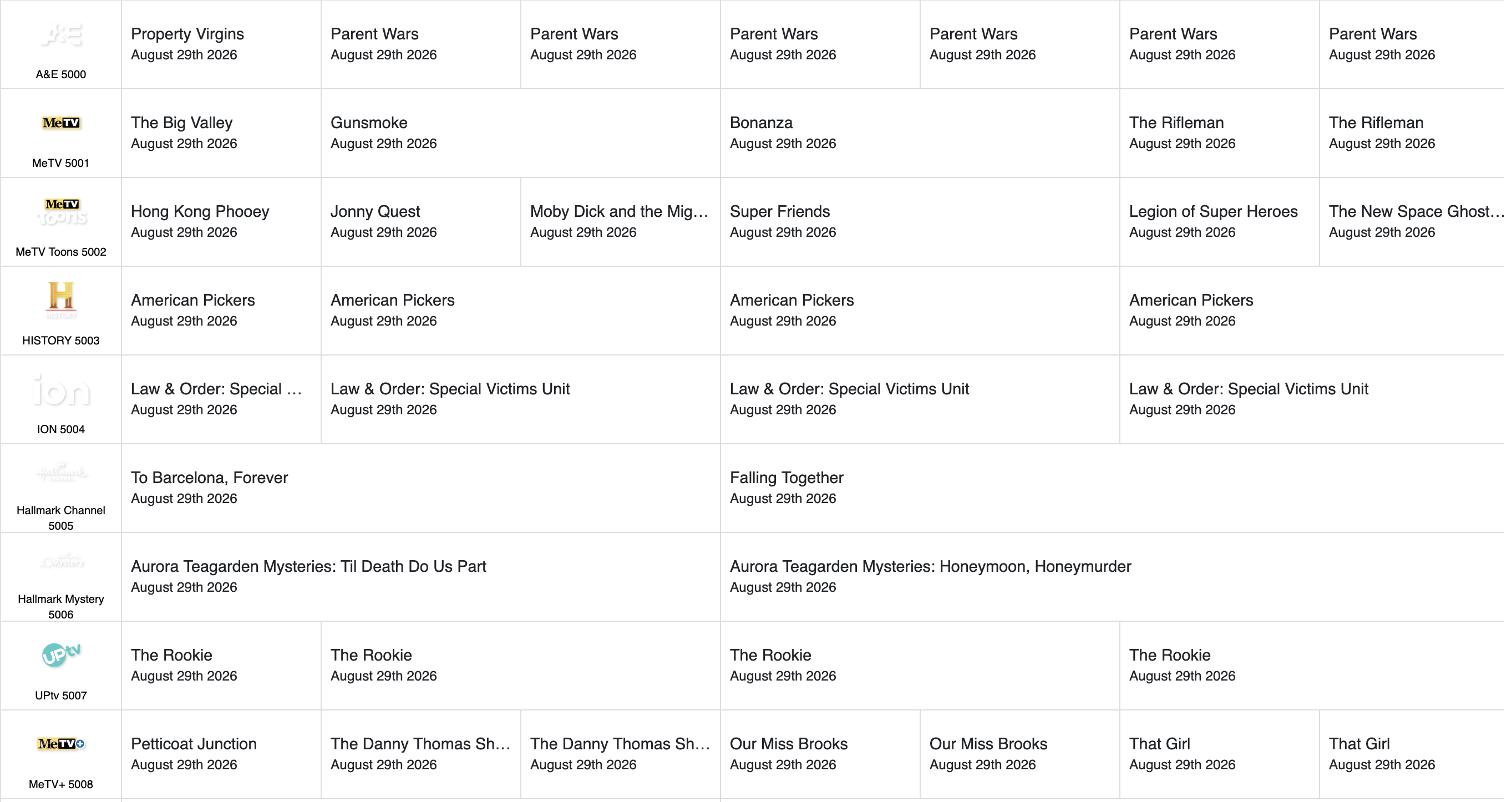
FYI, must of been a temp glitch, as it is now populating guide data properly. Guess I should of just went and got a cup of coffee and waited a bit before posting.
ive had this comment for some time

Is it now matching?
YES, you can blame me if someone complains that you switched on the gracenote guide data.