
What WDMyCloud firmware release are you running that has caused the DVR to stop working? Also, how did you use the SD DVR prior to using Channels? That method should still be working. In my case I was using Kodi on my Mac (still have it). And I can still use that to make sure it is still working properly. And if not I could check with SD to resolve it without involving Channels Developers.
Hi, so sounds like you just went into where the logs ect are kept, deleted the 16/05 file and replaced it with the April file. When you say about changing permissions, what do you mean? Also Mike mentioned about changing dates, change dates where?
I actually renamed the hdhomerun_record file as hdhomerun_record-2016-mmdd. Then I copied the new hdhomerun_record file (have to rename from distribution because it has date information). Regarding the permissions. At one point the linux distribution file did not have “execute” permissions set but in recent distributions they do.
I mention my auto start method in here or the other thread. In my case it stopped working with a new firmware release. But on SD someone said it is still working with his. So maybe give it a try.
Thank you so much for your help bud. In the end I just completely removed HDHR from my NAS, reinstalled the May version, stopped it running with PuTTY, done what you said about swapping the new file with the old one (however didn't need to change or add a date to the file name), then restarted it with PuTTY but just had to match restart command with the file name (./hdhomerun_record start) and boom, back in business.
Look what's appeared: 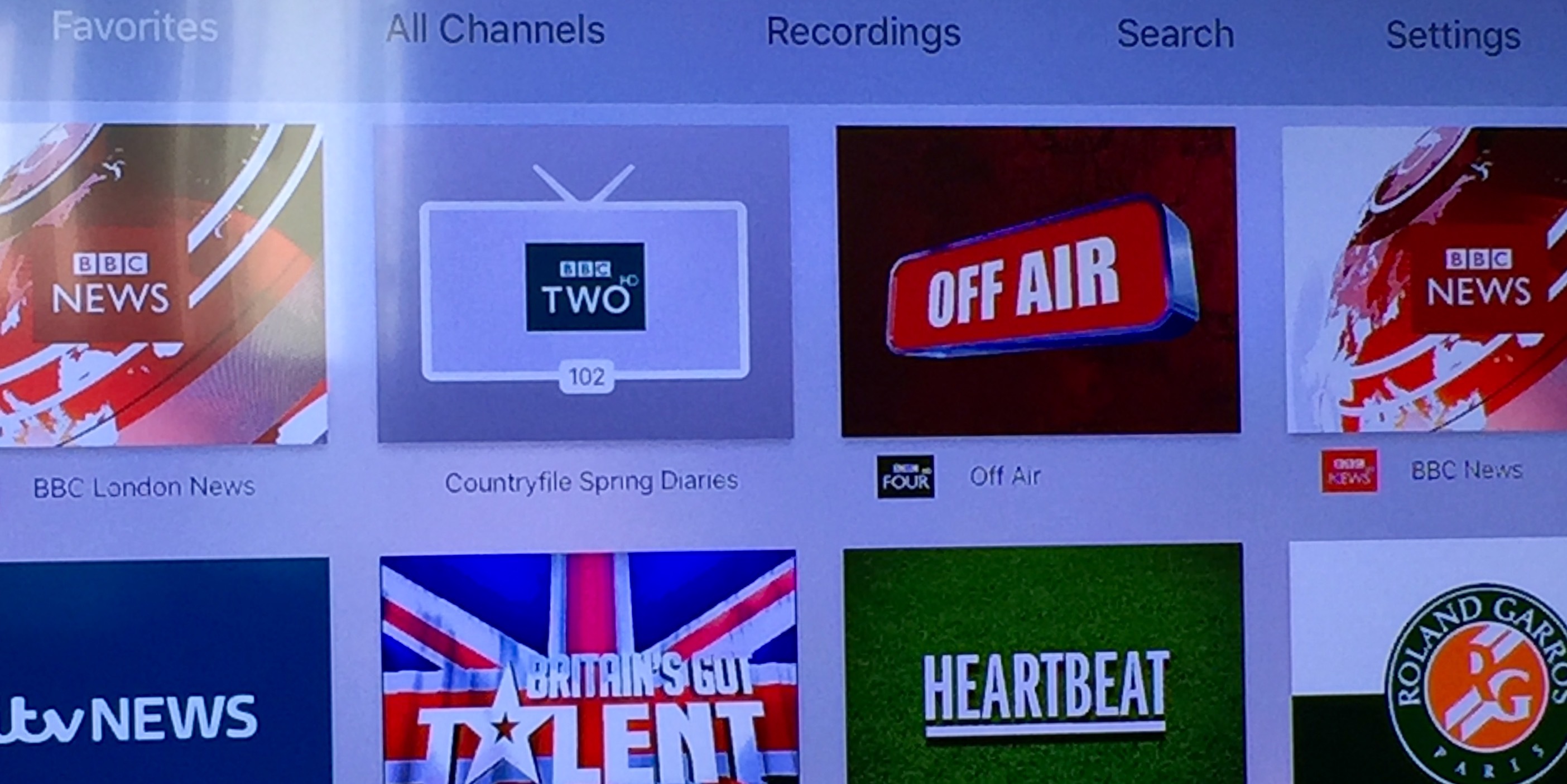
Got my full DVR top menu, all my metadata is back, Channel 5HD is back and all my favourites are appearing in the correct order again.
Not sure if it's going to record anything, find out in about 30mins as I've scheduled something. Thank you so much man. Massive help. And now I can help anyone else who gets the same issue too 
Heart-stopping, isn’t it.
Glad you got it up and running again. Ignore my post in your other thread.
My old DVR Beta’s just stopped working. I think my NAS might have auto updated the HDHR DVR software to the May update and killed my old HDHR/Channels DVR beta  but can’t see how that happened as I thought I would of needed to install it using my laptop.
My original channels works, but now I get no guide data, accessing HDHR through Kodi works, but again no guide data so can’t schedule any recordings. I’ve tried restarting everything and even reinstalled the Channels Beta but it just refuses to launch.
Does this sound like the issue you guys had with the crappy HDHR DVR May update? I didn’t install any updates and as far as I was aware I was using the August 2015 version of the HDHR DVR.
Unless HDHR have killed the Aug 2015??? It’s all very strange 
Does anyone else know of any possible issues which could be causing this? I definitely didn’t manually update to the May 2016 update.
I use a Windows laptop BTW if anybody’s got the April update or older?
NAS will not auto update. If you are/were using the Windows Installer you probably installed a New Windows Release and told it to update the NAS (I am Guessing). Or it just updated it as part of the Windows Install. When you do that it will download the current version of the NAS DVR and overlay your prior version and then restart the DVR.
The best way to determine which DVR Version you are running is to look at the LOG File on the NAS. In the same folder as your recordings. You can usually access this from your Windows Desktop and look at the NAS Share.
Some of us have been doing a Manual Install (not the Windows Install) of the NAS DVR. This requires the use of SSH to start/stop the DVR. You would need Putty on Windows to do this.
If you decided to go with the NAS Linux Manual Install (insteadl of via Windows Installer) here is the URL for the April Release. SD does not show this link on any of their pages. You just have to add the Release Date and it works. Not sure it will work forever so I would save the download.
http://download.silicondust.com/hdhomerun/hdhomerun_record_linux_20160426atest1
Cheers for reply, nope, wasn't even on the laptop when this happened. Randomly happened during the night. Fine before bed, dead when I got home from work.
However MyCloud NAS has updated its own firmware. Whether this has anything to do with it I don't know. 
I'm still on the older DVR, so it's either gotta be the Beta or MyCloud hmmmm
Oh, managed to get the shiney images and TV show data back after rescanning for channels in the normal Channels app. Lost channel 5HD for some reason and still can't launch the old beta 
No idea what your problem is. Especially since just started today with 20160208.
Regarding the WDMyCloud Firmware. I turned auto update off after my last update. The last update caused my Auto Restart of the DVR (after reboot) to stop working.
I am on v04.04.02-105.
The cheapest single drive WDMyCloud comes with either v2 or v4 Firmware. v2 is the latest but does not work on hardwire that came with v4 firmware. I know strange numbers.
Sorry, looking at wrong log.....
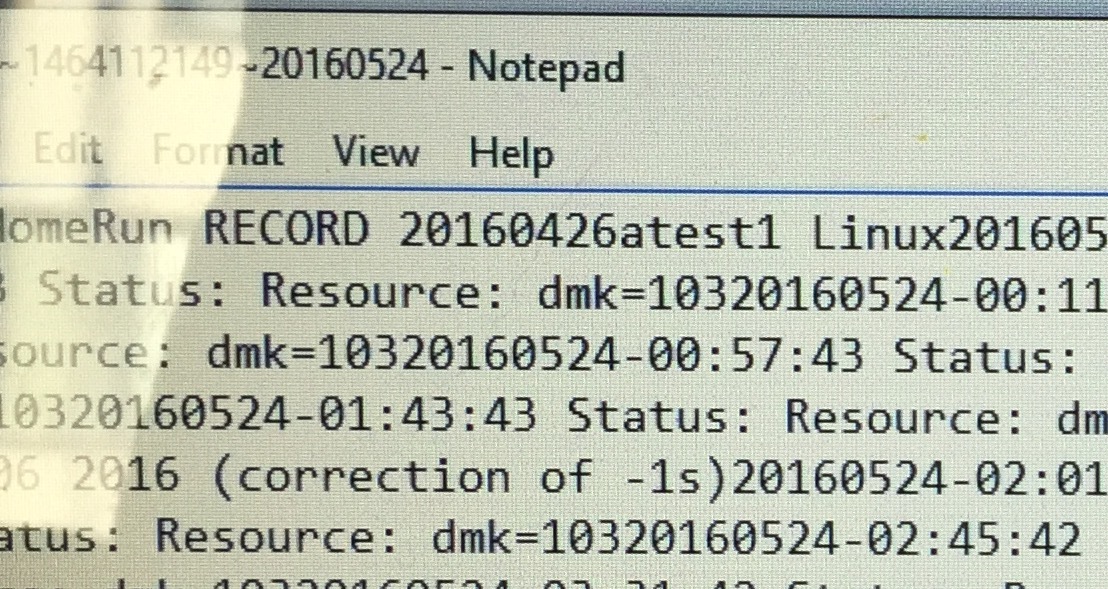
Here we go, actually I'm running the April 2016 version, so now I'm completely baffled. Oh well, I'll try switching it all off and booting it back up and rescan for channels before launching the Beta again. Might help.
I've now turned the auto updates off on the NAS.
How did you get the DVR engine to restart on the NAS then?
The auto update no longer works with my WDMyCloud Firmware and I have not had the time or desire to fine a new method. I wrote up my method on SD Forum some time back.
In you want to give it a try. I plan to review it again after the Channels DVR is done. Assuming they do not provide an Auto Start.
Here is the topic I responded too.
https://www.silicondust.com/forum/viewtopic.php?f=119&t=29612&p=182840&hilit=AUTOSTART#p182840
=================================================
Here is my part of it. I actually do not think you need to do step 3.
I decided to play with this today and this appears to work. May work on other NAS Setups with minor changes.
IMPORTANT: I am not that experienced with this so you should do your own testing. Most of this I found with Google search.
I have a WDMyCloud single drive with firmware v04.04.01-112
- Create a file with the HDHomeRun Start Command as the only line. I call mine start_hdhomerun.
@reboot root /shares/HDHomeRun/hdhomerun_record start --conf /shares/HDHomeRun/hdhomerun.conf
@reboot = tells cron to run this command after a reboot.
-
Place this file in the “/etc/cron.d” directory
-
Set execute attribute - assuming you called it start_hdhomerun
chmod 755 start_hdhomerun
If this is a good solution then maybe SD could make it part of the NAS Install step since maybe hard for Windows Users to put the file in this location. I am on a MAC so really easy for me to use SSH. On Windows you may want to install PUTTY if you want to play with this.
1 Like
Figured it has to be the firmware update on my NAS. Other people who have had the update last night have the same issue. MyCloud killed my DVR. Got no way to go back to a past version
I replied to this on the other thread. I would be surprised if this was the case. There are a lot of WDMyCloud users using the SD DVR Software. And if that (firmware upgrade) was a problem I would suspect a lot users over there would be complaining.
Actually found a complaint on SD Forum. I don’t thank the firmware release caused a problem other then it upgraded and caused a reboot of the NAS which in turn did not START the DVR. So either doing a Manual Start or a reinstall would Start it. The problem is that a Windows Re-Install would be put the current version in which would cause a problem with Channels Beta. You need to do a Manual Restart.
Too late lol. Just checked the logs and now it’s saying I’ve got the May update on it. I must have put it on during my repeated rebooting and restarting I’ll have a crack at doing the April manual install tomorrow.
Your symptoms are the same as when I manually loaded 5/12 (by mistake).
Check the header on your latest log (in your hdhomerun folder) for the engine date.
Post results
Any chance you could post step by step instructions on how you fixed the issue? Im pretty sure I am having the same problem…