Did you replace everything or just reload the OS? I agree with @Michael_Birk the Windows computer is the only variable left.
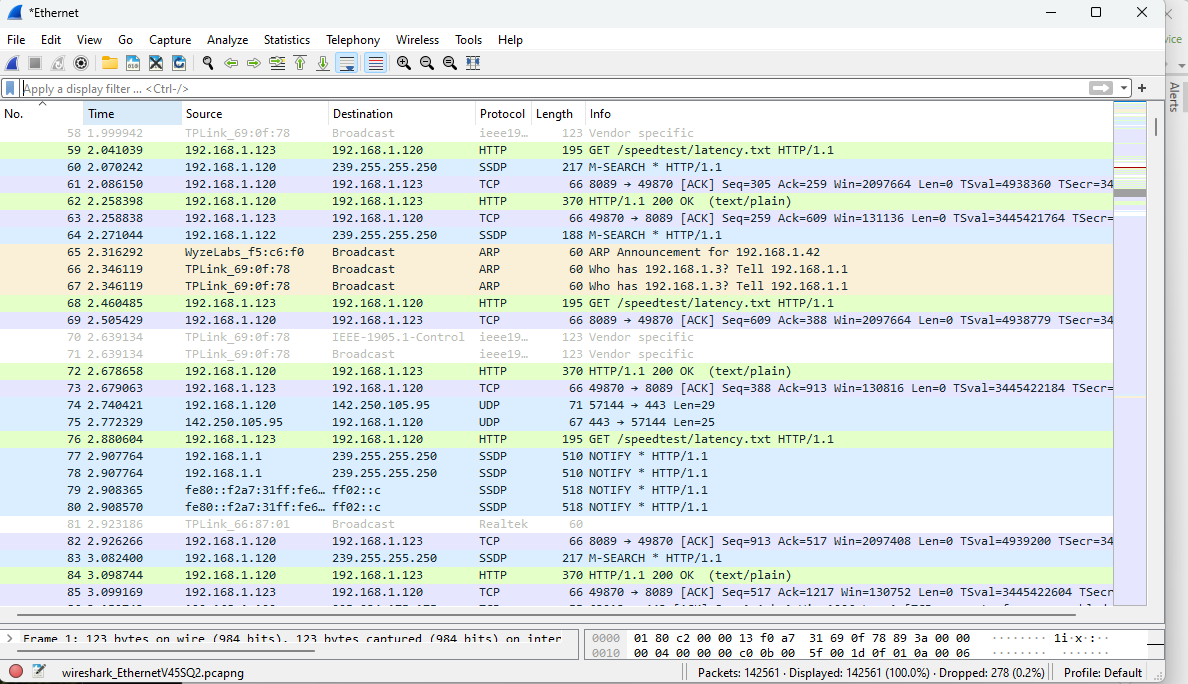
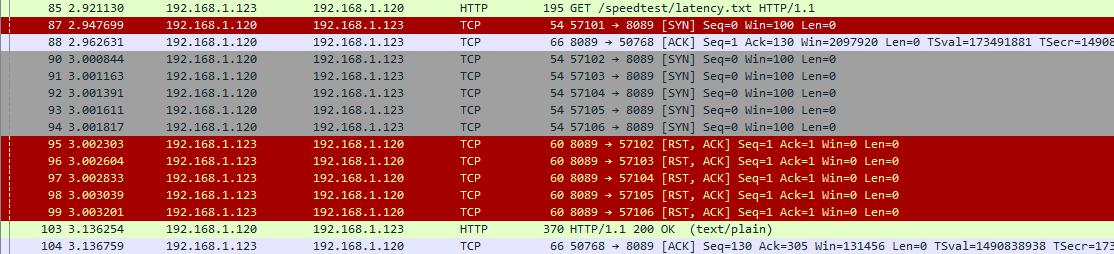
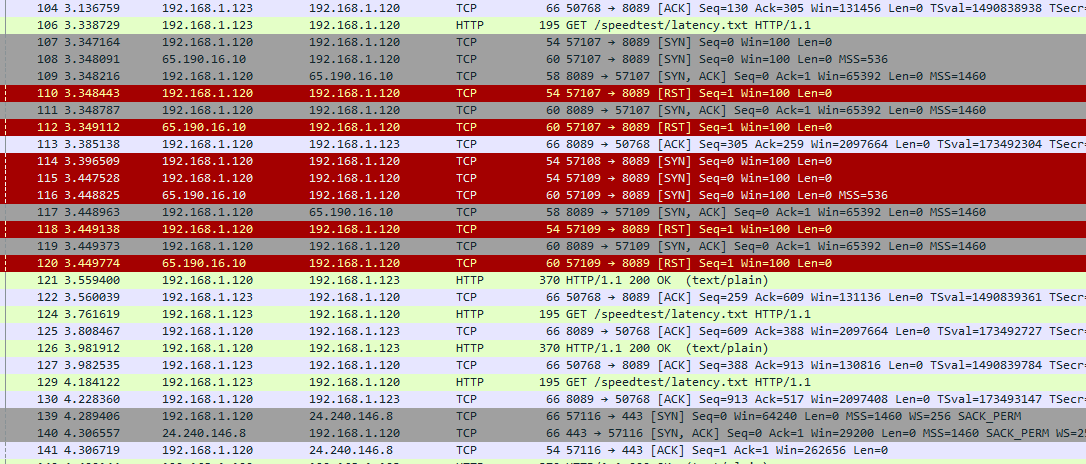
Are you using the PC for other functions? It could be a resource/utilization issue. Windows is notorious for extensive AV scans, Windows Updates etc.
Personally I HATE using Windows for server functions, I prefer a dedicated Channels server running Linux Server. The overhead of Windows is unnecessary IMHO.
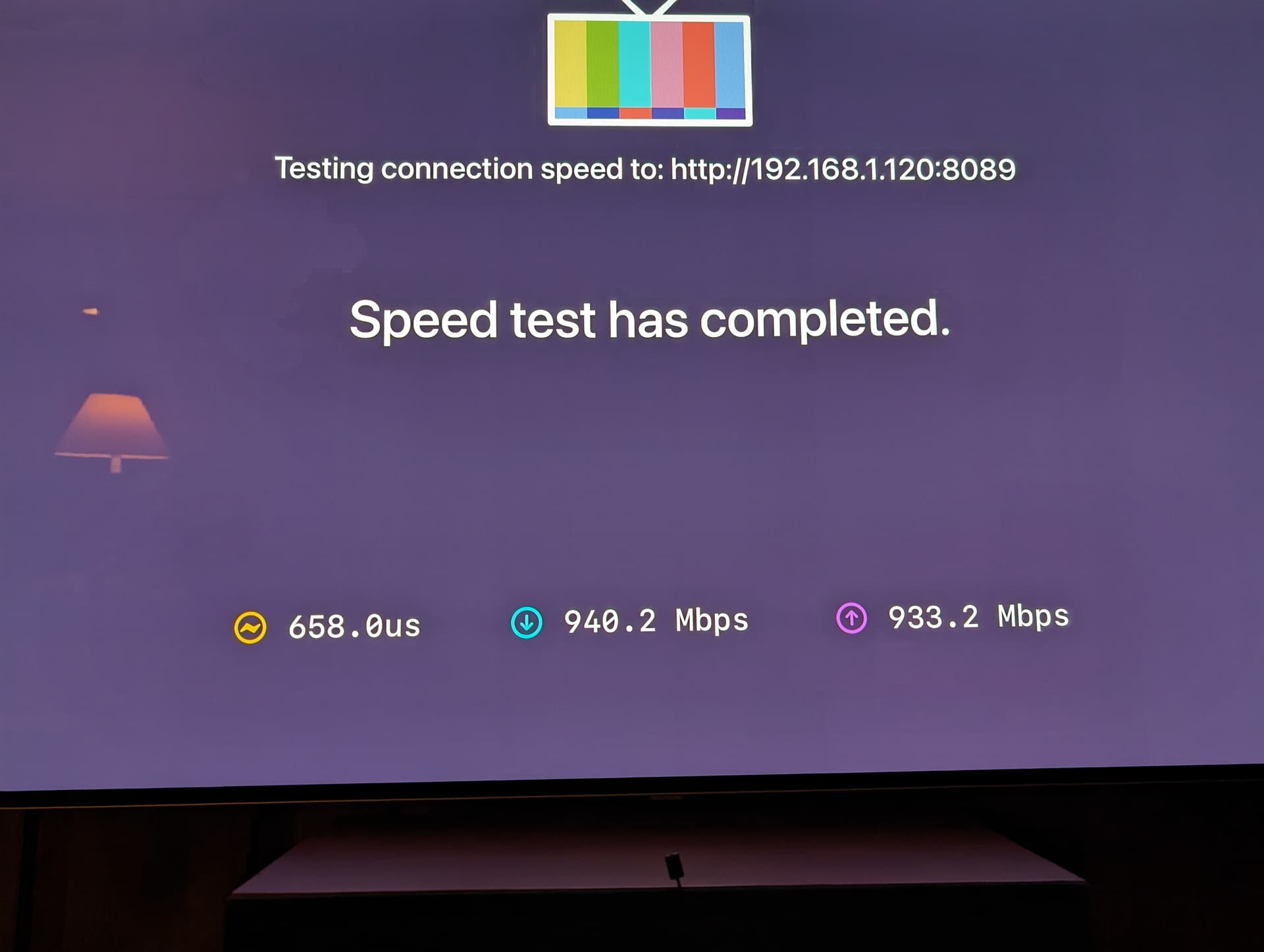
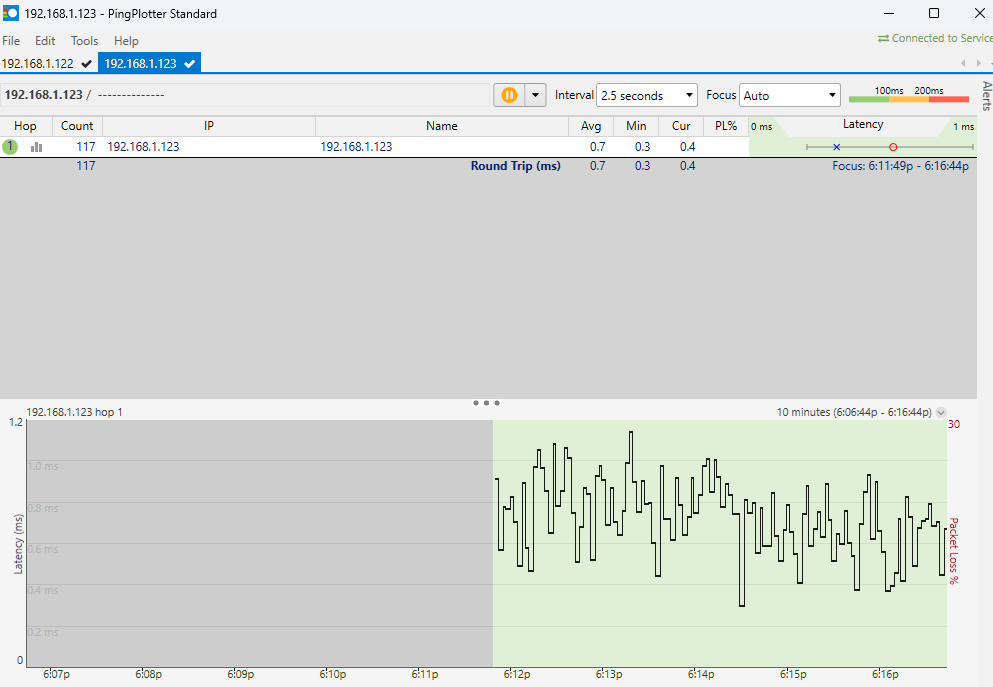
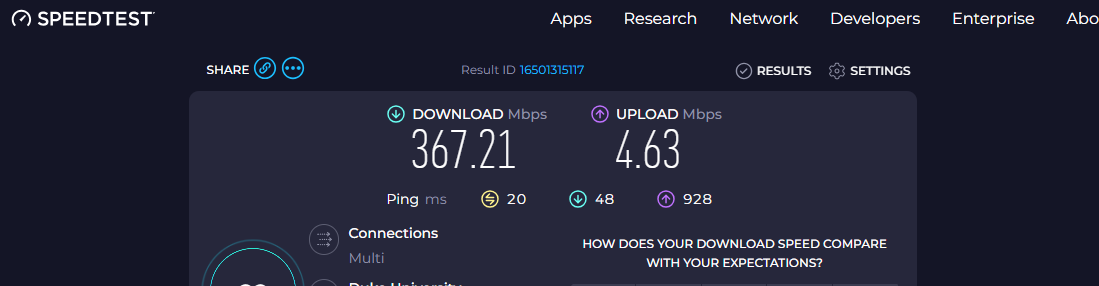
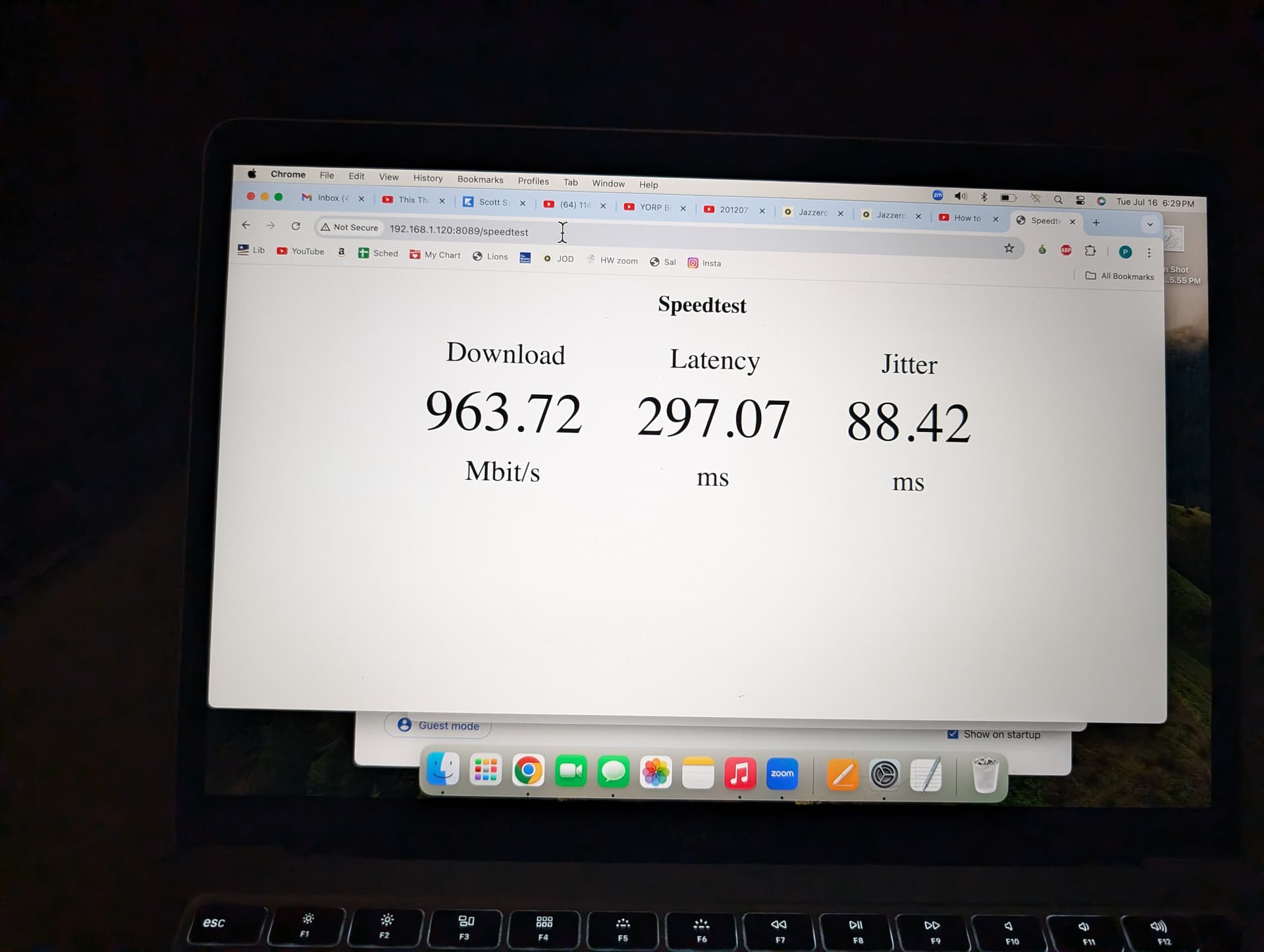
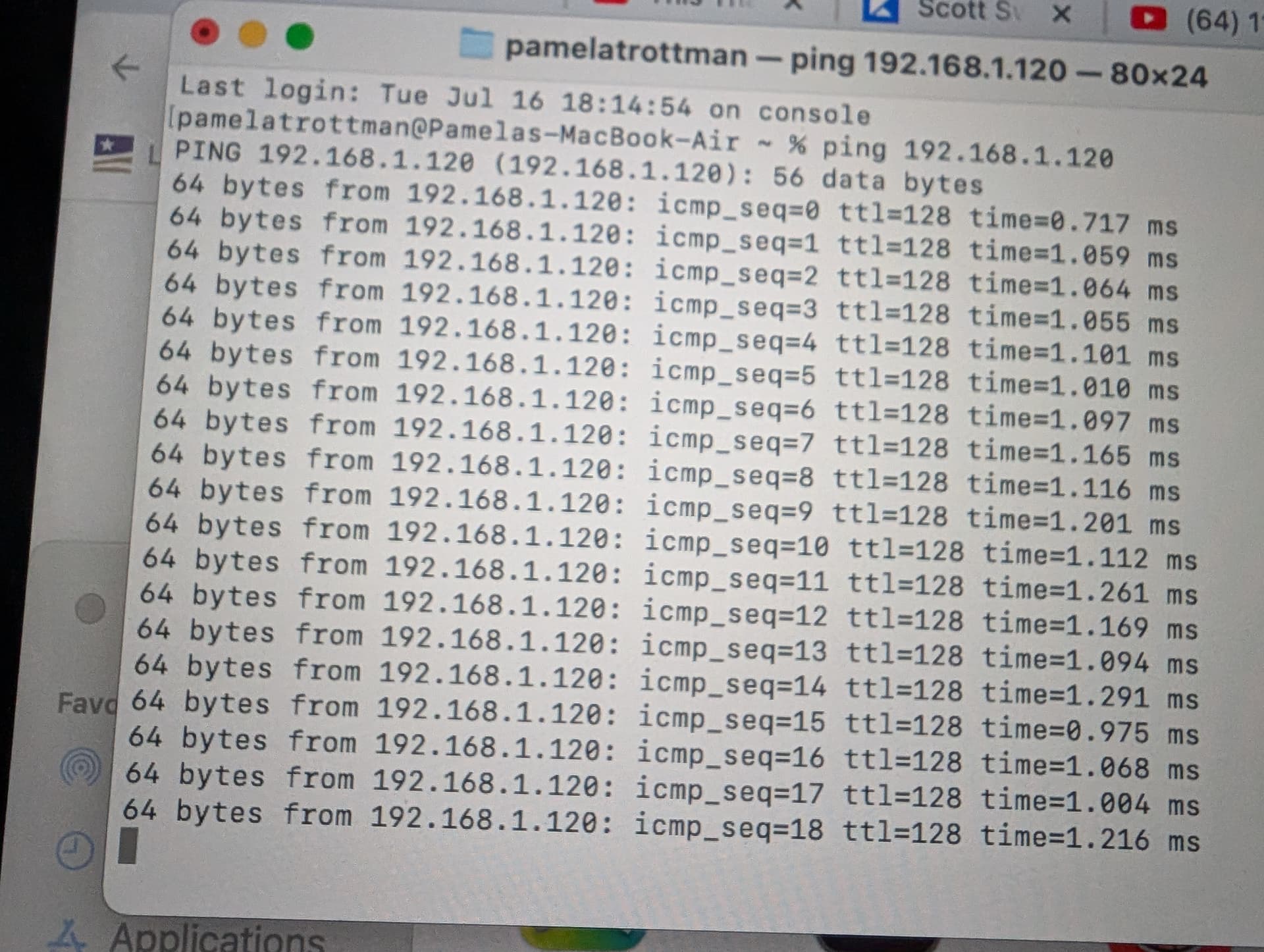
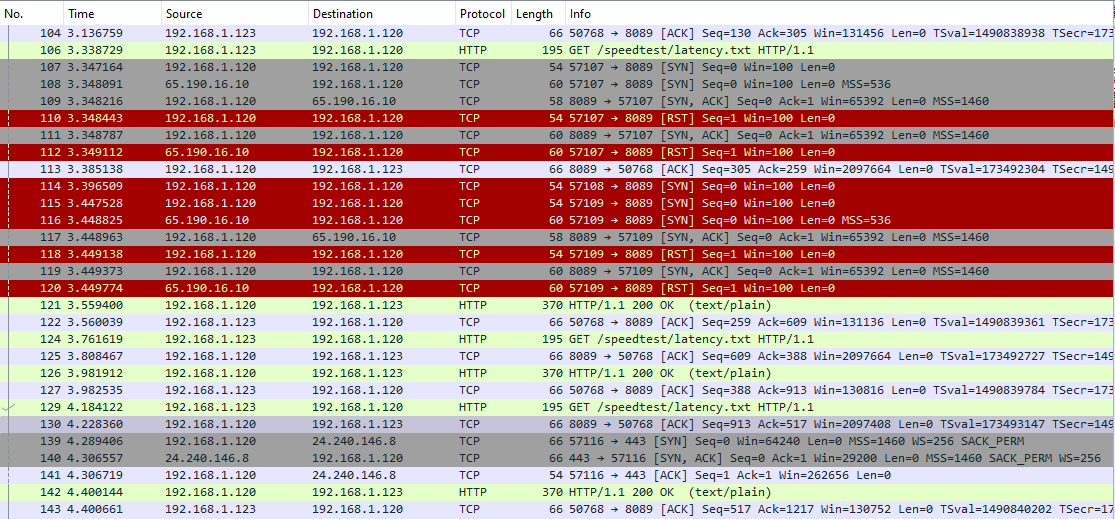
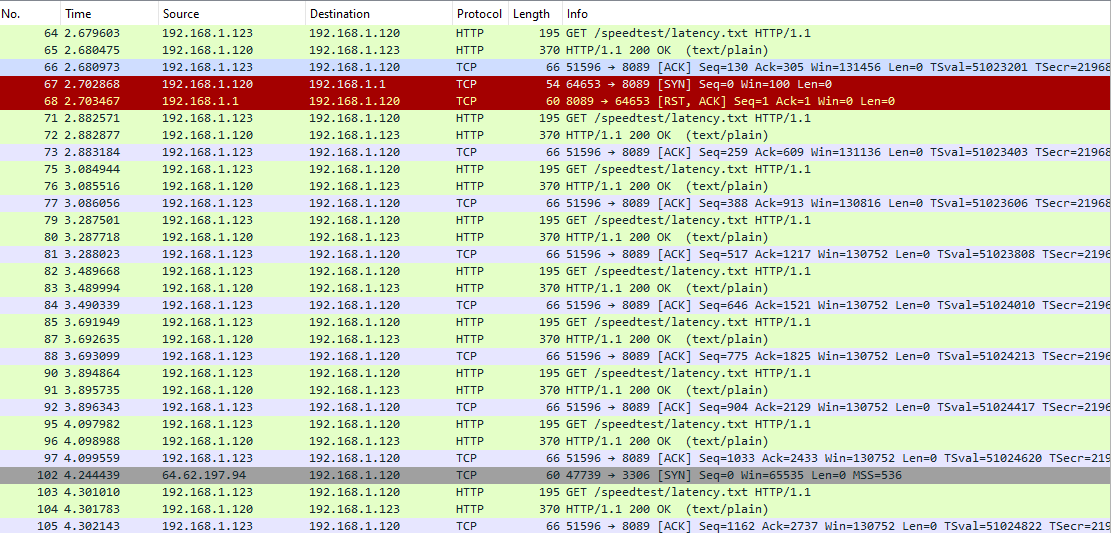
If you want to figure out whether it is the computer or the network you could do this. disconnect your computer from the network. Run a new Ethernet cable directly from your appletv to your computer. set a static IP on your home computer of something like 192.168.50.2/24 with no default gateway. Then IP your appletv to 192.168.50.3/24. Configure your channels client to connect manually to 192.168.50.2 (if it doesn't autodiscover your server) Your PC will not have internet access or access to HDHR/TVE. Run your speedtest and see if the latency problem disappears.
The thing to keep in mind is there are literally dozens of variables in play here. Isolating them is key to resolving...
If you can repro the issue then it is your computer. if that is the case my recommendation is you do a dedicated channels server. If it works perfect in this test configuration then it is your network.