
Remove the XMLTV Guide Data url
Save it
Delete and Recreate the Guide Database on your local DVR
Will try in a little bit. Thank you !
IT WORKED IMMEDIATELY before I could even delete and recreate
Thank you and all of you for helping
Hope one day i canpay it forward!
Thank you again !
Now lastly any way to get logos? LOL
1 Like
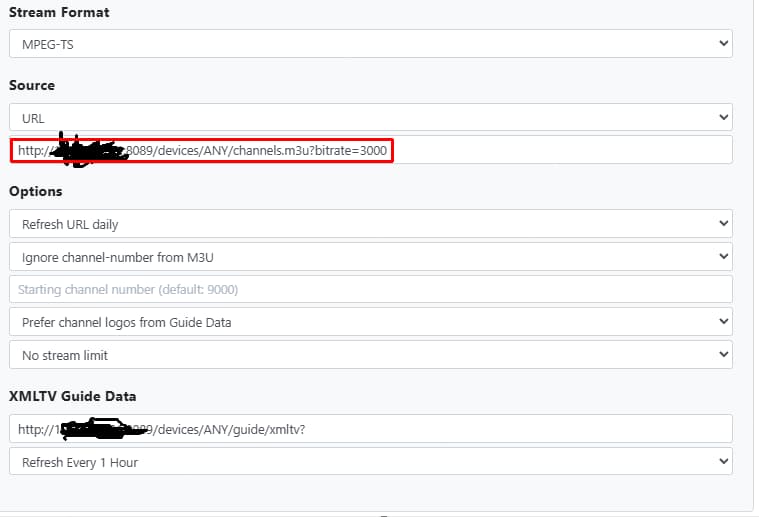
I don’t know if you did it on purpose but the source url is wrong for just importing the hdhr prime. The url you are using is to grab all the channels from the remote server. That is why you show the 400+ channels instead of the 300s. If you want to just add the hdhr channels you need to revisit @chDVRuser post with creating the source.
Now praying Verizondoesn't end CableCard support for awhile ! Maybe caving andgrandfathering folksin
Still, Happy !!!!
Change the settings to Prefer channel logos from M3U
And when you're all done messing around with settings, Delete and Recreate the Guide Database.
1 Like
On Remote or local Channels DVR?
And he's using an HLS playlist w/specified bitrate instead of an MPEG-TS playlist.
Might result in errors playing channels unless he changes the Stream Format to HLS or changes the playlist url.
Oh well, you can lead a horse to water...
1 Like
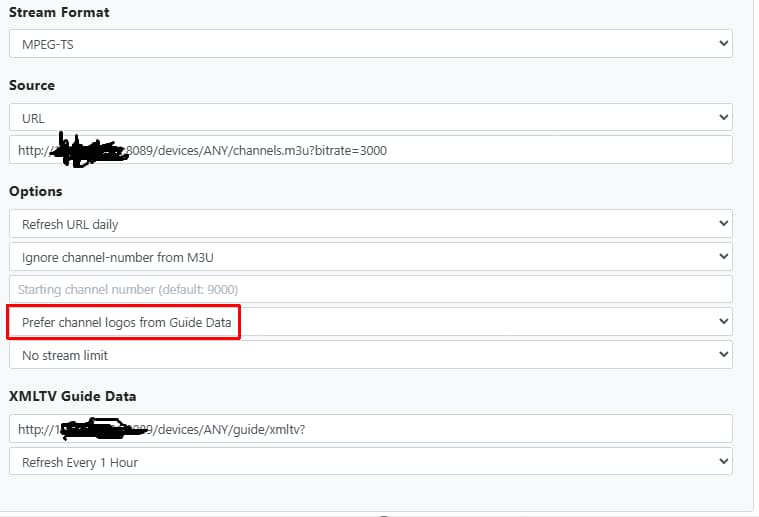
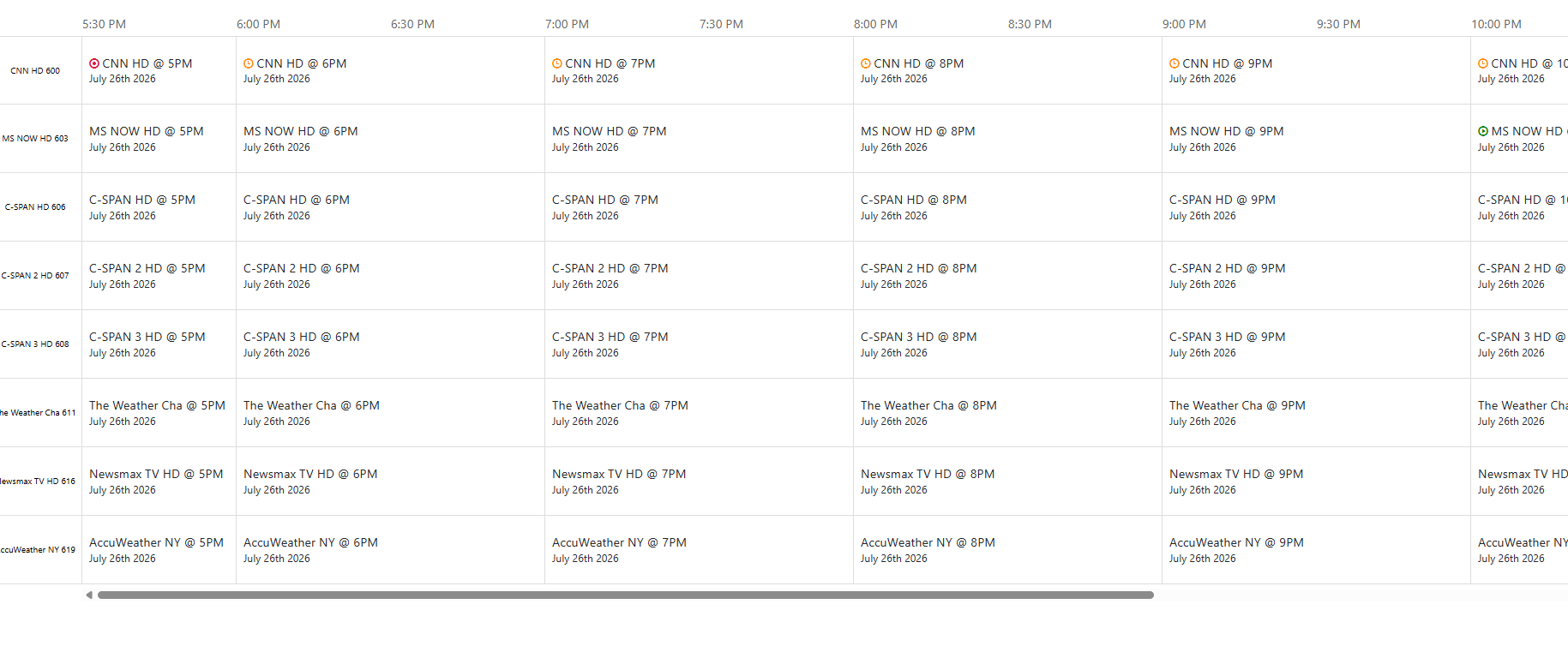
No logos
And copy this url from your settings
paste it as a url in a browser tab, then save the result as a file, open it in a text editor and copy/paste the first four lines here
OKay, I'm going daffy. I removed the xml string and saved it and recreated the database and the xml guide datareturned.
Am I imagining things?
I have two weeks of data but can't get Channel logo
No big deal but nice to have
Thank you everyone
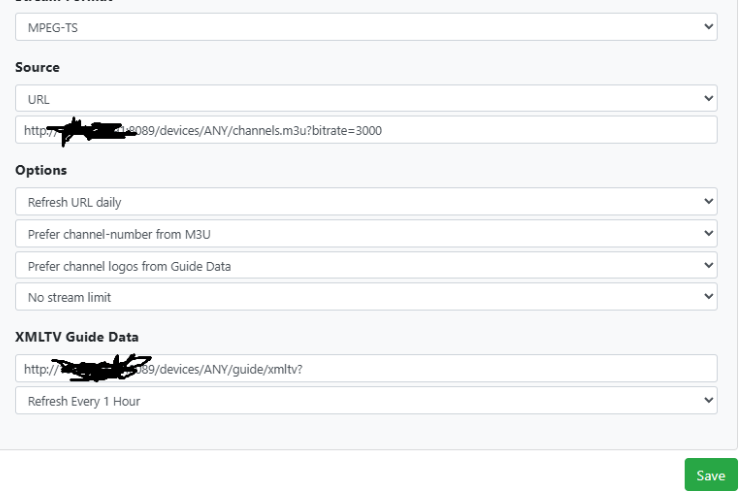
It's a long standing bug!
Create a new Custom Channel with a different name
copy/paste the Source URL into it
Set the Option to Prefer channel logos from M3U
Leave the XMLTV Guide Data url blank
Save it
Delete your current custom channel source (Tailspin?)
After the guide data finishes loading, look at the DVR web UI guide.
And use the corrrect url when you re make the source
Source url:
http://100.xxx.x.xxx:8089/devices/132489B0/channels.m3u?format=ts&codec=copy
Insert your actual Tailscale ip to your remote dvr machine
I will try that. Might that give me logos NAD perhaps program names instead of channel namesingrid?
If not, can I add logos manually?
Thank you again !
It’s that way because you currently do not have any guide data
Try it and let us know. It should work and give you logos.
And after making changes to a source, delete and recreate the guide database.
So create a new source on the remote with ( http://100.xxx.x.xxx:8089/devices/132489B0/channels.m3u?format=ts&codec=copy) in the url
And on the xml on the remote do what?
Leave the local here alone?
I'm slowly learning thi!