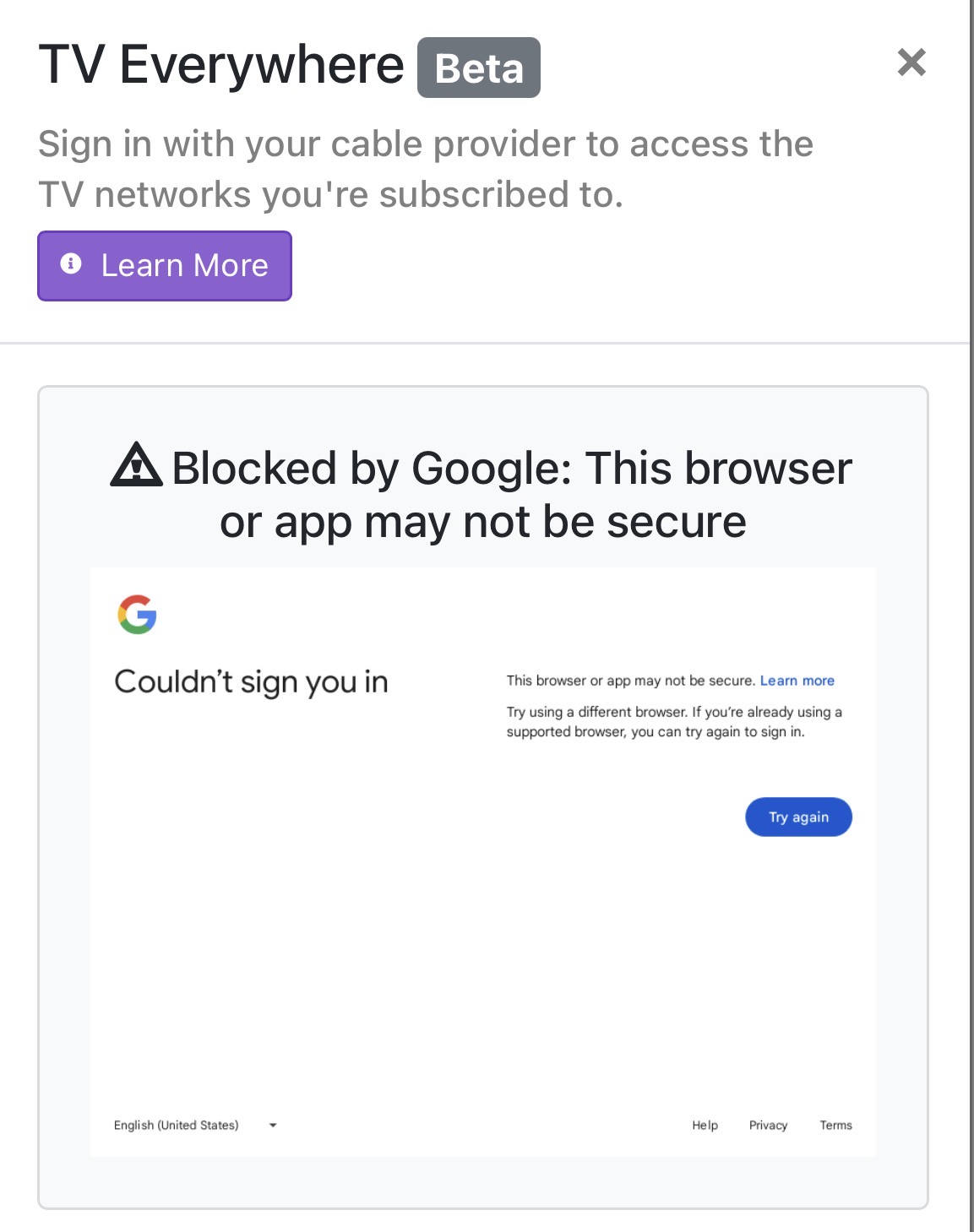
I had YouTube TV set up as a source, but the number of channels coming from it was just a handful of mostly useless stations.
I removed it as a source and now I’m trying to add it back in, but I can’t pass the authentication step. I get a “Cable provider authentication failed” error. The Google dialog is un-clickable and wants me to complete sign-in using my pass key. I have turned off 2FA on my Google account and that didn’t help. Any ideas?
Or, is it simply not worth the effort? It appears MOST of the channels I would like to record are not in TVE, which is what started this mess to begin with.
I haven’t had much luck getting answers by searching this forum — most discussions on it are several years old…